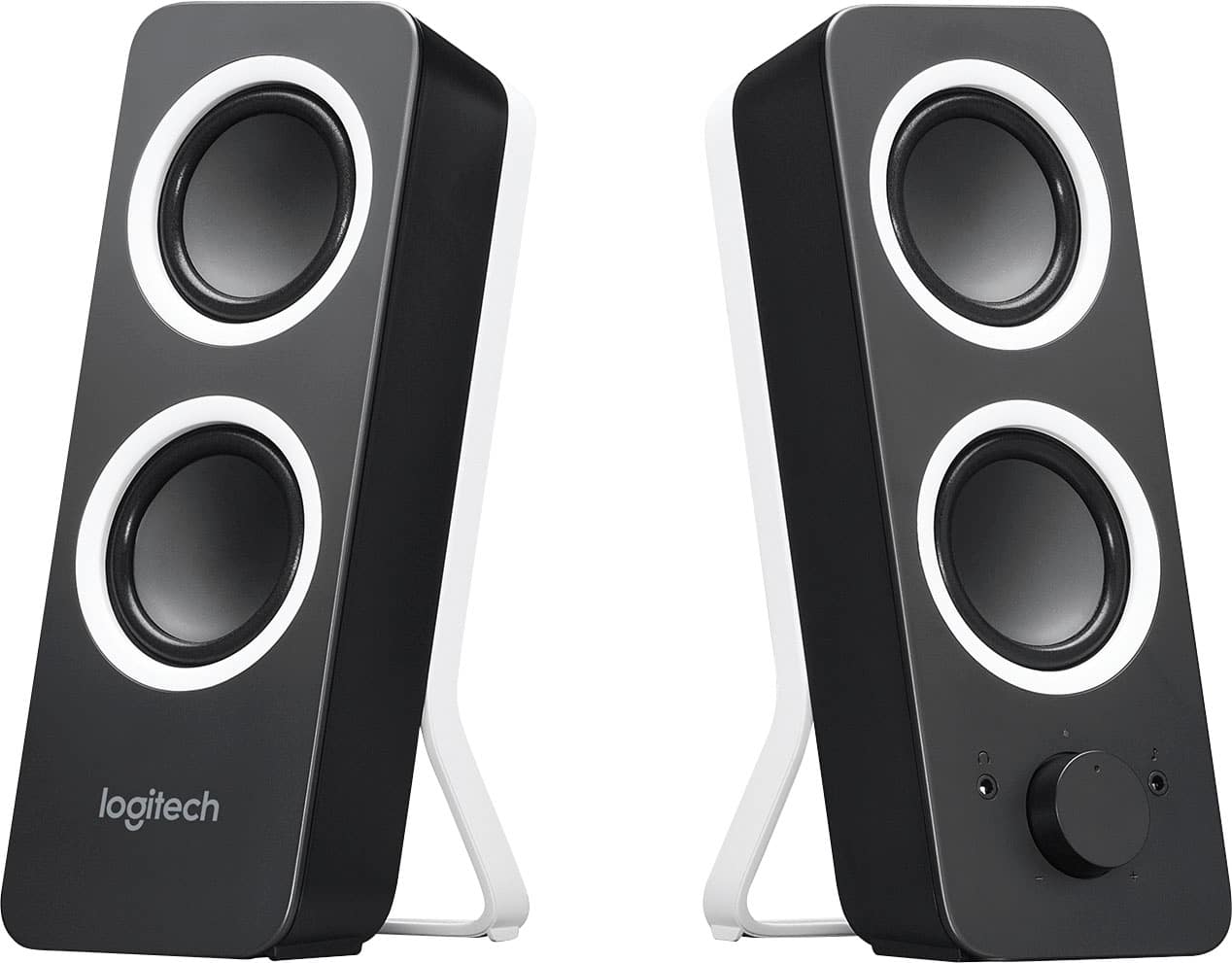
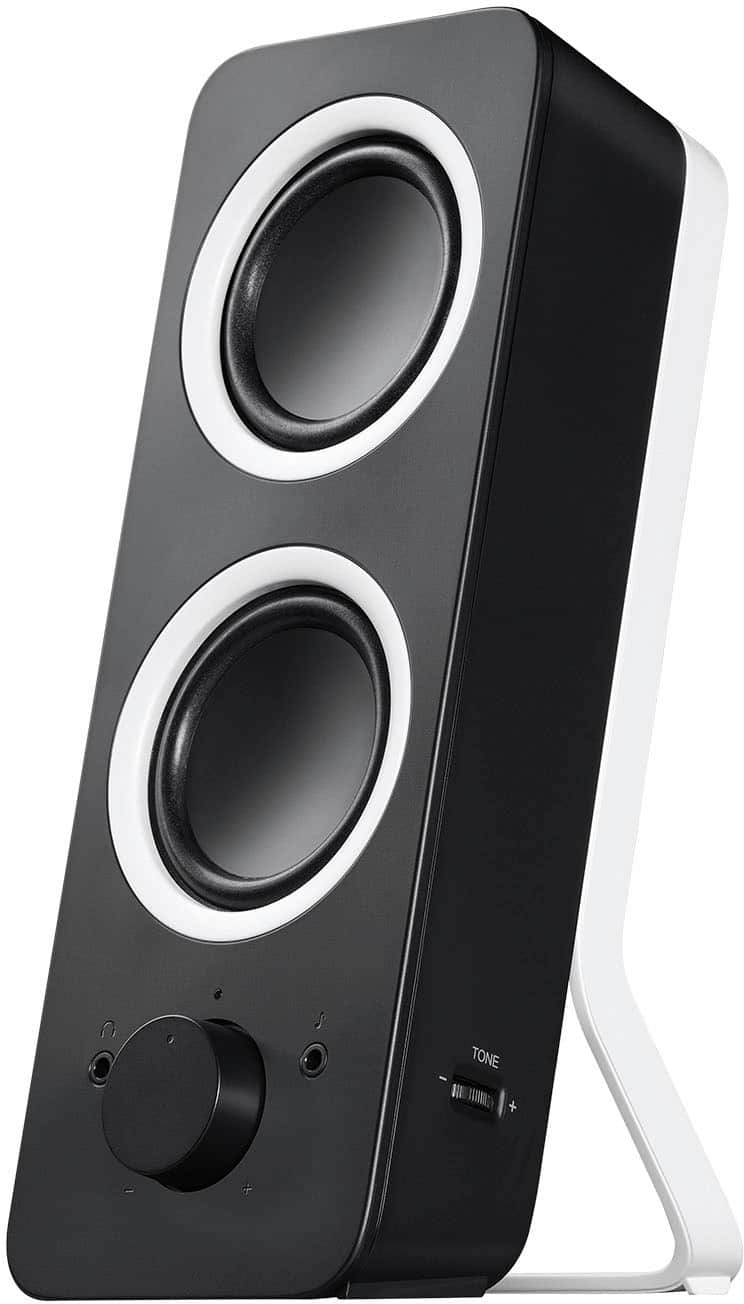
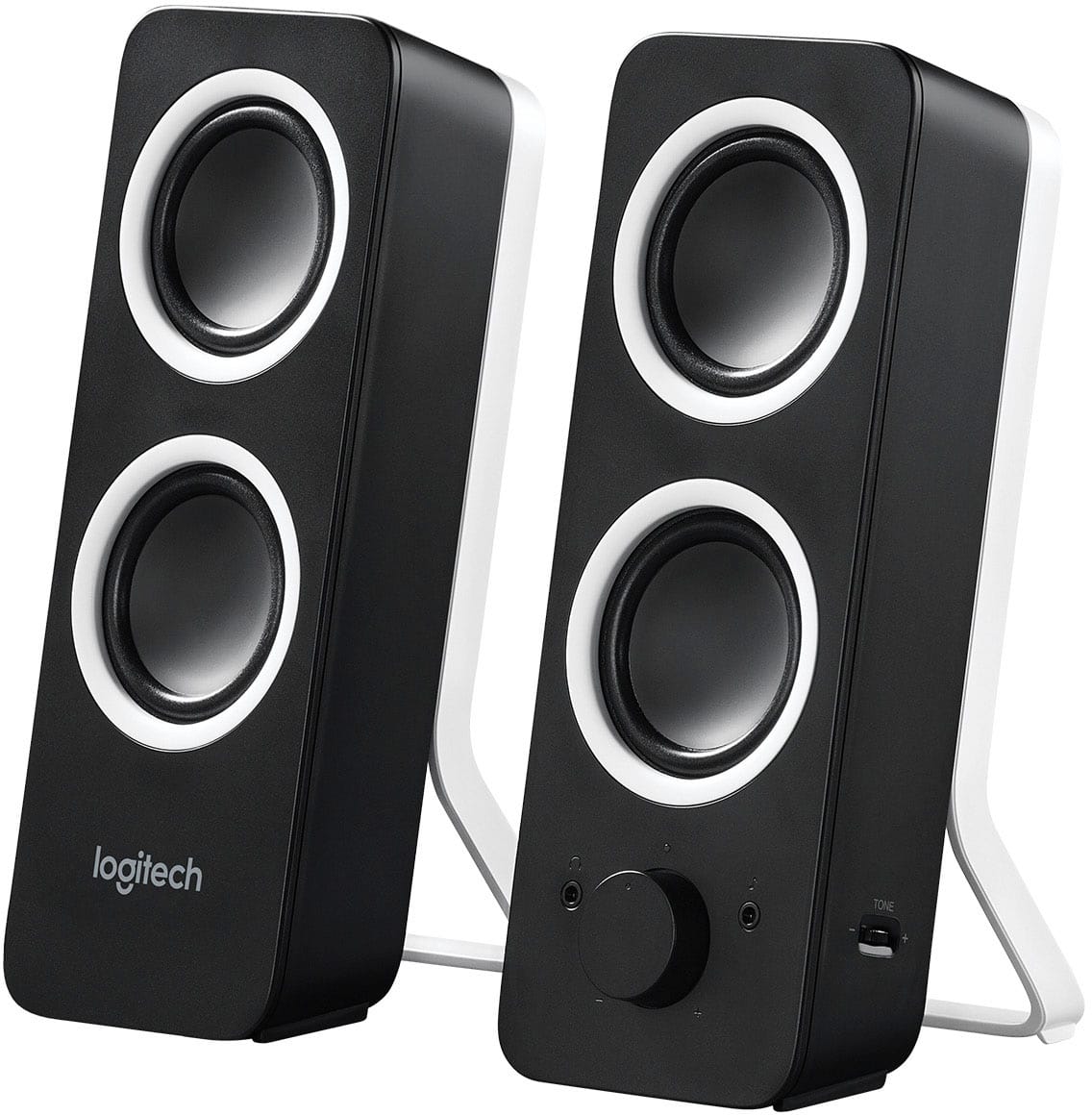
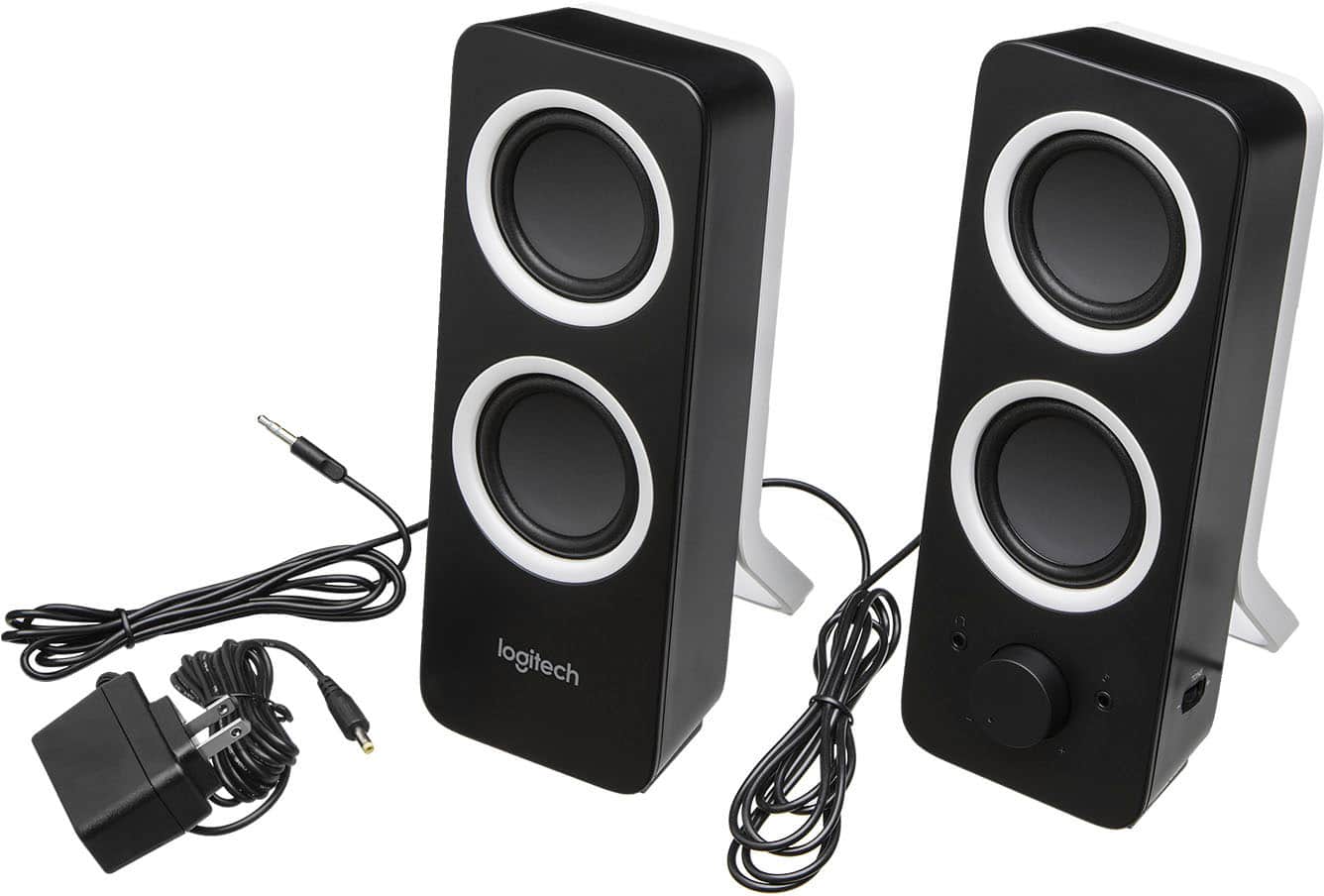
A:AnswerIt can via aux port. But I am afraid you will have to always manually turn them on in order for it to produce sound. Would be nice if it could automatically turn on!
A:AnswerNo, the only connection is a 3.5mm audio jack. You may be able to use an adapter, but the only ones I could find are USB-C and may not work with all computers.
A:AnswerThe speakers have their own power supply, so I believe they will work without an external amplifier. The connection is 3.5mm audio jack, so make sure you have the right output or adapters.
A:AnswerHello Cole, while the Z200 will definitely work with your 2016 MacBook Pro, I'm afraid it will fall short as a studio monitor. It will make your computer sound louder, but it doesn't have the full range needed for music production.
A:AnswerHello Cole, while the Z200 will definitely work with your 2016 MacBook Pro, I'm afraid it will fall short as a studio monitor. It will make your computer sound louder, but it doesn't have the full range needed for music production.
A:AnswerThe Z200 speakers are not designed to be PA speakers. They do not have enough power to support a line level signal coming from the piano or mixer.
A:AnswerHello, we are sorry to hear about your issue. If you are getting no audio at all there are a few steps to try.
1. Try plugging the set into another pc or device, if possible.
2. Try another audio port on your device.
3. Try adjusting the settings in your OS to set the default audio device to your speakers.
If these don't alleviate your issue then it is possible that you may need to seek warranty help. Please feel free to Contact Us on the Logitech support site.