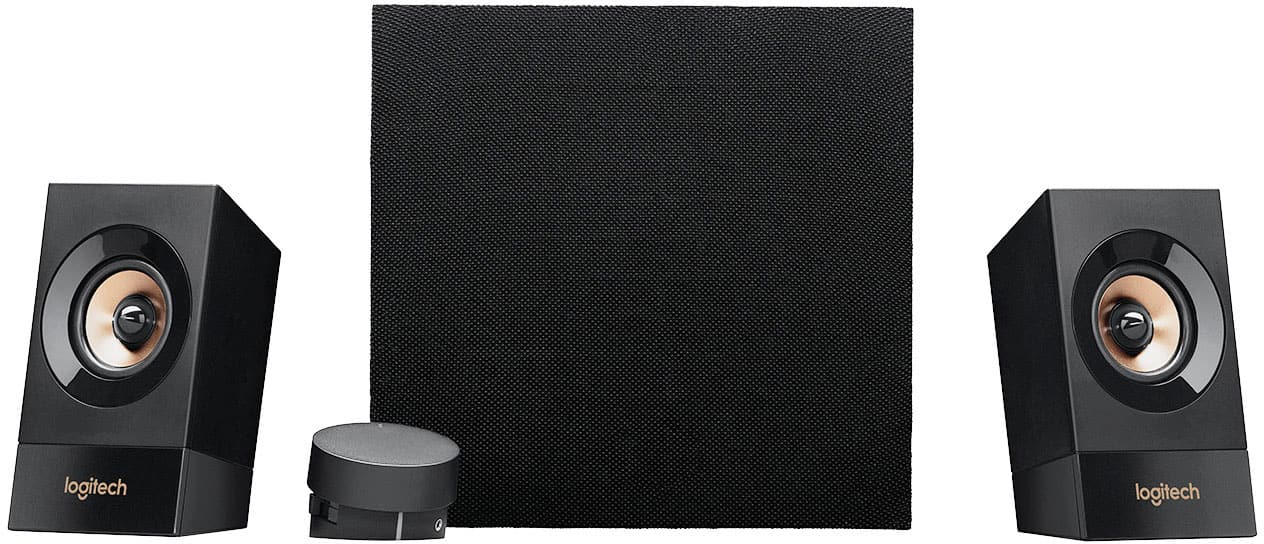
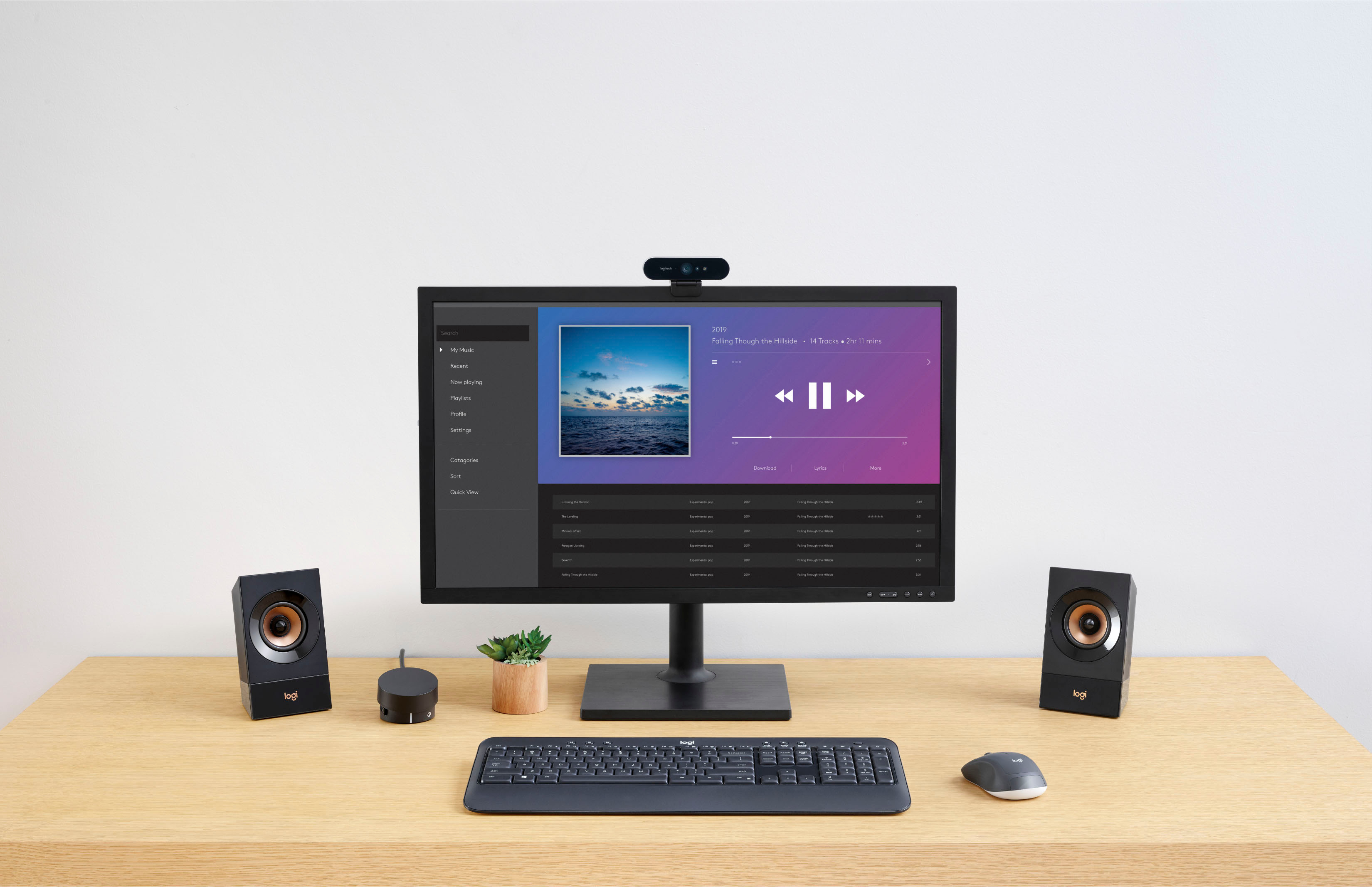
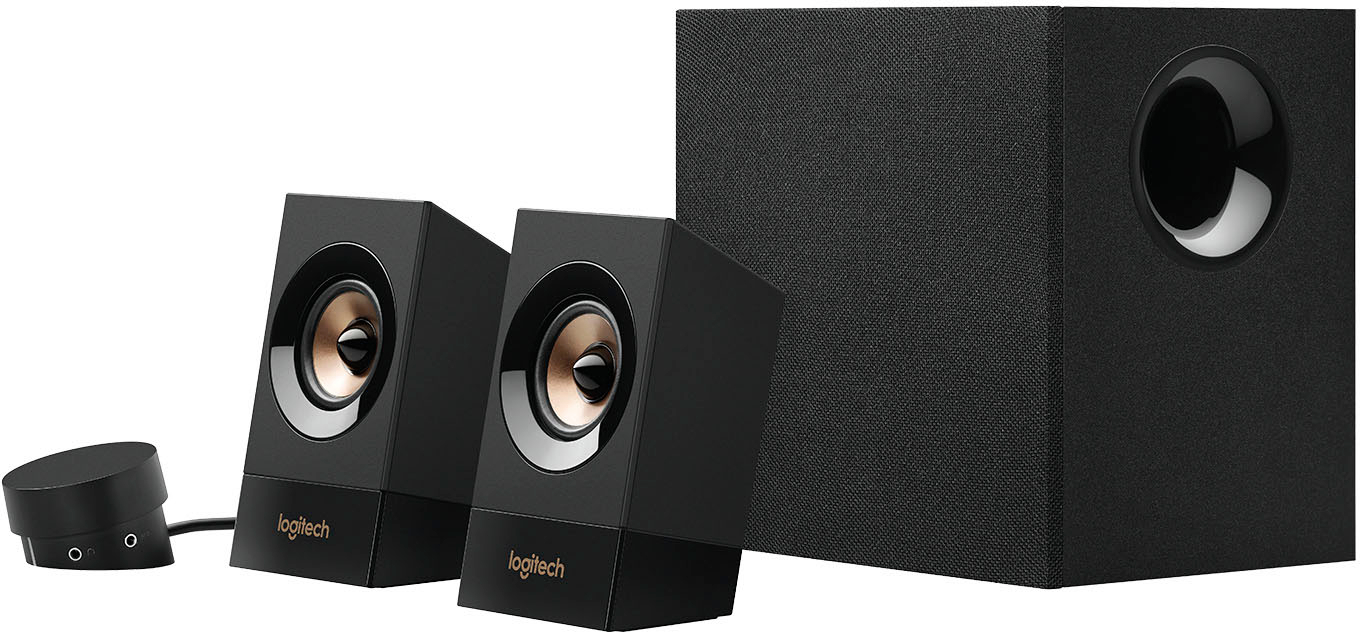
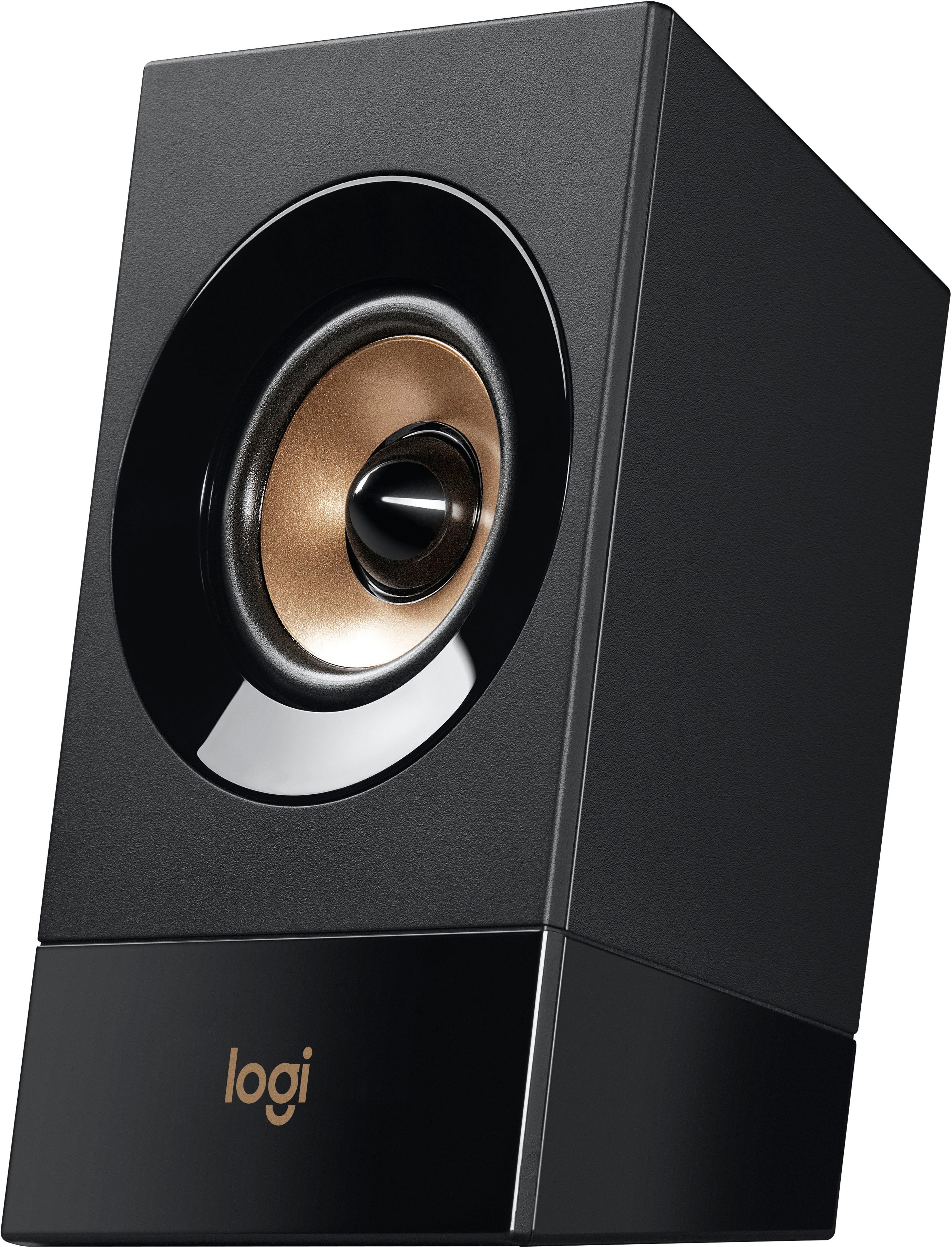
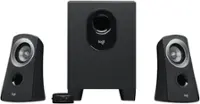
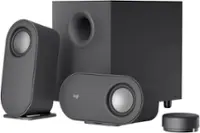
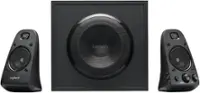
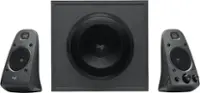
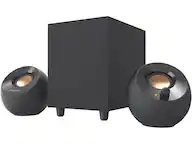
A:AnswerHi Chris, Sorry to hear about the problem you're having with muffled sound with the Z533 Multimedia Speakers. Here are a couple of things you can check to help resolve this problem are: 1) Make sure all cables are connected securely; 2) Adjust the volume on both the speakers and the audio source; 3) Check your computer's audio settings; 4) Adjust the bass settings on the volume pod. If none of these fix the problem, you can visit Logitech's tech support help for further troubleshooting tips (https://support.logi.com/hc/en-us). Hope that this helped and that all is going well. - Richard from Logitech
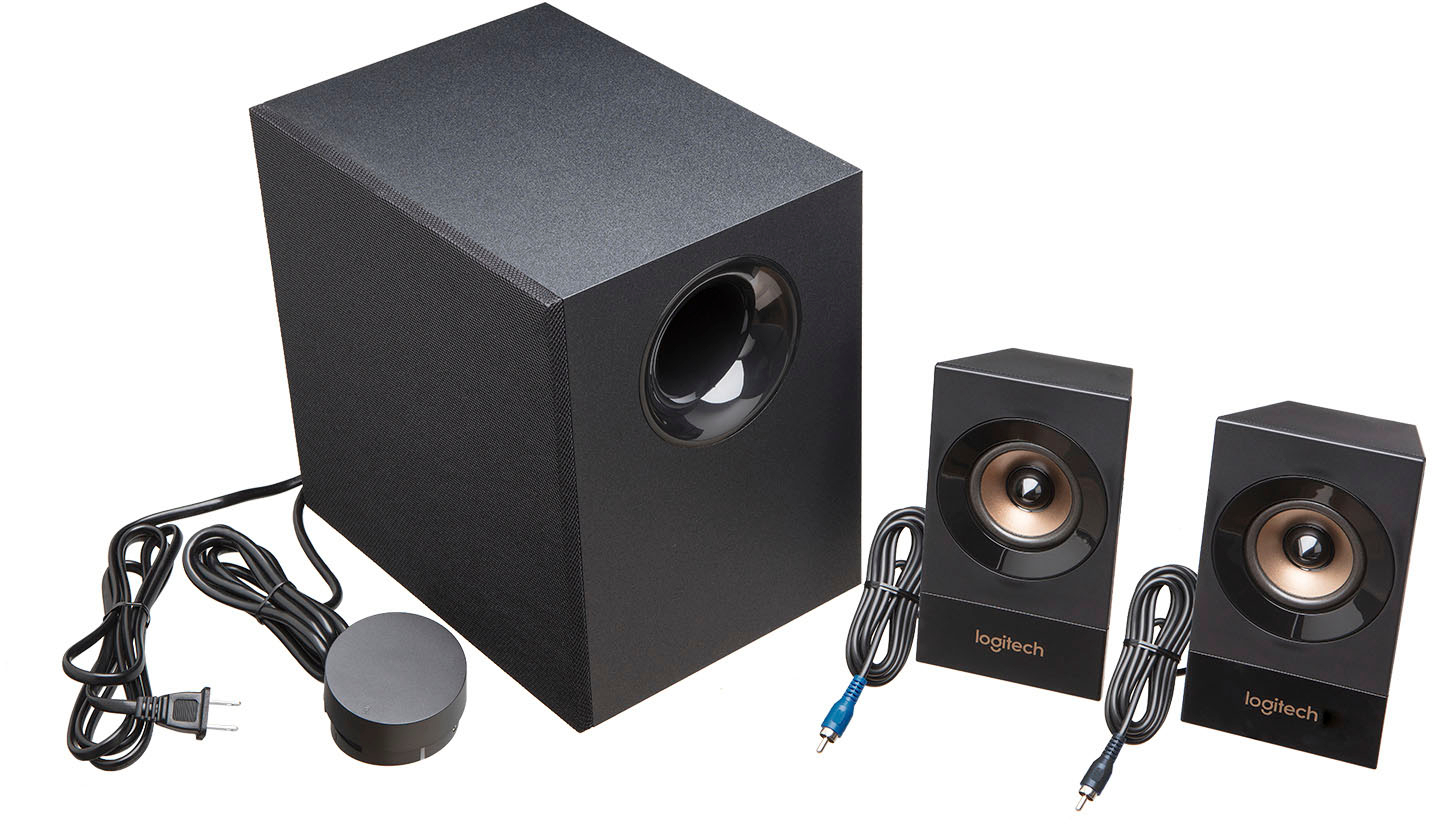
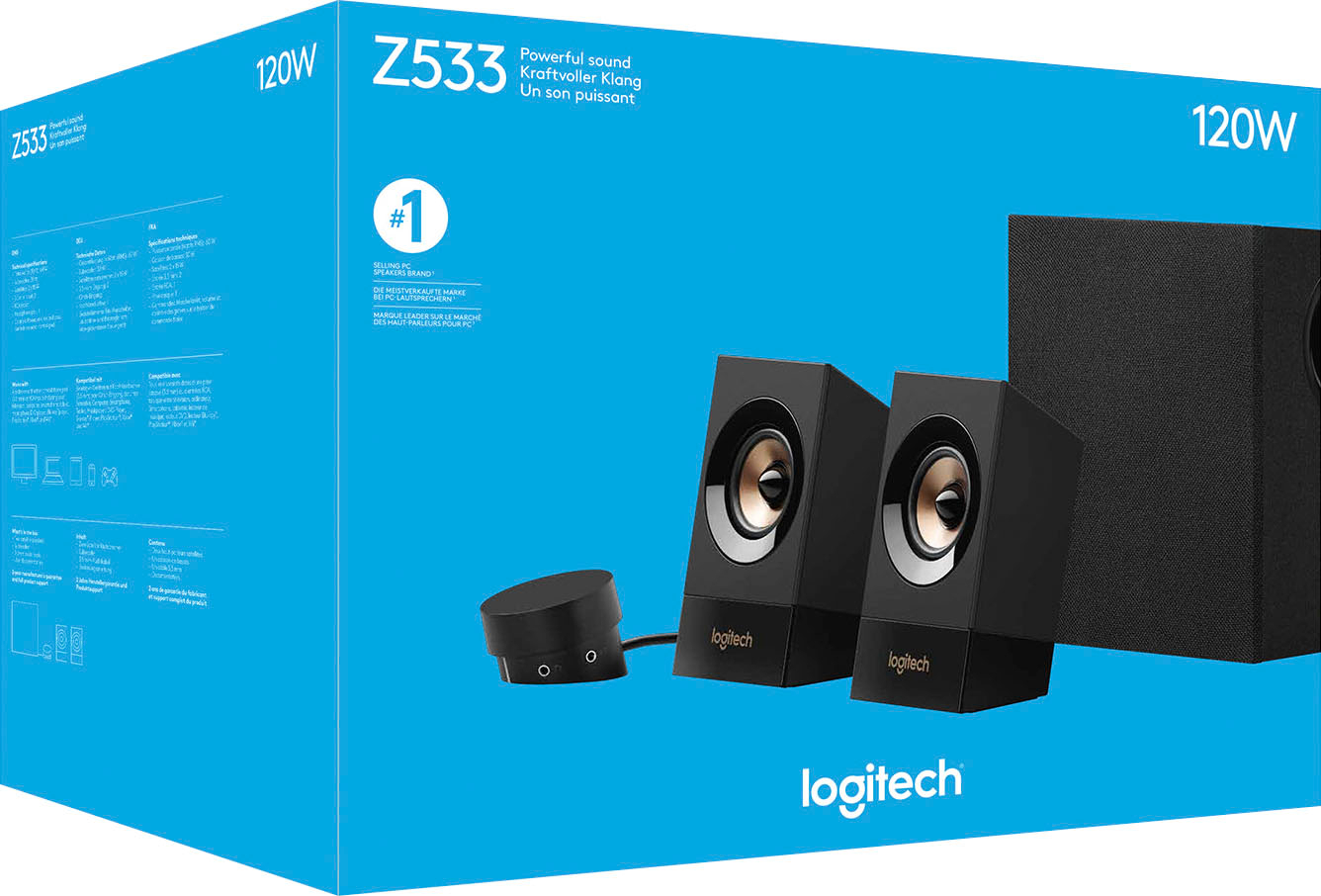
A:AnswerHello. The Z533 is a 2.1 speaker system, so there are only the 2 speakers plus the subwoofer. It is not a direct replacement for the Z506 which is a 5.1 surround sound system.
A:AnswerSo long as it has a standard 3.5mm analog output port it should work. You might have to buy a convertor if the output isn't 3.5mm. Can't help with recommendations, sorry.
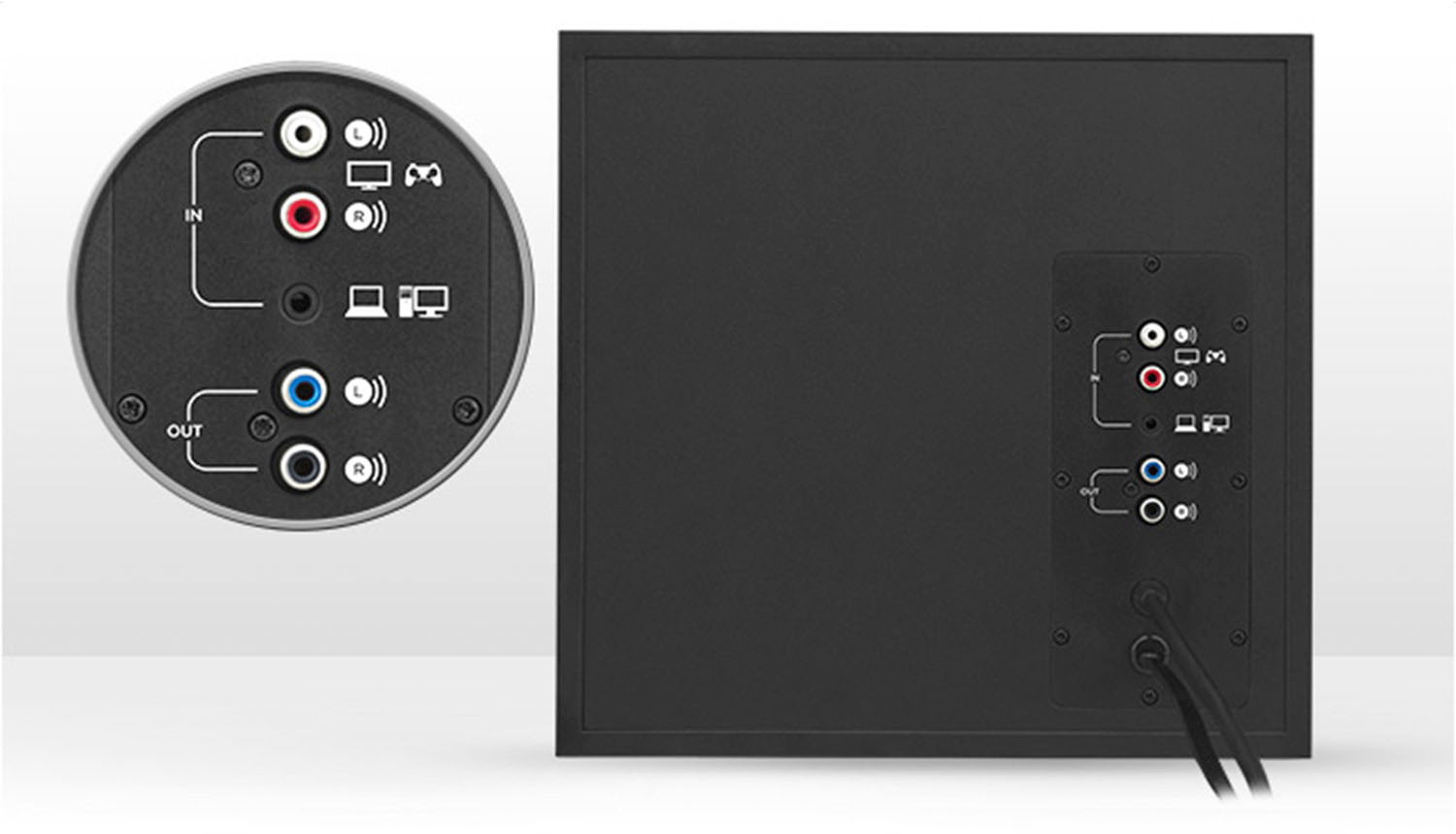
A:AnswerYou’ll need a cable with mini headphone connectors on both ends. Connect it to the headphone or speaker jack from your computer or device and to the back of the speakers.
Follow this link to connect to your XBOC One:
https://www.windowscentral.com/how-use-your-own-headphones-xbox-one