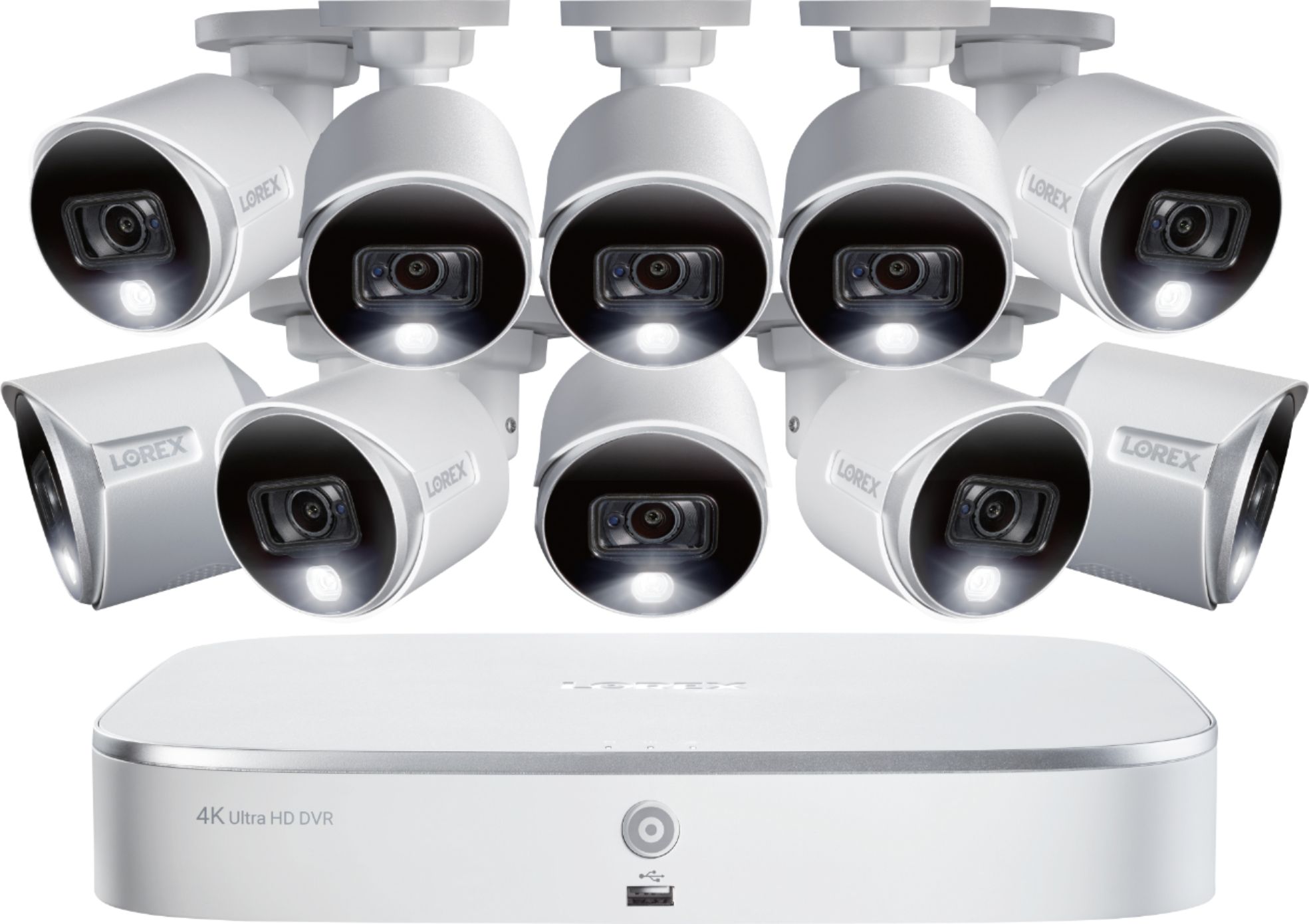
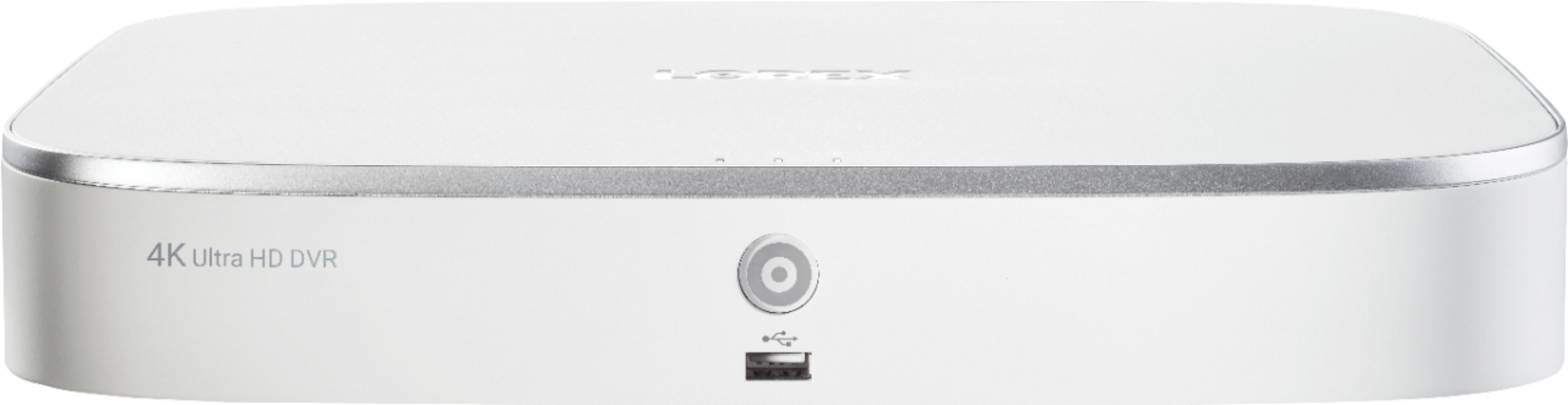
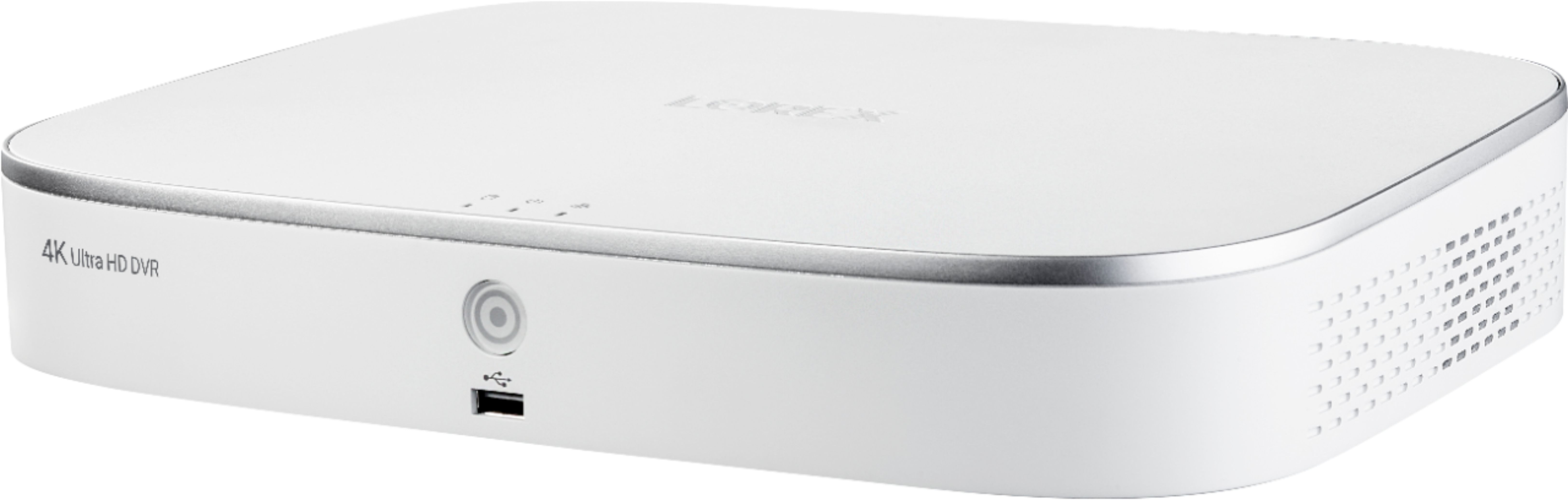
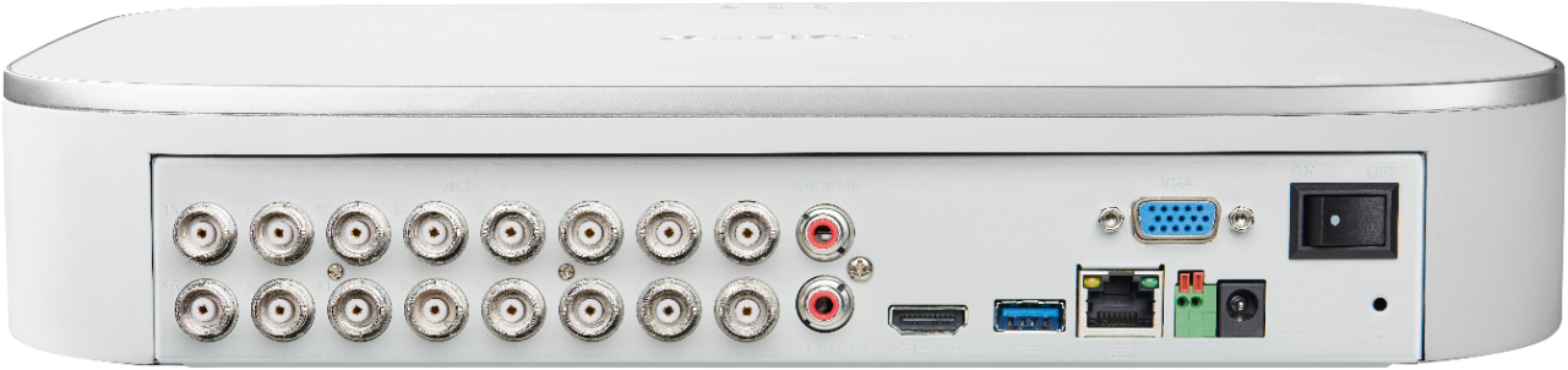
A:AnswerI am just learning the true capabilities of the system but here is what I can tell you. the images are saved to the 2 TB hard drive. In your set up of the system, you can vary the hours each camera records, you can review and "save" snippits of the recording so they won't be erased. I have been able to go back over 1 month and review recordings. I am sure there is a setting in the set up if you only want a certain period to record and then start to write over the info. Hope this helps
A:AnswerMy sister has the system and I bought the same one. I requested the installer through Best Buy - the initial person that was sent out was not as experienced as the 2nd opinion person. The second opinion through Best Buy, had a truly can do attitude and provided me a list of the items that I was going to need for the job, where at first we had no clue. I had special request for the installation.
A:AnswerNot sure why; when I first powered mine up it took me through set up step by step; if I recall it was like the fourth step to connect to the internet (to my network); I entered my password and it told me I was connected! After the setup was complete I downloaded the Lorex app and entered the code for the DVR to connect the app to my device; everything went real smoothly!
When you powered up did the “wizard” (think it may have been called something else like ‘genie’) come on to walk you through set up?
A:AnswerYes, they are both separate settings, called Alarms. Cameras can record manually, continuously, per schedule, or motion detection. You can set how long before the motion is recorded and how long after the motion.
A:AnswerI didn't need to download anything to use the system. If you want notifications on your phone, you need to install the Lorex Home mobile app on your phone. The DVR only needs internet connection if you want to setup the notifications on your phone. Haven't needed to upgrade the DVR software, so don't know anything about that. Don't know where it was made, but probably not USA.