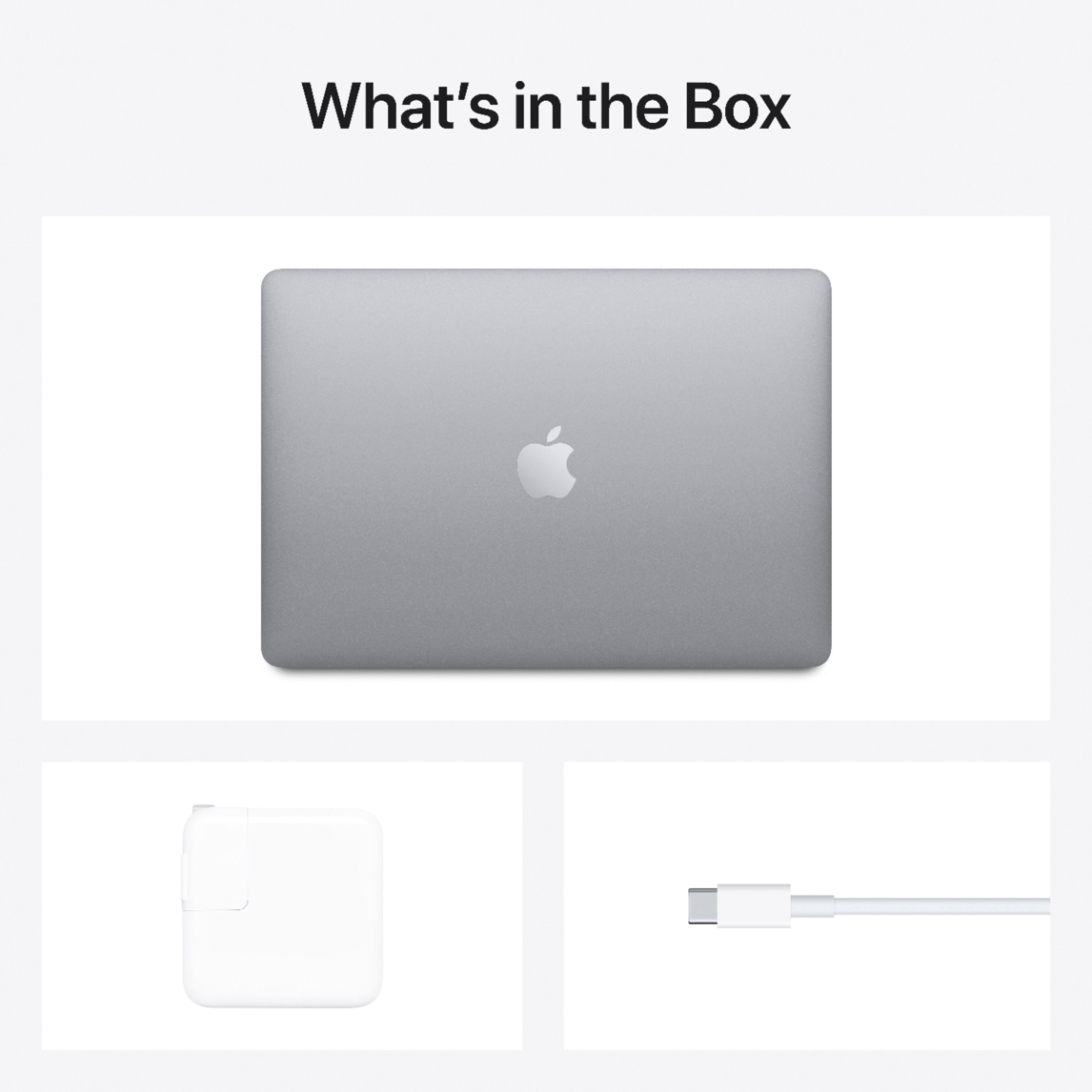
A:AnswerWell, it’s obviously that for any reason the product I has been returned. But by the other side, Apple products have a 1 year warranty since you buy it, so won’t have problems.
A:AnswerIf you are wanting to run multiple large programs at the same time, your best bet is to get a 16gb. Pro's with 16gb are the best for operating under those circumstances. As for storage, 512 is minimal that you want to get.
A:AnswerNo, Apple had removed the optical drive from the MacBook Air from the beginning. but you can buy a good cheap like the LG for around $25 I believe.
A:Answerno and no? for the shock "proof" part there's no moving parts (at all) aside from the keyboard.... it's fairly sturdy, I wouldn't use it to drive nails or as a small bridge over a narrow gap..
A:AnswerSupply chain issues are plaguing the entire world, have patience. With interest rate going way up, I do not think companies will increase production as they will be concerned for a recession around the corner and no consumer.
A:AnswerGo to Applications> Utilities> Migration Assistant. You need to have the old Mac and this one on the same wifi network. Then open the Migration Assistant on both computers and just follow the directions on screen, it'll move everything automatically.