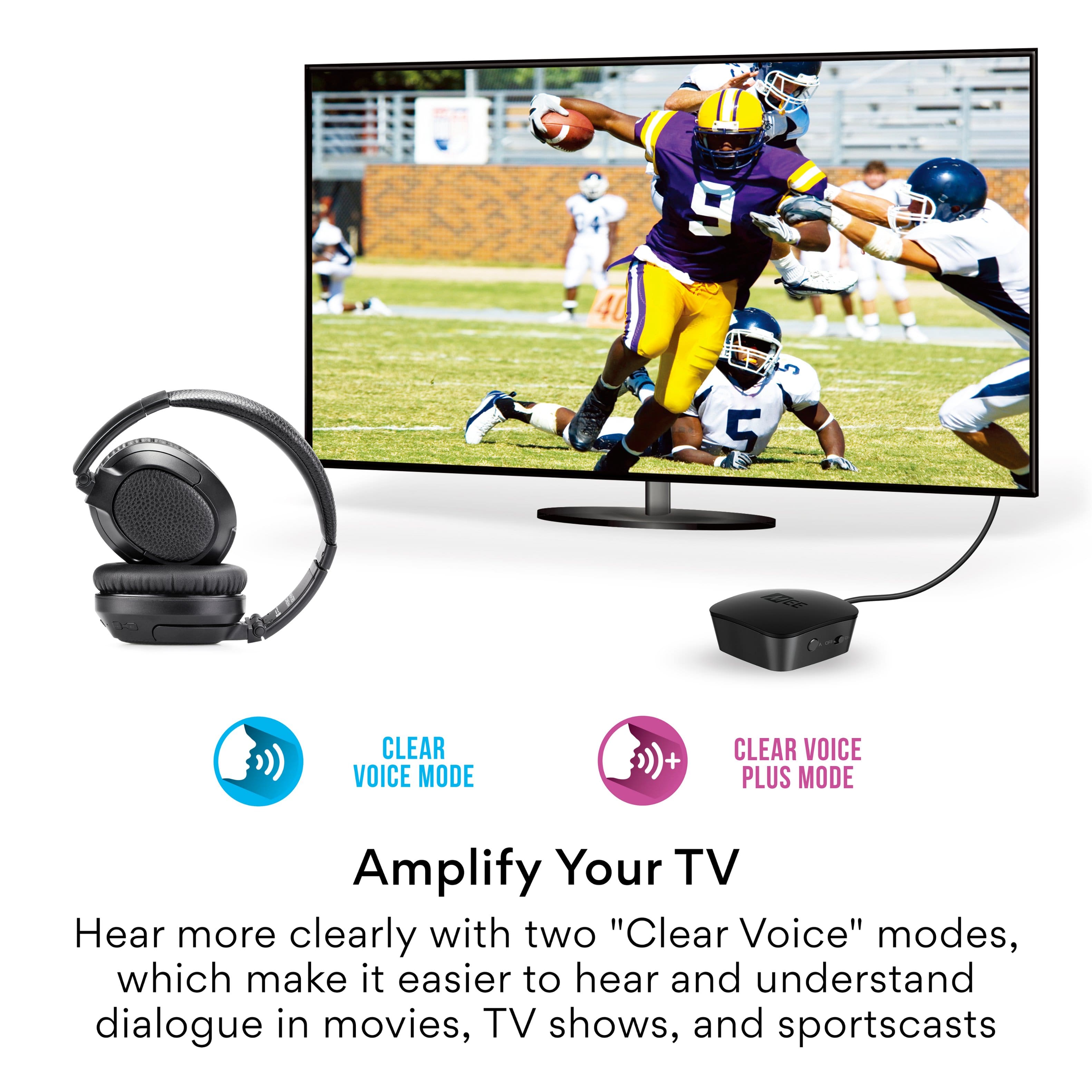
A:AnswerThe microphone can be used if you connect these headphones, via Bluetooth, to a phone, tablet, laptop, or any other Bluetooth-enabled device. It can be used for phones calls, videoconferences, etc. It is not used when this device is connected to a TV.
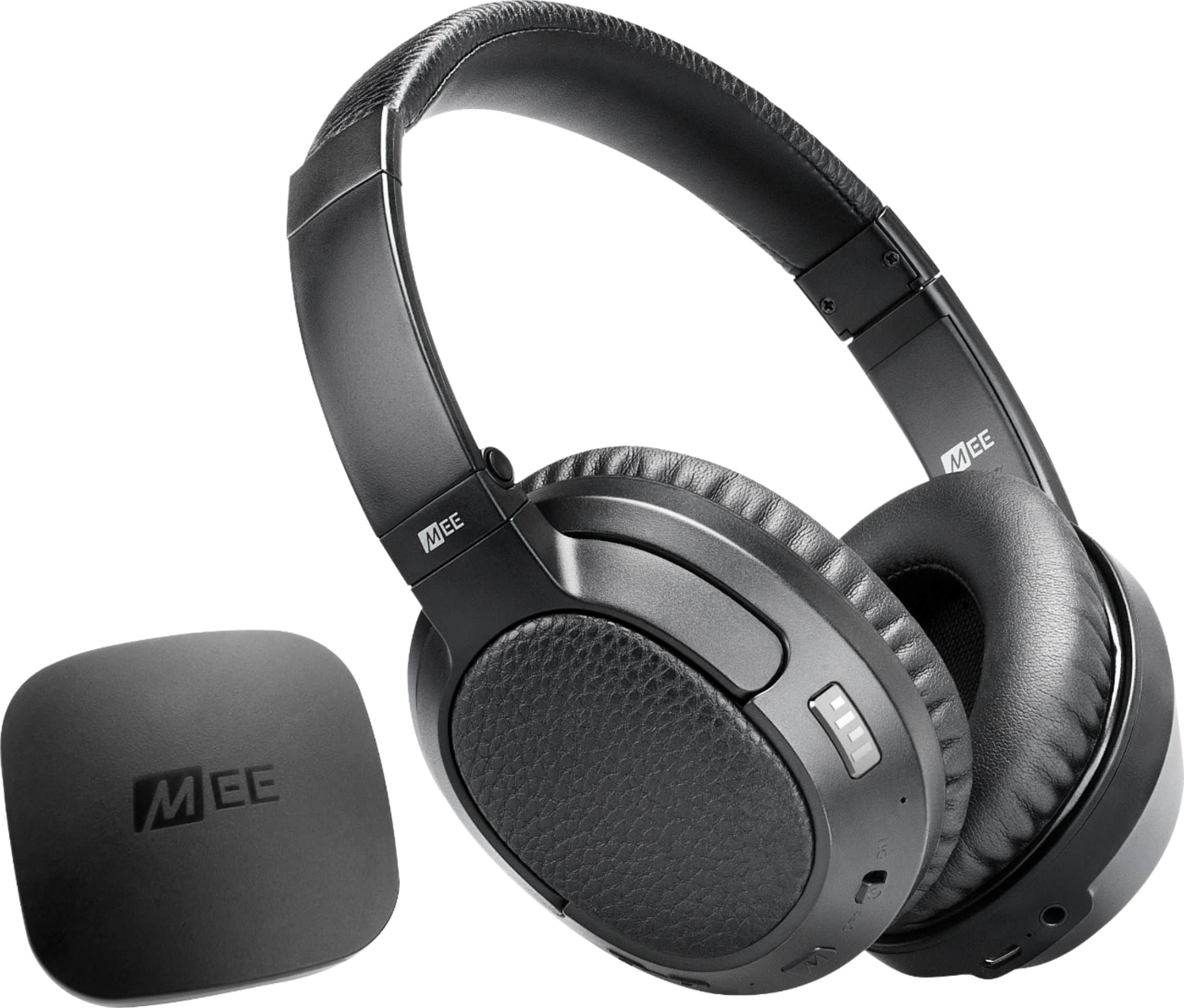
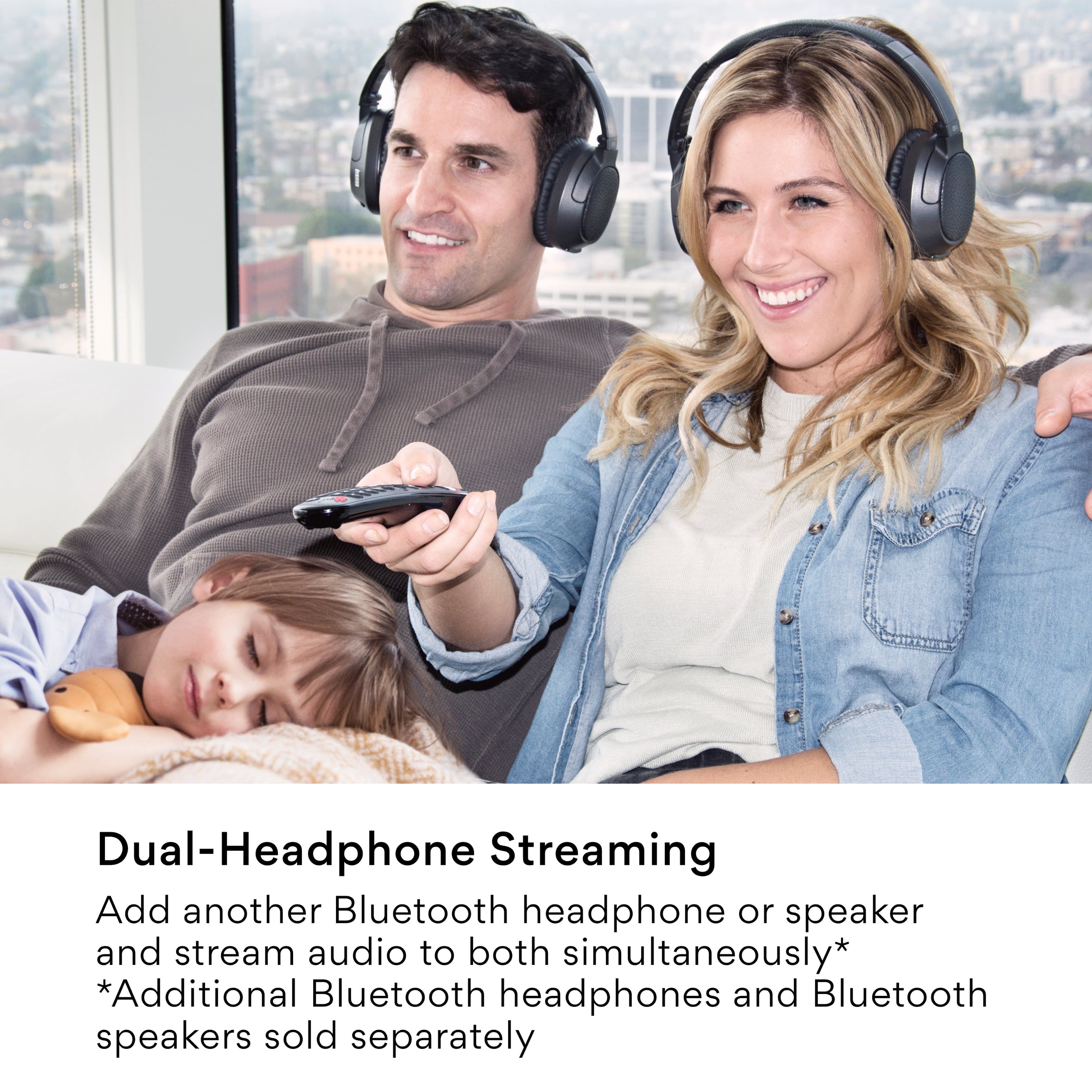
A:AnswerThe instructions indicates that another headphone can be added. I would recommend that you visit the Connect Support Guide: MEEaudio.com/T1CMAid. I had no need to add an extra headphone. Connect: Bluetooth Wireless Headphone System for TV. Model: T1CMA
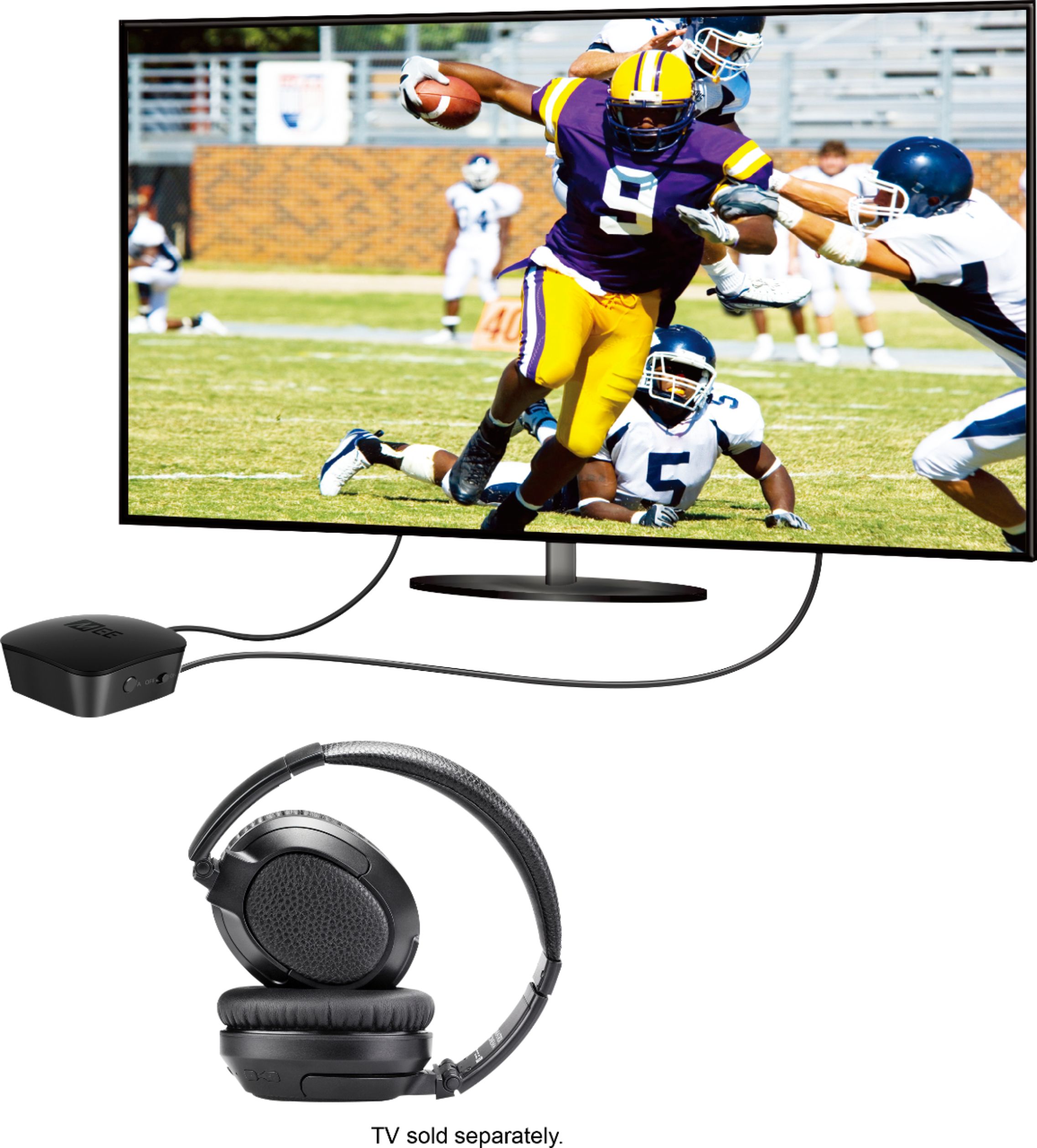
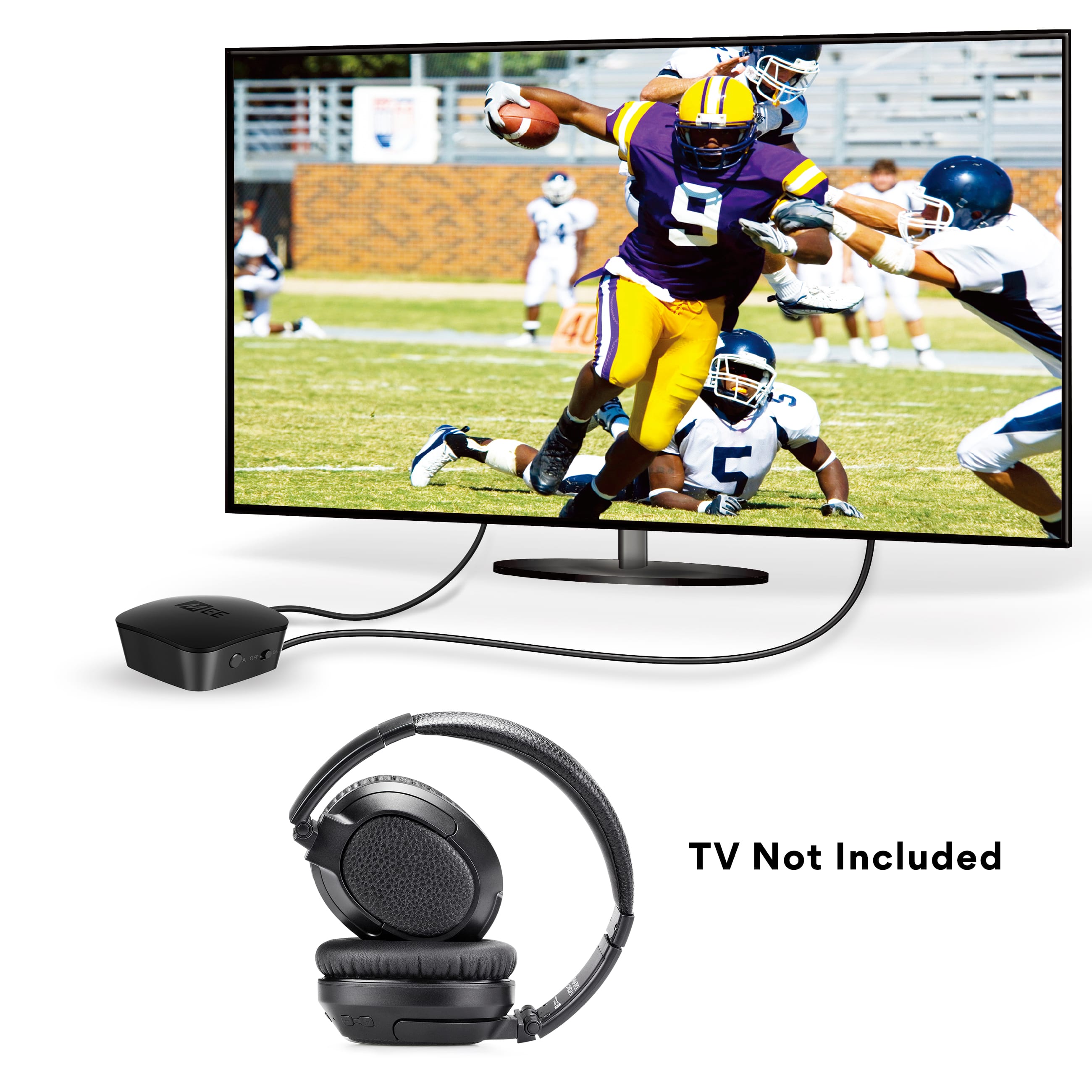
A:AnswerNo stand with these -- a usb cord (provided) plugs into any empty usb plug on your smart TV
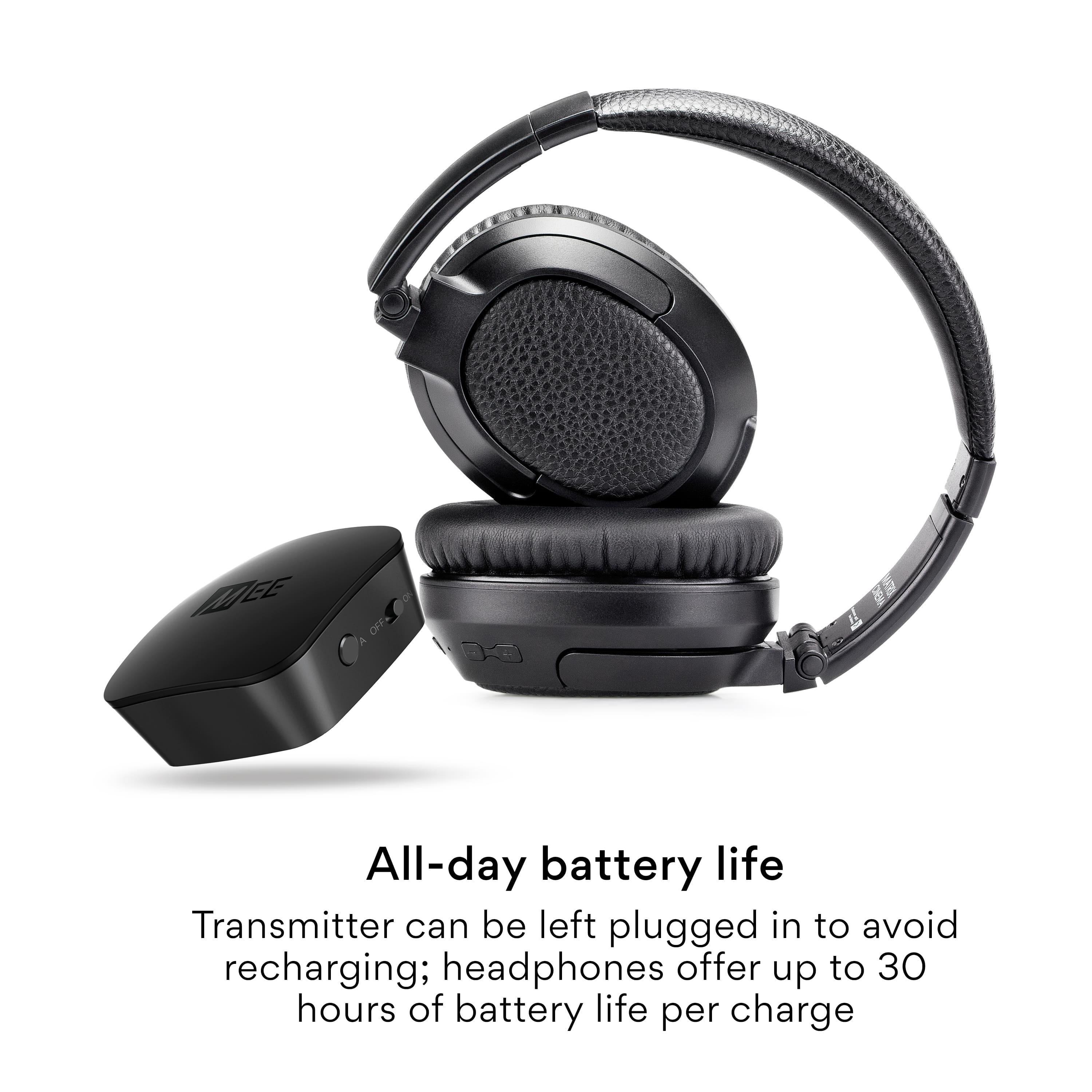
Each time you turn on the HeadPhones the Battery Strength is announced as they come on
I like these better than the old style with the stand!!!!!
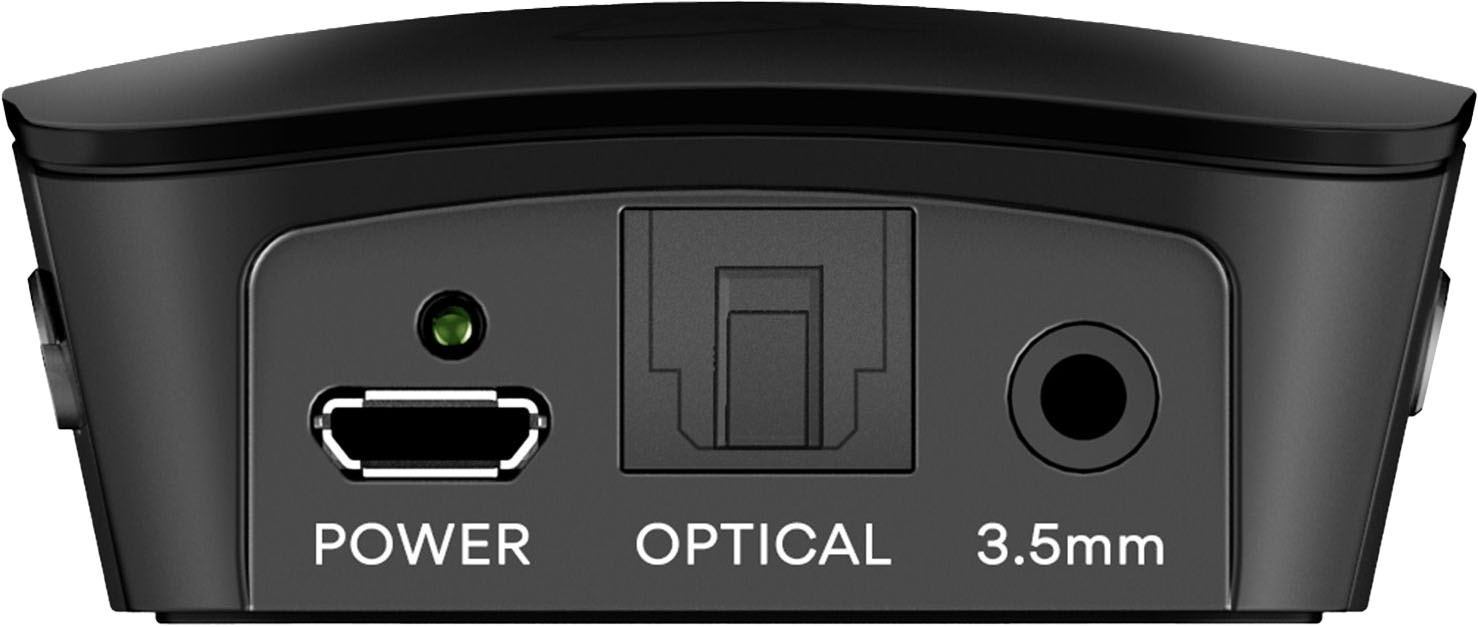
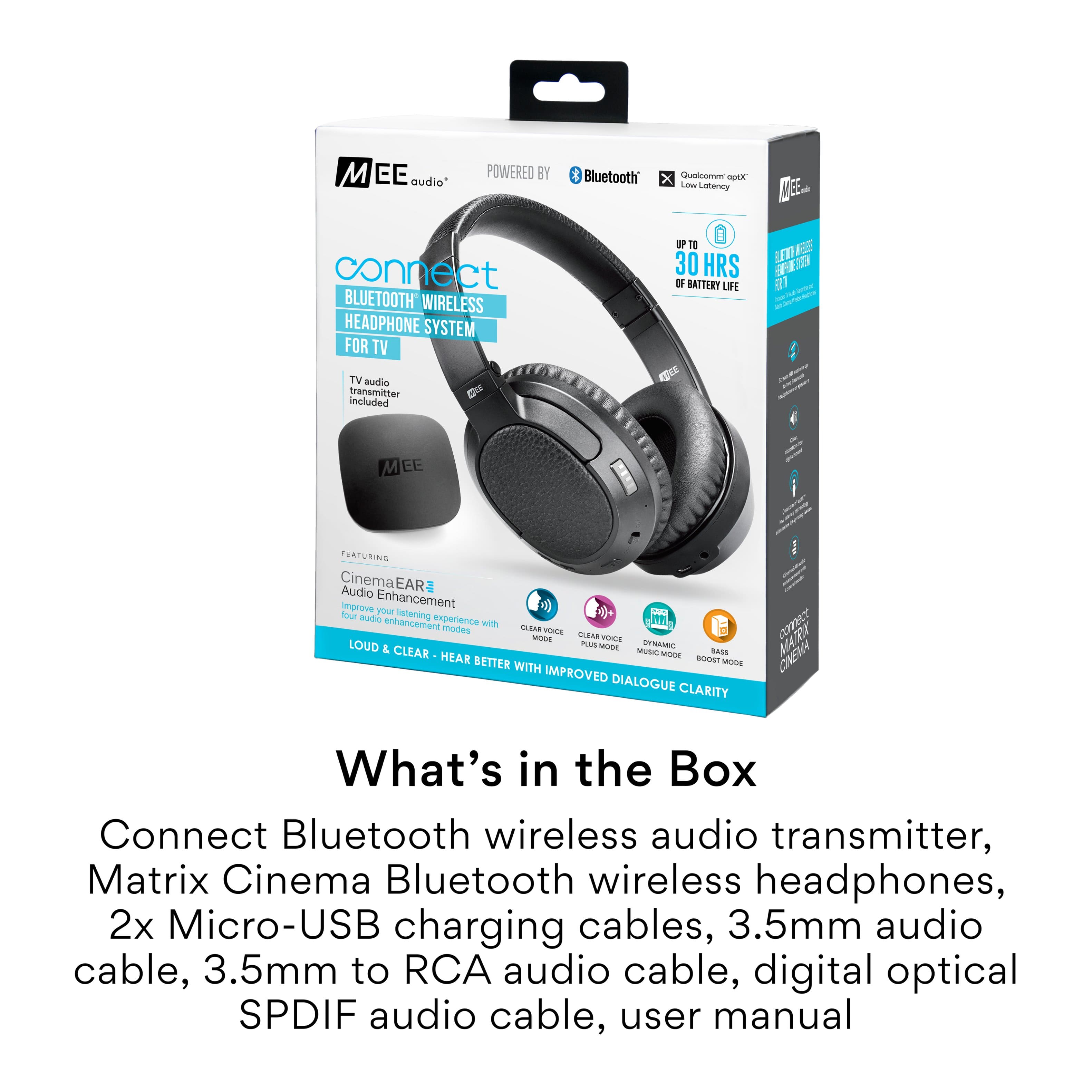
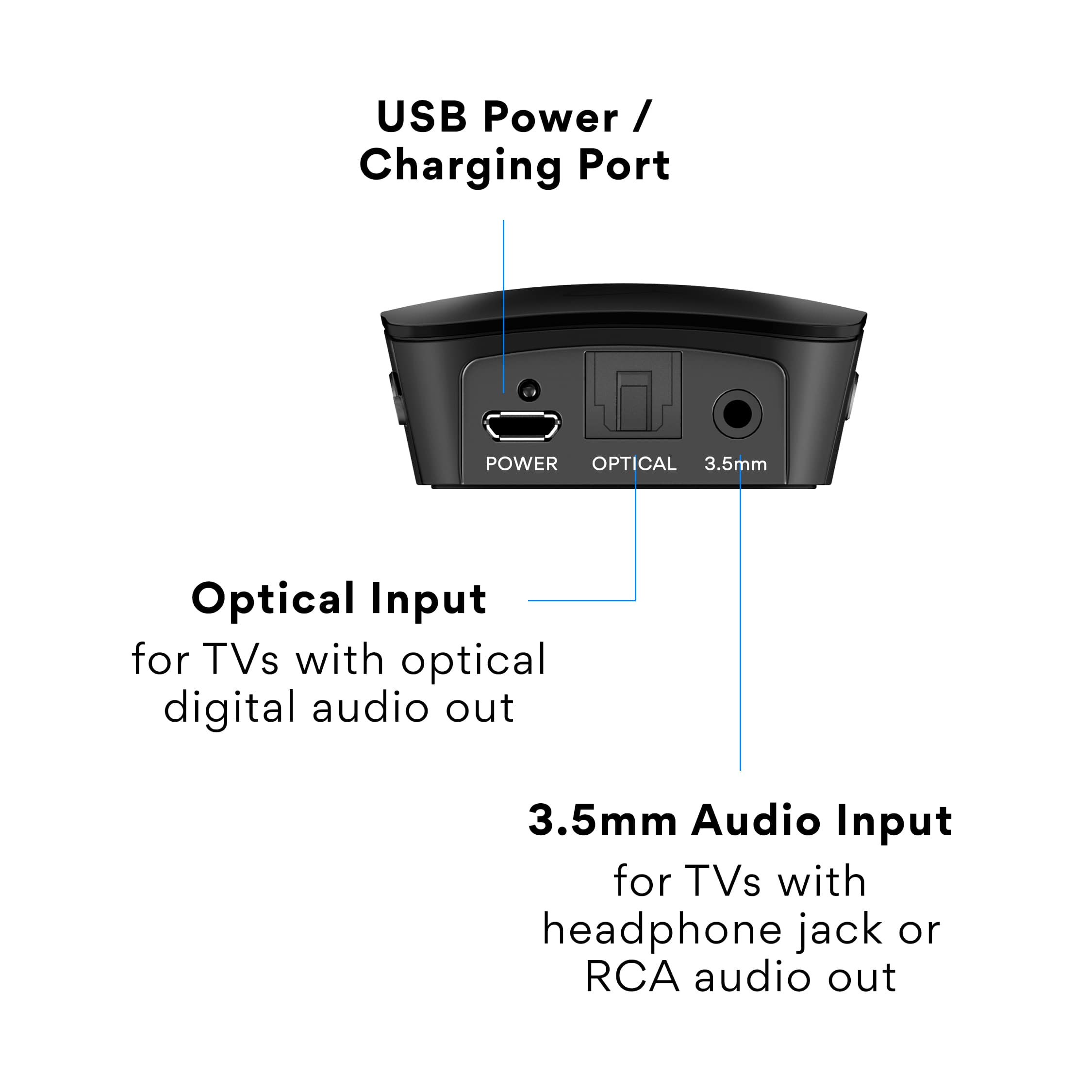
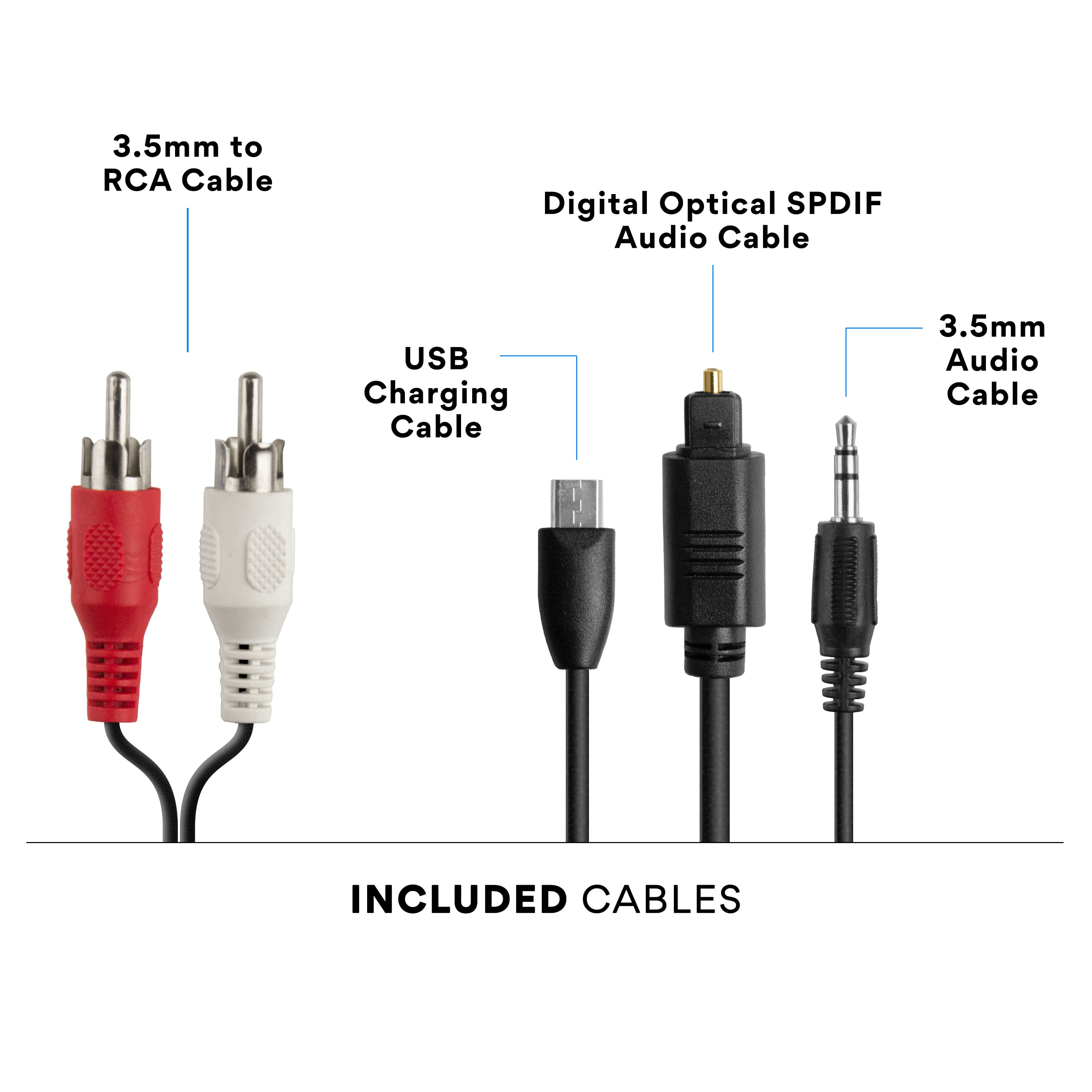
A:AnswerThere is wiring included in the box to employ any of the 3 ports you mentioned. I am not very tech savvy and did have to call the customer service number when the "pairing" process was needed, and they were helpful. No problems since.
A:AnswerWe bought a surge protector power strip that has 3 USB ports in it it sets on our tv stand so very convenient to charge to headphones when they need it. I only charge maybe once every 3-4 days. Nice headphones