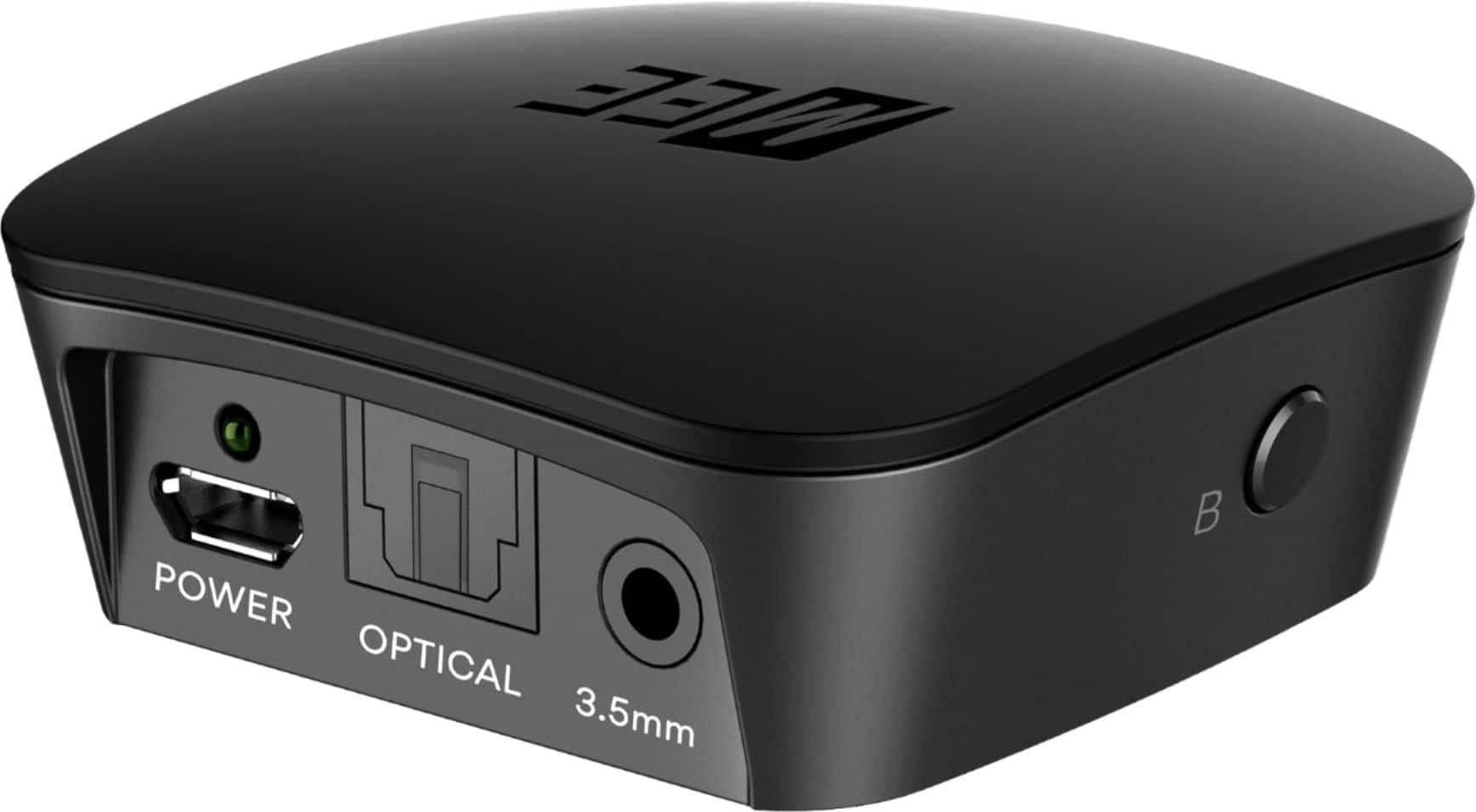
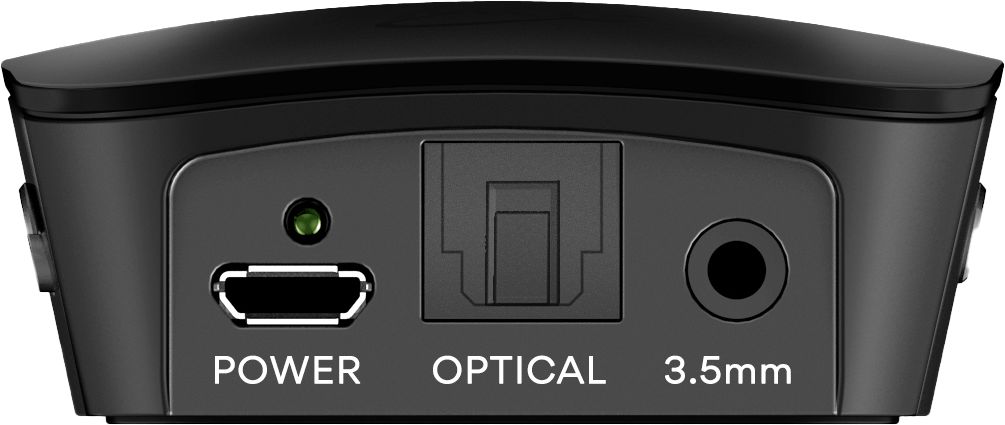
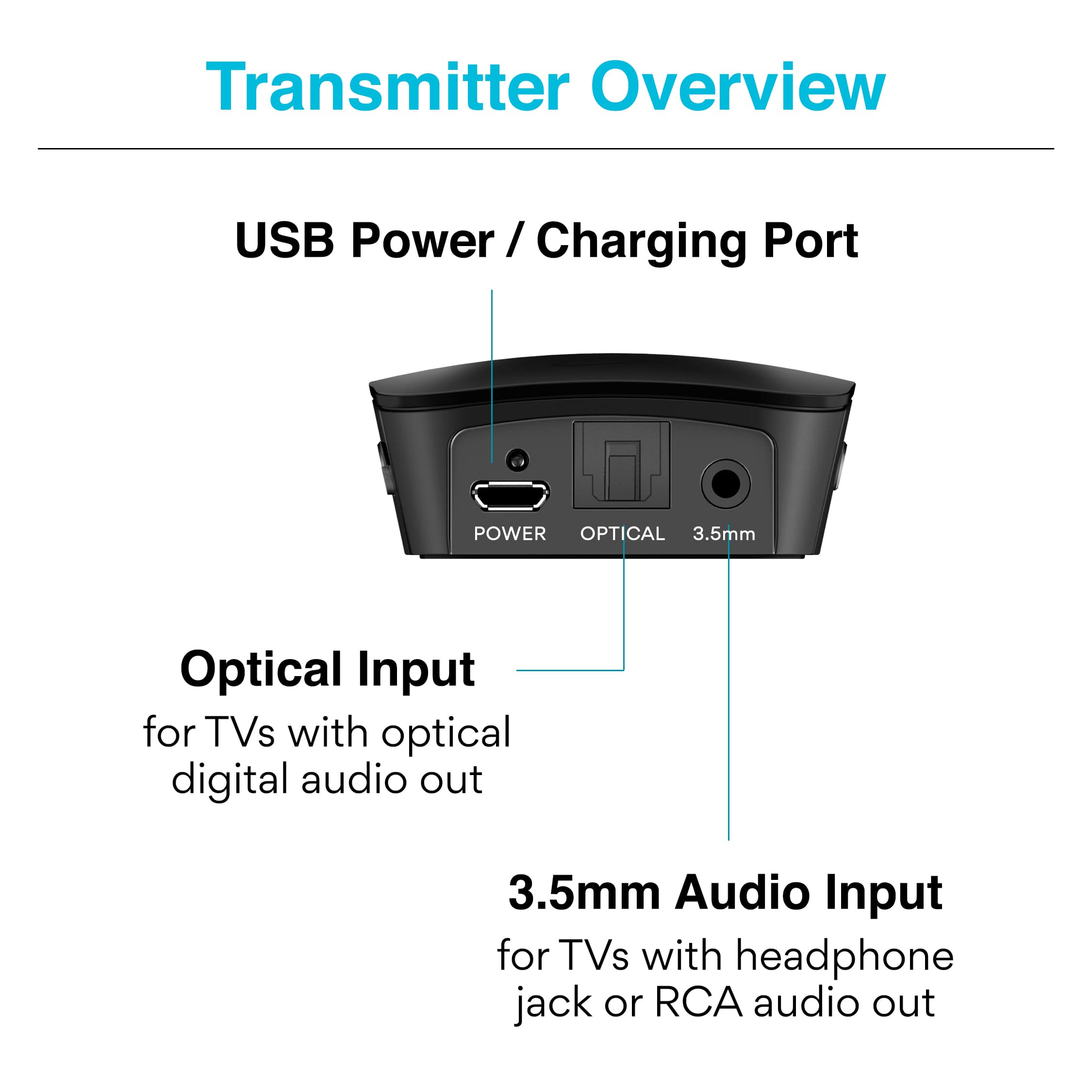
A:AnswerYou have to change the audio output settings on your TV. Mine has the optical sound input. I go into sound settings and you an change from the TV speaker output to the optical output. Ahould be the same for your television.
A:AnswerNot this transmitter. But you can do what you want using a number of other bluetooth adapters as i have done this with several pieces of older stereo equipment. You need a 'wireless bluetooth speaker adapter'. As an example Best Buy sells one made by Logitech: Logitech - Wireless Bluetooth Speaker Adapter - Black. Model:980-000910 SKU:5294033.
I actually own a Logitech adapter that may be this one and it works great for what you want to do.
A:AnswerSome headphones will not pair. I have the Bose 15 headphone that will pair, but wouldn’t stay paired. For me it was a waste of money and time. Plus wouldn’t pair a second headphone.
A:AnswerThis device does not support WiFi and does not have receiver functionality. You would need to use the higher end model called the "Connect Hub", which you would set into receiver (RX) mode, plug into your Denon amp's audio input (either optical or analog), and then connect via Bluetooth to a phone, tablet, or some other device that has Spotify. This will allow you to play Spotify on your phone/tablet, stream the audio via Bluetooth to the Connect Hub, which will in turn send the audio via wire to your Denon amp to play through your speakers.
A:AnswerThis device does not support WiFi, only Bluetooth. If neither your docking station nor your speakers support Bluetooth, it is probably not cost-effective to try and use Bluetooth in this situation, as you would have to connect a Bluetooth transmitter to the docking station and a Bluetooth receiver to each of the speakers. It would probably be better to find a WiFi streaming device that is natively supported by your outdoor speakers.
A:AnswerAs long as the earphones support Bluetooth, it will work. However, we highly recommend using headphones/earphones that have built-in controls for raising/lowering the volume level as this will greatly improve your listening experience.
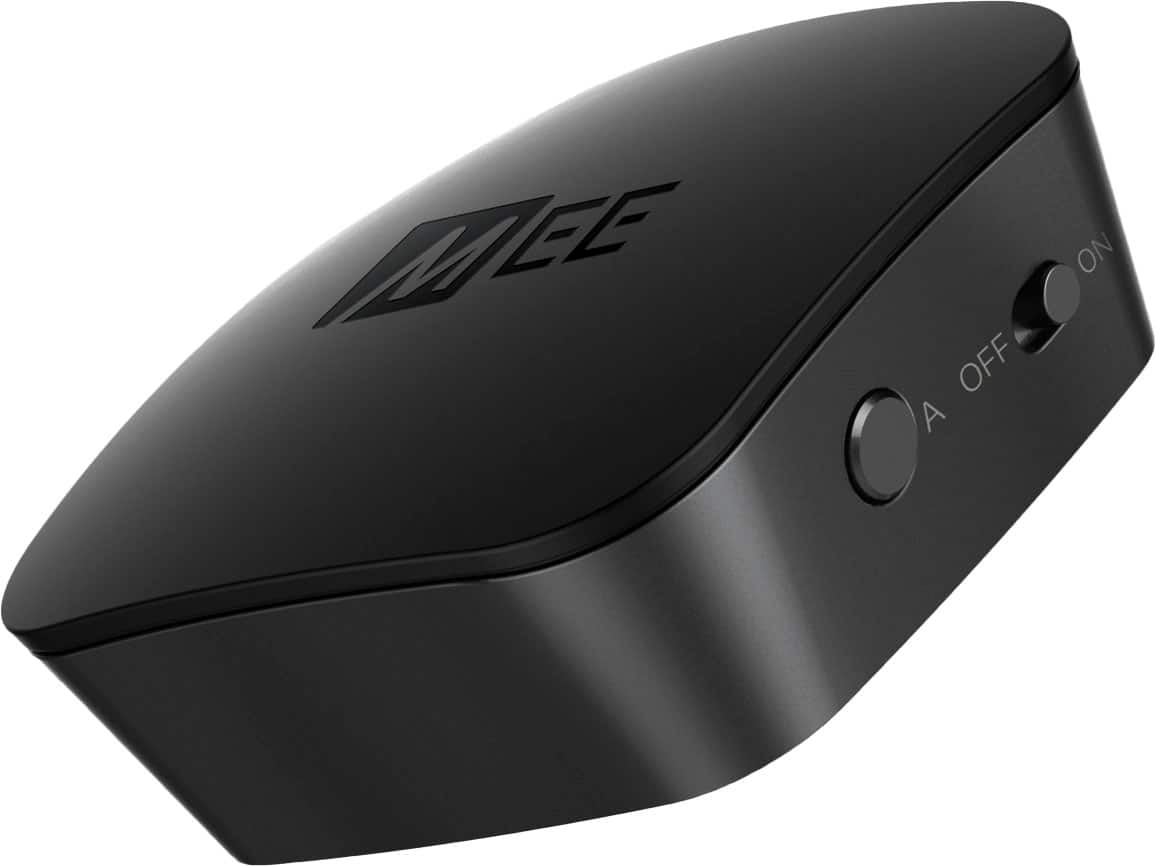
A:AnswerThis device is a Bluetooth transmitter, which works in the opposite direction. To stream audio via Bluetooth from your phone to a stereo with an audio jack, you would need a Bluetooth receiver instead. The higher-end version of this device, the "Connect Hub", has this functionality.
A:AnswerAs long as the earphones support Bluetooth, it will work. However, we highly recommend using headphones/earphones that have built-in controls for raising/lowering the volume level as this will greatly improve your TV listening experience. I am not sure if IQ Buds have a built-in volume control.
A:AnswerYes, compatibility depends on the TV itself rather than the media streaming device/service such as Apple TV. So as long as your TV has the necessary audio out connector and appropriate menu settings, which most TVs do, it will work.