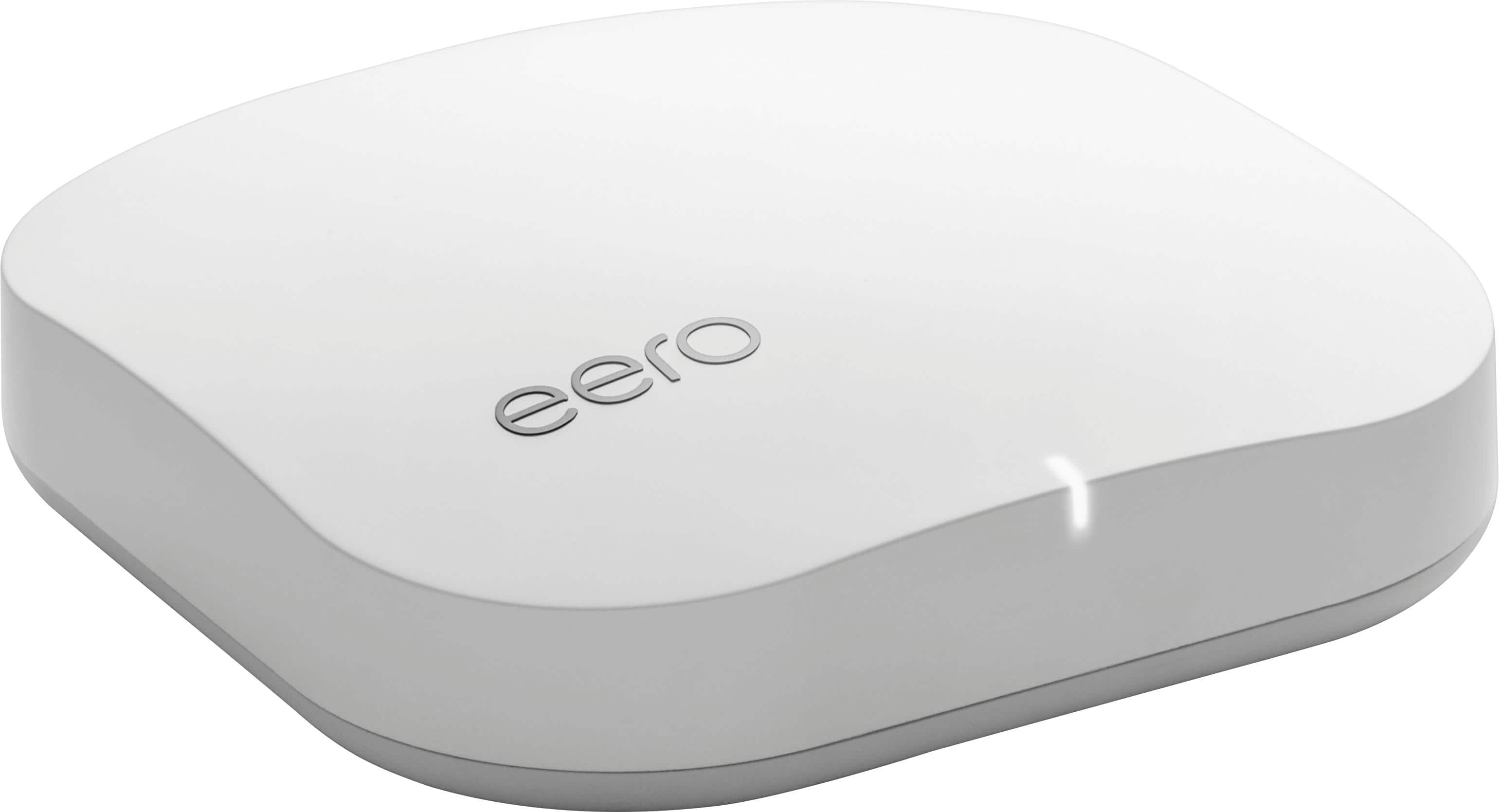
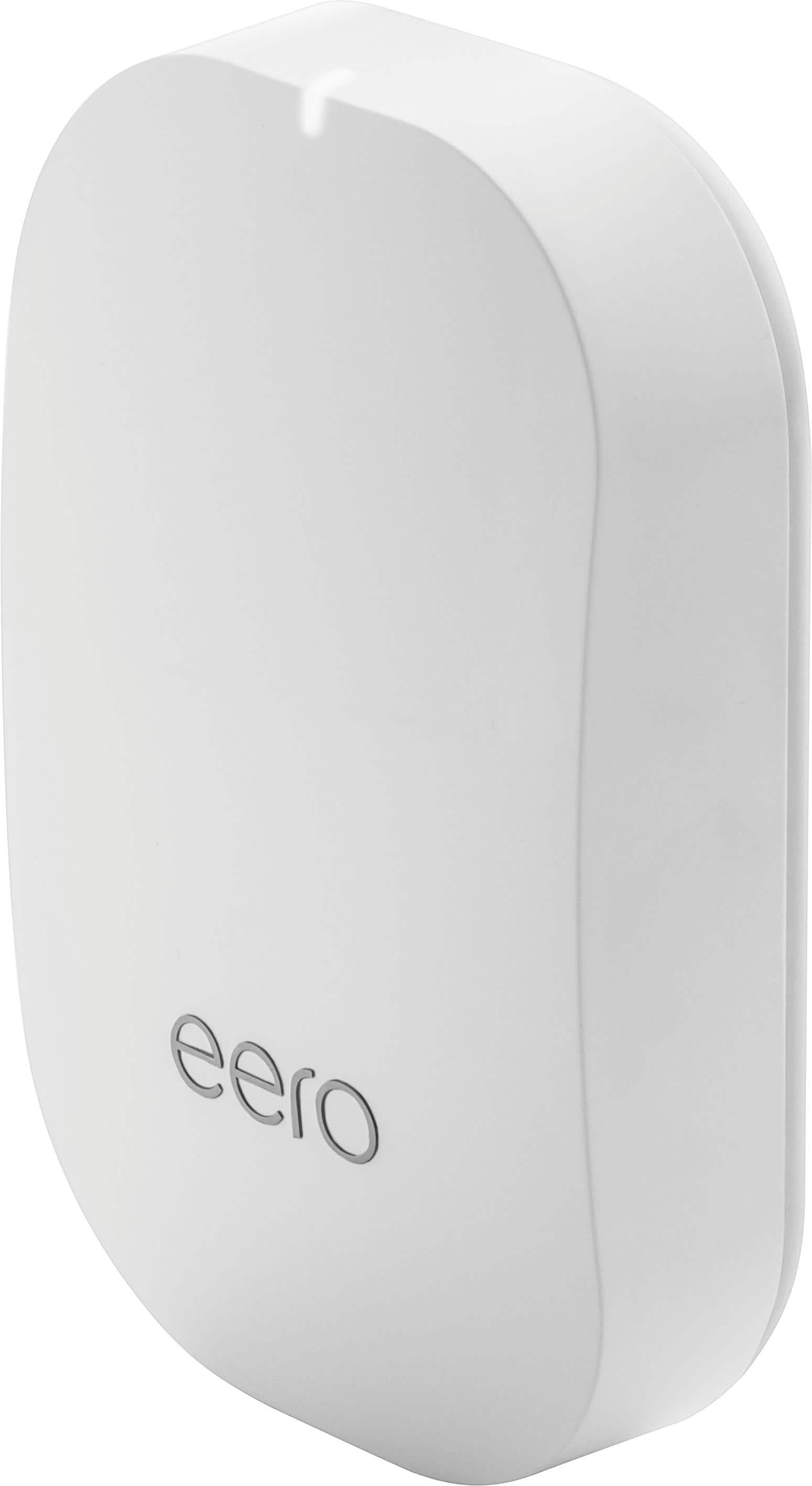
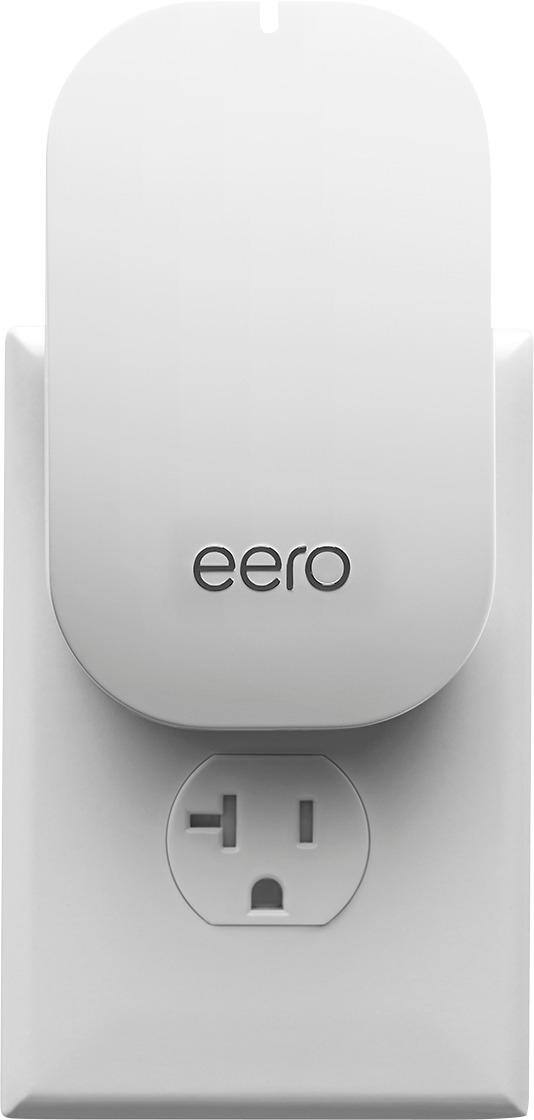
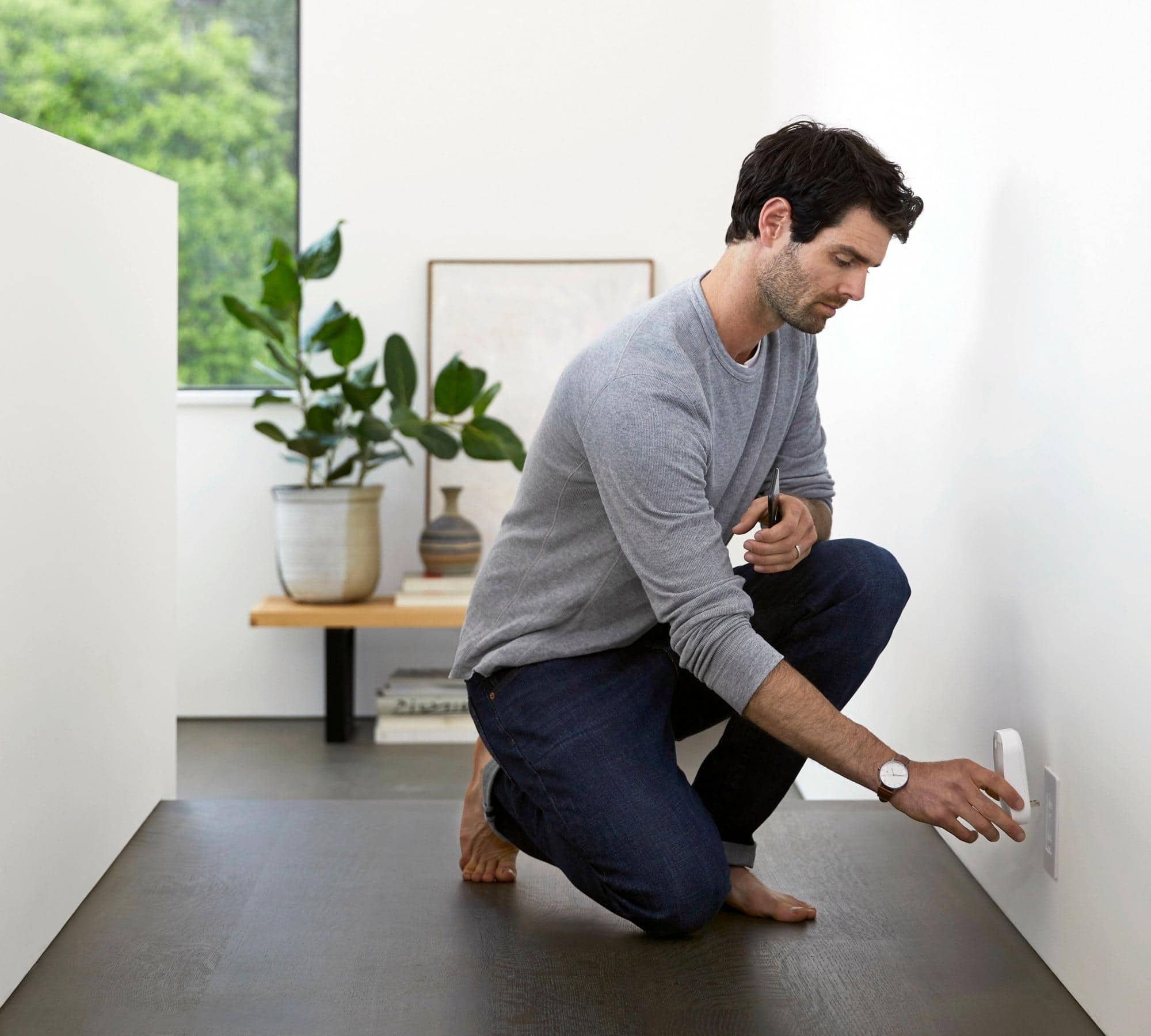
A:AnswerDefinitely. My 2400 sq ft house has great speed throughout. The system helps you place the units to maximize coverage, but you need an outlet available for each system component.
A:AnswerYes my eero pro 2nd Ethernet port is connected to a gigabyte switch.
No if you go with the pro 3 pack the other 2 units will work with WiFi connection to the main router
A:AnswerI am not sure how good the pro pods are but will say I purchased the eero to cover my a dead zone in my living room, boost the WiFi on my wireless PS4 and extend coverage outside onto my Deck and yard. Let’s just say it was a great investment where outside of the house I have 70+ On download and 45+ on upload outside of the house. I recommended it to my brother and a friend and they are also happy with their purchase.
A:AnswerNo. They don't. The signals are very strong and works very well in our home of over 3500 sq.ft. We are able to get WiFi in every corner of the house.
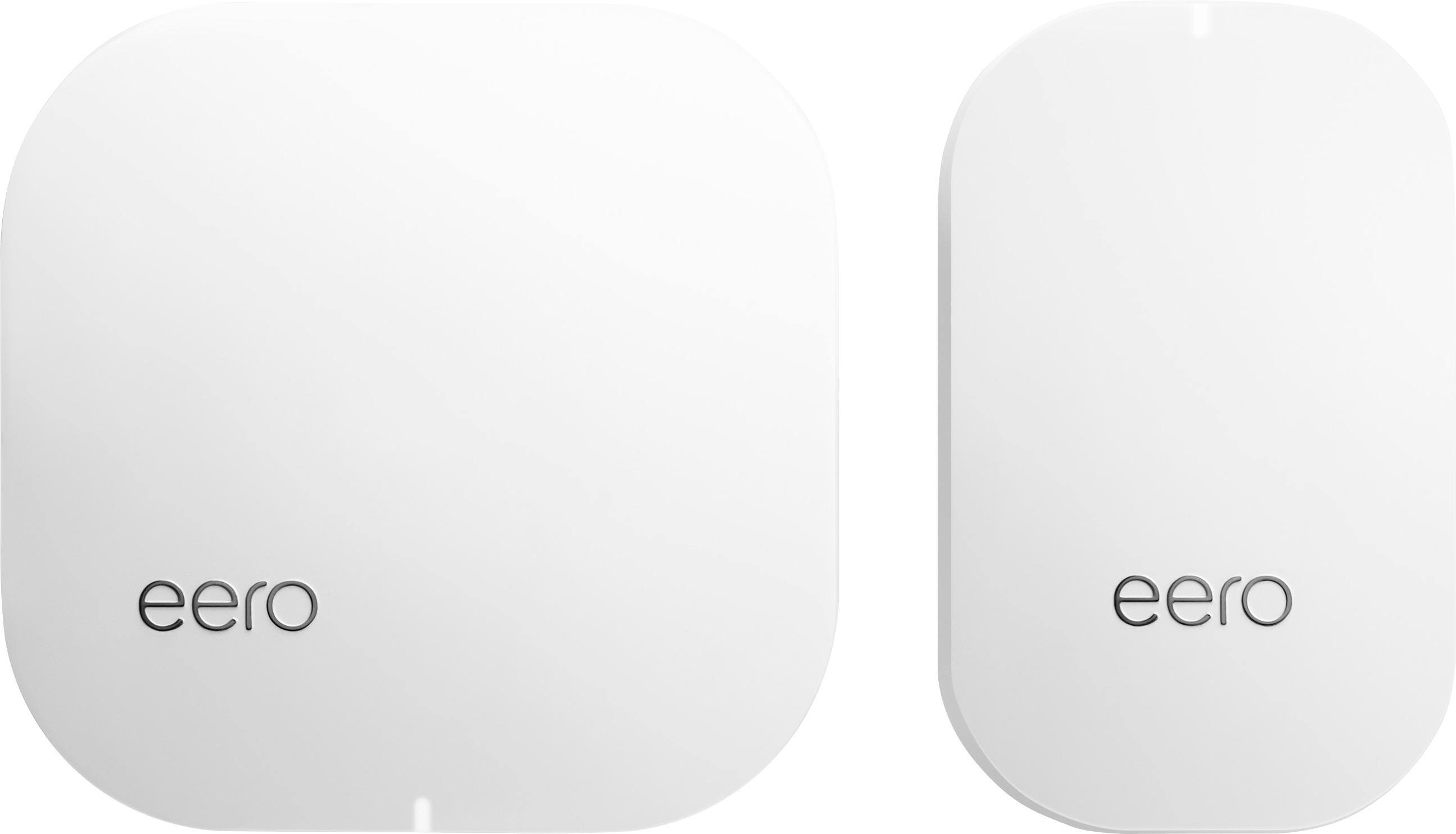
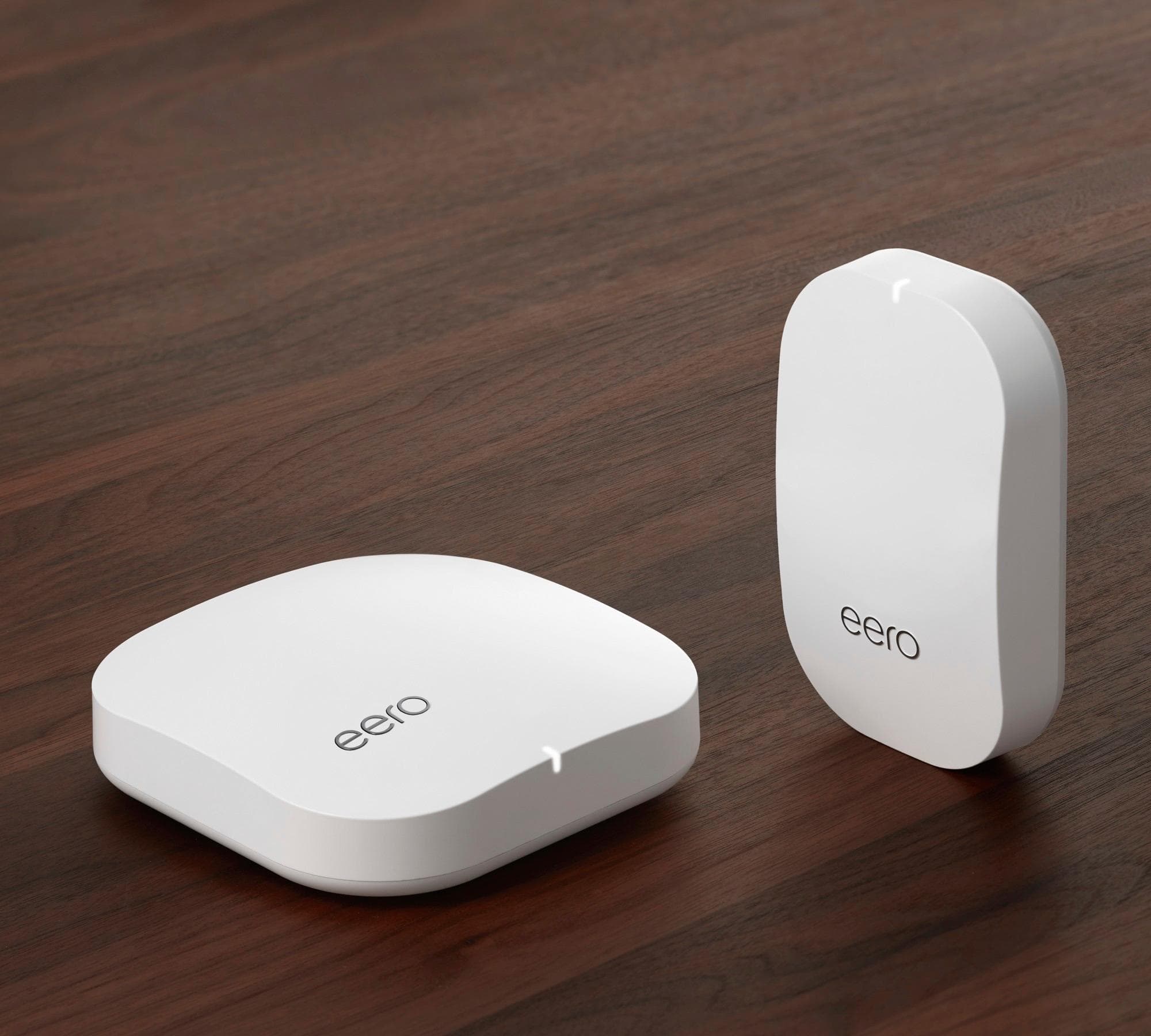
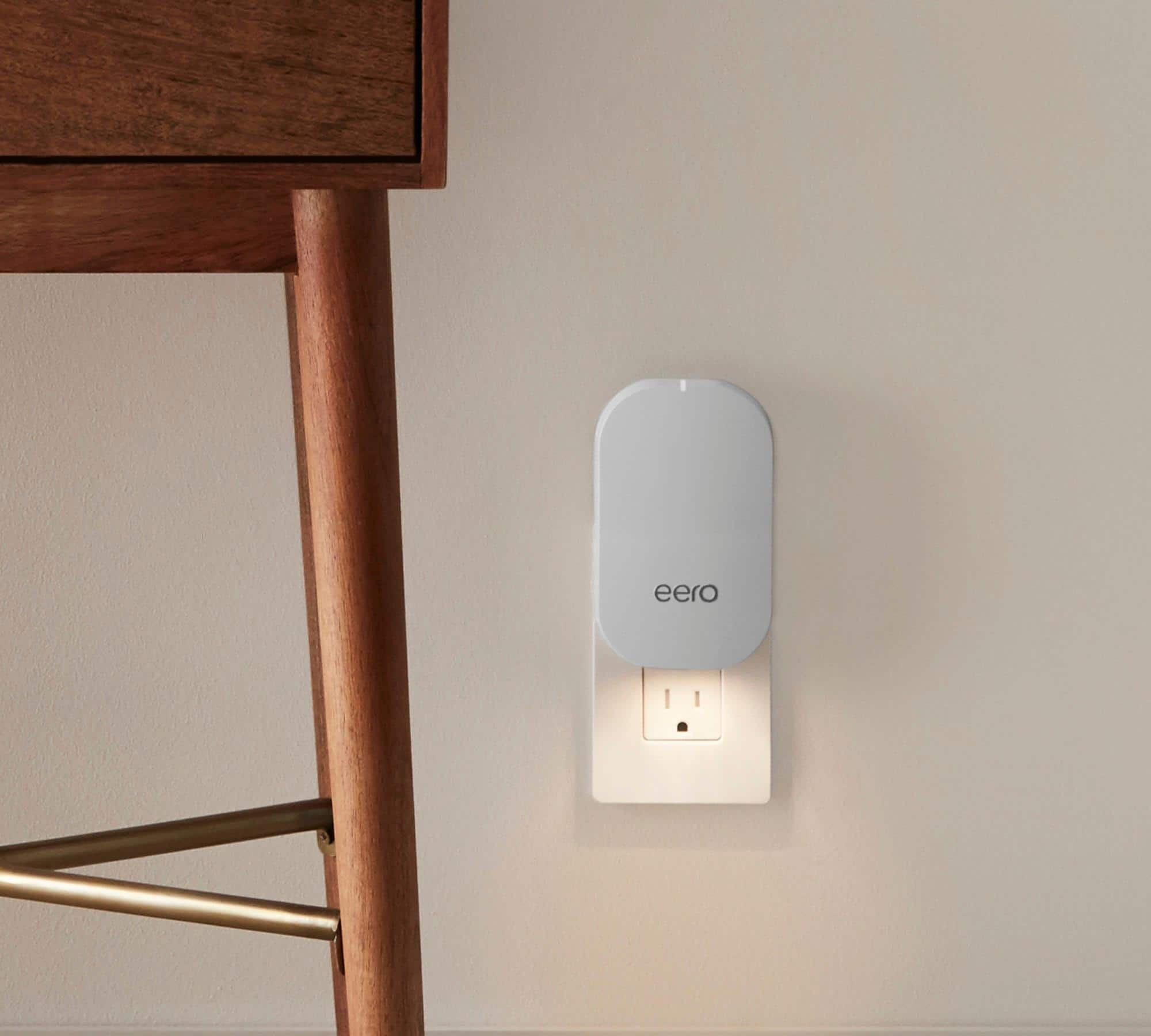
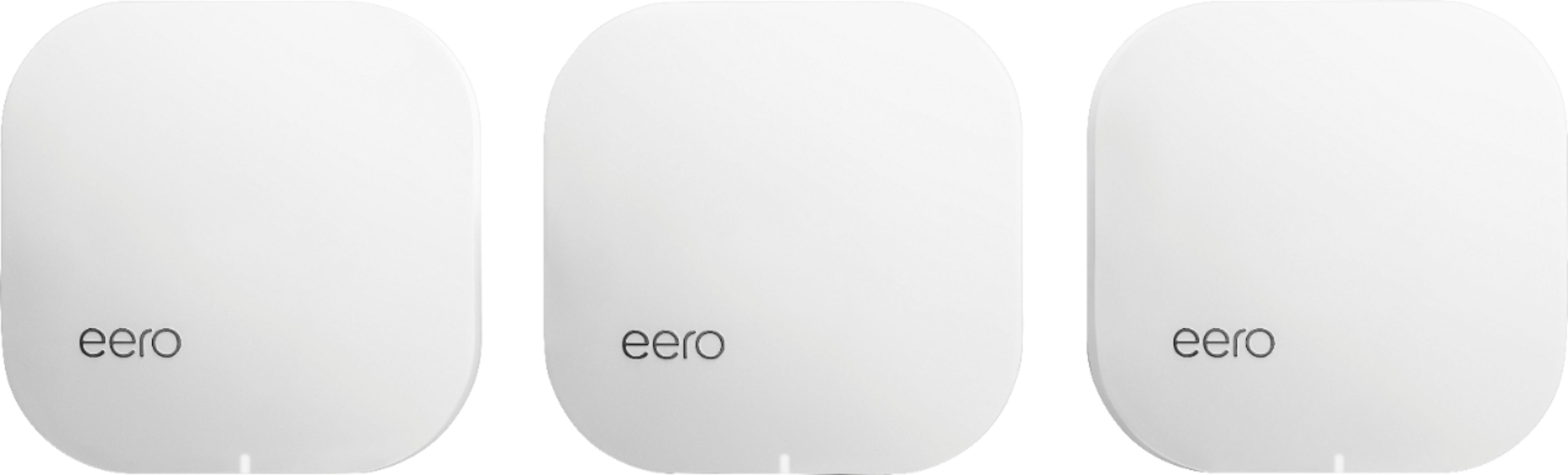
A:AnswerWhat was pictured in your question IS indeed, the kit that includes (1) eero pro and (1) eero beacon. If you are wondering what combination of products you might need to optimally address your home needs, they have a page for that: https://support.eero.com/hc/en-us/articles/207624886-How-many-eeros-do-I-need-
A:AnswerWe believe the Eero Pro with 3 Eero Pors may work. Check with Best Buy. They can recommend what is best for you. We have 1 Eero pro and 2 beacons. They work well for our needs.