A:Answer Hello,
We'd like to start to welcome and thank you for your question and interest.
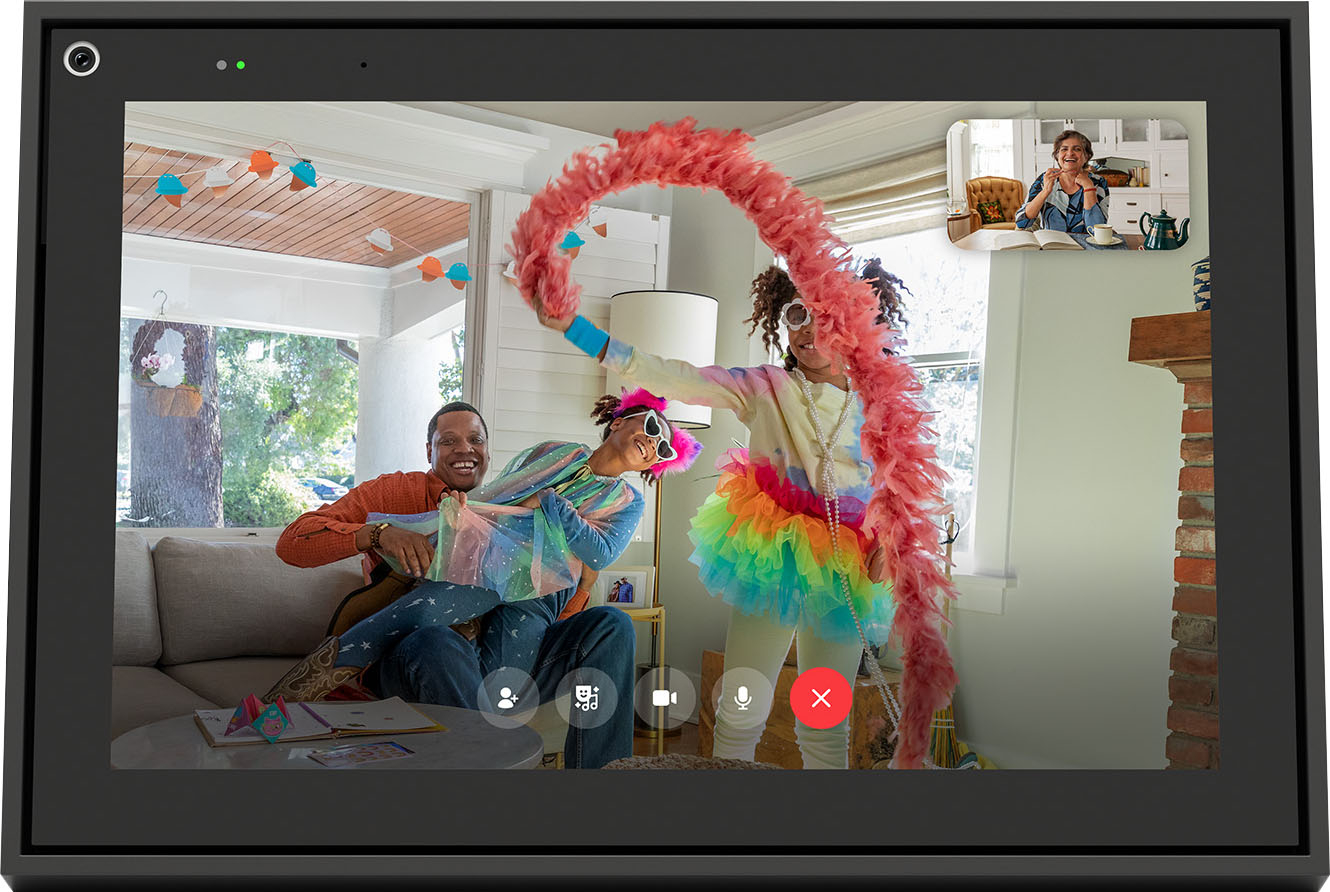
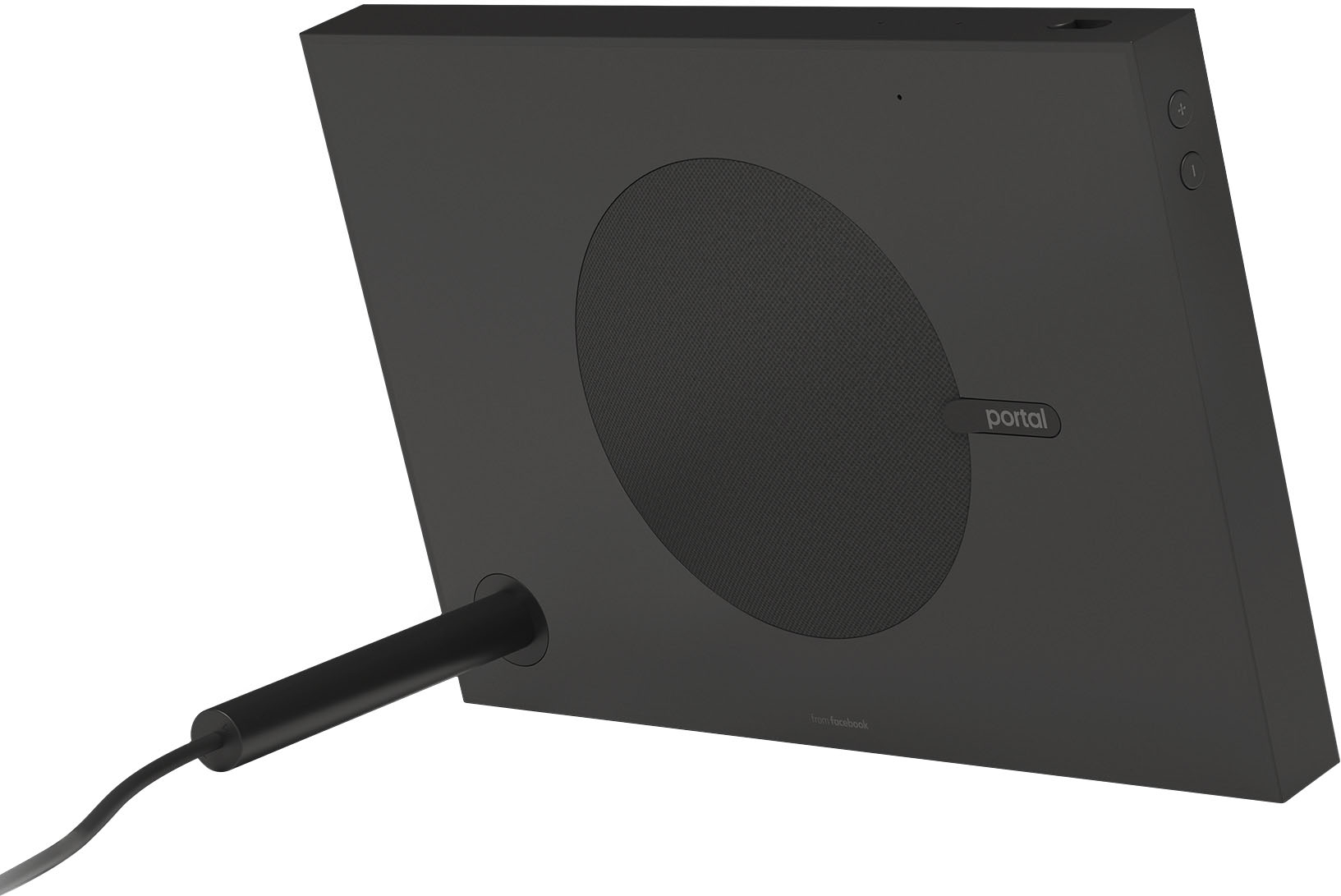
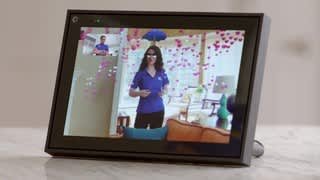
Our Portal devices come with a wide range of built in applications, one of these being Amazon Alexa.
From Amazon Alexa features, such as Smart Home, you can manage and adjust how to access and adjust your security configurations.
To add Alexa skills/ features onto your device, this can be easily configured on your Amazon Alexa account as follow:
(Via the Alexa App)
1. Download the Alexa App from the Apple App Store or the Google Play Store.
2. Open the Alexa app and login to the App using your Amazon Account Credentials.
3. Select the Settings Button on the top left corner of the screen.
4. Select the "Skills" button.
5. Search for an App with the search bar at the top of the screen.
6. Select the app you would like.
7. Select "Enable" to link the App to your Alexa account.
8. If needed, log in to your app's account.
9. You should see a popup stating "You have successfully linked".
10. You can now try the new Skill. (For example: If you download the CBS App/Skill, you can ask, "Alexa, what's my flash briefing?" for recent news.
(Via the PC/ browser)
1. Go to alexa.amazon.com
2. Sign in to your Amazon Account.
3. Select ‘Skills’ on left hand menu.
4. Search for Skill to add.
5. Once you've found the skill, Click ‘Enable’.
6. Set Skill Permissions (if applicable) and confirm with ‘Save Permissions’.
Thank you for your time and looking forward to welcome you soon.