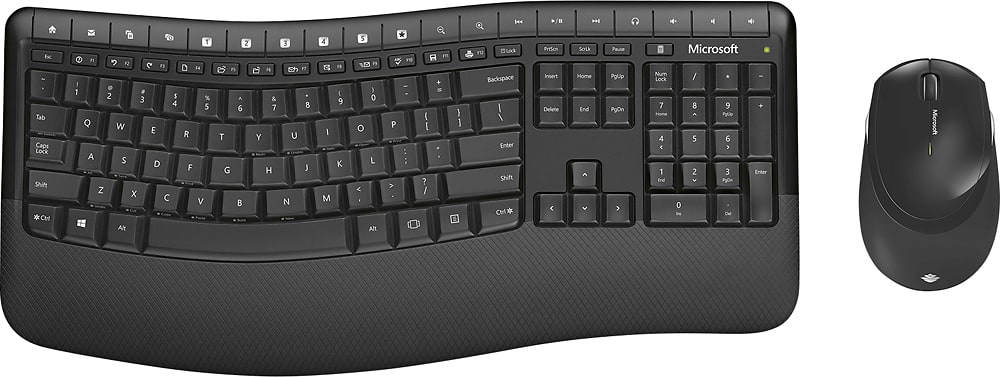
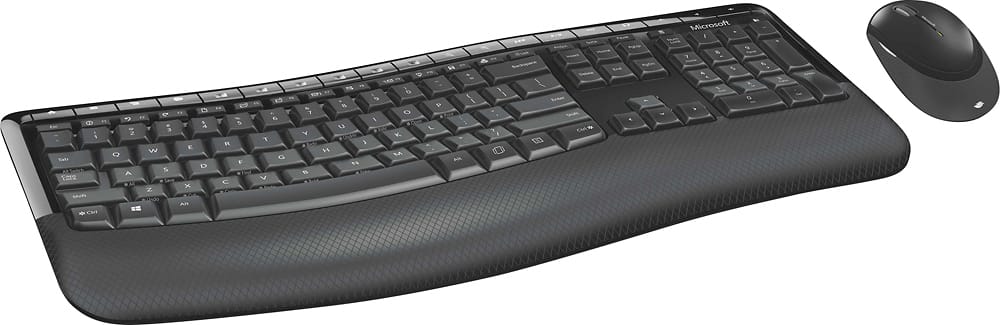
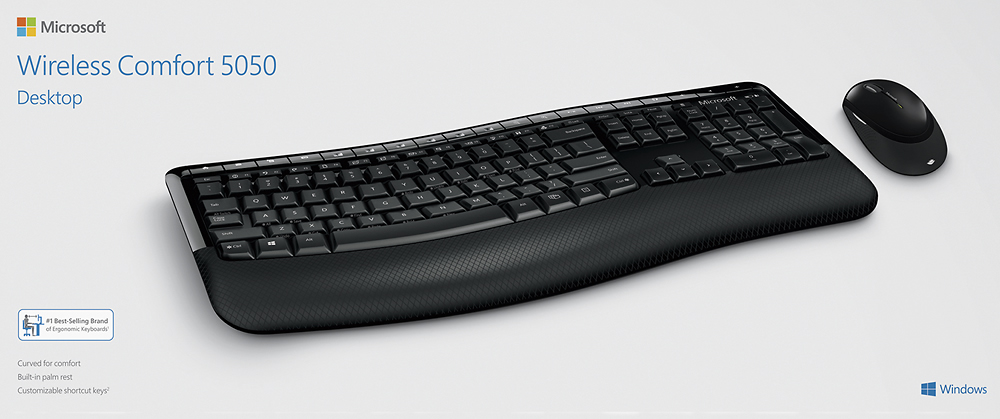
A:AnswerThe mouse goes off after inactivity for an amount of time and comes back on with movement you don't have to turn on and off button on and off all the time
A:AnswerThe product page (linked below) includes Mac OS X v.10.4 - 10.7 in the system requirements, so I would say it is compatible with Macs that run the specified OS X versions.
https://www.microsoft.com/accessories/en-us/products/keyboards/wireless-comfort-desktop-5050/pp4-00001#specsColumns-sysreqs
A:AnswerIt is not connected to your wifi. The term wireless in this case refers to the keyboard and mouse cables (wires). The keyboard and mouse use batteries and don't have cables, they communicate with your computer using a USB receiver.
A:AnswerNo, there is no switch to turn off keyboard or mouse. This updated model (Comfort 5050) is a recent purchase for me so cannot attest to battery life. The previous model I used everyday for several hours and the battery life for the keyboard (Comfort 5000) was about a year, for the mouse it was about 6 months. Both have indicator lights on them that glow/blink when the batteries get low & need replacing.
A:AnswerTry changing the USB port that the dongle is plugged in to...Also, I would try getting a USB extension cable (~$15) to try to locate the USB dongle closer to the keyboard and mouse. I’ve had trouble in the past if the dongle is more than a couple feet from the actual keyboard and mouse...and from reading the review on BestBuy.com, at least one other person has had similar issues.
A:AnswerThere is a light above the minus sign on the upper right of the Keyboard that will come on when the battery level is low on the keyboard. For the mouse Step 1: Navigate to Settings app > Devices > Bluetooth & other devices. Step 2: You should now see the battery level next to the device name.