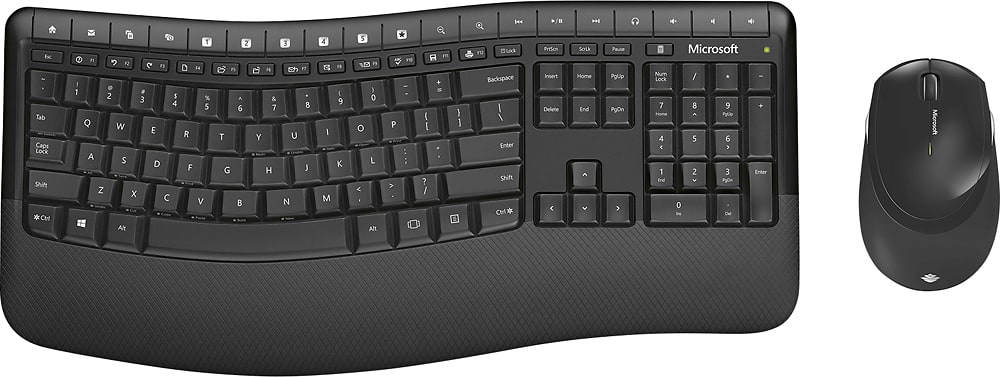
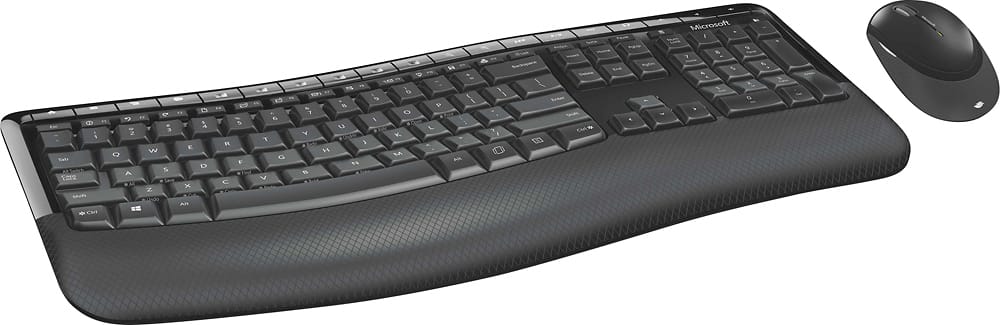
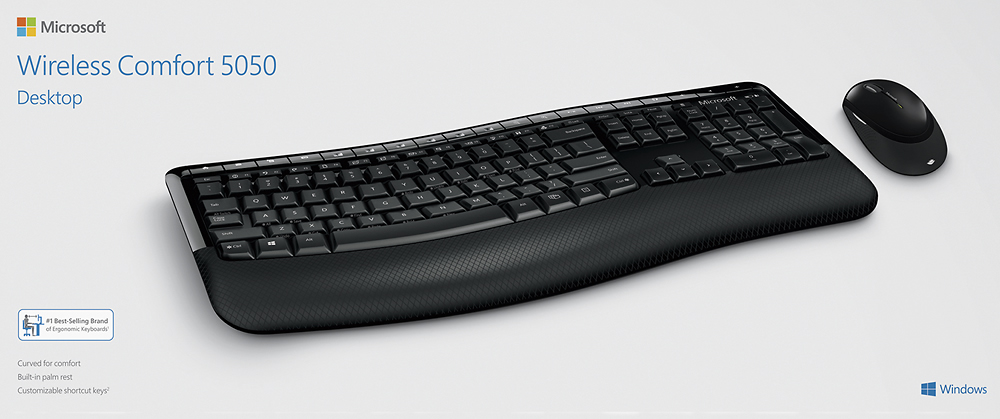
A:AnswerYes, you should be able to. The USB that comes with keyboard and mouse links both to your workstation. You have to have the USB plugged into to your workstation for the set to work. I also use the mouse and keyboard on my smart tv.
A:AnswerYou can just get a mouse with a USB and use that. Just take the batteries out of your old mouse. You would then have a keyboard with it's own USB and a mouse with it's own USB.
A:AnswerI called the MS number left by the BestBuy person... and was told the USB is *not* replaceable. So I have a completely worthless keyboard and mouse.
A:AnswerThis link provides 3 PDF manuals, although I must say they do not offer much by way of setup instructions, etc. Have a look at the link below.
https://www.microsoft.com/accessories/en-us/products/keyboards/wireless-comfort-desktop-5050/pp4-00001#techspecs-connect