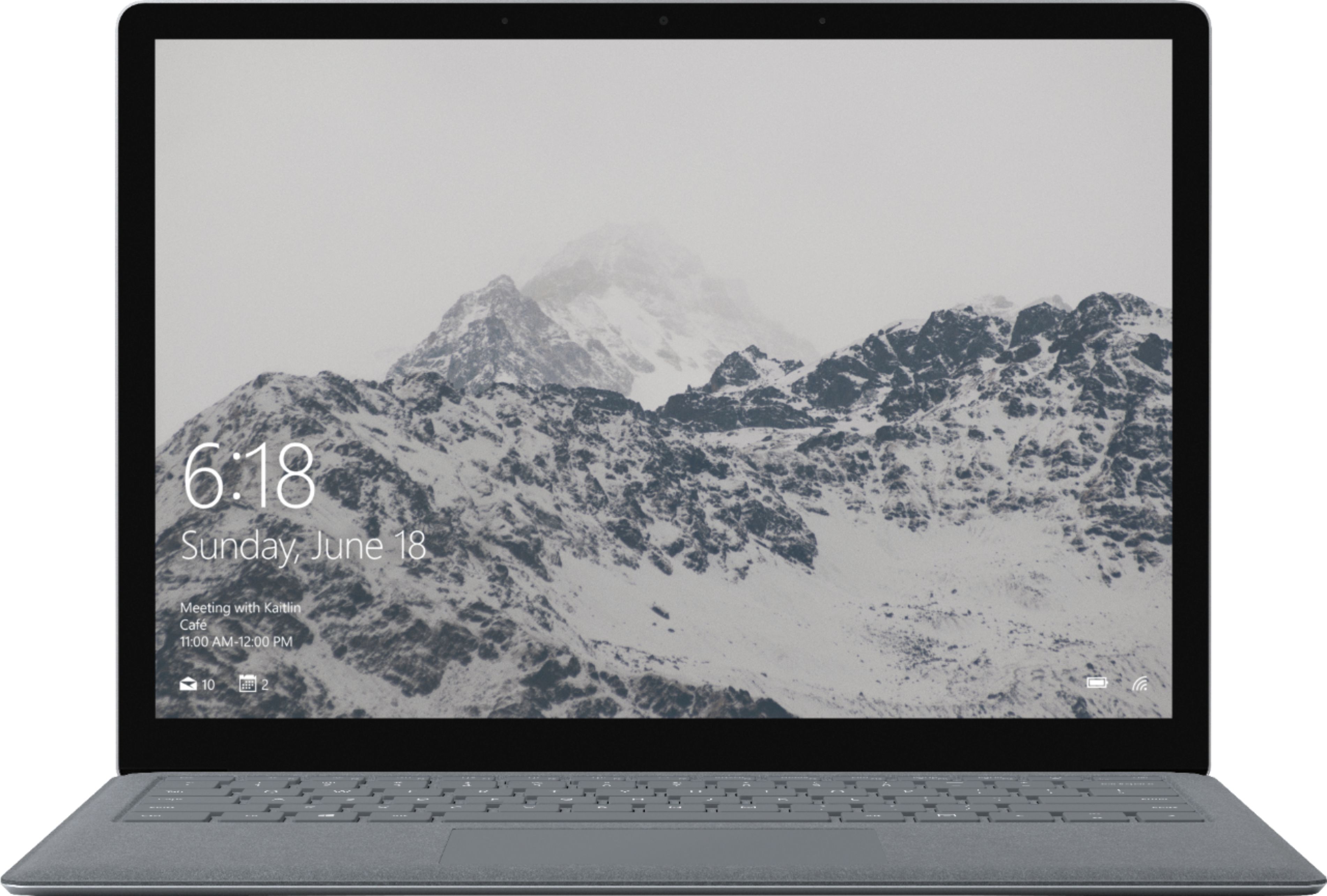
A:Answer Yes, you can follow the steps mentioned below to turn off the touch screen:
1. In the search box on the taskbar, type Device Manager, then select Device Manager.
2. Select the arrow next to Human Interface Devices and select HID-compliant touch screen.
3. Select the Action tab at the top of the window. Select disable or enable.