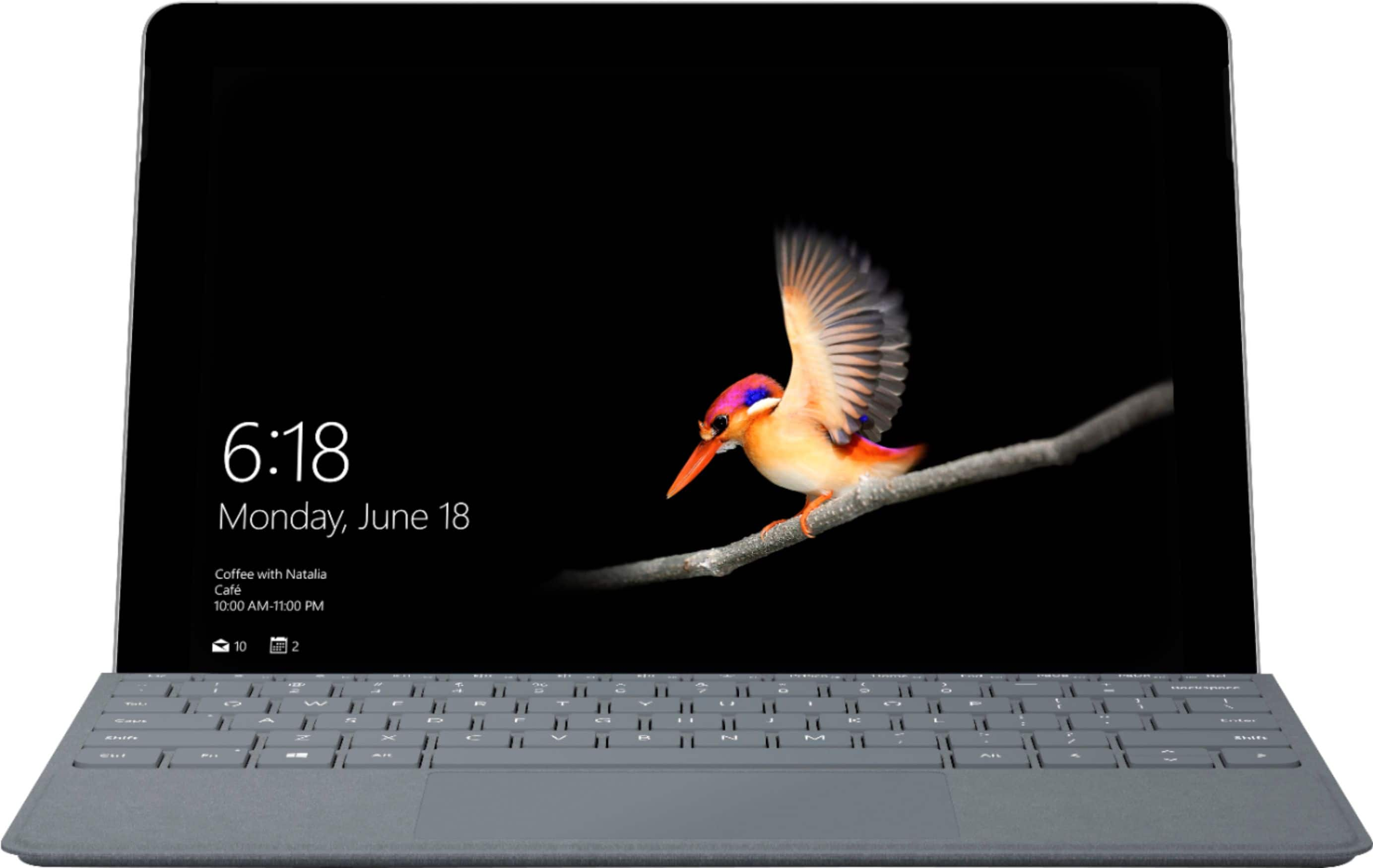
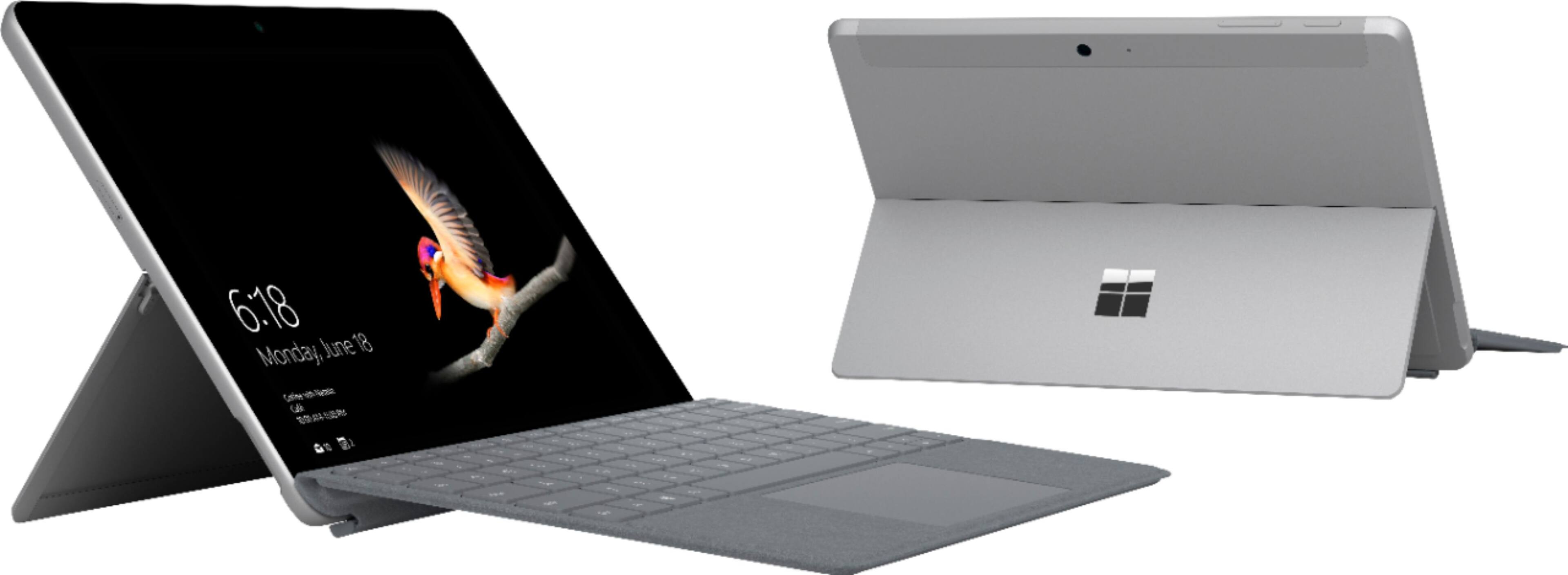
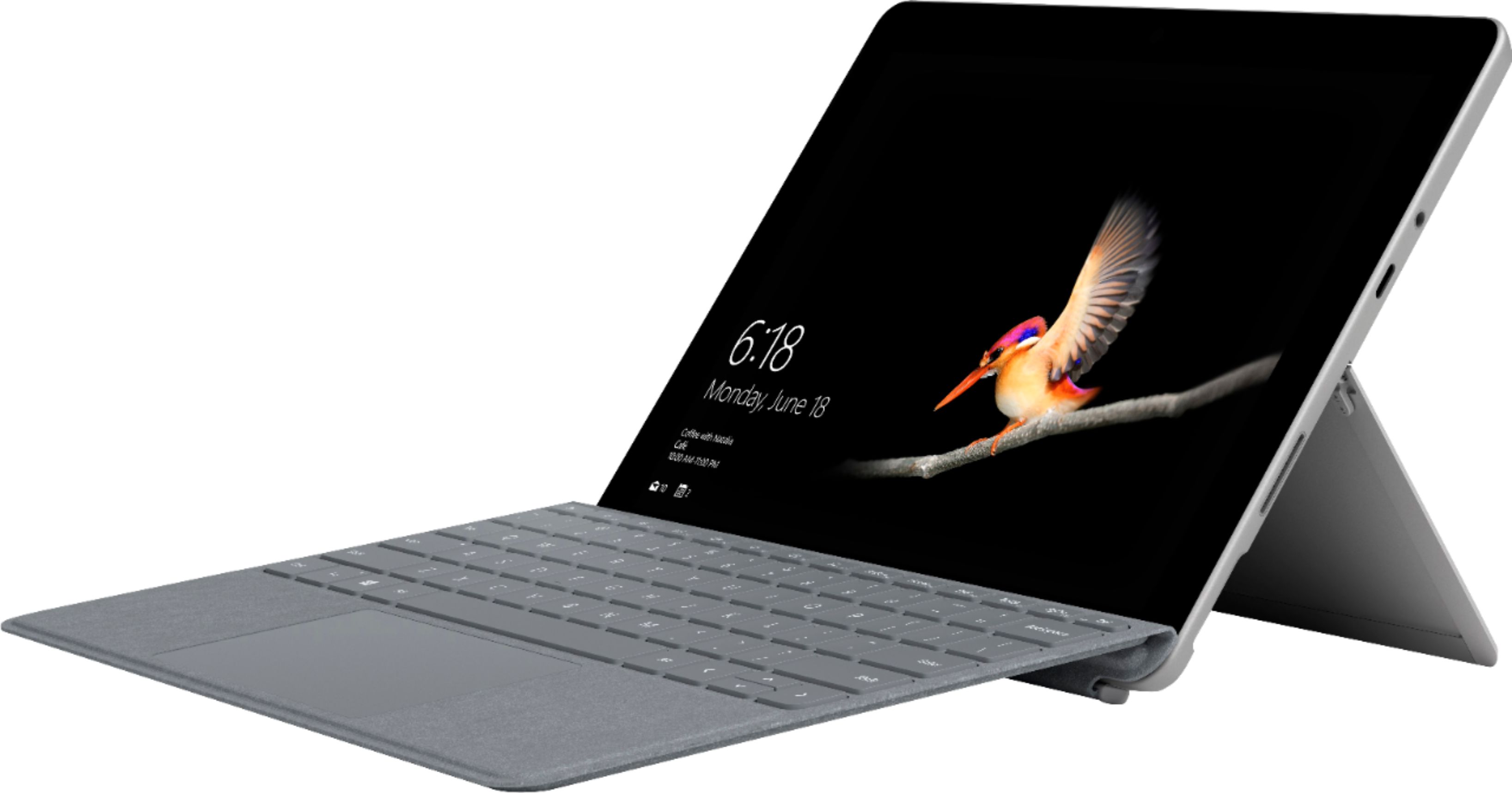
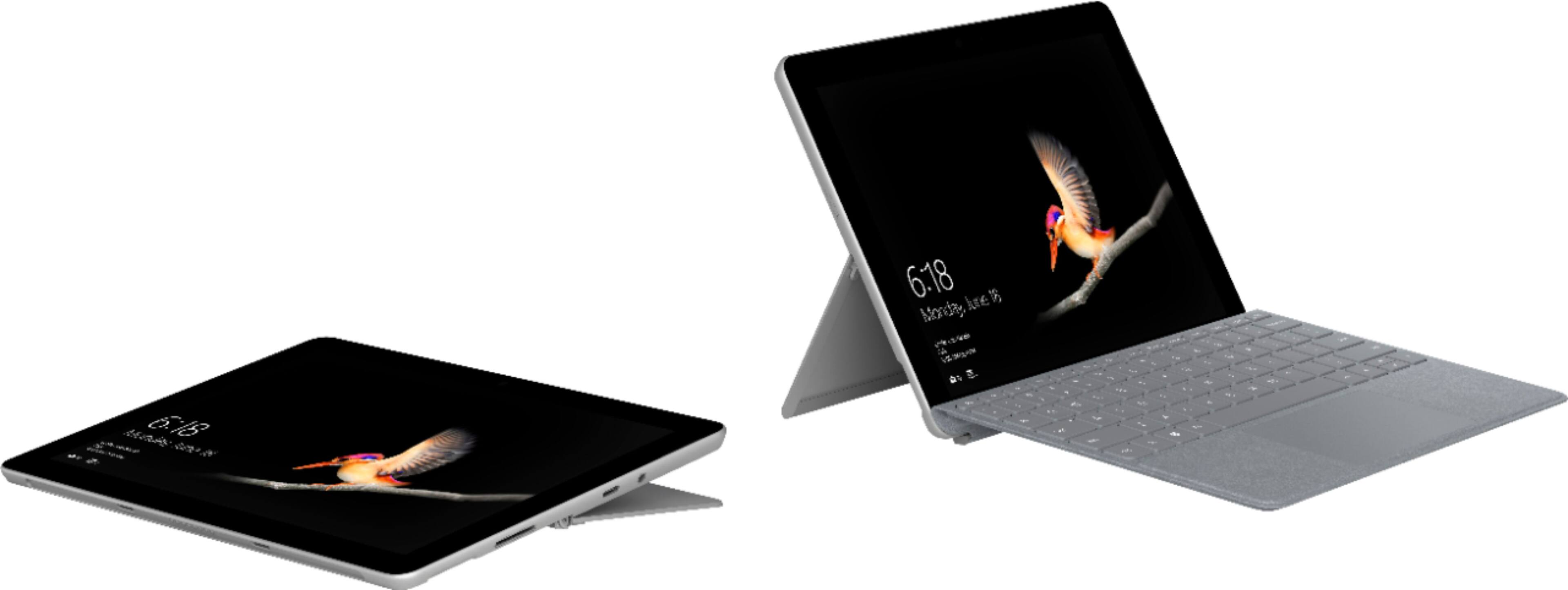
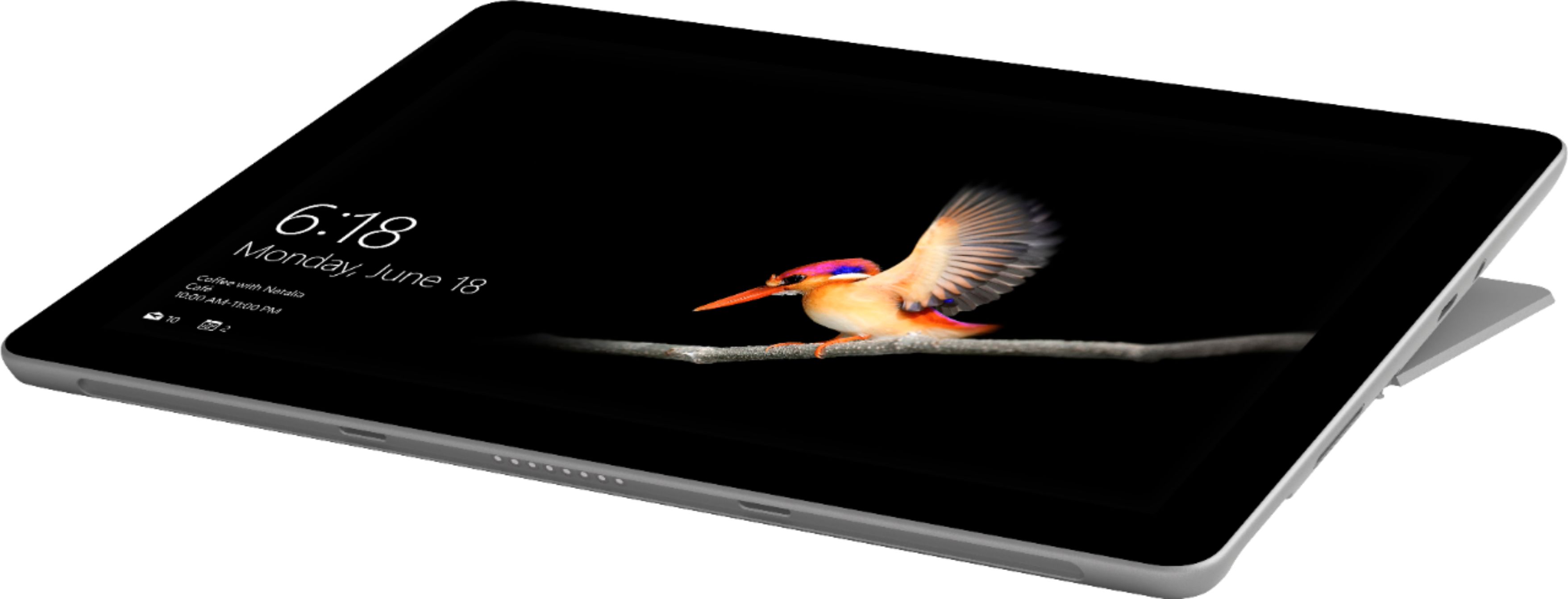
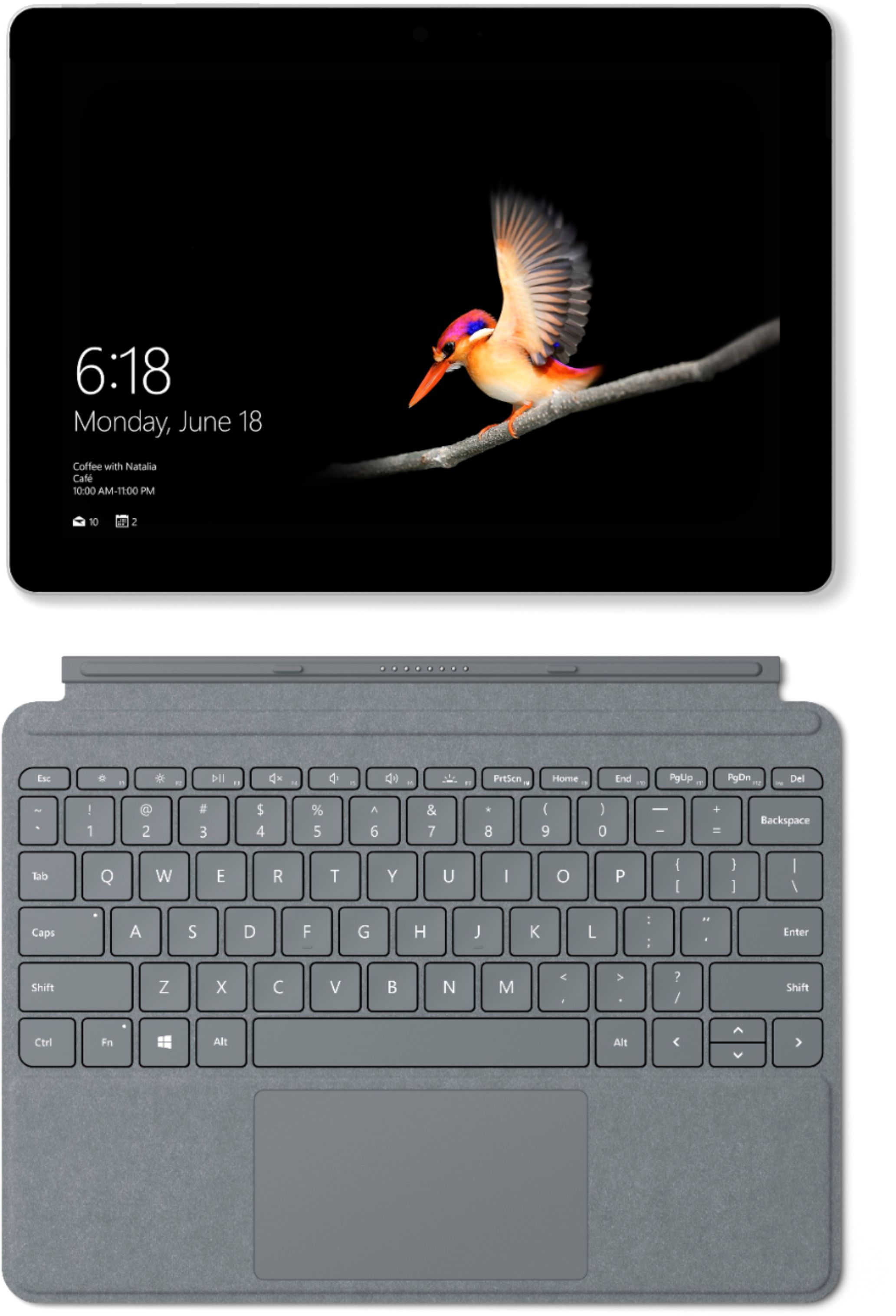
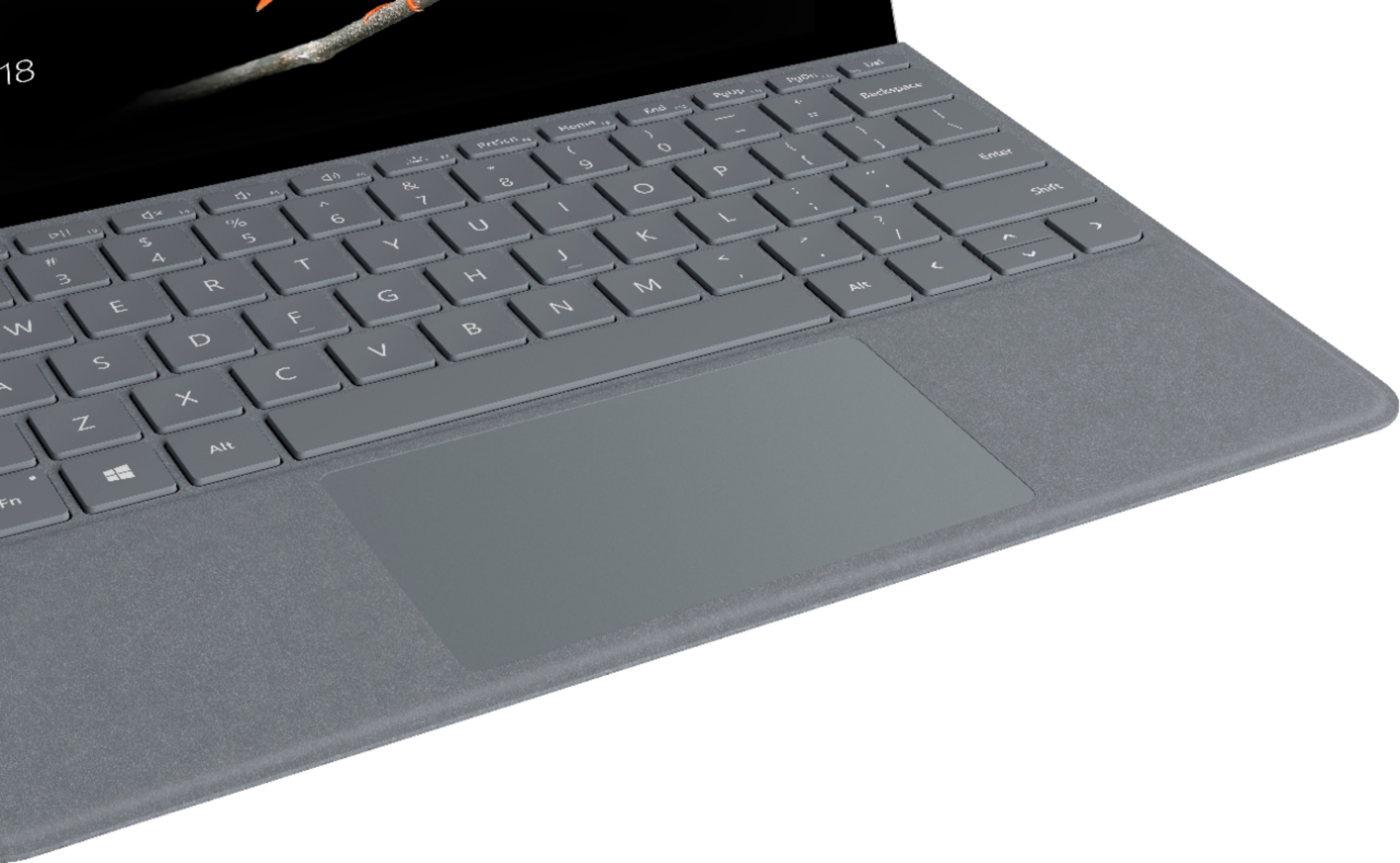
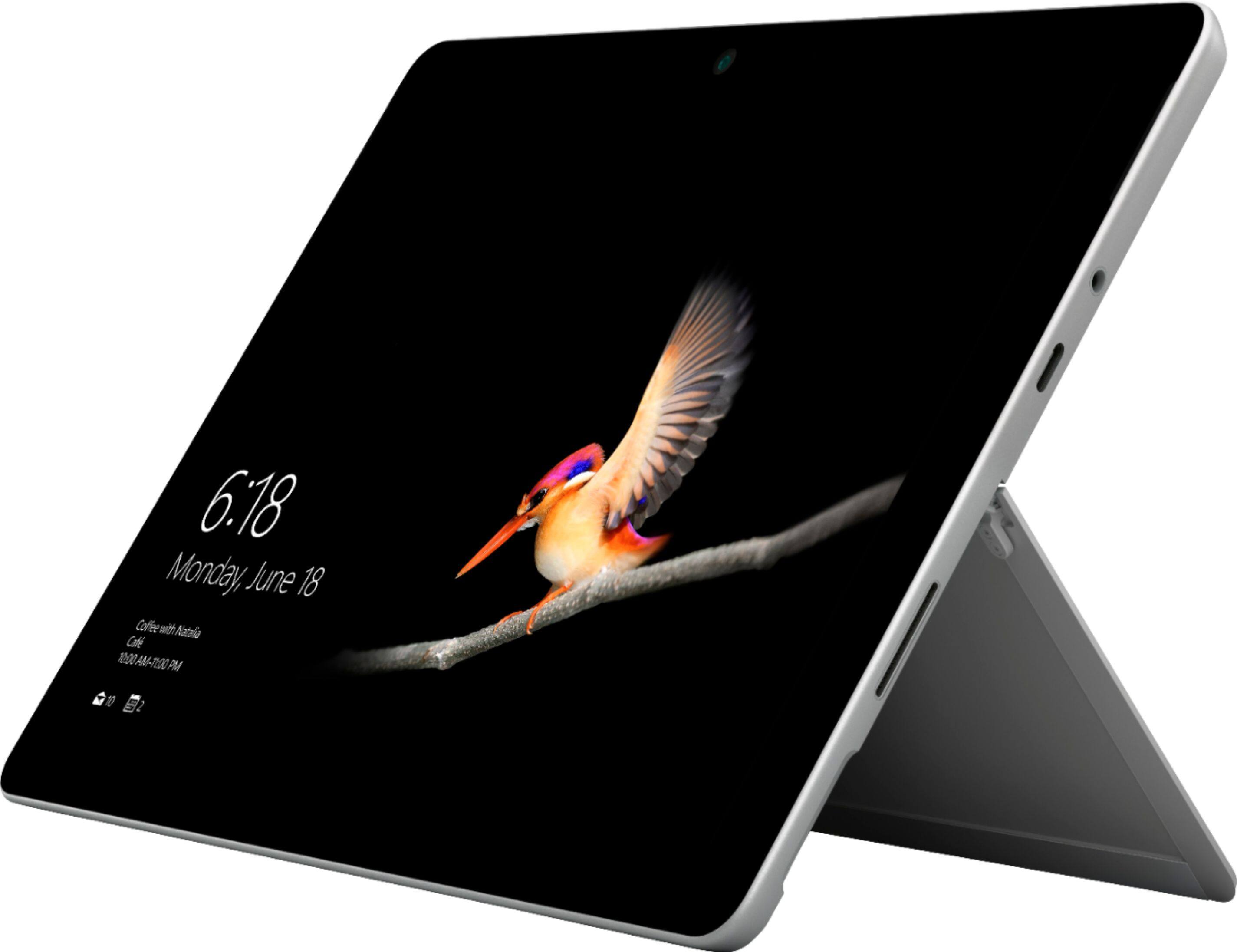
A:AnswerIt has a USB-C, Micro SD Card and full SD Card slots. Keyboard does close over and protect the screen. I bought a USB-C hub to get HDMI, another USB-C, and 3 conventional USB ports.
A:AnswerOnly a 30 day trial version. After that you will need to pay for the programs. Alternatively, LibreOffice or WPS Office are free substitutes that are 99% MS Office compatible. Thunderbird can also be used as a substitute for Outlook as an email program.
A:AnswerIt should run them - it should run any Windows program - but performance will be very slow on demanding programs like those you mentioned. You should look into computer with higher specs for these purposes. NOTE: The Surface Go ships in Windows S mode which means it won't run anything except for Microsoft Store apps. To enable it to run ALL Windows apps, you need to take it out of S mode which can be done for free in the Microsoft Store app or from Settings.
A:AnswerPickup a fast 256gb MicroSD card and insert it for "permanent" use. You can select the MicroSD card to store apps and documents via the Control Panel. It won't be as fast as the SSD but if you are not using it to actually run apps/programs you probably won't notice a slowdown.
A:AnswerGreat question! If you would like to learn more about how to switch your Surface Go out of S Mode, we have this article showing you how to do it here:https://support.microsoft.com/en-us/help/4456067/windows-10-switch-out-of-s-mode.
A:AnswerNothing this device is not user friendly and everything you need as to function as a student is not included or wasn’t design plus the keyboard is garbage and is very annoying to use period this it a device for school papers or projects pass in this
A:AnswerIt doesn't have a very good processor in it so I would think the Microsoft Visual Studio program would be very slow. I would check the requirements for that program.
A:AnswerThis specific Surface Go has a USB-C connection. If you'd like to connect a thumb drive to Surface Go we suggest using this USB-C to USB-A adapter here: https://www.bestbuy.com/site/microsoft-surface-usb-c-to-usb-adapter-black/6273110.p?skuId=6273110.
A:AnswerSurface Go does not include Surface Pen. If you'd like to learn more about how Surface Pen can work seamlessly with Surface Go you can do so here: https://www.bestbuy.com/site/microsoft-surface-pen-poppy-red/6376778.p?skuId=6376778.