A:AnswerWith in-store purchase, Office 365 was included for 1-year (at the time of my purchase). After that, it is up to you to either continue to subscribe or purchase.
A:AnswerHey LillyFlower!
It would really depend on the type of program your college student is entering into. For doing things like browsing the internet, reading and creating documents, and taking notes, this is an excellent device! If your student is going into a program that may require software that is high-performance (design, engineering, etc.), I would recommend reaching out to her school to see if there are any hardware requirements that would need to be met for your student's program.
Did you know your student can get special deals from Best Buy? You can learn about Best Buy's College Student Deals, here: http://www.bestbuy.com/site/clp/college-student-deals/pcmcat276200050000.c?id=pcmcat276200050000.
A:AnswerWithout a price range, usage environment, and screen size, I can't really help much. But if you want a screen without or minimal glare, a laptop with a "matte display" is your best bet. Do note that color accuracy is usually lower than that of "glossy displays", it also give it a "washed out" look. There is also the option of getting any laptop and buying an "anti-glare screen protector", but some protectors are hard to find for some laptop models. It is important to note that most good multi-touch laptops have a glossy screen. It's the lower end laptops that use matte displays with multi-touch. So if you are going to use the laptop's touch screen a lot, it is important to take note of that. This site will give you the reason why.
http://superuser.com/questions/714390/why-are-there-no-matte-touchscreens
The short version of that is because matte displays blur, sometimes distort, the image quality. But with glass, it doesn't.
Here are a few suggestions.
($1000+)
The Razer Blade Stealth 12.5"
The Dell XPS line
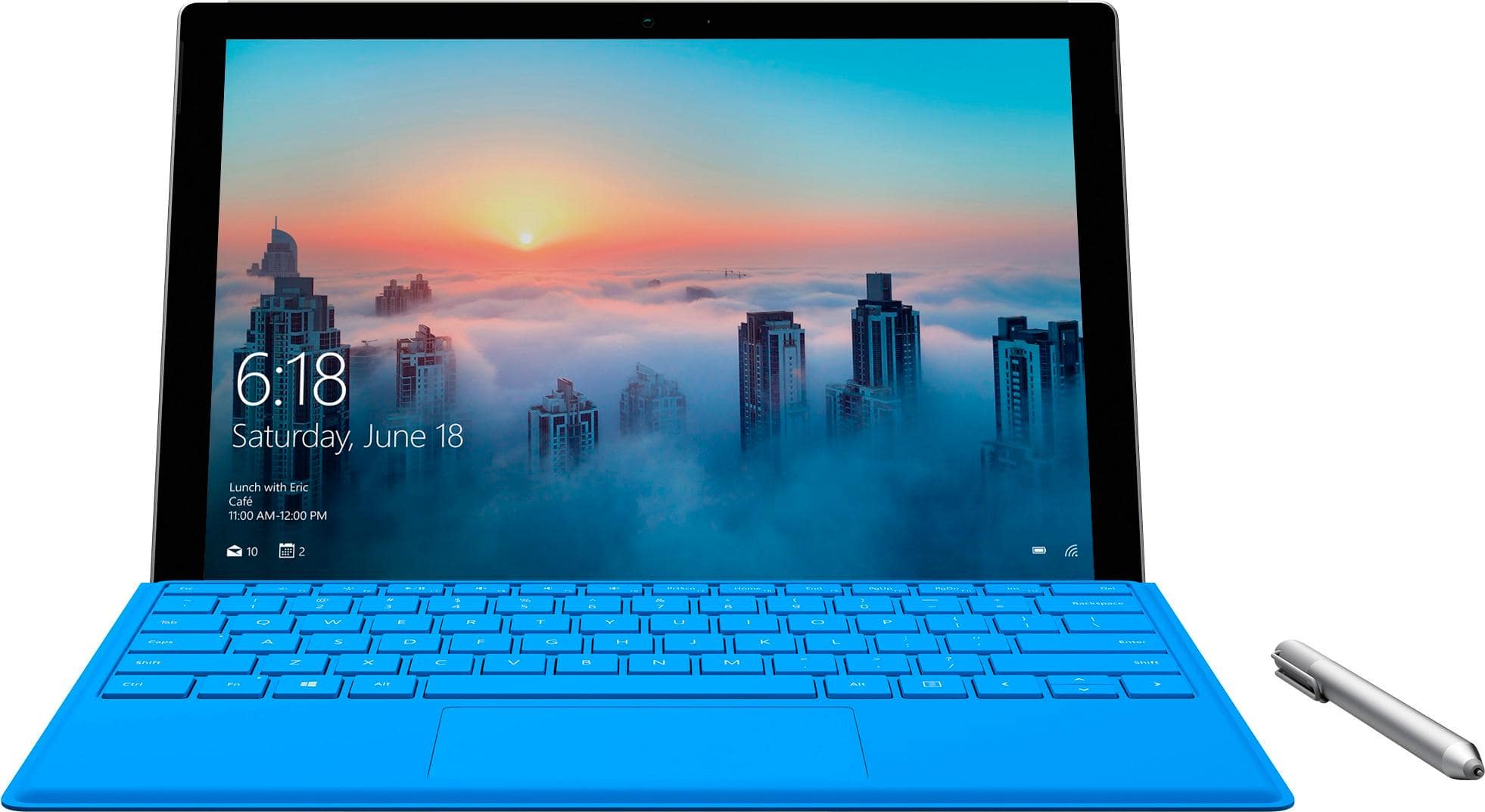
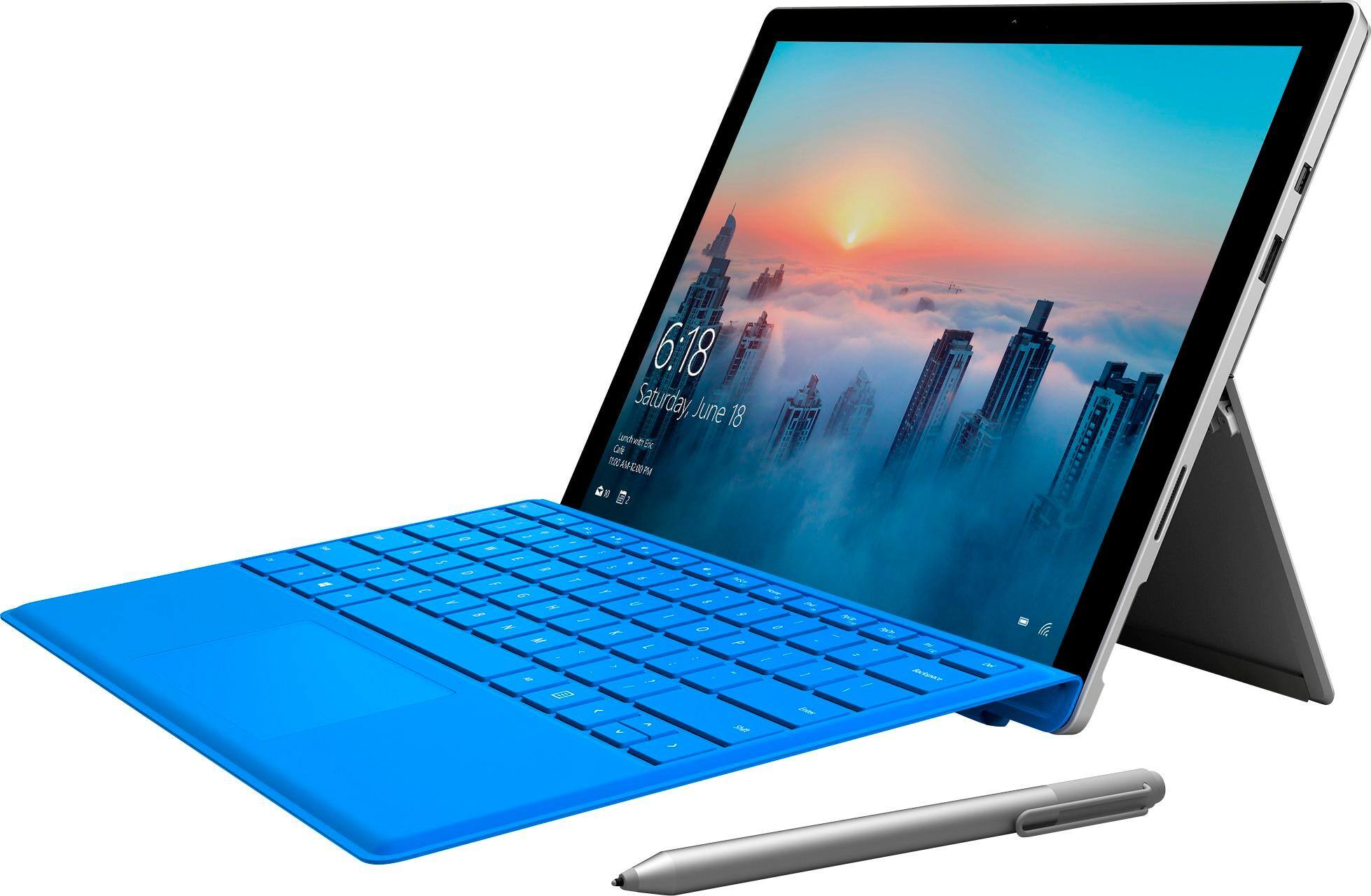
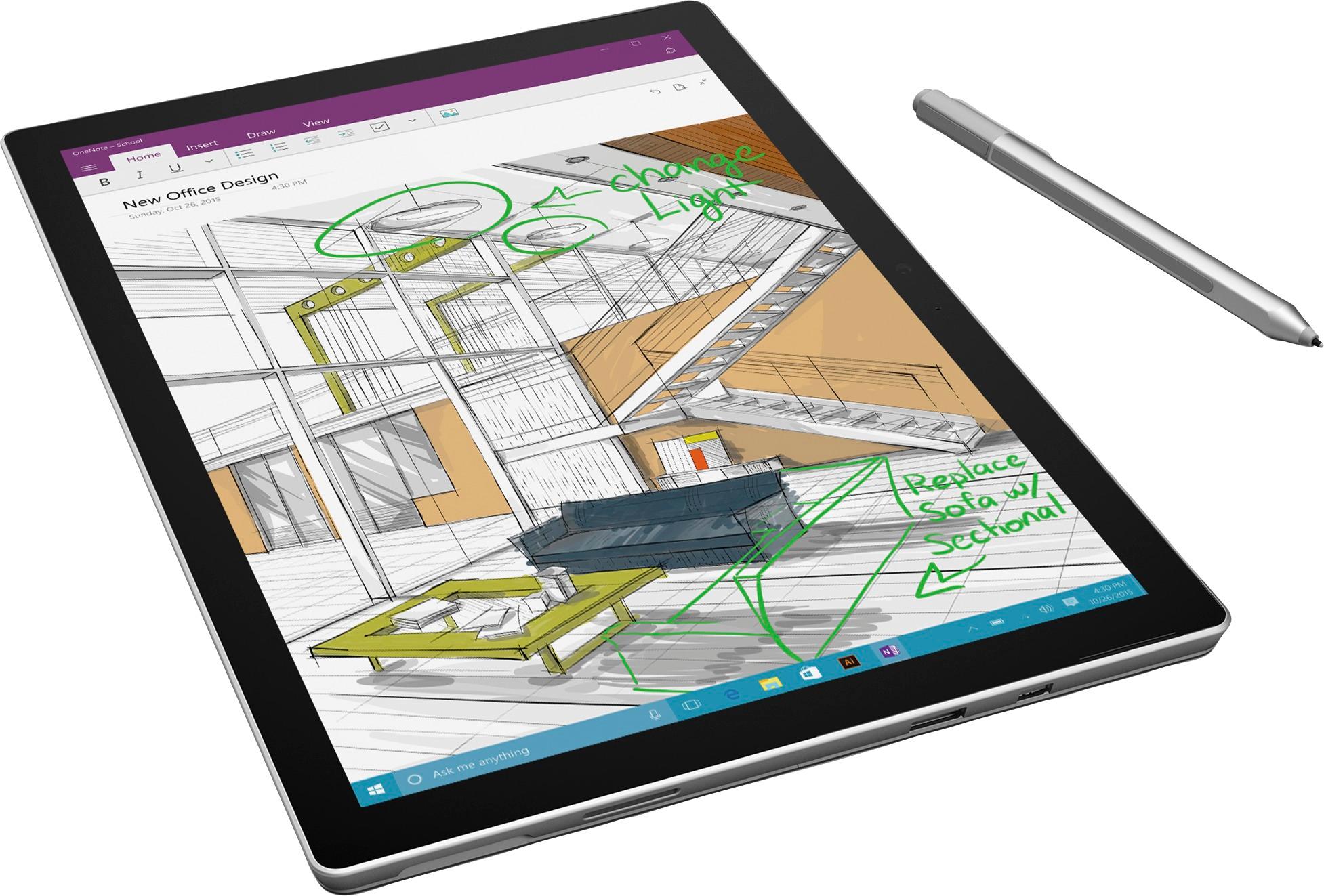
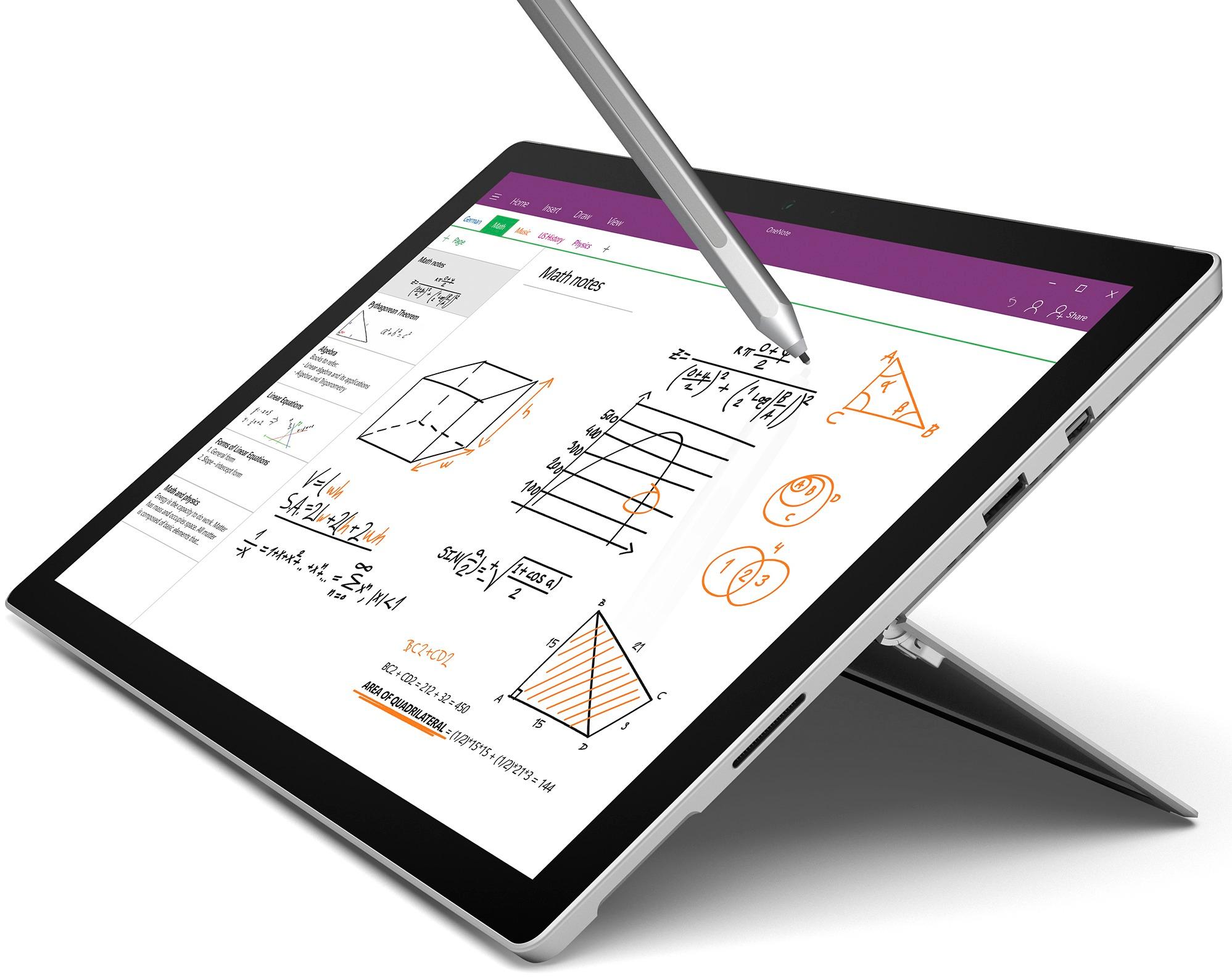
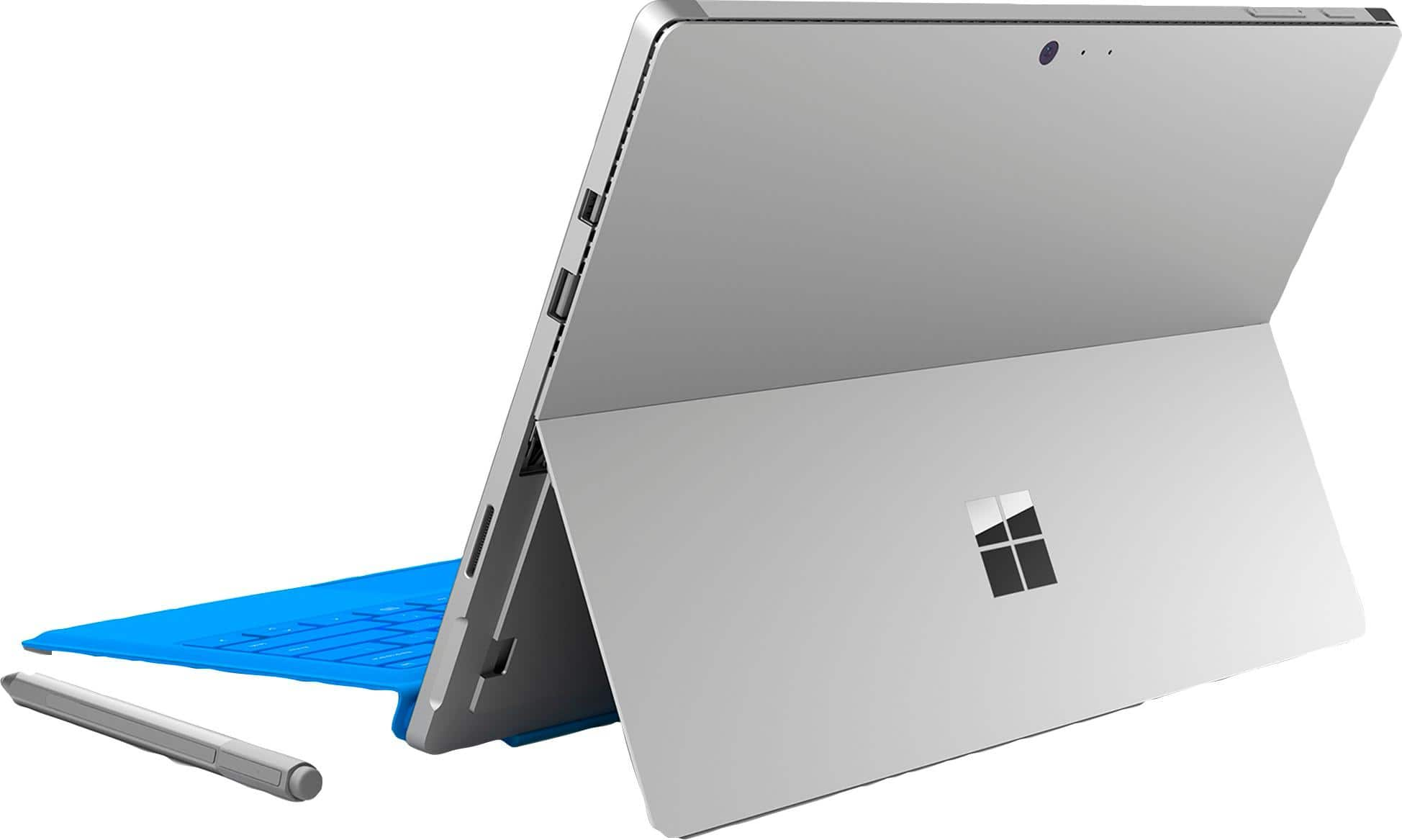
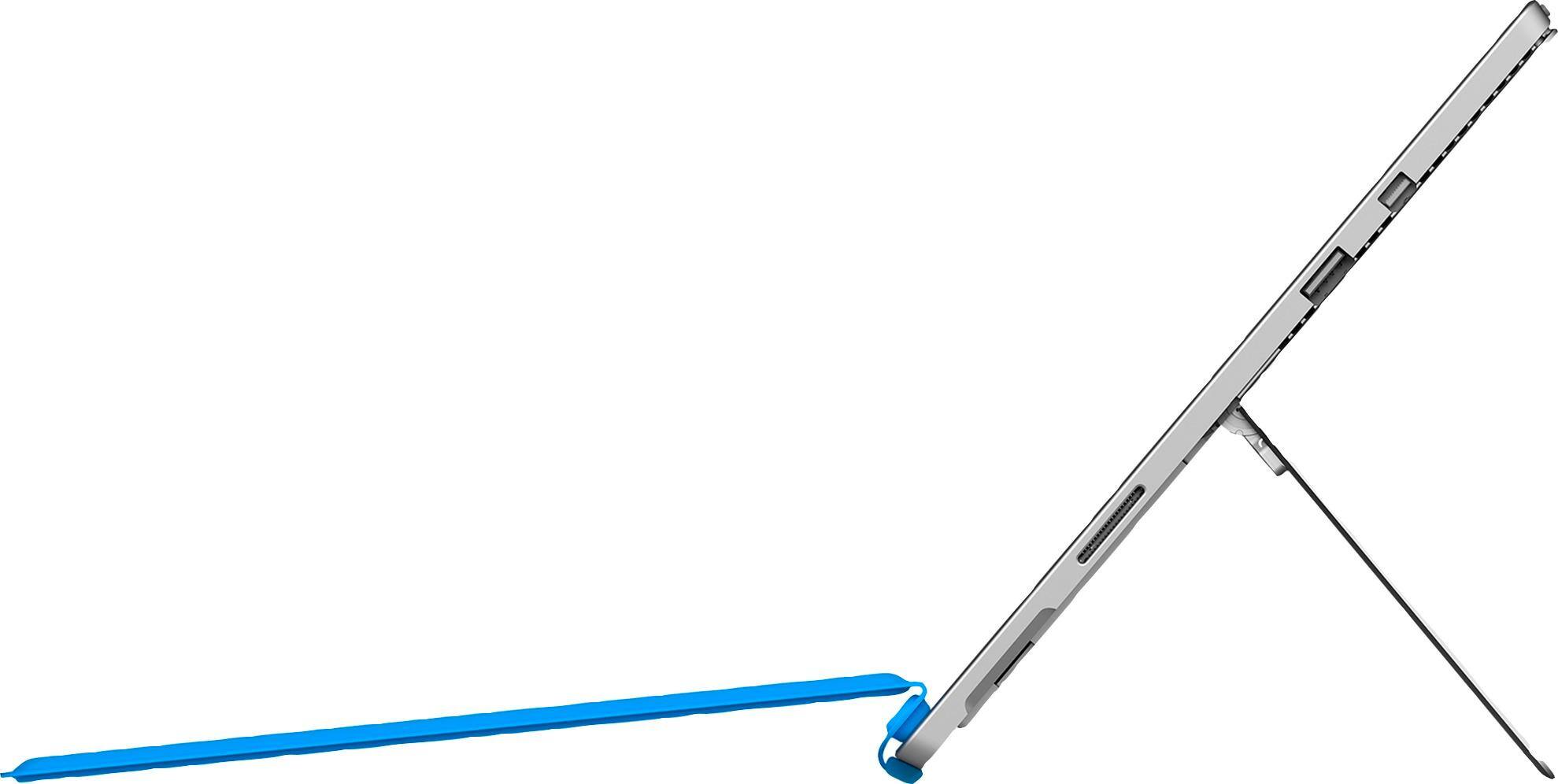
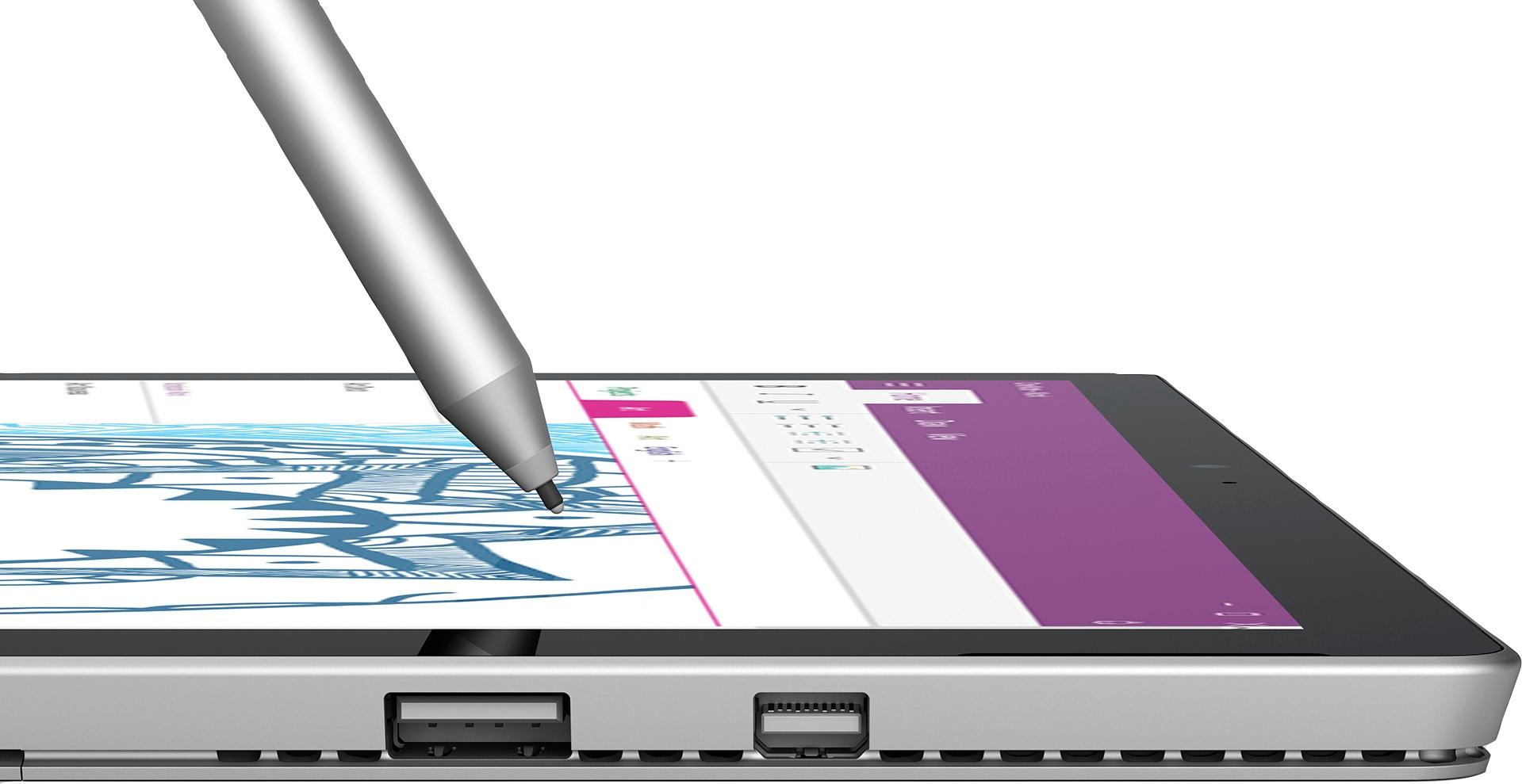
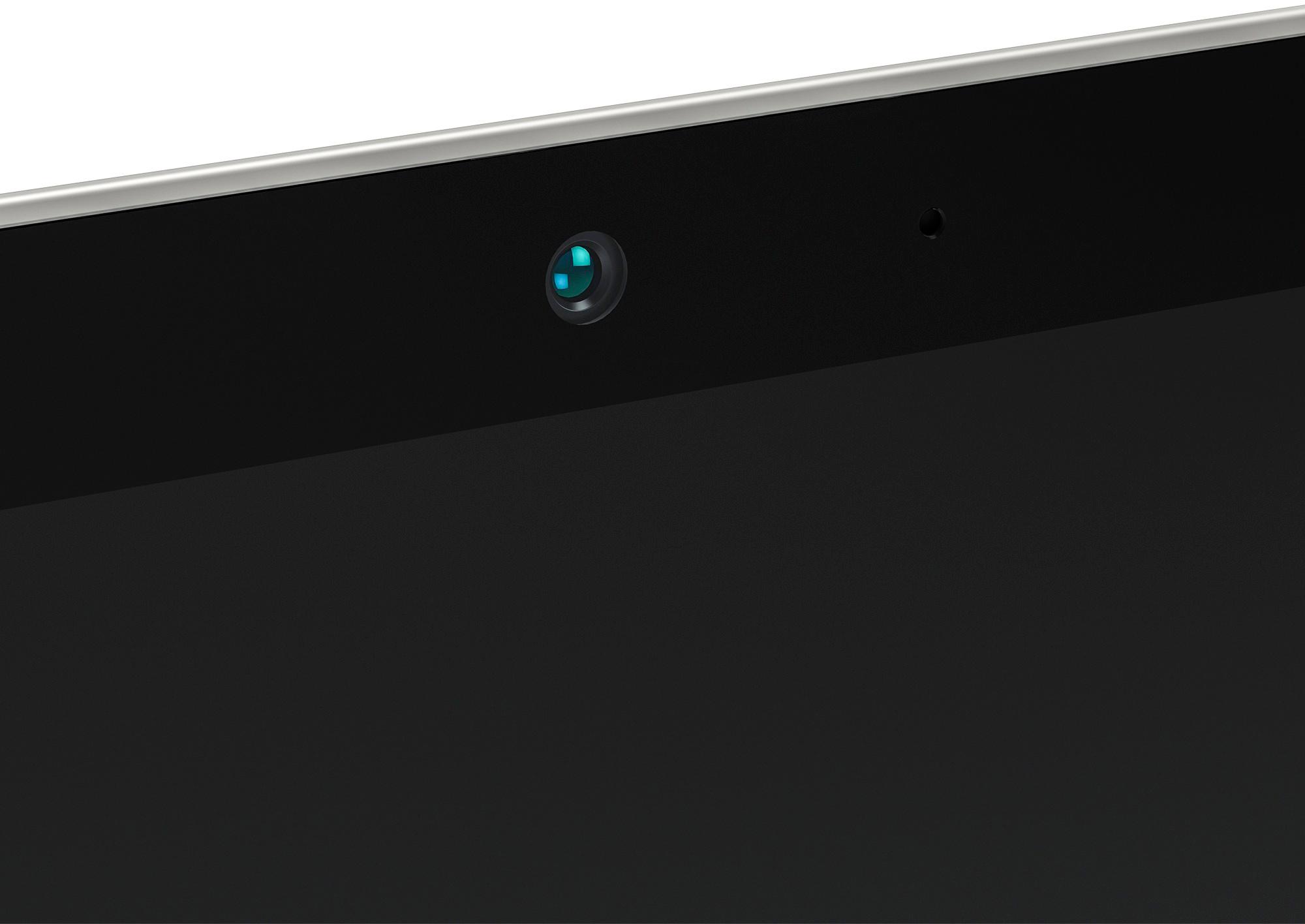
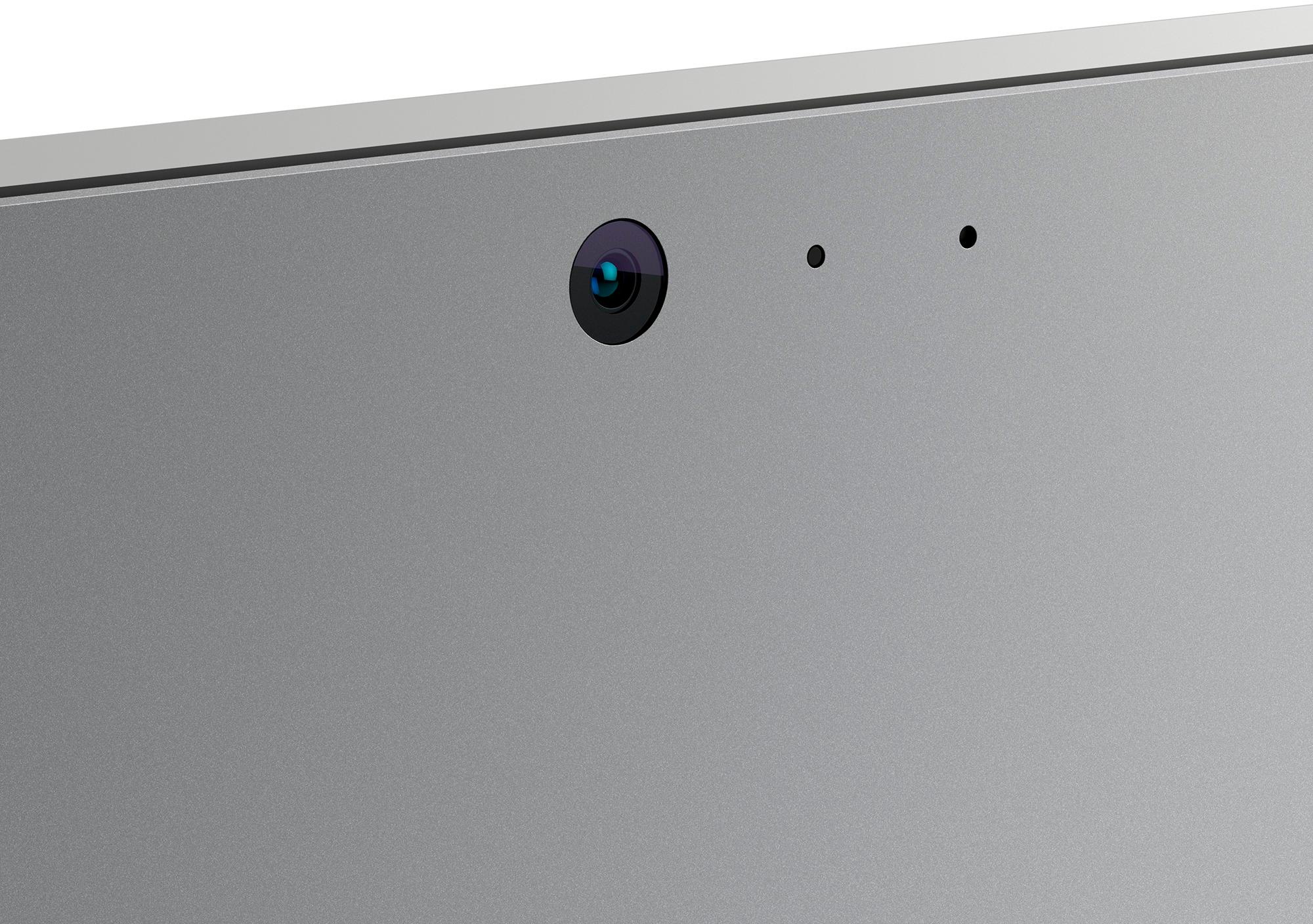
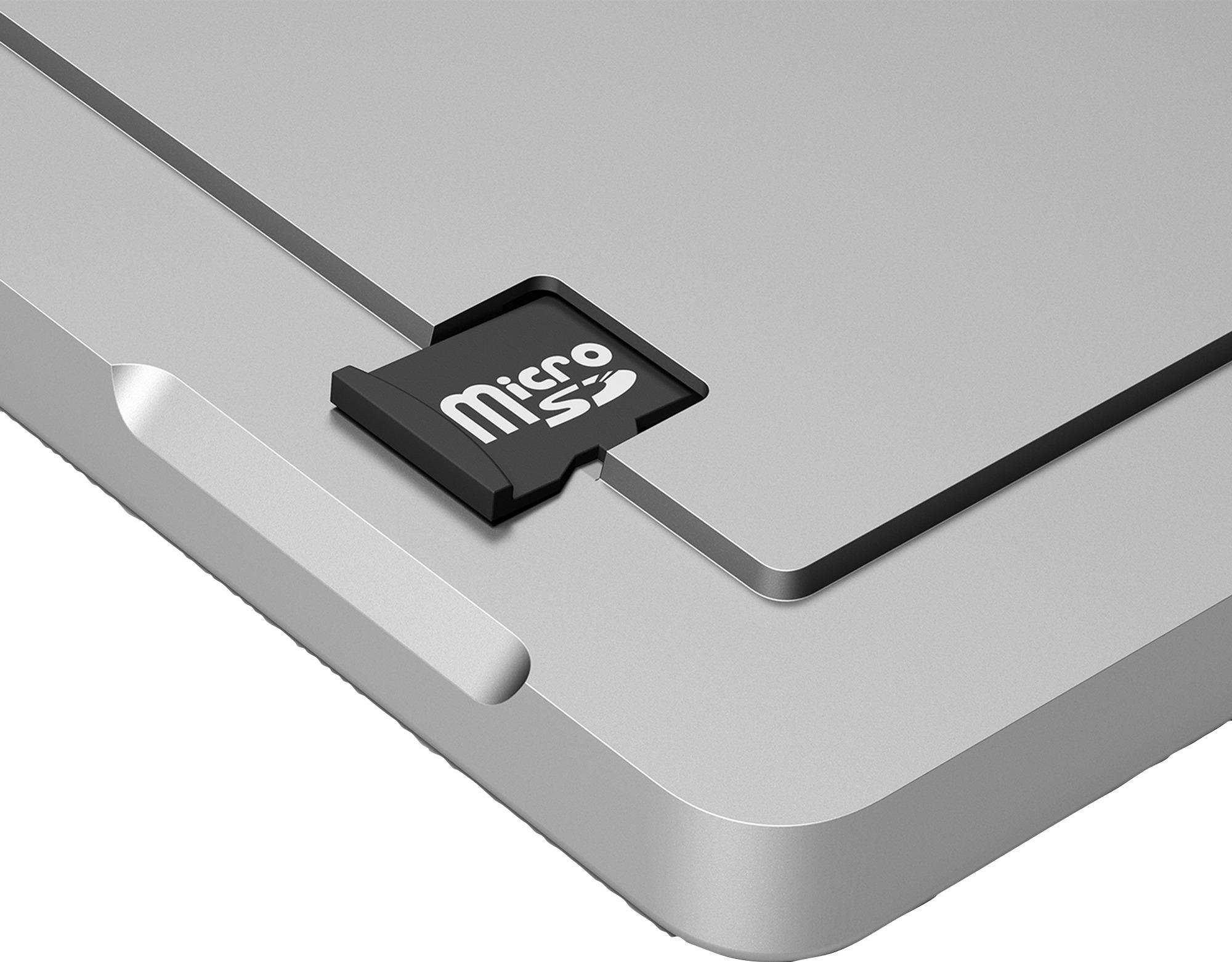
Surface pro/book
These 3 have glossy screens, but you can find anti-glossy screen protectors for them easily. They are small and light, also being below 15 inches adds to their ultra portability.
If gaming the Alienware R3 or R4 and the Lenovo Y700 series are the only one that have easily found screen protectors. The Lenovo does have a glossy screen protector placed by the manufacturer that you can remove to turn it into a matte display, but doing so will affect colors reproduction.
($600-1000+)
The HP ENVY or SPECTERE line up, Asus Qs series, Dell Inspiron 5000 or 7000 series, Acer Aspires, and Lenovo Yogas are also good laptops, with easily found screen protectors, if you don't want to break the bank in order to buy a laptop. These laptops do have specification options from lower(cheap) to higher(expensive) end models if you want the manufacturer to pimp them out when you 1st boot it up. They offer screen sizes from 13.3 inches all the up to 17 inches.
Might want to take a look at Samsung Notebook 7 Spin as well, not well known for laptops but customer support is amazing.
($600 below)
But if you still want a laptop with matte, multi-touch screen.
HP 15-AY103DX
Dell I5566-3000BLK-PUS
These 2 will have enough power to handle everyday tasks with ease despite being cheap. They could even do some undergrad level coding and media creation. Don't expect good displays though. Upgrade the hard drive to a Solid Sate (SSD) to make them faster and you are golden for a few years.
**Right now, the other matte display, multi-touch screen laptops that Best Buy sells right now haven't been updated with the newest processor. So I wont recommend buying them until they have been updated/refreshed with them. But if you go directly to the manufacturer's site, they have them updated/refreshed already, so if in a rush, get it from there.**
Which ever you choose, do keep in mind a few things .
1) That a 1080p (Full HD) displays are a good display resolution even on 17" machines. A small machine with a high resolution will make objects so small that you will need to scale the magnification up, and windows still has a problem with that, especially with certain programs and apps. But in exchange for that, colors are better and screen is brighter.
2) Aside from Razer, it doesn't void the manufacturer warranty if you upgrade parts like RAM or storage(HDD or SSD). Just as long as you don't damage anything, so be careful or get someone that knows what to do to do it. With the Surface line as another exception, because you can't upgrade anything on those machines. If you need to have the unit serviced, (ie. sent to manufacturer to have it fixed) all you need to do it put back the original parts before you send it. Or just get Best Buy Geek Squad to do it, because if they damage or break it, it falls on them. **Cant' guarantee the warranty of Acer machines since I don't have one of their recent machines, but a few friends did tell me that it is like the others.** Still be safe and call their customer support or Google it real quick before you do any upgrading, just in case they change that suddenly.