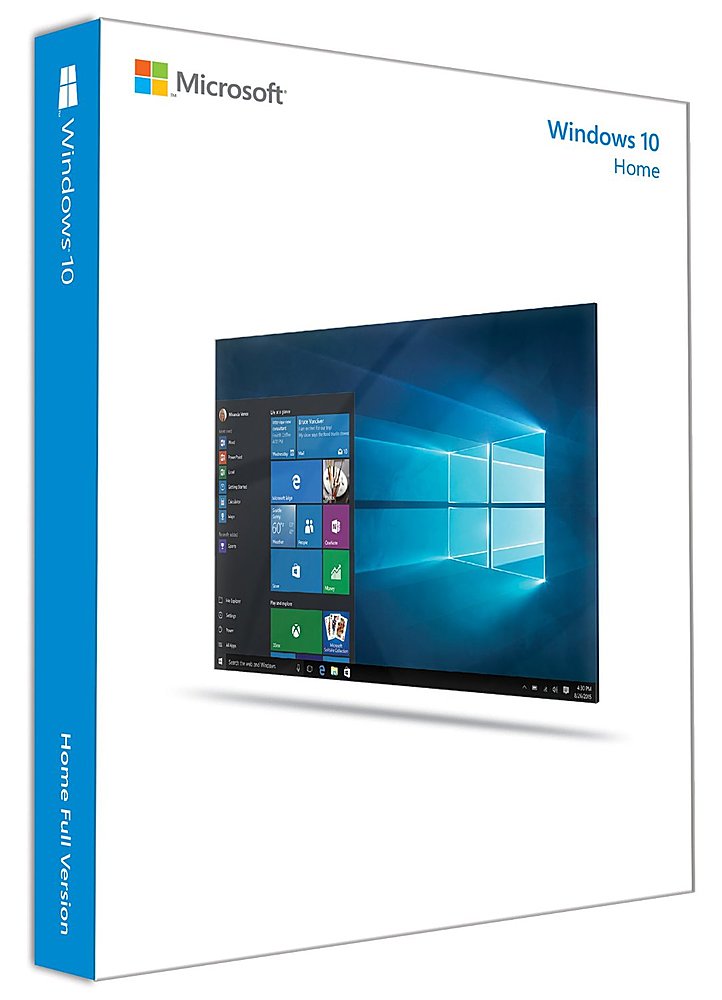
A:AnswerWe recommend you check out our installation error's help page to see if there is an answer to your issue. You can find it here: https://aka.ms/AA4ss62. If that doesn't solve the issue we recommend that you reach out to our Customer Support Team for personal assistance installing Windows 10 Home: https://aka.ms/AA4riny.
A:AnswerDepends on age and RAM. Should be an online resource at MS site that tells you if your comp will run Win 10. Other thing to think about is if your favorite program will run under Win 10. Check with the software vendor to see if yours will or if you’ll need an upgrade to your software after installing Win 10
A:AnswerYes, you will need to make sure your Chromebook meets the requirements here: https://www.microsoft.com/en-US/windows/windows-10-specifications.
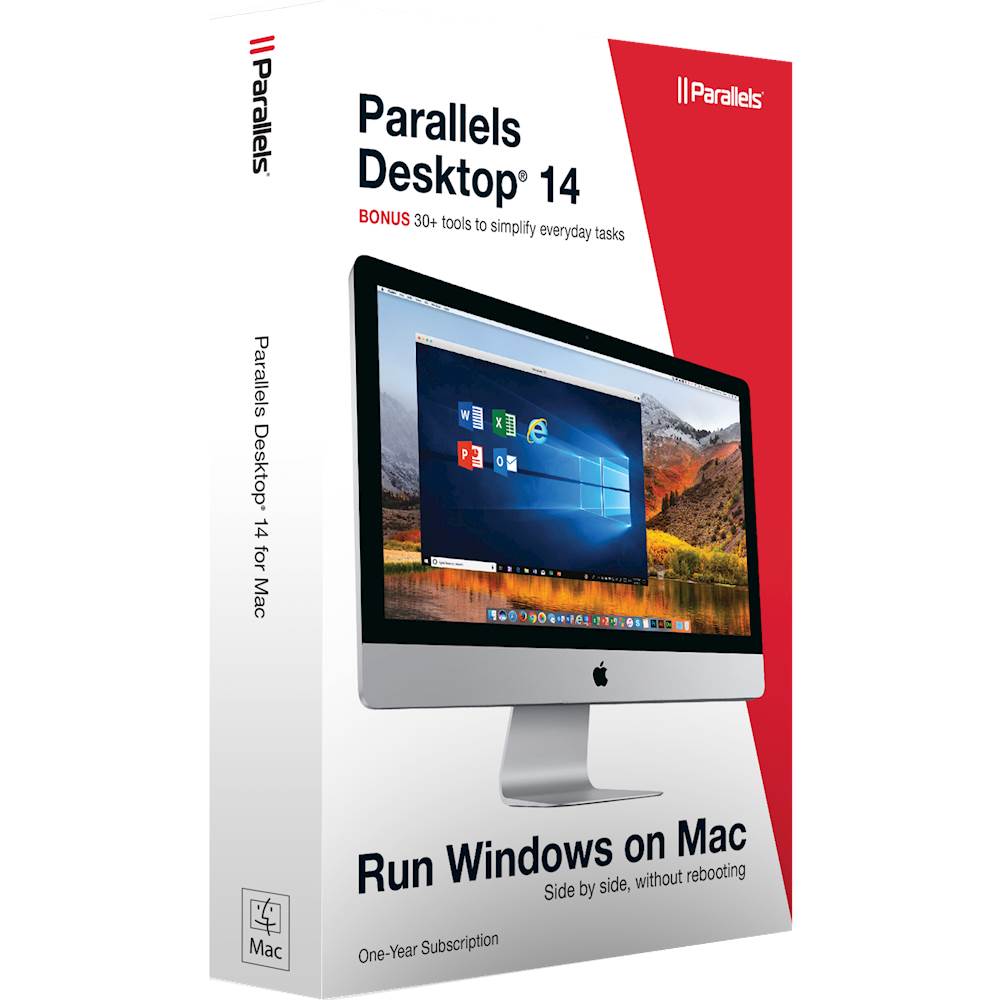
A:AnswerYes you can, but with limits. You will either have to use Boot Camp to boot in Windows 10, or you will have to use a virtual machine. That is, you will have to buy a program, such as Parallels Desktop, to run Windows within a Mac OS window.
Boot Camp is 100% compatible, and free, but it means you're turning your Mac into a PC until you reboot. If you want to cut and paste between Mac and PC applications, you need Parallels. Windows by itself won't do it.
A:AnswerIf it starts like a desktop and tells you to press F2 right when it turns on then pressing F2 at that time should take you to bios screen where you can tell it to looks for windows on the thumb drive. (AT LEAST THAT'S HOW IT WORKED ON A DESKTOP WITHOUT WINDOWS). If it already has windows it might be a file u can just open and install but I'm not sure about that.
A:AnswerNo, to my understanding from online searches, once you use it with the code, it registers your motherboard and code together so you won't be able to use it on another motherboard. If u reuse the motherboard I guess it should still work.
A:AnswerThe product key is included in the package. If you are doing a repair (had to replace hard drive for example) the install will pull your original key from the motherboard where it has been stired.
A:AnswerI dont know how to do backups for program settings. But I would save all my photos and documents onto an external harddrive before installing windows.
A:AnswerI'm sure you figured this out already but yes! It will install and prompt you on which o.s. to run after the bootstrap notices 2 different o.s.