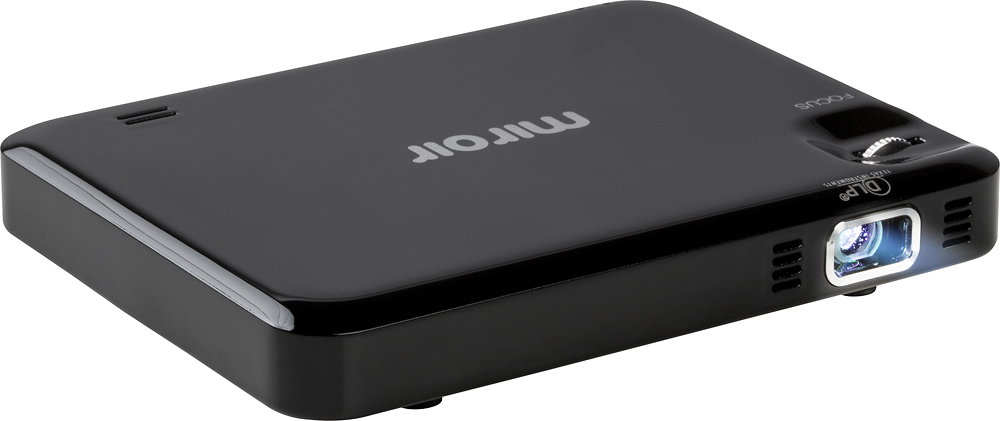
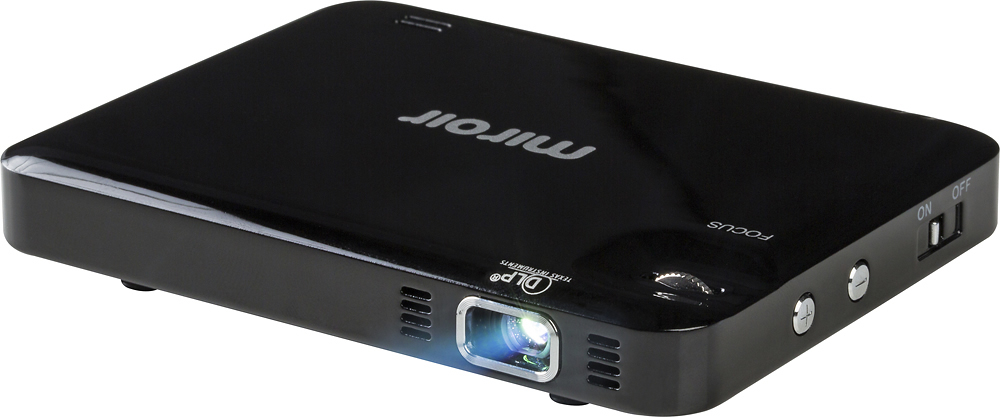
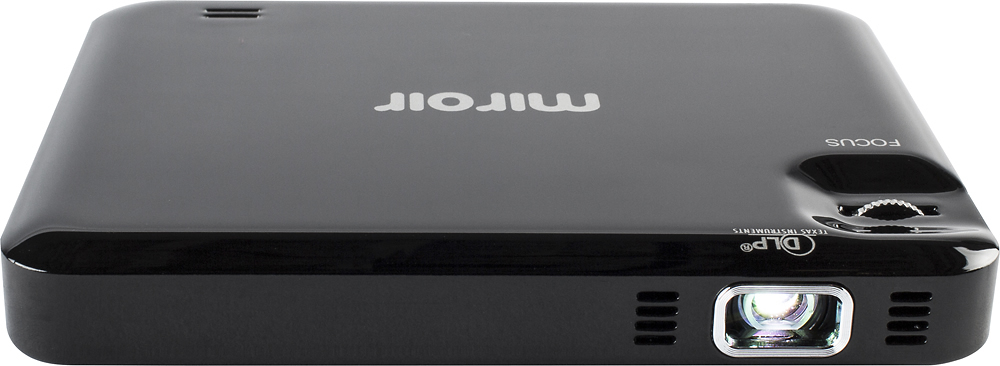
A:AnswerIt only has an HDMI connector. If your laptop has a HDMI output port, you are good. If it has a display port or VGA output, you need to purchase an adapter.
A:AnswerThis projector does not have any functionality, and the cables included were a micro usb cable, hdmi cable, and a micro hdmi to hdmi adapter. You may want to buy a usb-c to hdmi adapter to be able to watch stuff on your phone.
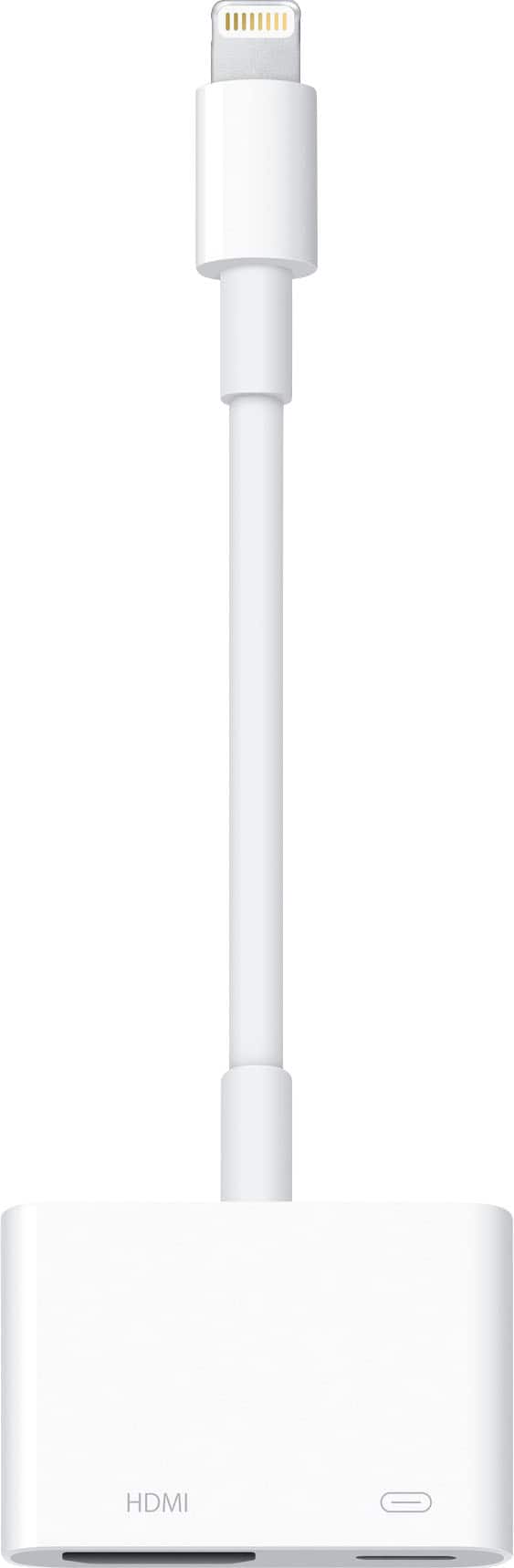
A:AnswerYou would have to use an HDMI to Lightning connector. Best Buy sells this product and it can be found here: http://www.bestbuy.com/site/apple-lightning-digital-a-v-adapter-white/7007013.p?skuId=7007013
A:AnswerYou should not be able to do this. You need it connected to device that has a media player built in. You could use a Fire Stick, Apple TV, DVD Player, Ipad, Iphone, etc
A:AnswerClosest i came was a Chromecast, which will mirror your phone. You can also use HDMI to mini HDMI. Be careful about compatibility with mini HDMI.