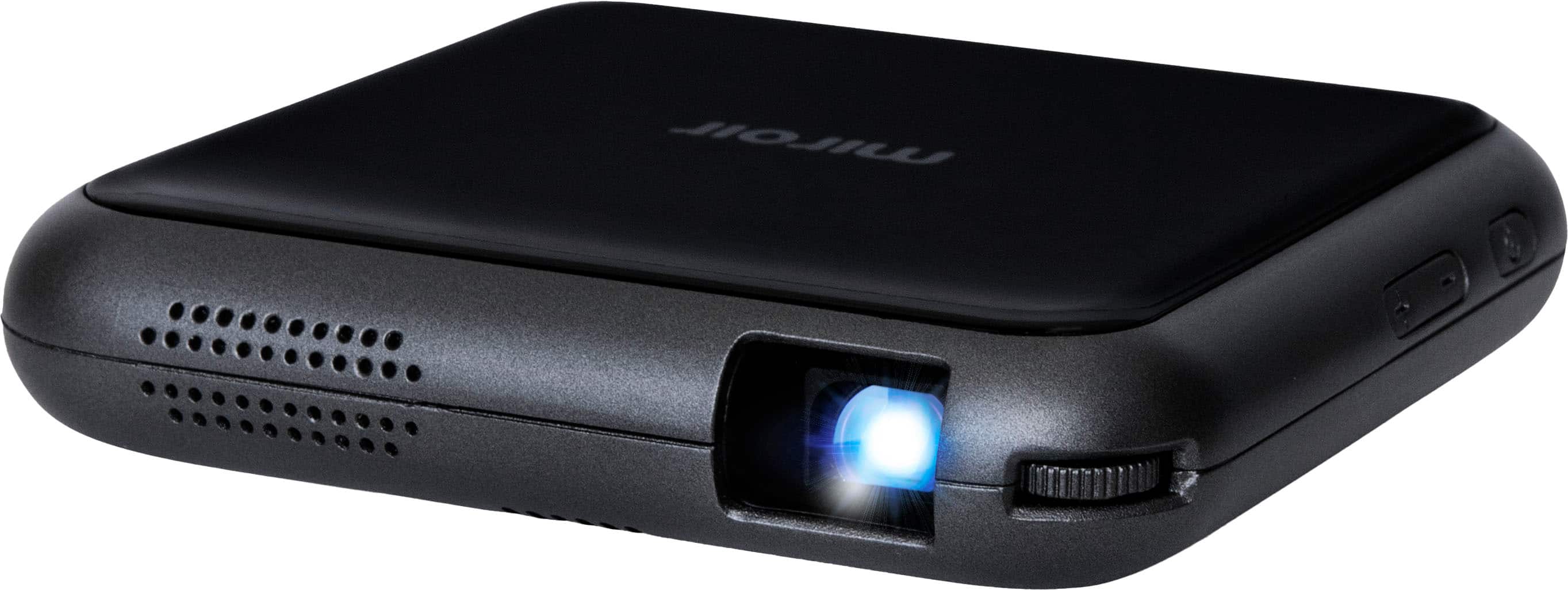
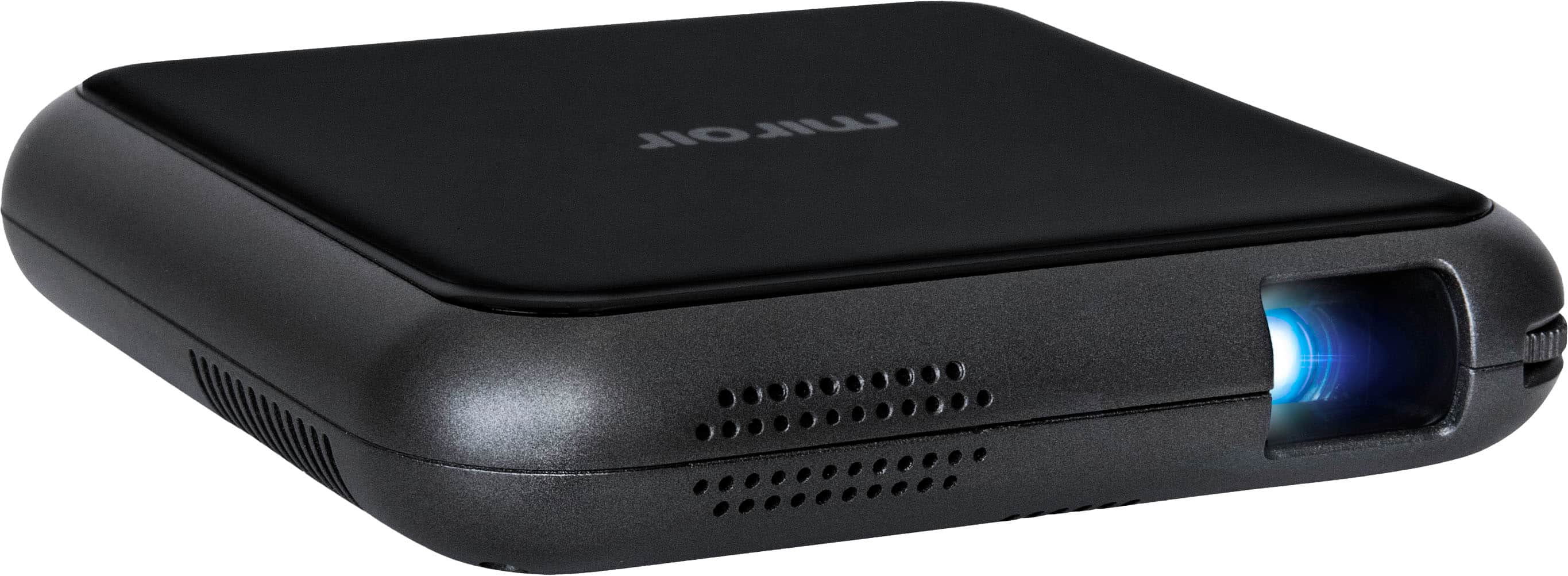
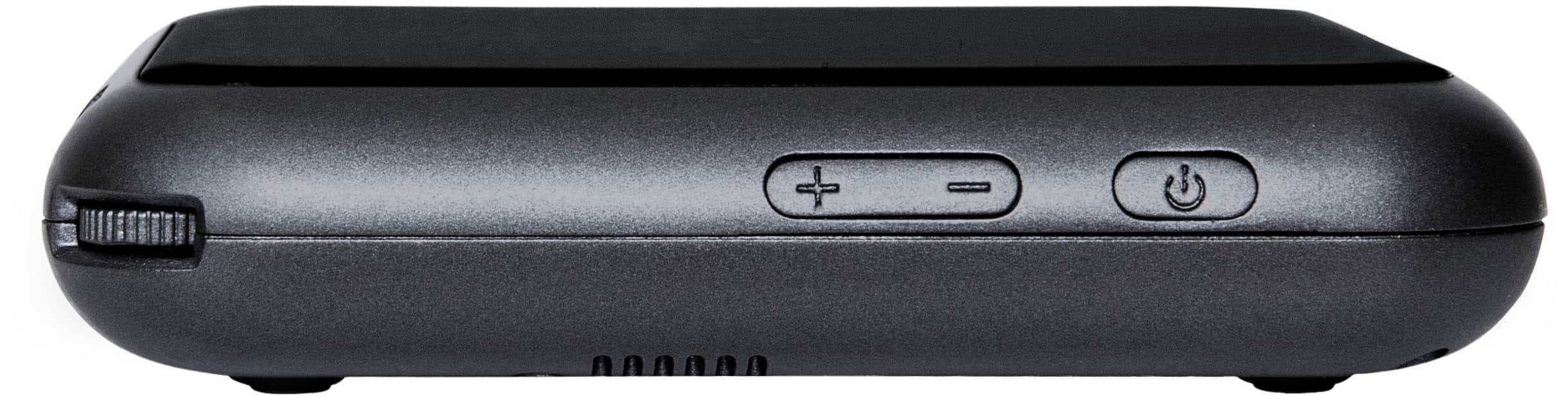
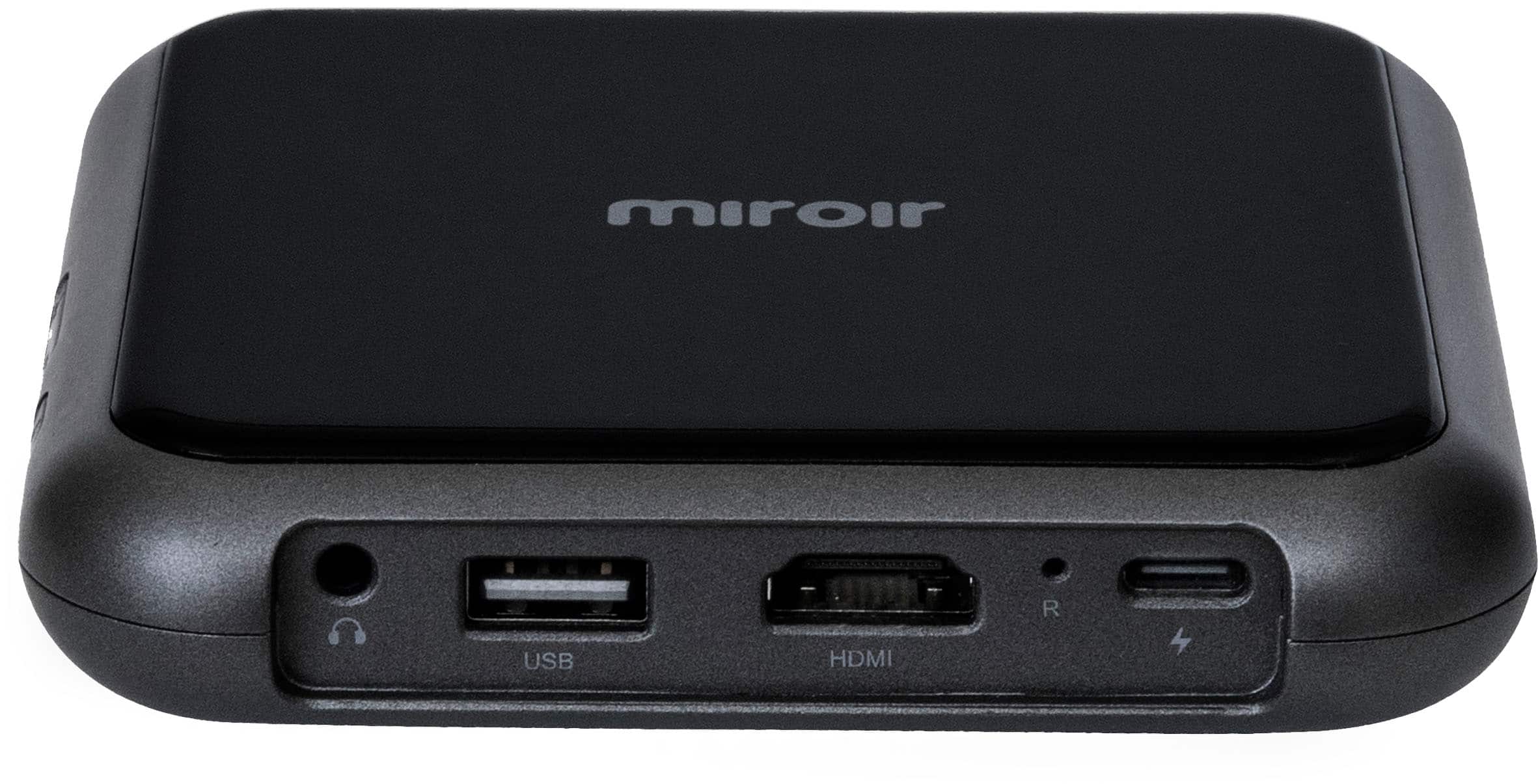
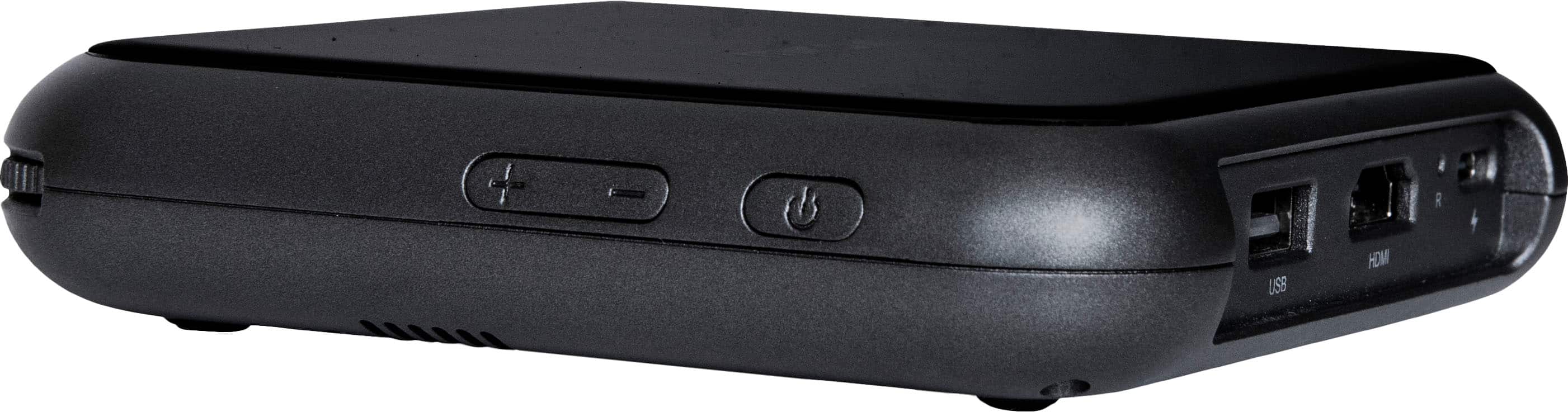
A:AnswerIt hook up through cable same as a tv or if you connect wireless lying to the device you are running as a mirror share that is already a connection option on device without app. See pic for remote connect.
A:AnswerHi,
Yes. The resolution is 360p, and the image size changes when you move the projector away from your wall or screen. You get a 50" diagonal screen seven feet from the wall.
Miroir Team
A:AnswerHi,
You could screen mirror from your Apple screen mirroring app on the iPad, or buy an Apple Digital AV adapter to connect to the projector HDMI port. The smallest dimension is 24" screen diagonal.
A:AnswerHello! The M76 is 640 x 360p (16:9) and 90 lumens. This should be perfect for up to a 50-inch screen in a dimly lit room! If you have any additional questions, feel free to reach out at [email protected]
A:AnswerHello! The M76 supports Airplay, so you can connect your phone wirelessly to the projector and share content! If you have any additional questions, feel free to reach out at [email protected]
A:AnswerHello! The M76 will project all of these platforms over HDMI, but unfortunately is unable to stream any DRM based streaming platforms (YouTube will still work though!) wirelessly. This is a limitation of the wireless technology provided by Apple and Google. If you're looking for a way to stream these platforms directly from the projector itself, I would recommend the L500S, which has built in streaming!
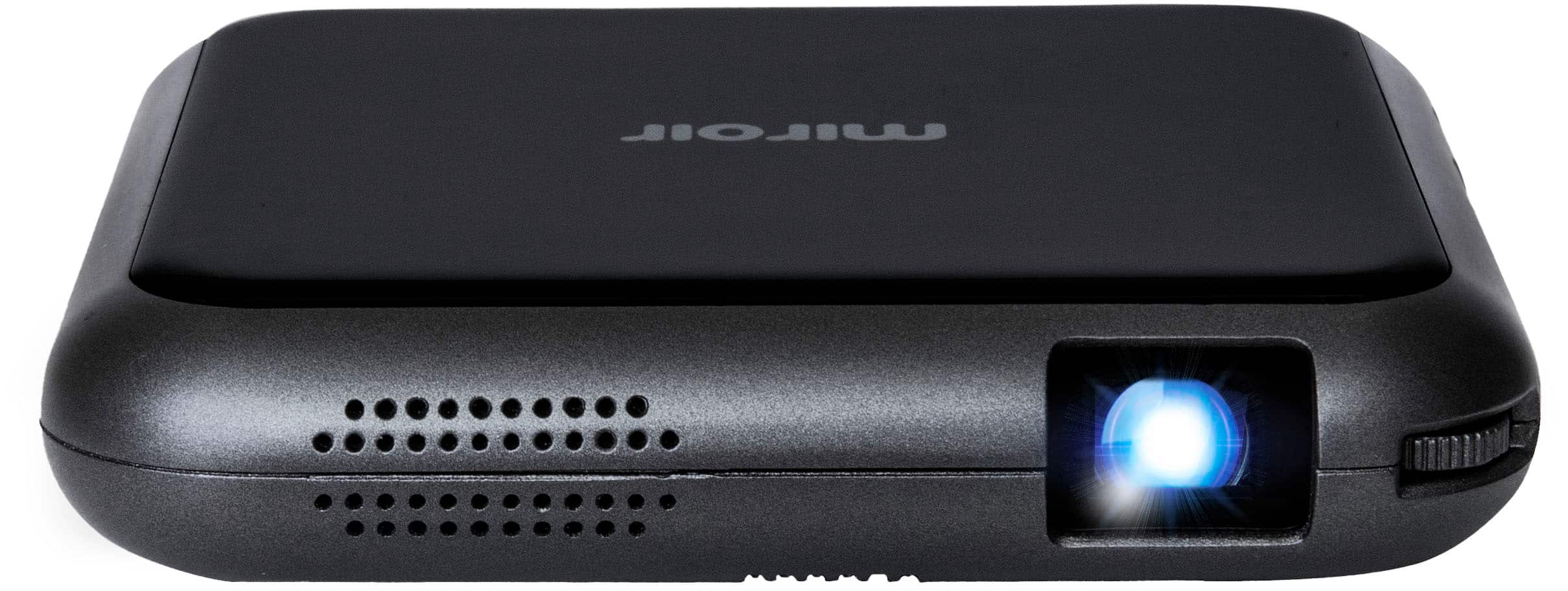
A:AnswerHello! The 4 digit code should be displaying from the projector, onto the wall. If you have any additional questions, you can reach out at [email protected]