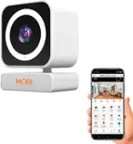
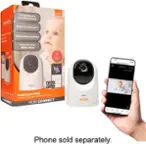
A:AnswerHello and thank you for reaching out.We apologize that you are having difficulty with the MobiCam. Yes, MOBI offers two warranties that will cover the device within a certain time period. If you have an incident with the device within 90 days of purchasing the device you can file a claim under the manufacturer's warranty and if you register the device online you will have coverage for up to one year from the purchase date.
A:AnswerHello Joann, thank you for reaching out. To remove a shared device you will go back into the Device's Settings Menu by selecting the device, choosing settings at the top right-hand corner (pencil with a line underneath), scroll down to Share Device, select the person you wish to unshare with, and select "Unshare"
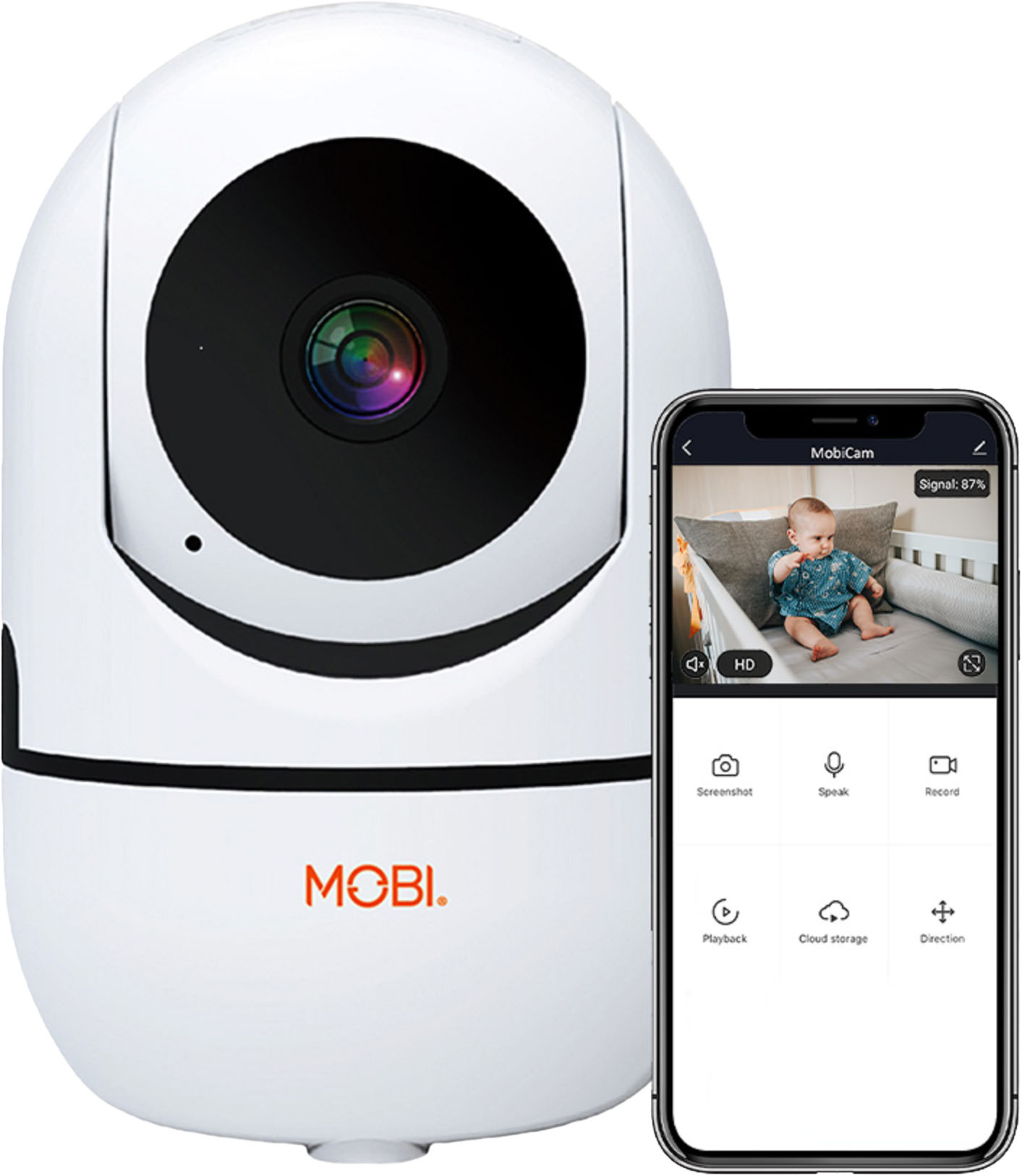
A:AnswerHello Ray, thank you for reaching out. If your current router is dual-band (2.4G and 5G), we recommend splitting the router where each network is uniquely named and has its own password. This will prevent the incompatible network from emitting charge over the compatible network resulting in an interference in the device's connection.
A:AnswerHello Megan, thank you for reaching out to us. The MobiCam can only be turned off by unplugging the device. Even when the MOBI App is not open and active the MobiCam will be surveiling if plugged in.
A:AnswerHello and thank you for reaching out to us. Our MOBI devices all carry a 90-day manufacturer's warranty and if you register your device online you can extend the warranty for up to one year from the date of purchase.
A:AnswerIt seems like you would be able to attach it wherever you want but I don't believe it's waterproof, you would definitely need to have some kind of cover around it and most likely someone would be able to steal it easily if it was outside with easy access.
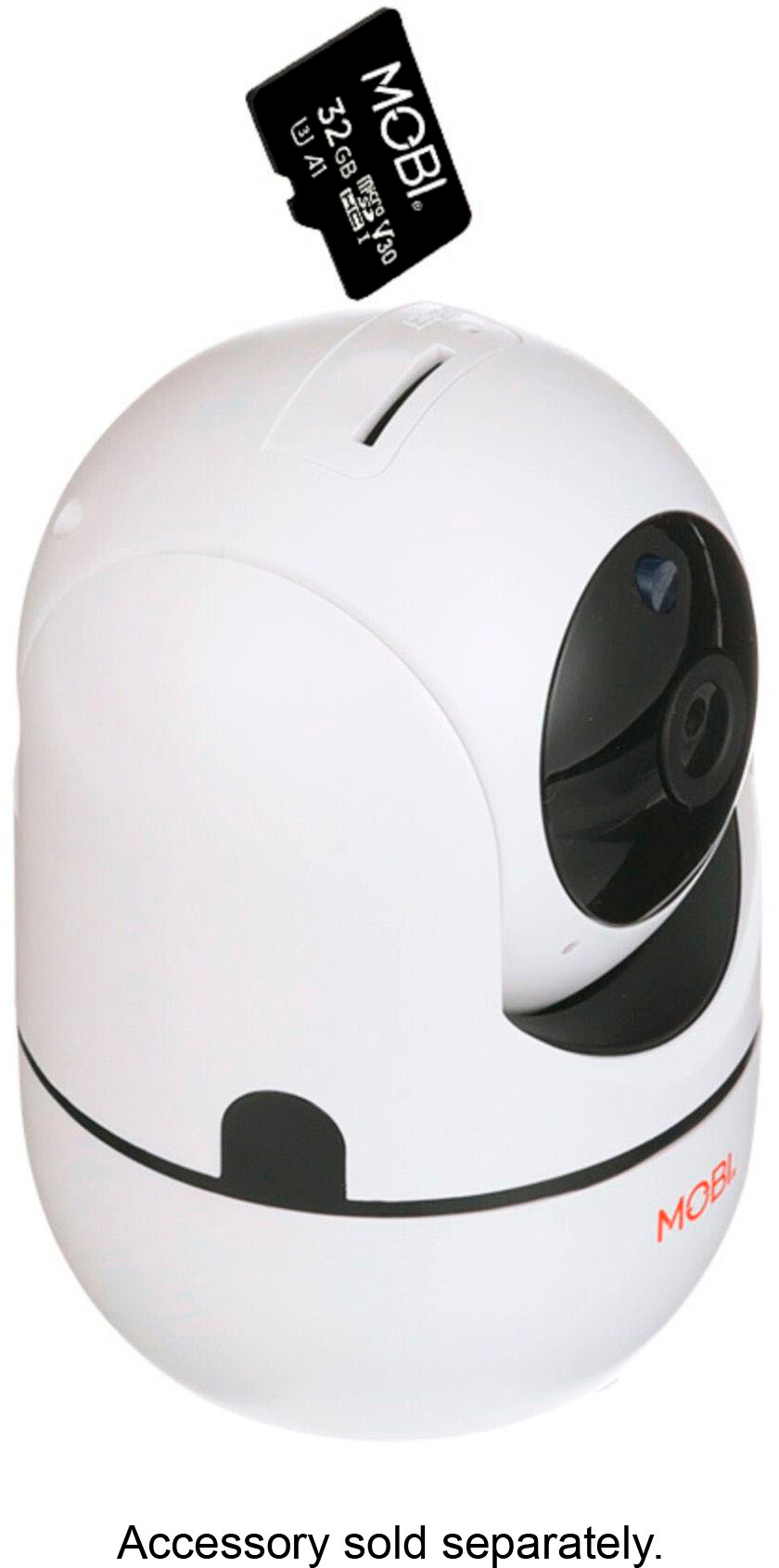
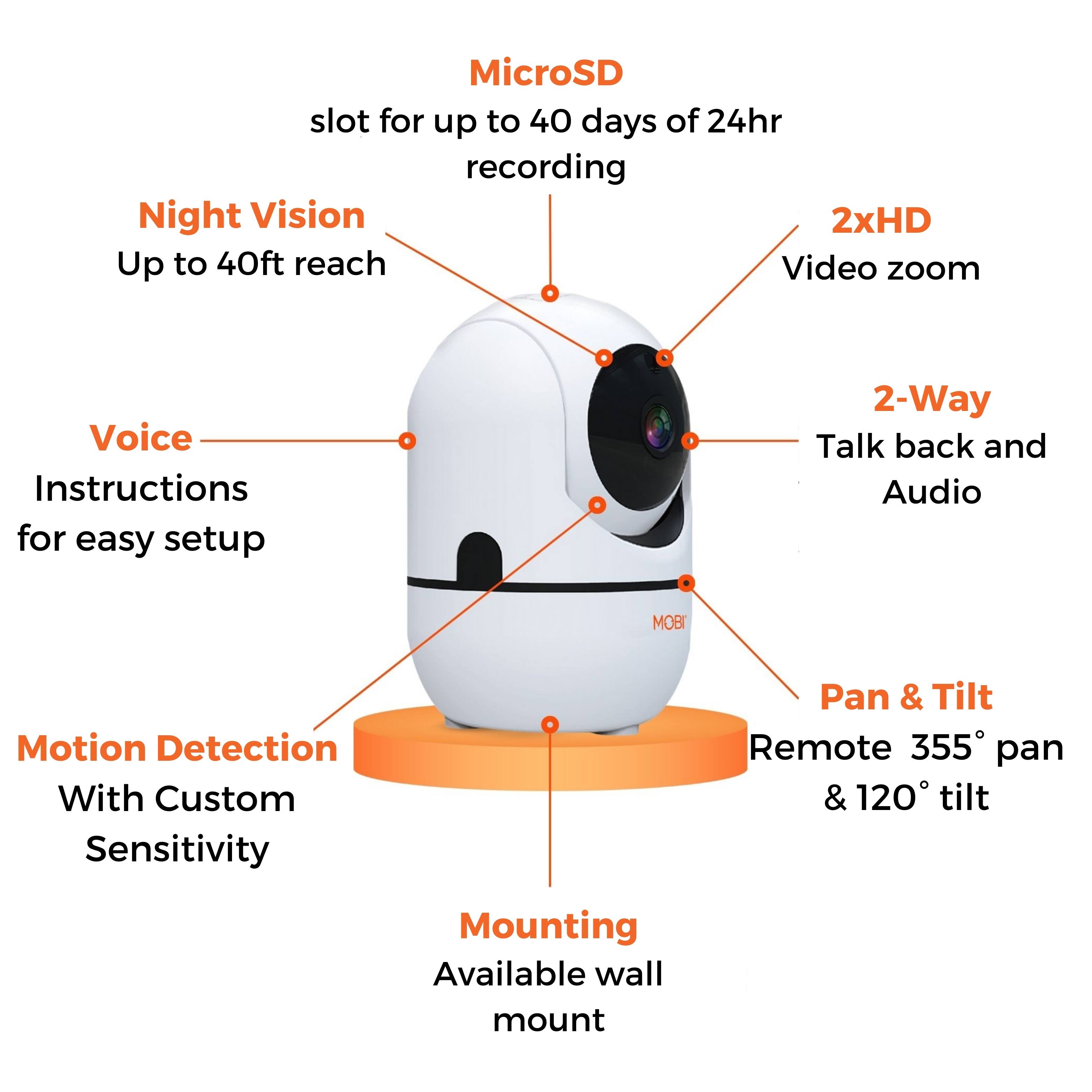
32 GB is the max memory for a memory card to be accepted as far as I read through the manual.
A:AnswerDon’t waste your money, I tried to set it up on my network for 3 days and it never connected! Returned and purchased the stick ring cameras instead
A:AnswerHello Maddie, thank you for reaching out. In order to visualize or hear the audio of the MobiCam the App MUST be open. Once the App is closed visual and audio capabilities will no longer be available though the MobiCam will be surveilling as designed.
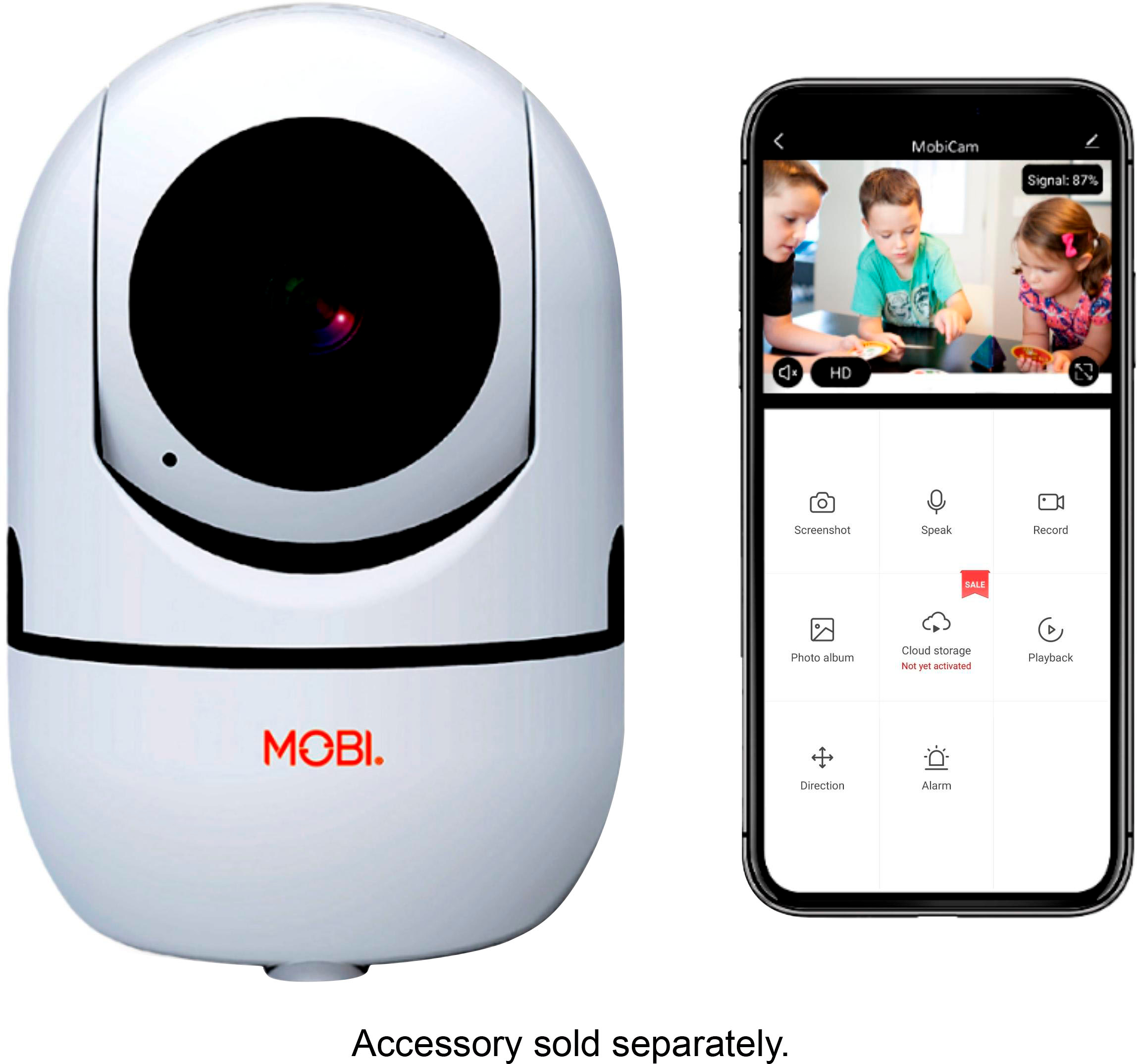
A:AnswerIf you buy the camera you have to also buy a 32 GB memory card that it does not come with, you need to sign up through the Mobi app you need Wi-Fi as well, the pay by the month seems to be an extra feature for extra things that I find useless personally, more info in the application.
So no you don't need to pay by month to use this just buy the camera have Wi-Fi at home and buy a memory card just in case 32 GB is Max it will allow.
A:AnswerHello Bob, thank you for reaching out to us. Unfortunately, our current line of Mobicam devices only operate as designed when connect to a Wi-Fi network that is 2.4GHz. We apologize for the inconvenience this may cause. As we understand how frustrating this can be. Especially when out of town without the ability to reset the MobiCam back up to the Wi-fi network.
A:AnswerHello Sue, thank you for reaching out. All of the Mobicams are paired with a mobile App. However, we assure you that our MobiCams use triple-security encryption servicing and that at no point would any individual have access to your device without having your login information at hand.