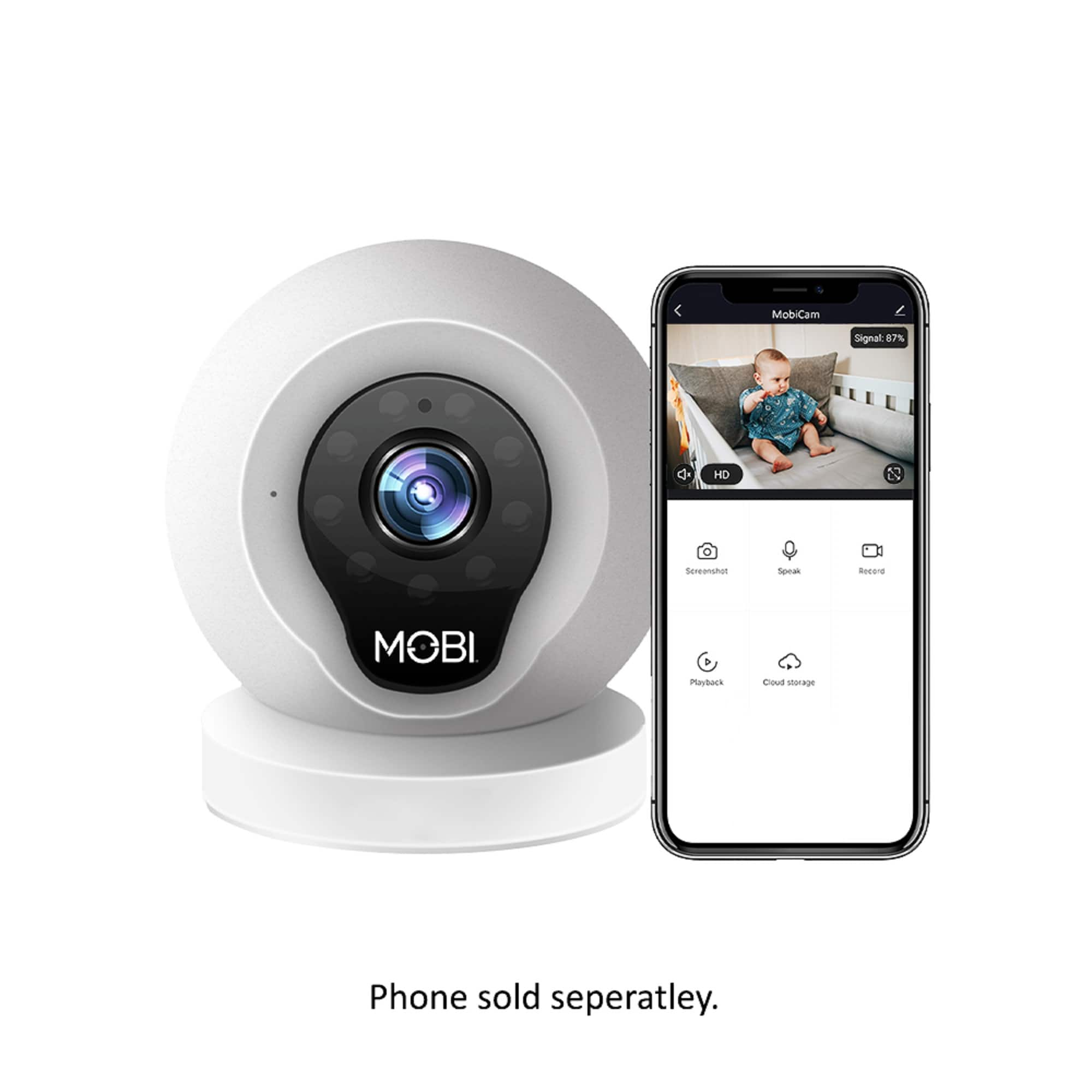
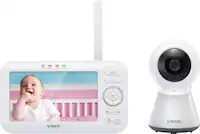
A:Answer Thank you for taking the time to reach out! In short, yes! Users can mute their MobiCam's audio at any moment if they choose to only watch their MobiCam using the video function. Simply tap on the 'speaker' icon on your screen, while viewing a MobiCam, in order to turn on/off the MobiCam's audio.
Additionally, the MobiCam's microphone is muted by default, and all you would need to do is tap the 'microphone' icon to turn your MobiCam's built-in speakers either on or off.