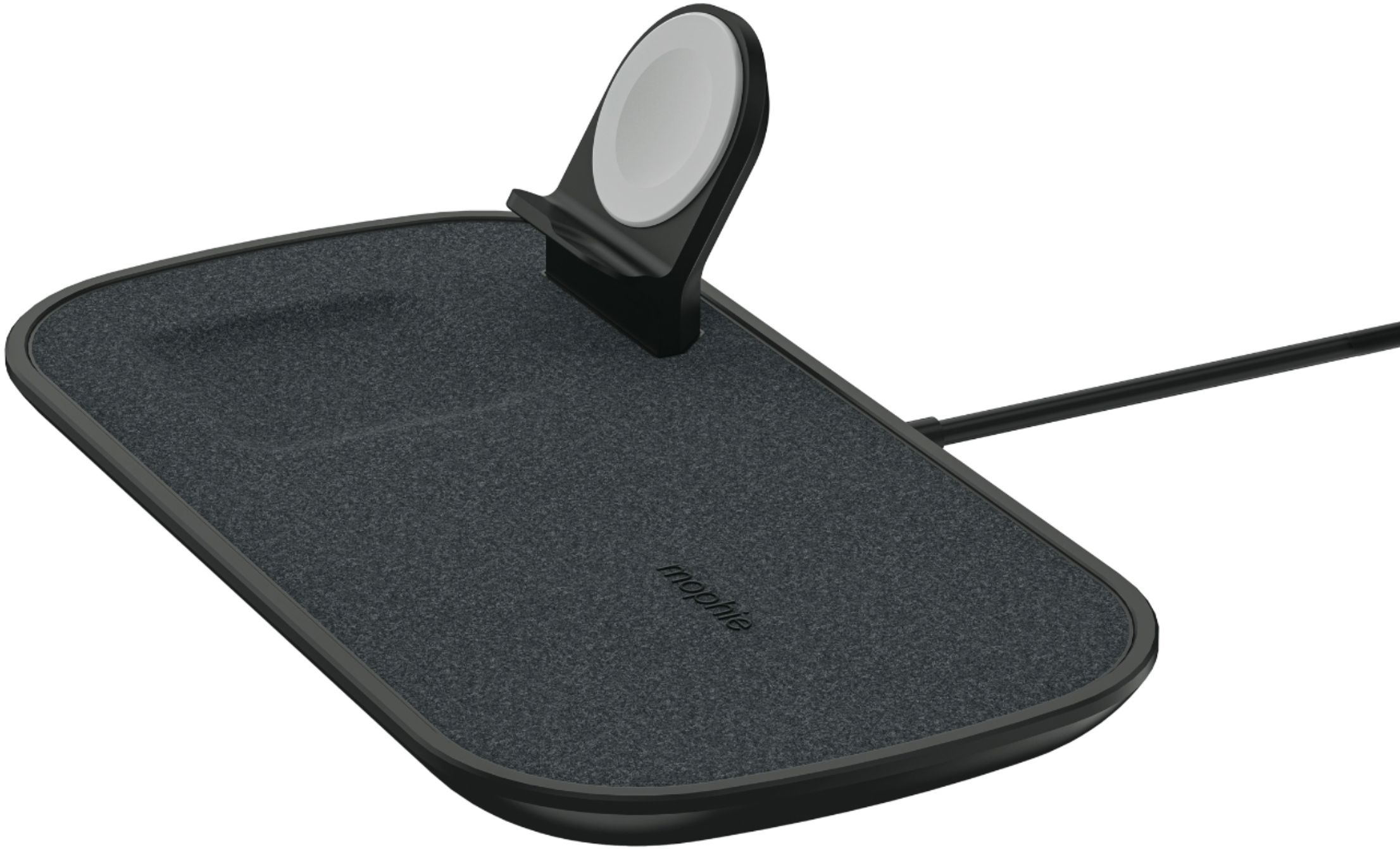
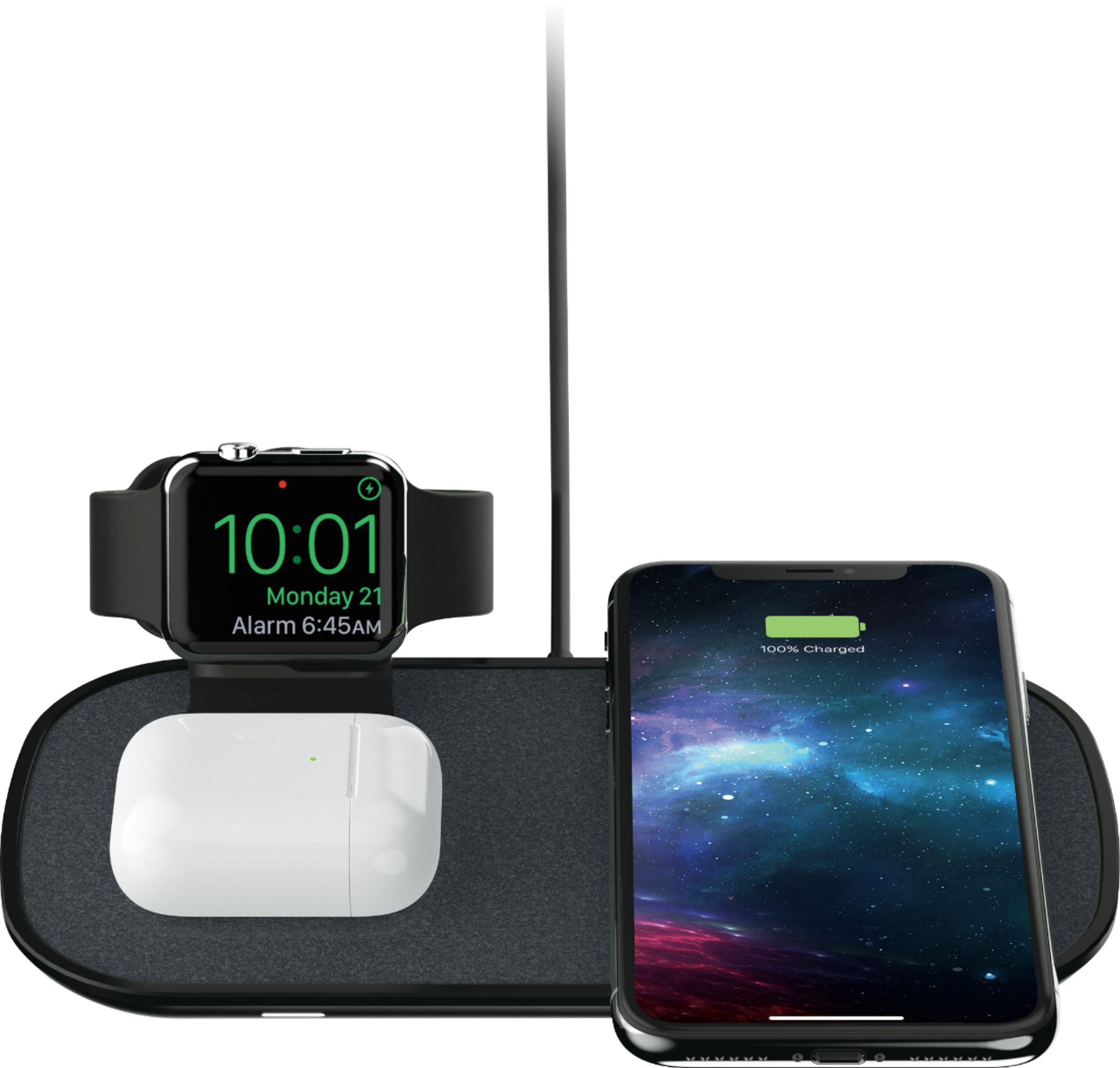
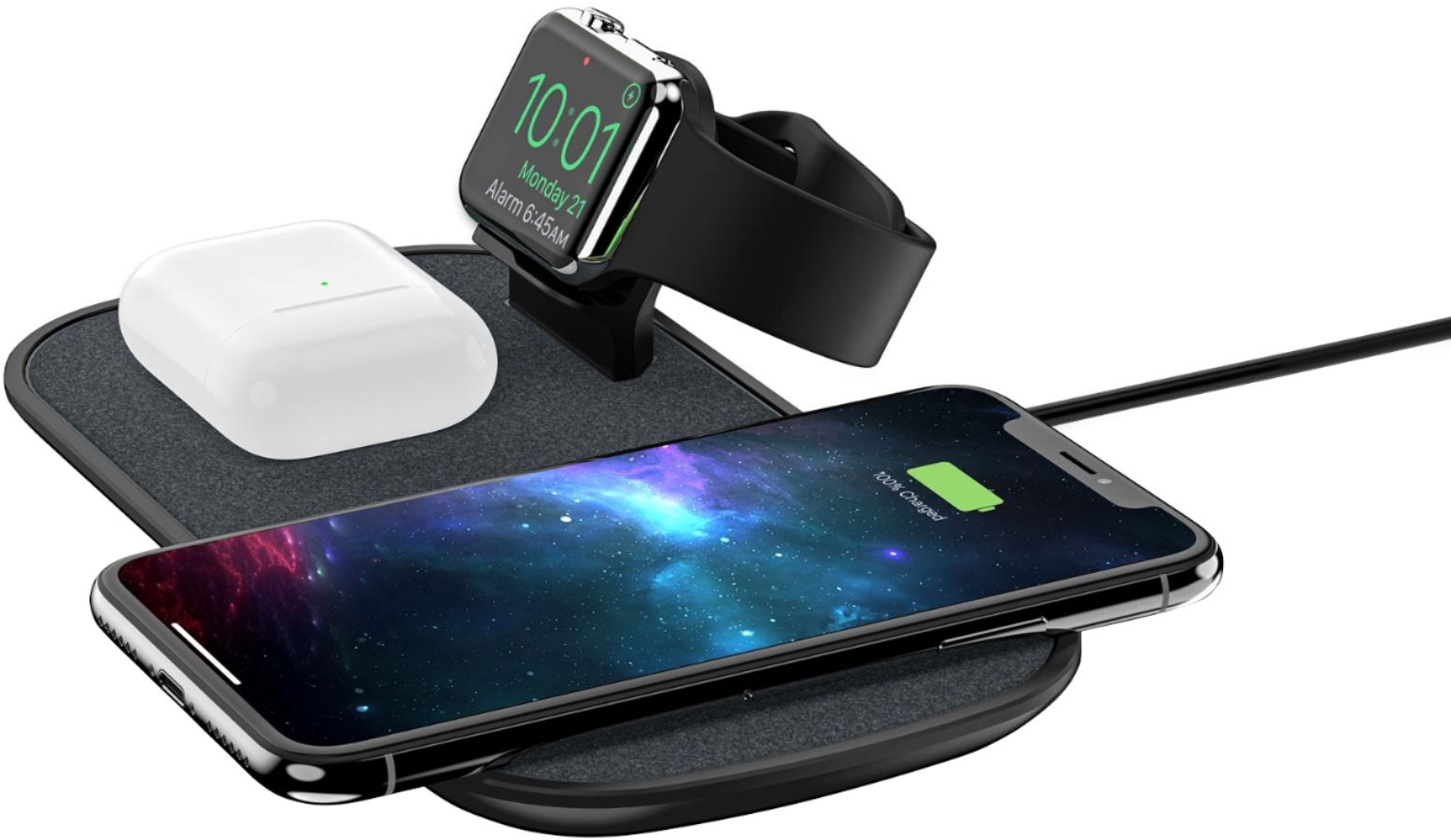
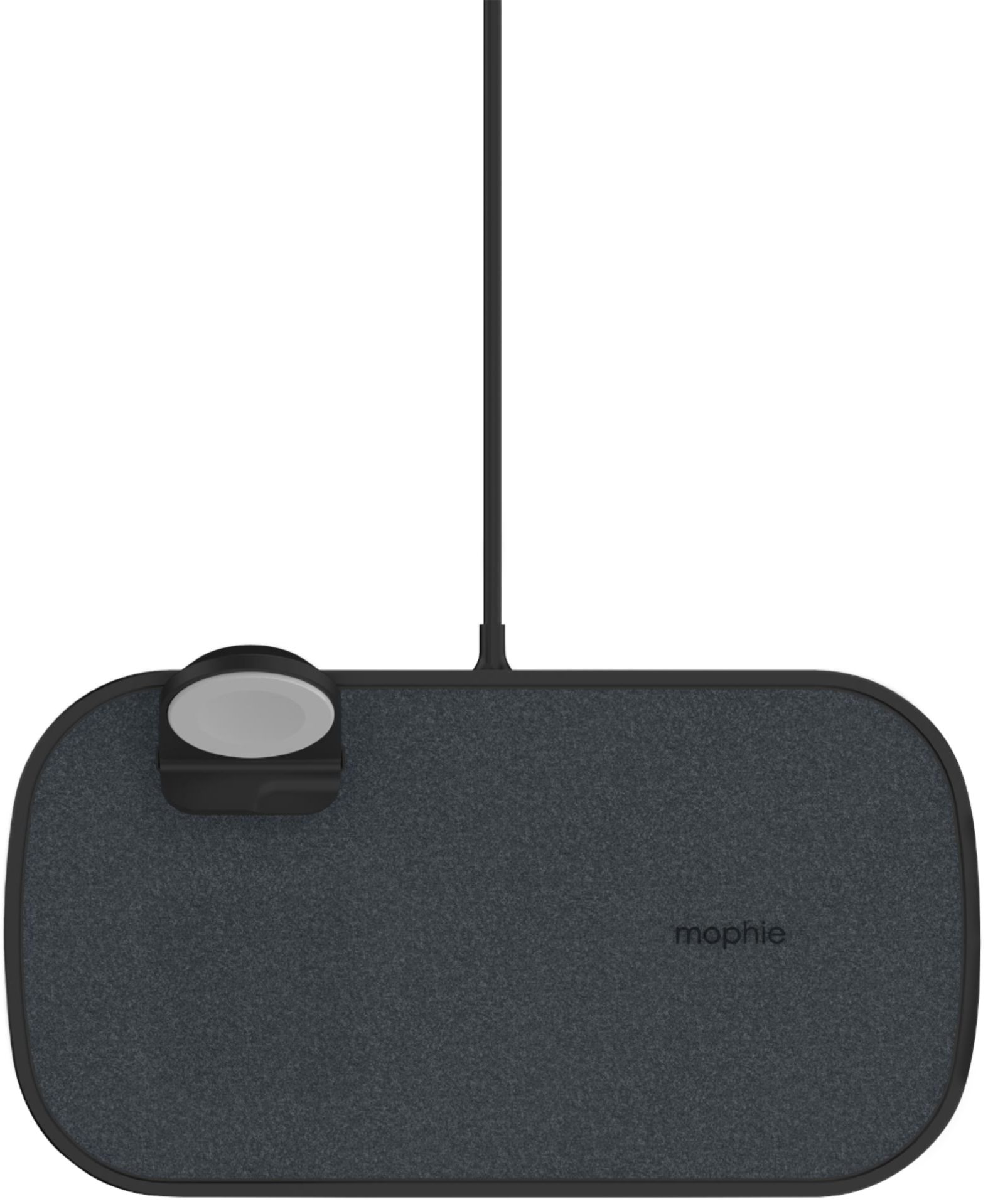
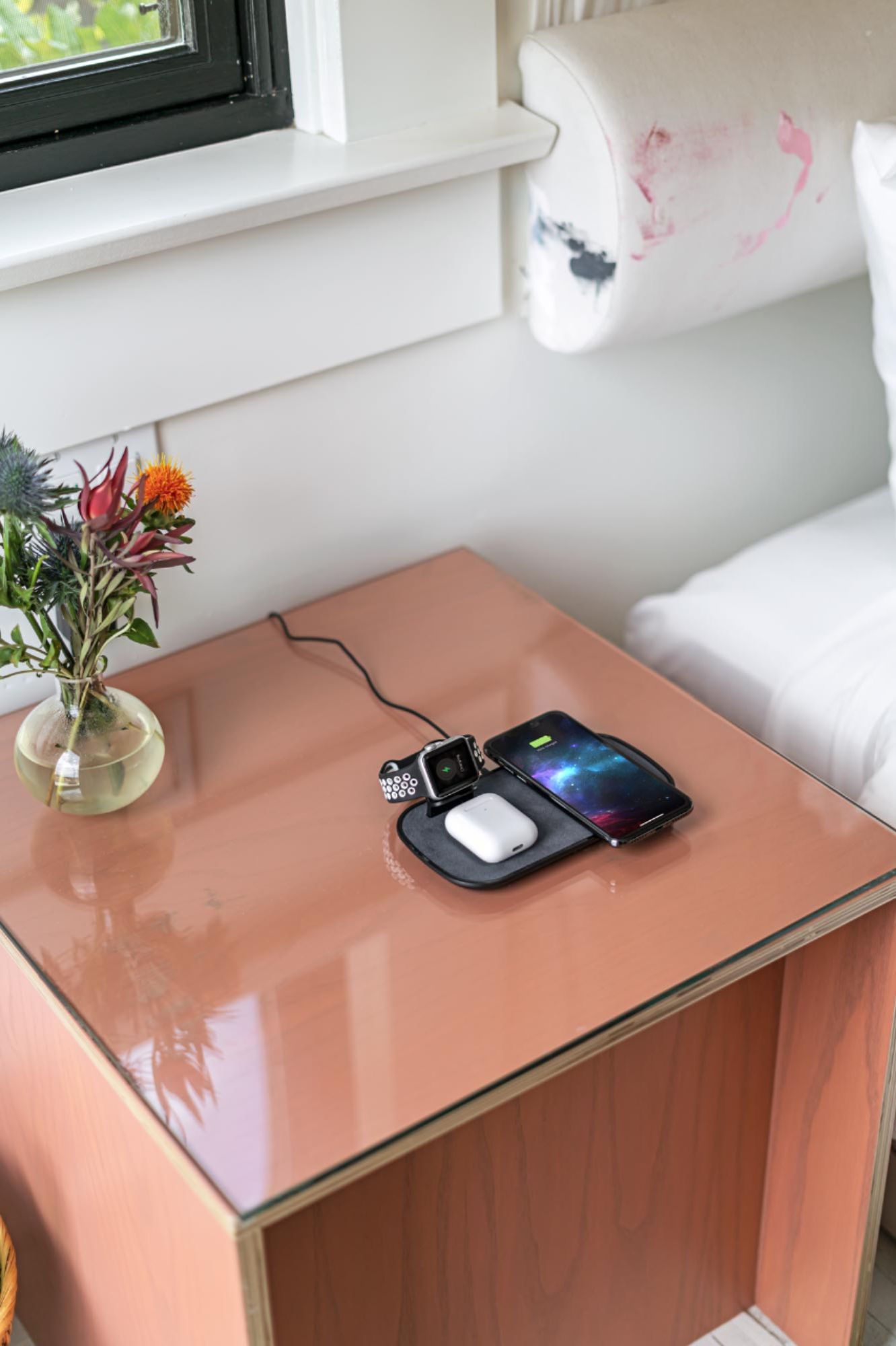
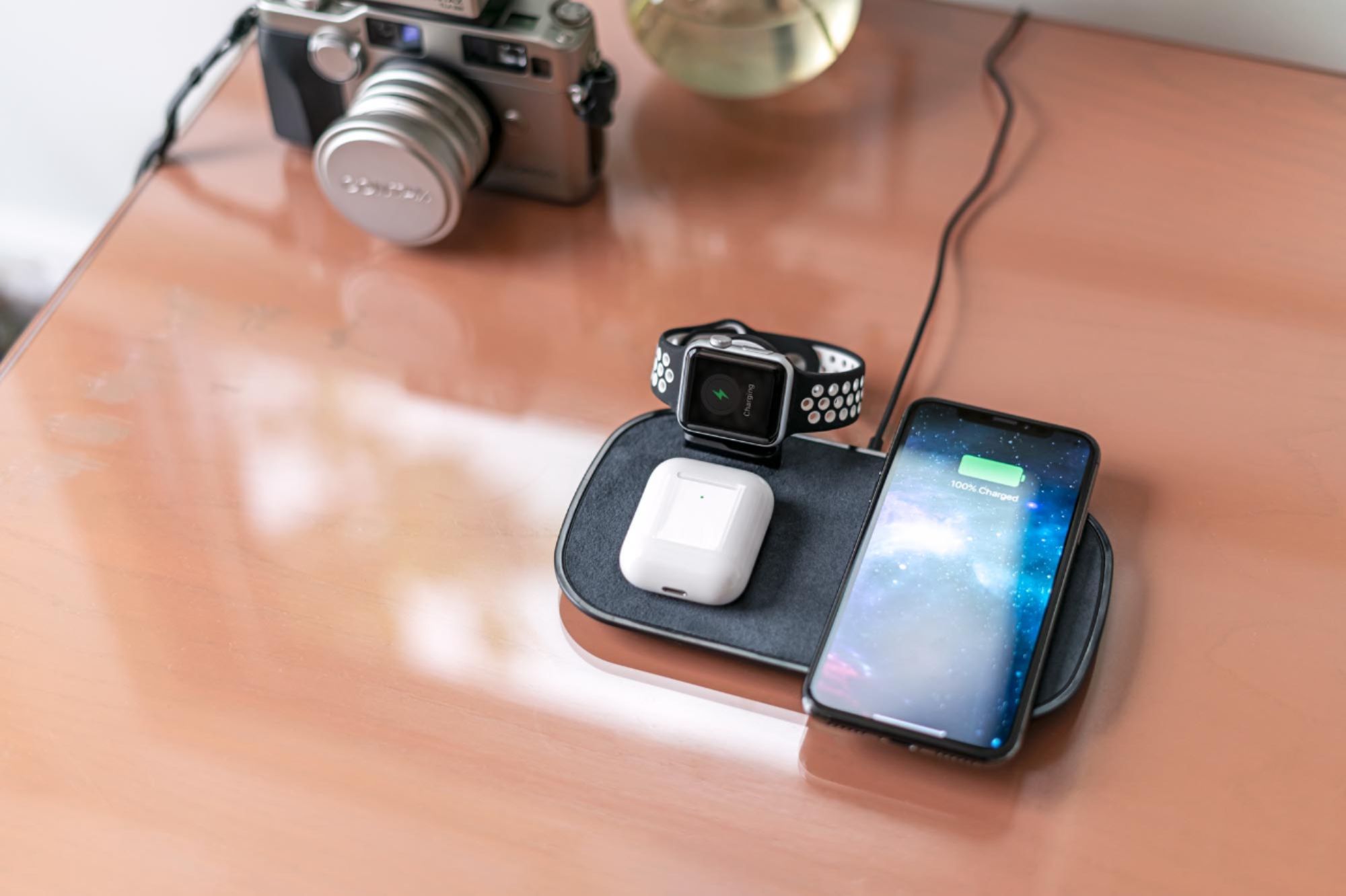
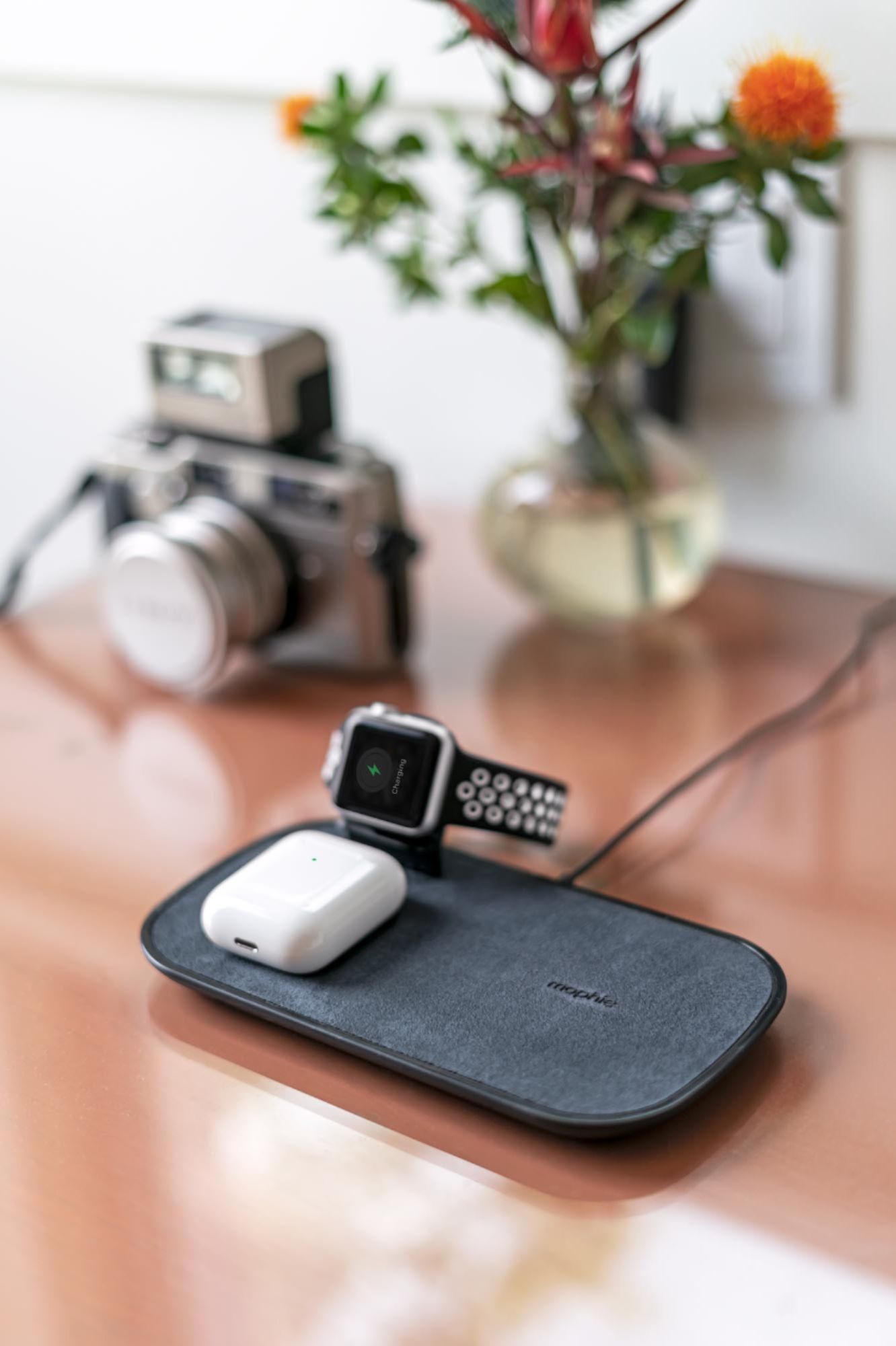
A:AnswerIt works great even though the case is larger. On a side note make sure the watch charger is secured into the slot. At first I thought it was defective when the watch was not charging but I tried adjusting it a few more times and boom it worked!
A:AnswerIn order to charge with the wireless charger you need a wireless charging case. For the regular AirPods it is the upgraded case. For the AirPods Pro is the the normal case.
A:AnswerMine did that last night and I didn’t have my AirPods Pro on there correctly. If it helps, my pods case has a green light that shines when you put it on the charger. I look for it standing over it so I can see the green. This tells me that it has made a proper Qi connection and is charging, I think the white light is a warning that it’s not charging so double check to see if it’s making a proper connection.
A:AnswerYes, your phone can charge with the case on. We tried three different iPhones with three different cases and they all worked. I imagine certain cases might be too thick or heavy enough to prevent charging but we didnt experience that at all.
A:AnswerUnfortunately much like the earlier versions of the iPhones, the earlier versions of AirPod cases will not charge on the mat. Since most people replace their IPhones more often than their AirPods many other versions of this type of charging station you will find have the AirPods case stand on a lightning connector. I didn't think about that until after I bought mine, but decided it wasn't too big of a deal and will upgrade by Pods sometime in the future.