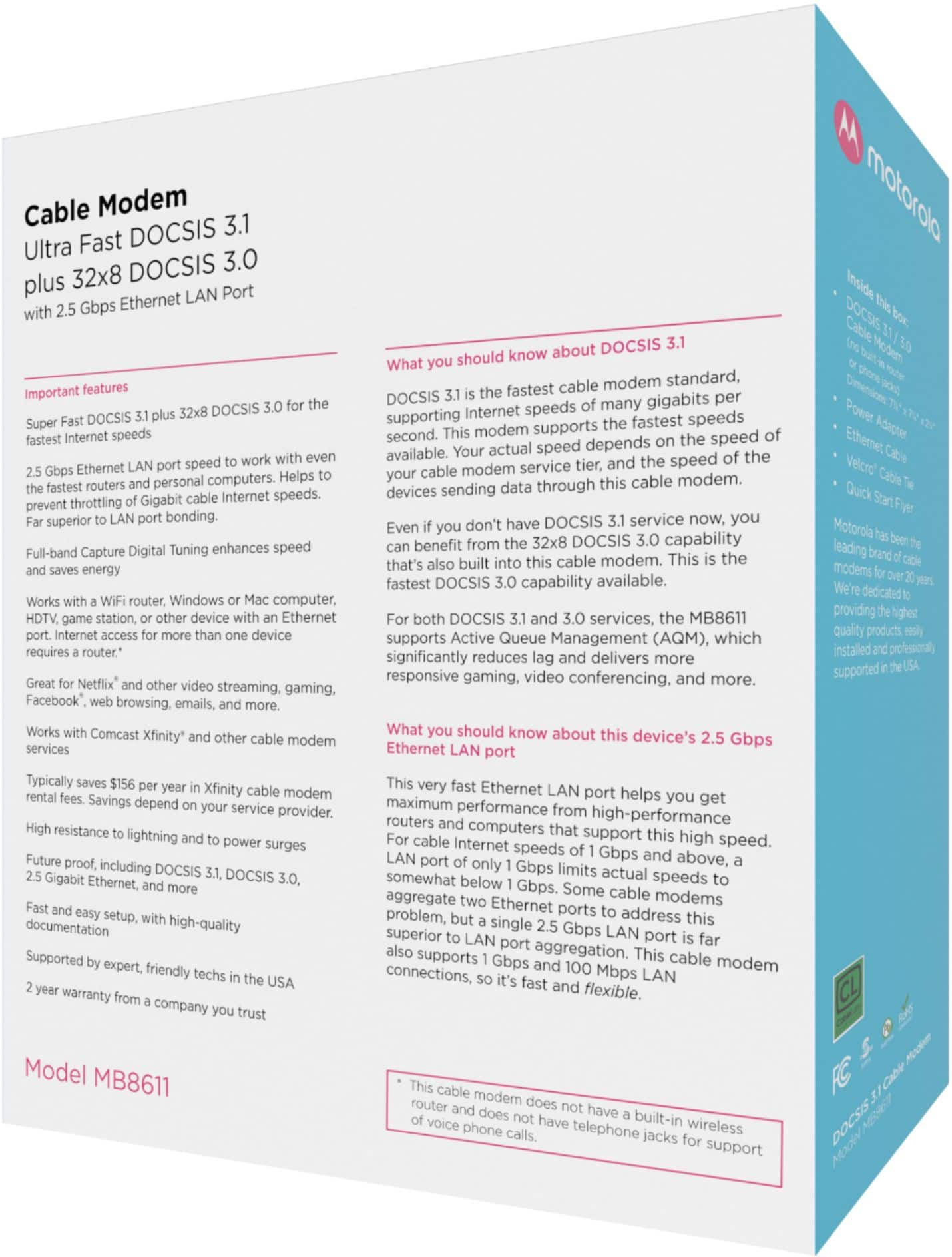
A:AnswerNot sure about your ISP, I have Comcast and this device was listed in their site as being compatible with the Comcast network. I would check on the Suddenlink web site to see if they also have a list of compatible devices you can buy. As far as phone calls, Comcast had this one listed as NOT being able to phone calls. I am guessing this modem does not have the phone hardware needed in it to handle phone calls.
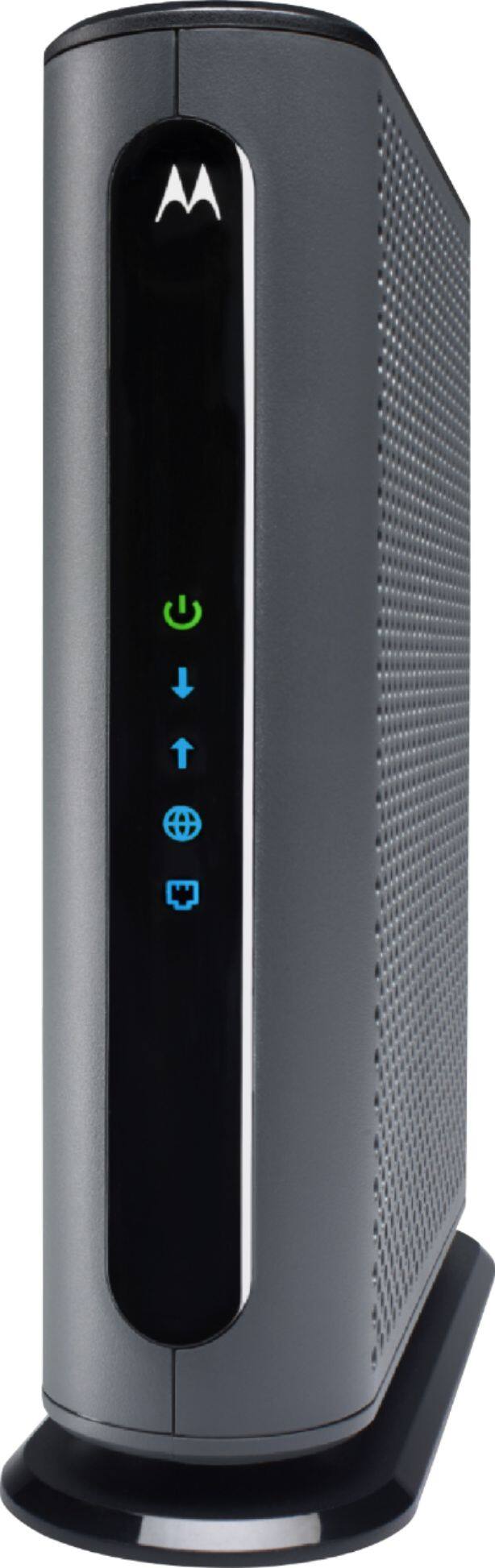
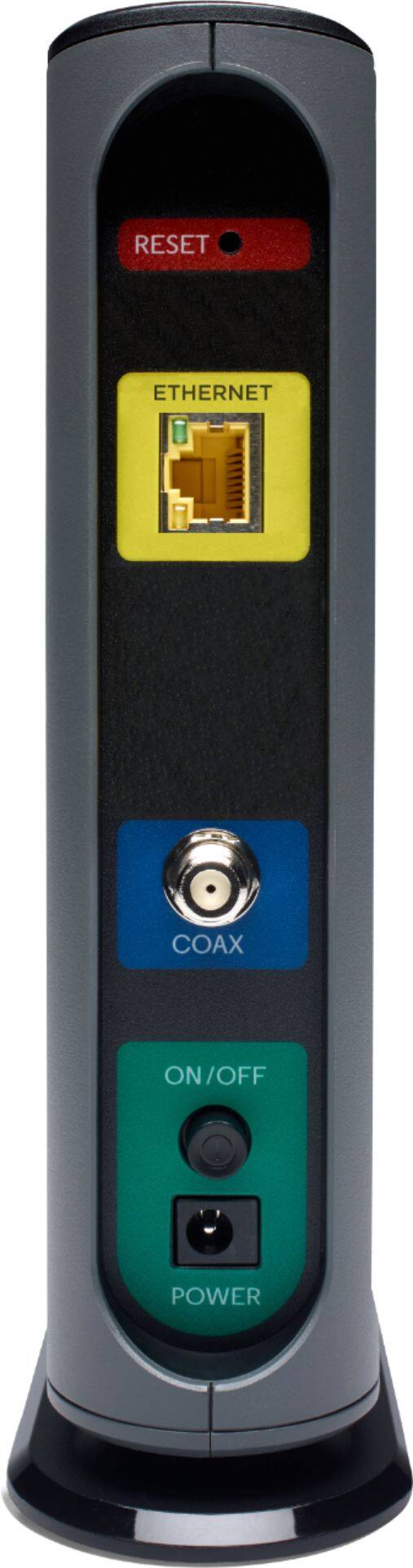
A:AnswerI have Comcast, and this was listed on their b site as a compatible modem for their network, so it should work. As far as connections, it’s a coax cable modem so you should just need to attach the coax cable to it. This unit does not have built in WiFi so you will need to buy a separate WiFi router to broadcast a network signal if you need that. There is 1 Ethernet port on the back so if you are just puffing directly into it then you should be fine for 1 computer at a time.
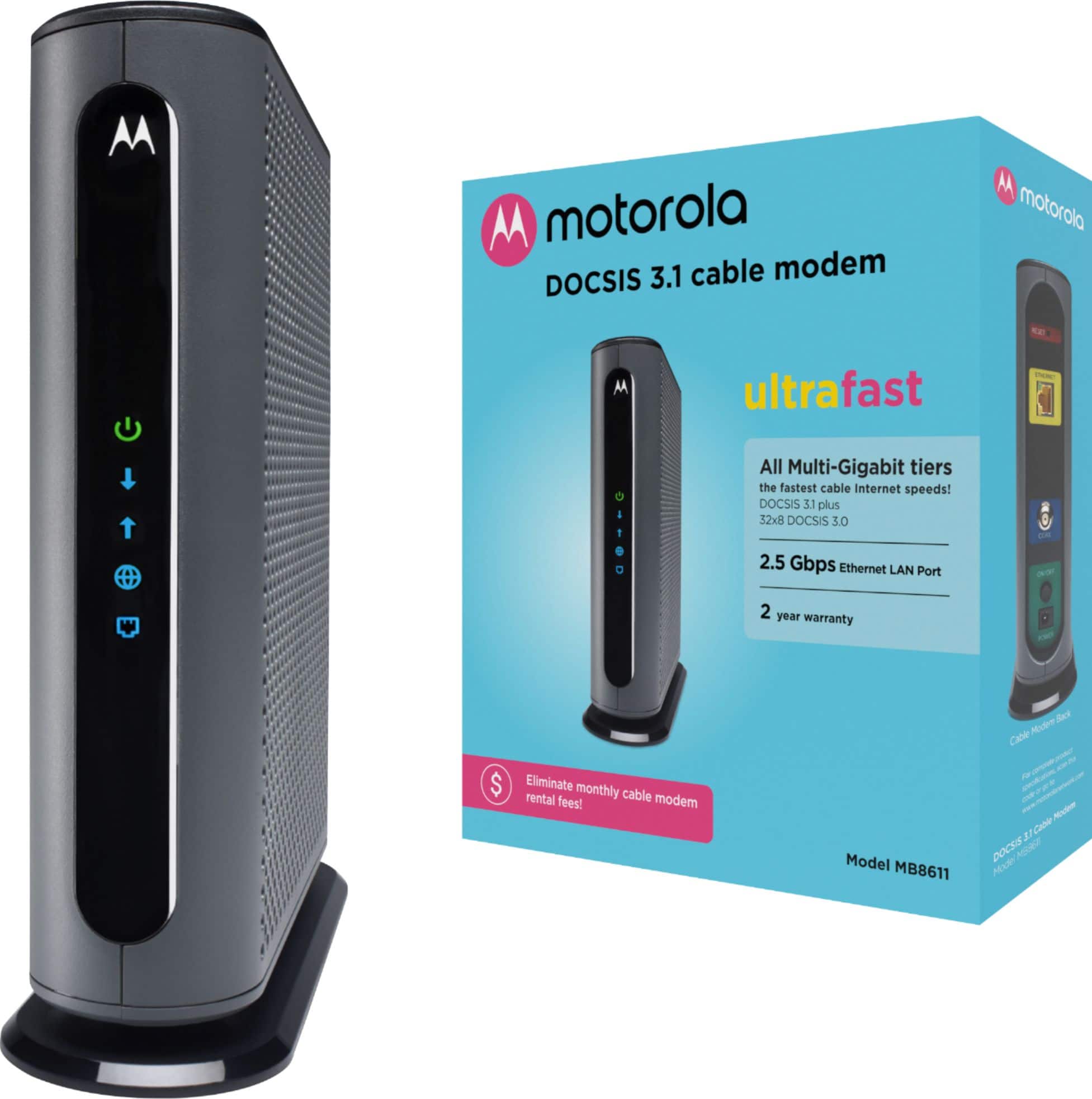
A:AnswerThis is only a modem (bridge) so all of your managed services will occur on your router/firewall on the local side (LAN port). The cable side is the provider's network and they require full access in order to push updates and configuration data to the modem.
A:AnswerYes. I’m doing something similar now. Keep in mind your internet speed will only be as fast as your slowest device. It’s the bottleneck effect.
A:AnswerWell, since the iPhone isn't directly wired for connectivity and i do not know if your TV is wired or wireless to the internet, i would look at your wireless router first as the culprit.
A:AnswerI don't believe it has "memory" but it does have speed.
"Supporting the only standard that can deliver speeds over 1 Gbps/sec, this DOCSIS 3.1 Cable Modem has been approved for all multi-Gigabit speed tiers by Comcast".
You may want to ask that question to another person, an expert, but the advantage of this to my knowledge is how fast it can deliver internet speed to your devices.