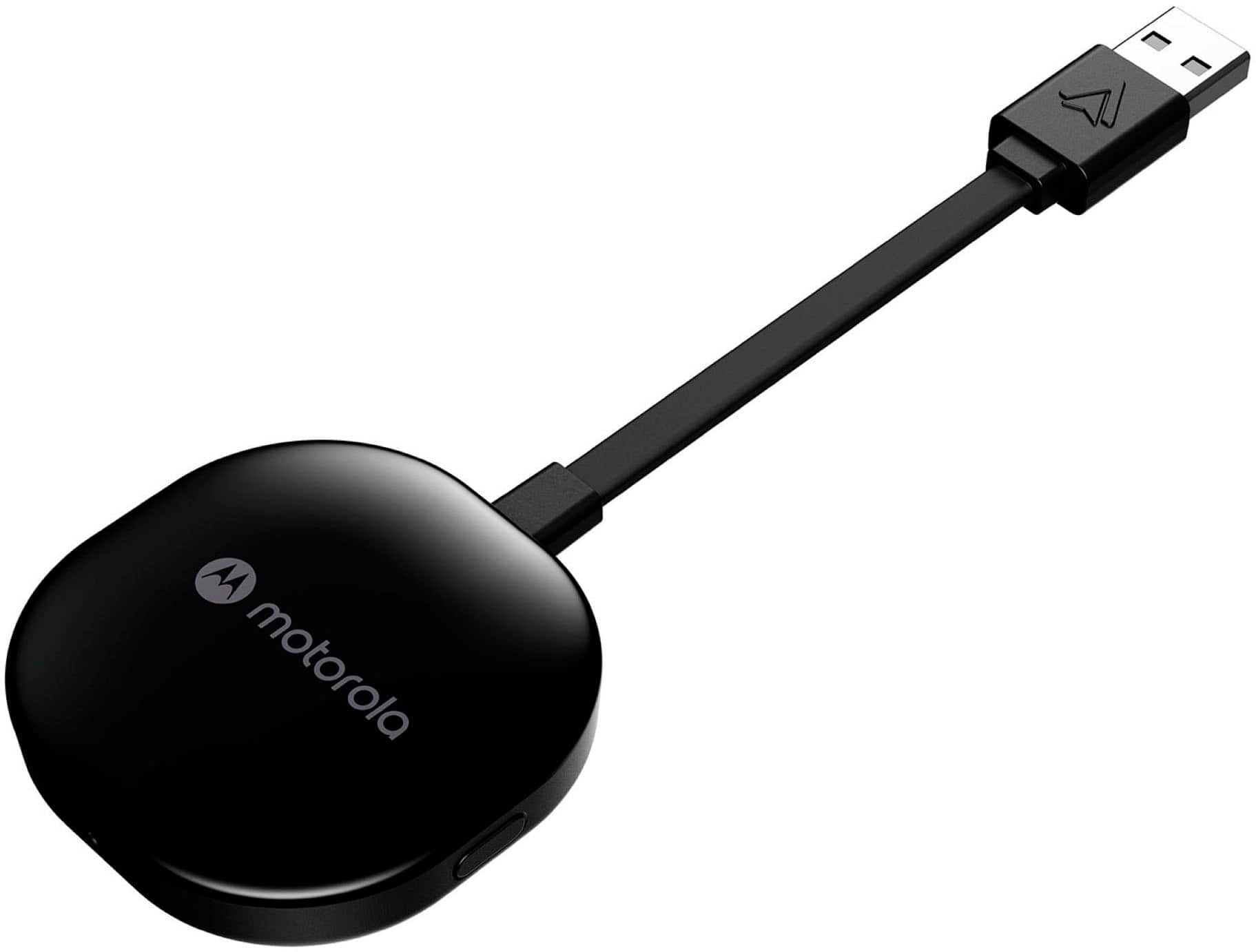
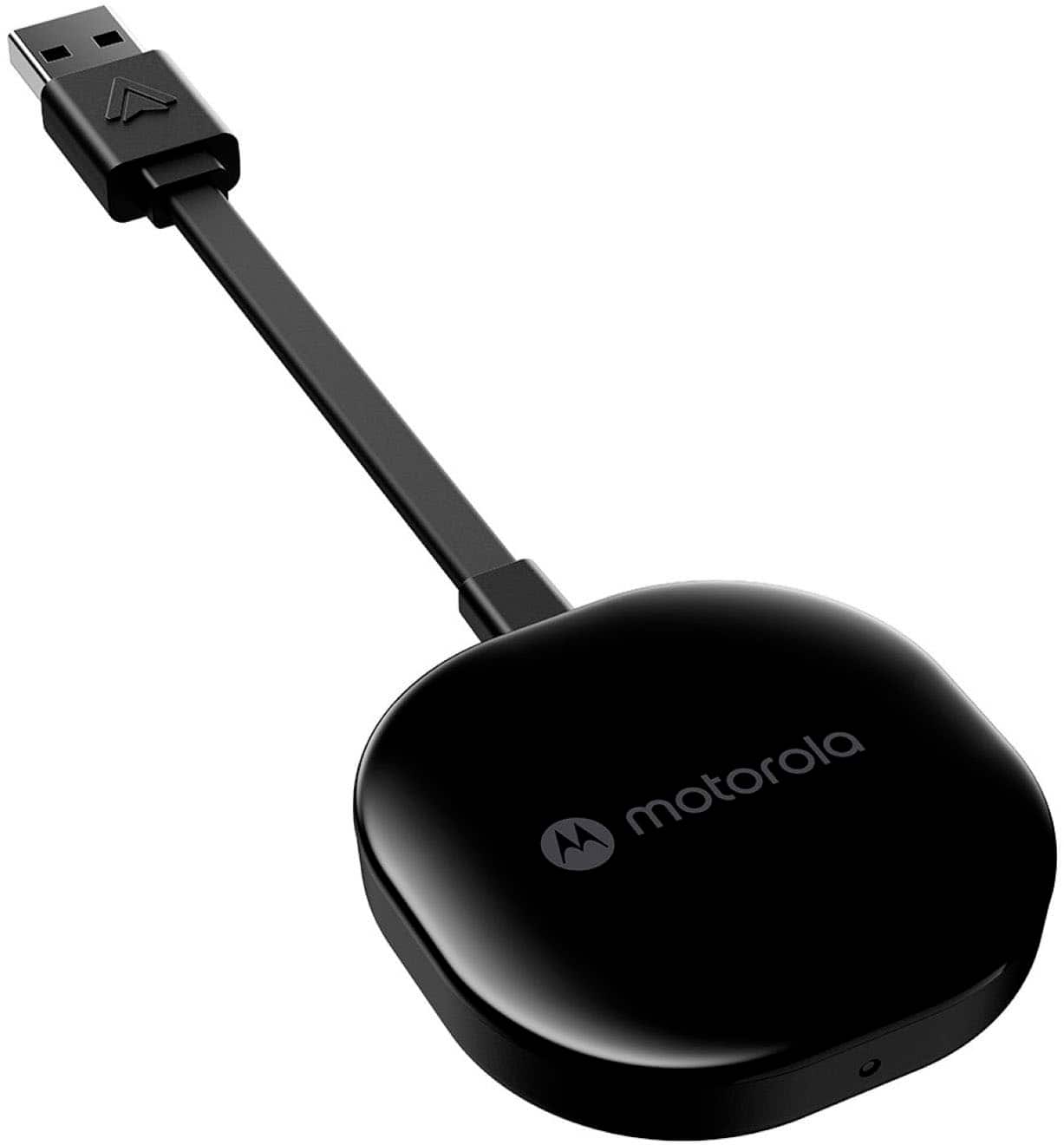
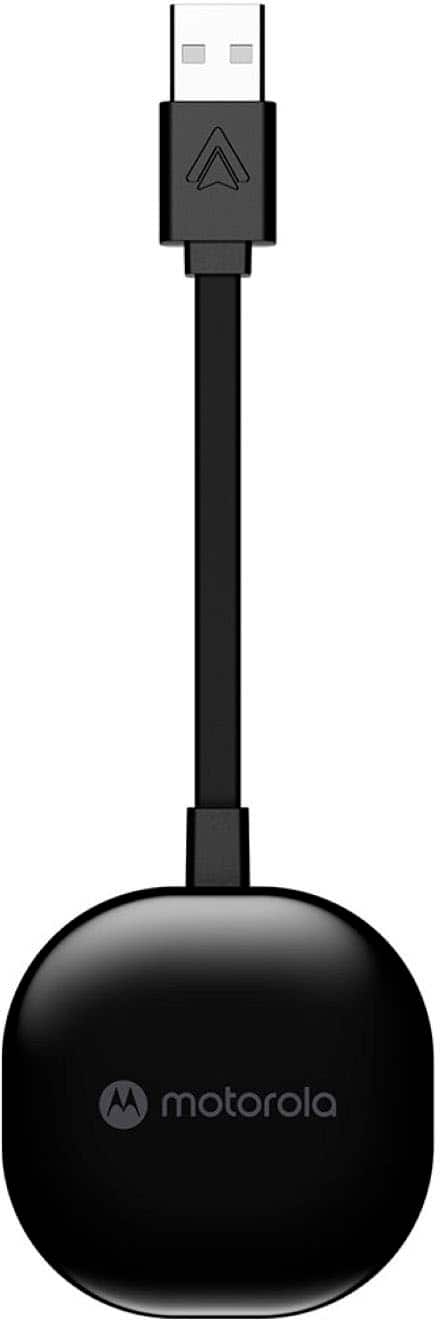
A:AnswerWhatever you can already do with Android Auto by plugging your phone into the stereo directly, it will also work wirelessly. Without data service you will have the same limited functionality as when you connect your phone directly to the car stereo.
Note that both Bluetooth and Wi-Fi must be enabled to connect to Android Auto wirelessly, but it will still partially work without cellular data.
A:AnswerIt'll all depend on your car. Some cars keep their USB ports powered even when the car is off so it'll keep your phone connected to it if you're within the range.
A:AnswerYes. I have used with both USB and USB-C (using an adapter), and it DOES work, absolutely - assuming the USB-C port on YOUR car supports the android auto function. You may want to contact the car manufacturer first to verify.
A:AnswerYes but if you know how to connect devices via Bluetooth, It's a piece of cake! Plug it into USB connected to head unit & then connect to your phone via Bluetooth. Takes less than 5 minutes!
A:AnswerI guess it could if it is on a USB that is hot all of the time. Mine is plugged into the radio, so it does not have power until the car is turned on and most new cars that have USBs will have one that is hot all the time and some that are not, I believe
A:AnswerIf your car has Android auto availability, then this will work. I was skeptical at first, but nothing looks different on-screen. It looks the exact same as if I had plugged in my phone. I drive a 2022 Nissan Frontier Pro-4X. Works perfect every time.
A:AnswerLike the wired version of regular android auto, there are no video programs that can be loaded on-screen whether driving or parked. Now there are other devices that have that ability but not this one.
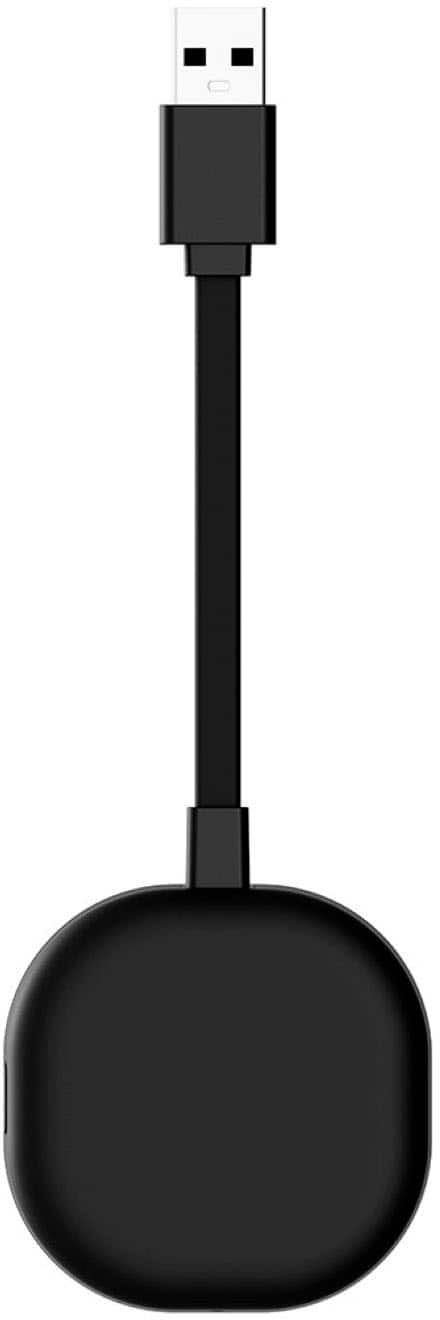
A:AnswerYou can pair 2 phones to this device. To swap between them, there is a button on the back of the device you can press to interchange between them, so the device can't be hidden in the dash or you won't be able to press the button. You can clear out the device by doing a factory-reset, but you can't clear out a single phone if you want to replace 1 of the 2 with another phone. You'll simply have to start from scratch. It's a pretty simple process though.