Early Black Friday DealsNew Doorbusters every Friday.Shop now

Main Content

Questions & Answers

Page Showing 21-24 of 24 questions
  • QuestionCan this mount monitors in portrait mode?

    Asked by Jddrabble.

    • Answer Yes. Once the the plates are fastened on the arms you can adjust as necessary, portrait or landscape.

      Answered by RemoteProfessional

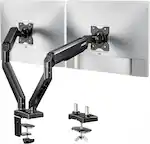
  • Questioncan you put two 27-inch curved monitors on this ?

    Asked by hellao.

    • Answer Yes I am using one 27in and a curved 24in

      Answered by Luca

  • QuestionCould this stand hold a 34 inch monitor on one side and a 27 inch curved monitor on the other side?

    Asked by Tre.

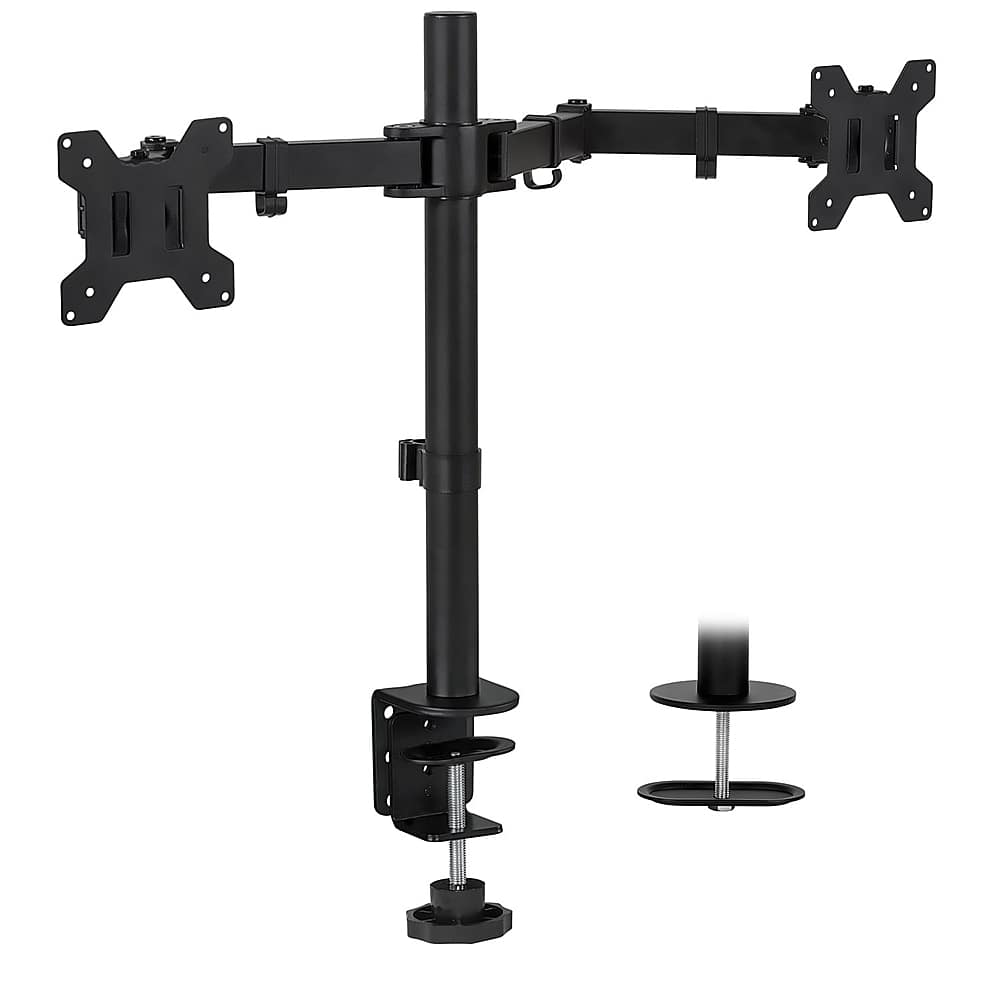
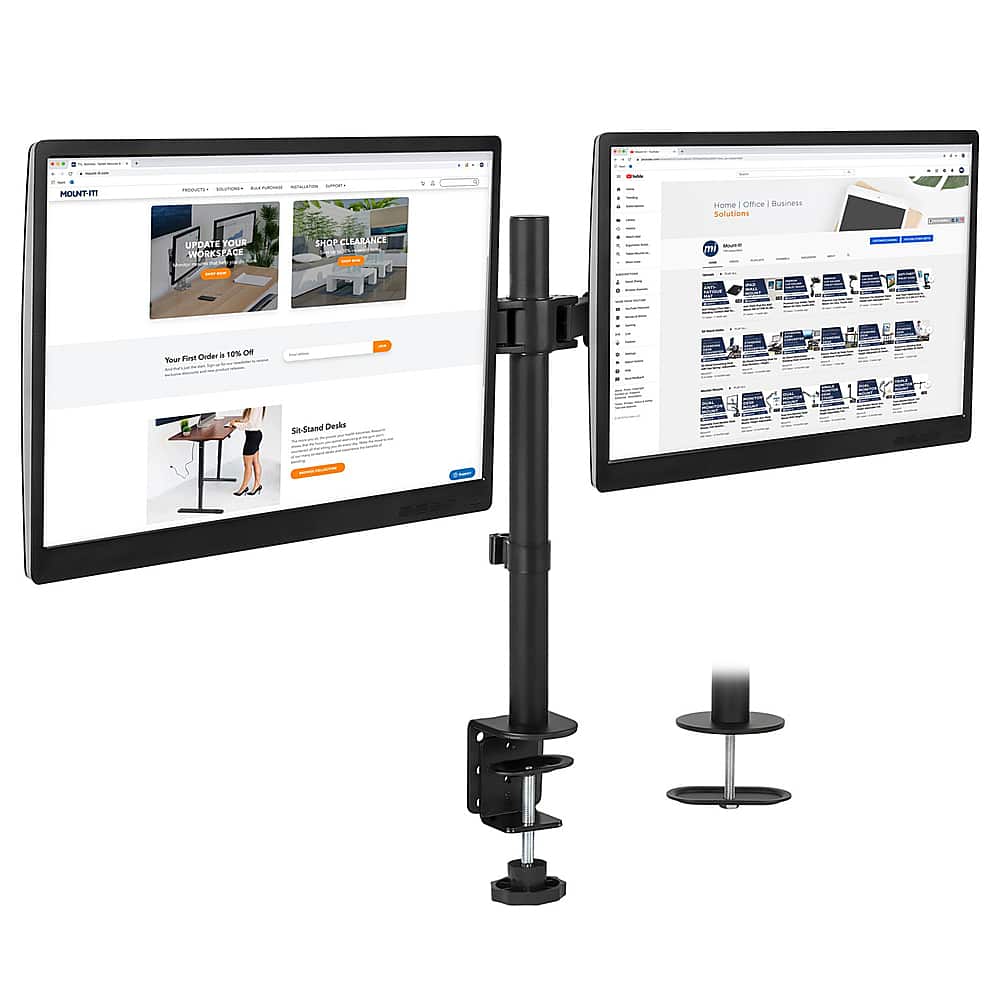
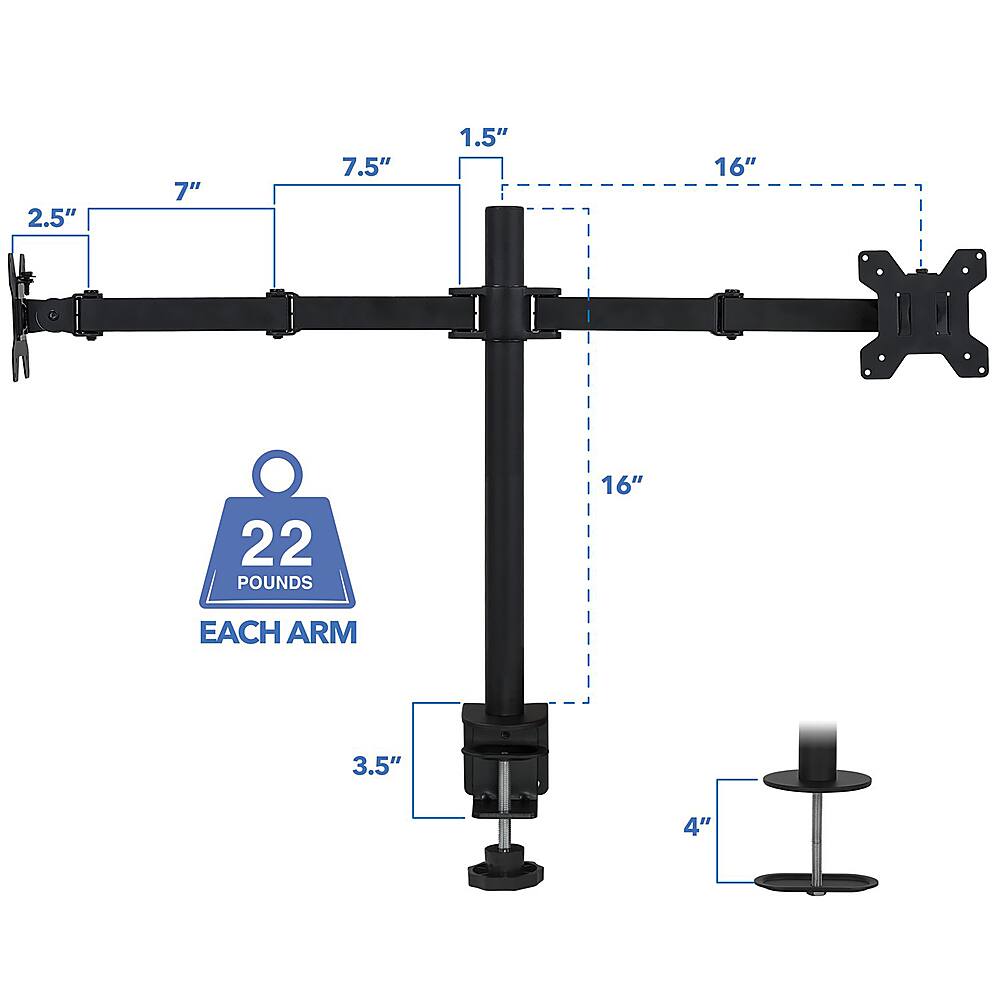
    • Answer Considering that the maximum distance from the center of the arm to the extended tip is just a bit less than 16 inches, in theory yes, you could use two 34 inch(diagonal measure 31 inch approximate horizontal width) monitors, but the position adjustment in order for them to be perpendicular to you might complicate things a little bit, since for the best viewing position you want both monitors aimed at an angle the would be perpendicular to you. so if the distance from the edge of your monitor to the center is over 15 inches it might not be possible to attain the best angle. In your case that the 27 inch monitor should be about 25 inches wide, you should be able to fit both 27 and 34.
      Answered by AlfredG

  • QuestionIs there integrated cable management?

    Asked by 1frlea.

    • Answer Yes, 5 plastic clips for cable management are included in package, but in my opinion not enough, each arm has two clips that will route the cables at each moving joint and there is only one big clip in the central tube for all cables, I have additionally used two black plastic ties on the center tube to securely hold the cables. Note. cables are NOT hidden.

      Answered by AlfredG