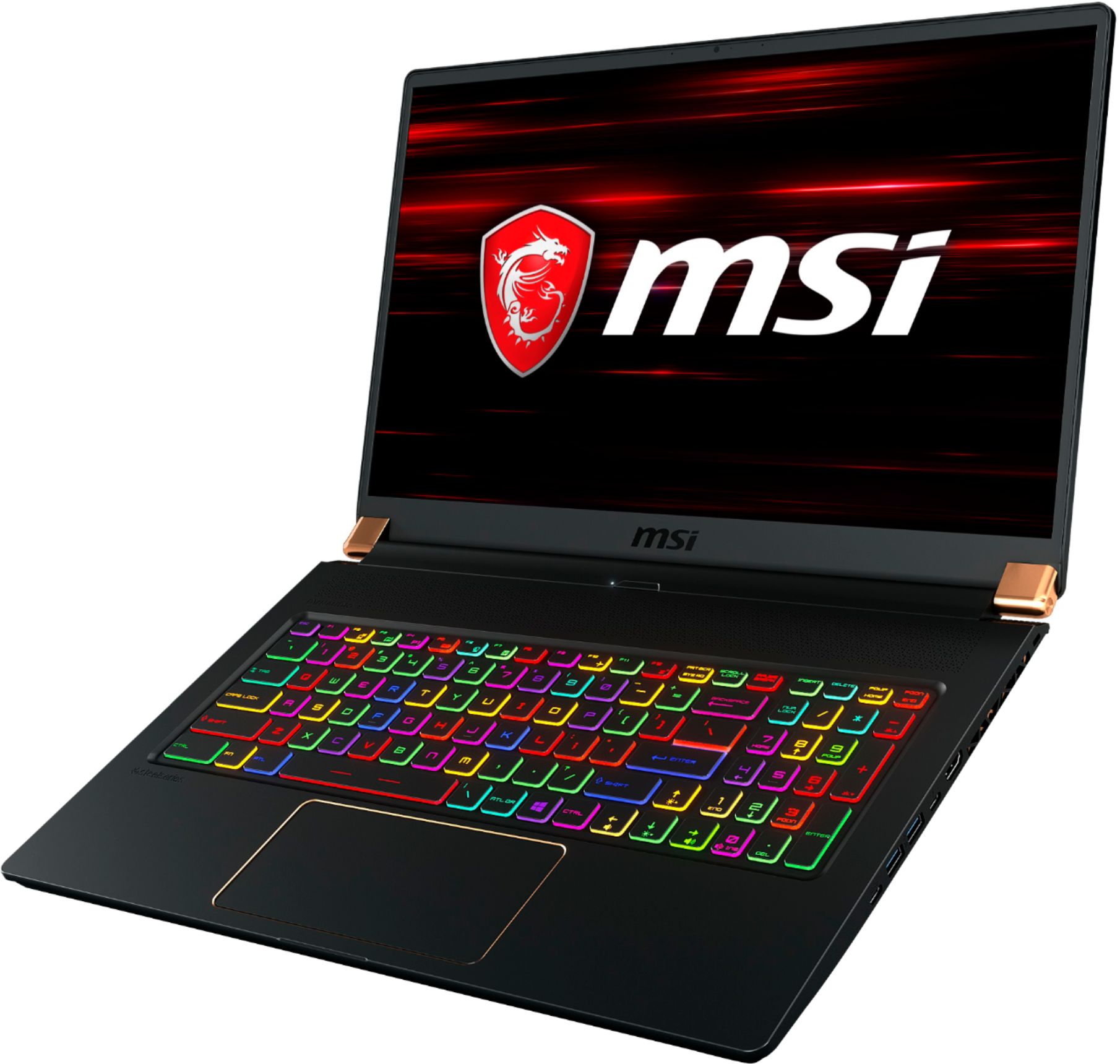
A:AnswerThere is a SATA3.0 and nVME pCIE gen 3 slot open on the mid ranger model. Take out the 10-12 screws and just drop in any full sized m.2 drive in the correct slot.
SATA slot is next to the battery. nVME gen 3 is in line with the current installed ssd.
A:AnswerNever received this. I bought it on sale fir a great price but after a week got to hear it was not available. They did want to sell it to me after for the sale orice
A:AnswerI use the laptop for CAD all the time. Little sluggish if you run a 3D printer software and playing COD warzone on a second display.
Just CAD and streaming music or video… this will eat anything you throw at it.
A:Answercamera would be enough for low resolution streaming but not for 4k or 8k. if you plan to stream videos at that quality which are pretty unstable resolutions for most viewers get another camera. also for video editing and more options i would definitely use another camera. the one that is built in the laptop its more like for video calls and light use.
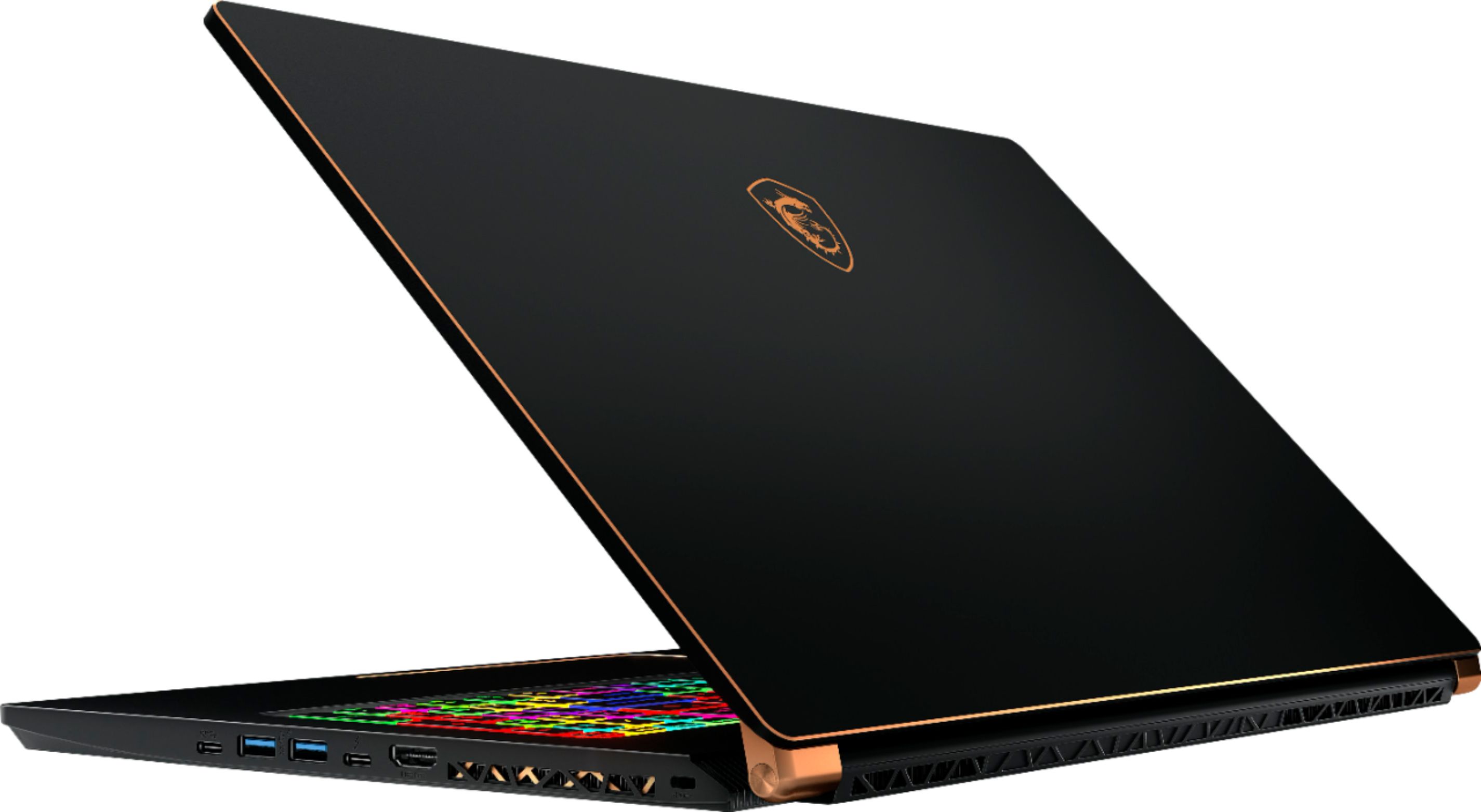
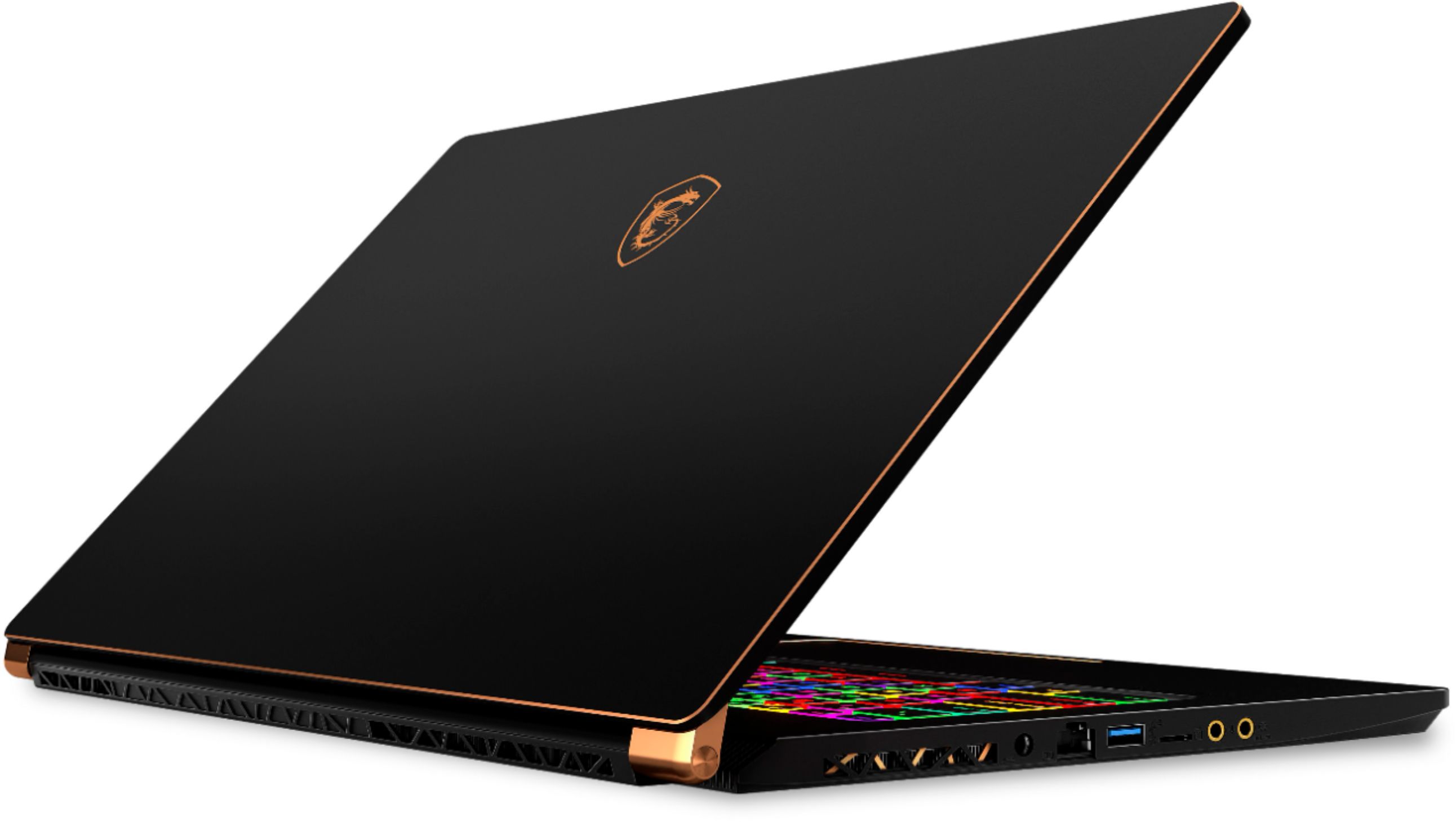
A:AnswerThere isn’t an internal optical drive in this model MSI. What kind of external drive depends on your needs. The most advanced optical drives currently can read and write Blu Ray discs, support 3D, and attach via USB 3.0 or USB C (this laptop supports USB 3.0 and USB C). ASUS and Pioneer are both solid brands and have a wide range of options on the market. I’d recommend doing some searches for the features you want and going from there.
A:AnswerFor gaming, it could last up to 3 hours, but or normal usage it can last around 5-6 hours depending on what you're doing and what programs you will be running.