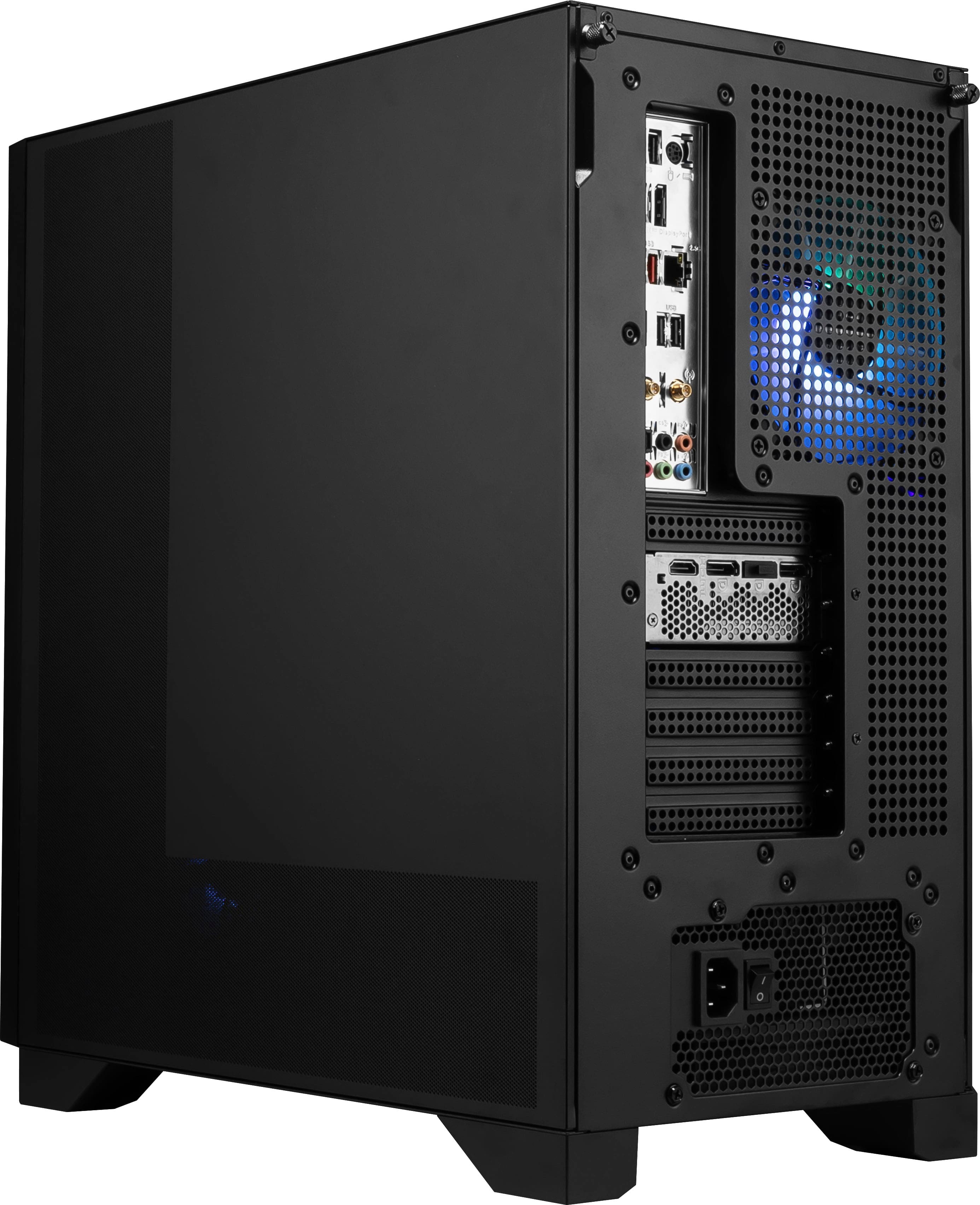
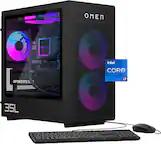
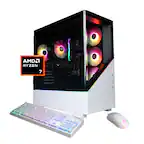
A:AnswerThe Aegis Z2 can support the listed title. Please note that Photoshop and After Effects are both compatible with the machine. Smoothly depends on the project file you are editing and other software factors.
A:AnswerTo resolve this, run the built-in Windows Activation troubleshooter by going to Settings > Update & Security > Activation and selecting Troubleshoot. In my experience if that fails or isn’t an option it’s a matter of incorrectly entering in the product key. Windows 11 to my knowledge still has customer support for activation issues.
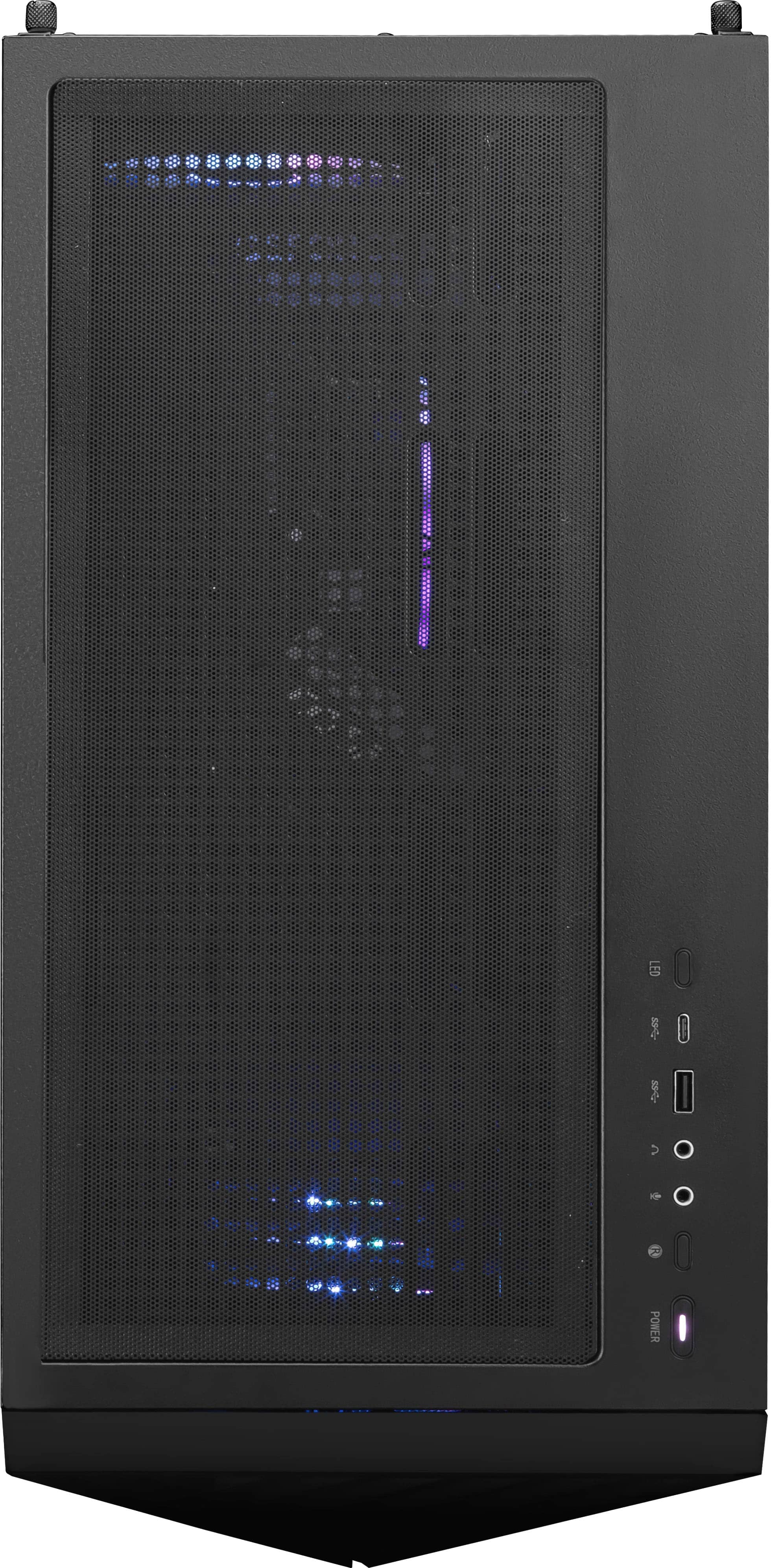
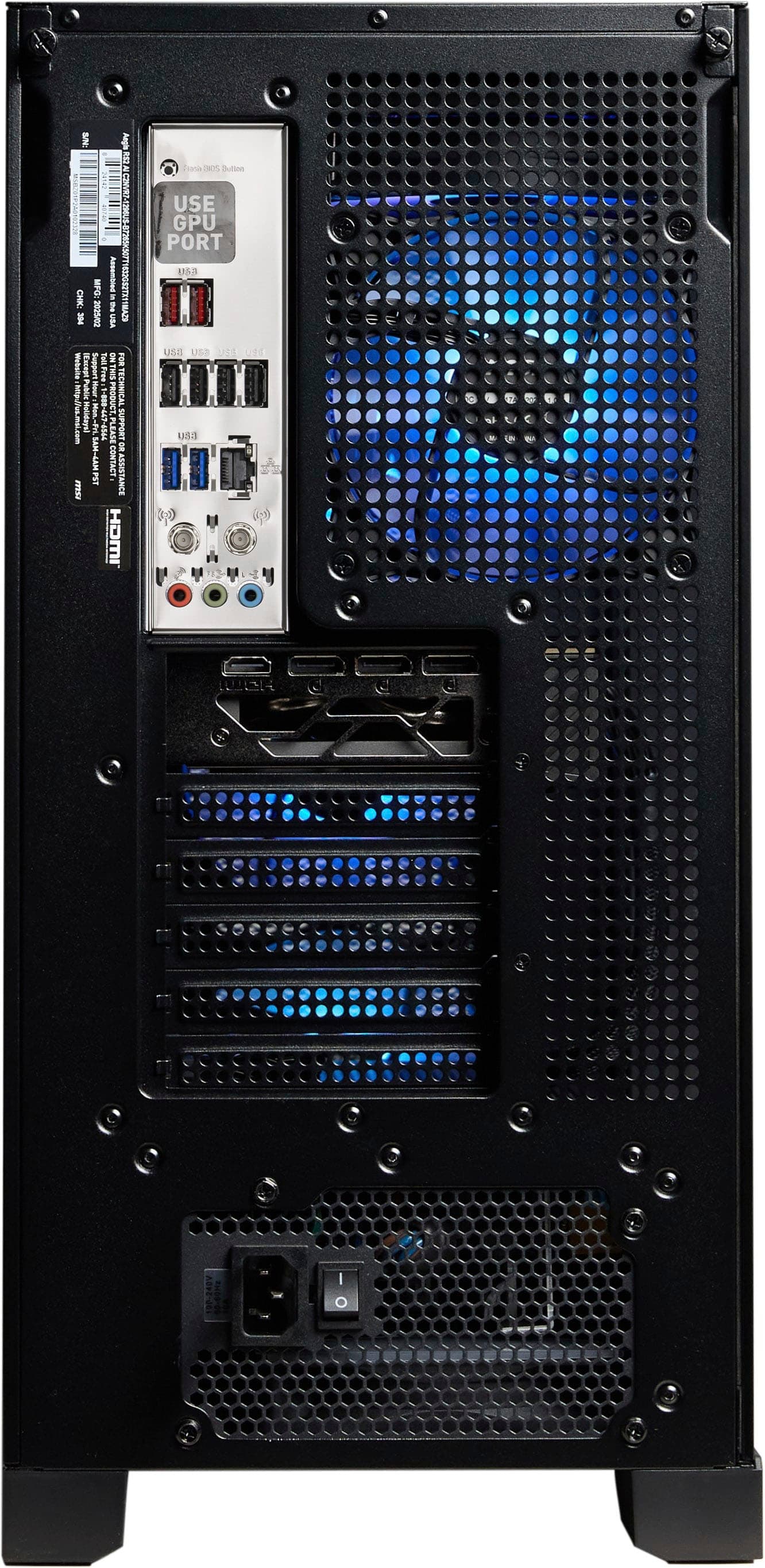
A:AnswerHello AnaViviton - this system comes with the following connections. Front:
1x USB 3.2 Gen 1 Type A (5 Gbps)
1 x USB 3.2 Gen 1 Type C (5 Gbps)
Rear:
4x USB 2.0
2x USB 3.2 Gen1 Type A (5 Gbps)
2x USB 3.2 Gen2 Type A (10 Gbps)
A:AnswerThe included air cooler is likely covering the 4th slot. If you want to fill up all four slots, you will need to remove the cooler to access the slot.
A:AnswerIt should be in settings. Or use the MSI center. There are 2 options. If you have the Microsoft disc or saved Microsoft on USB. You can choose the other option.