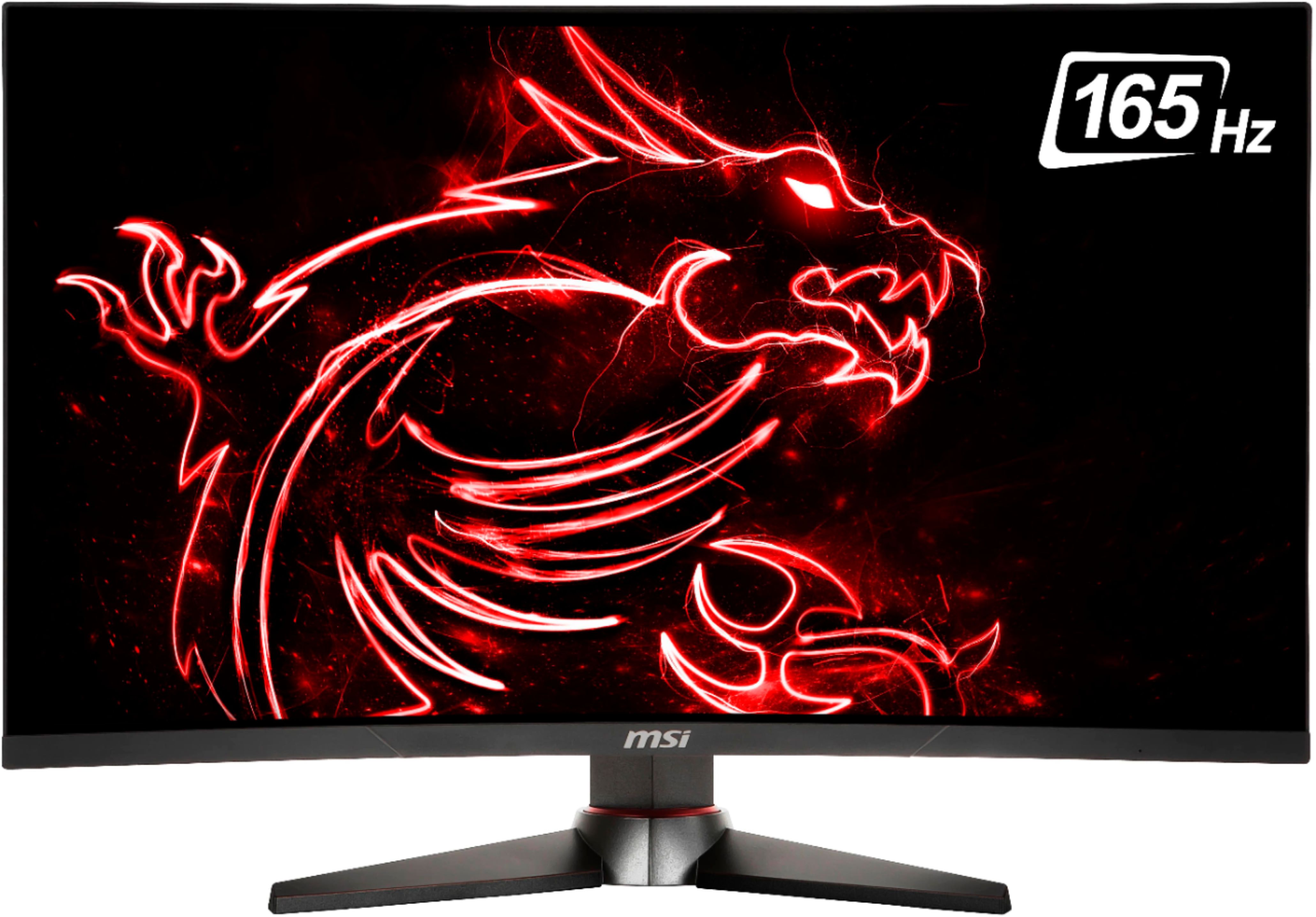
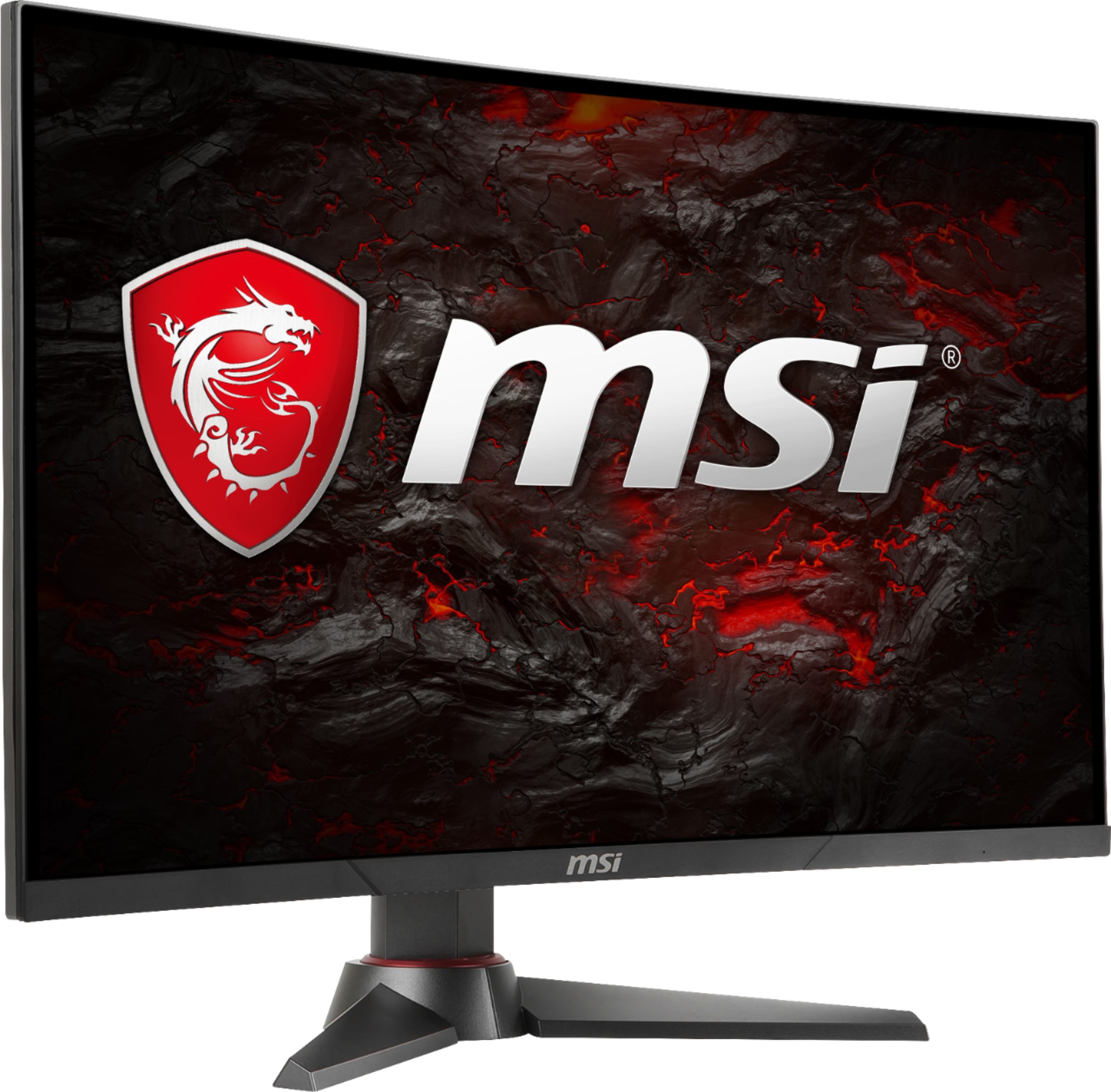
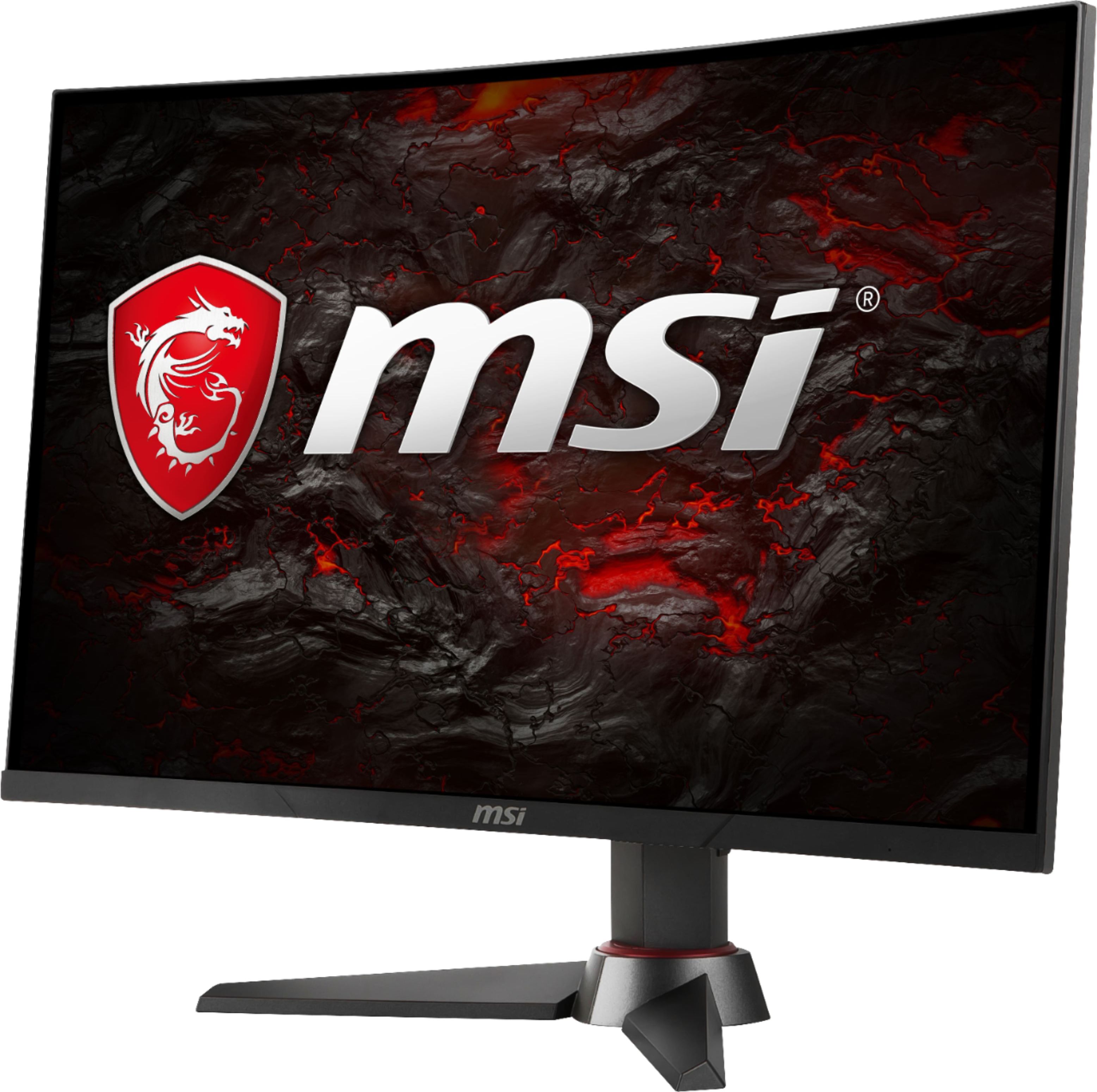
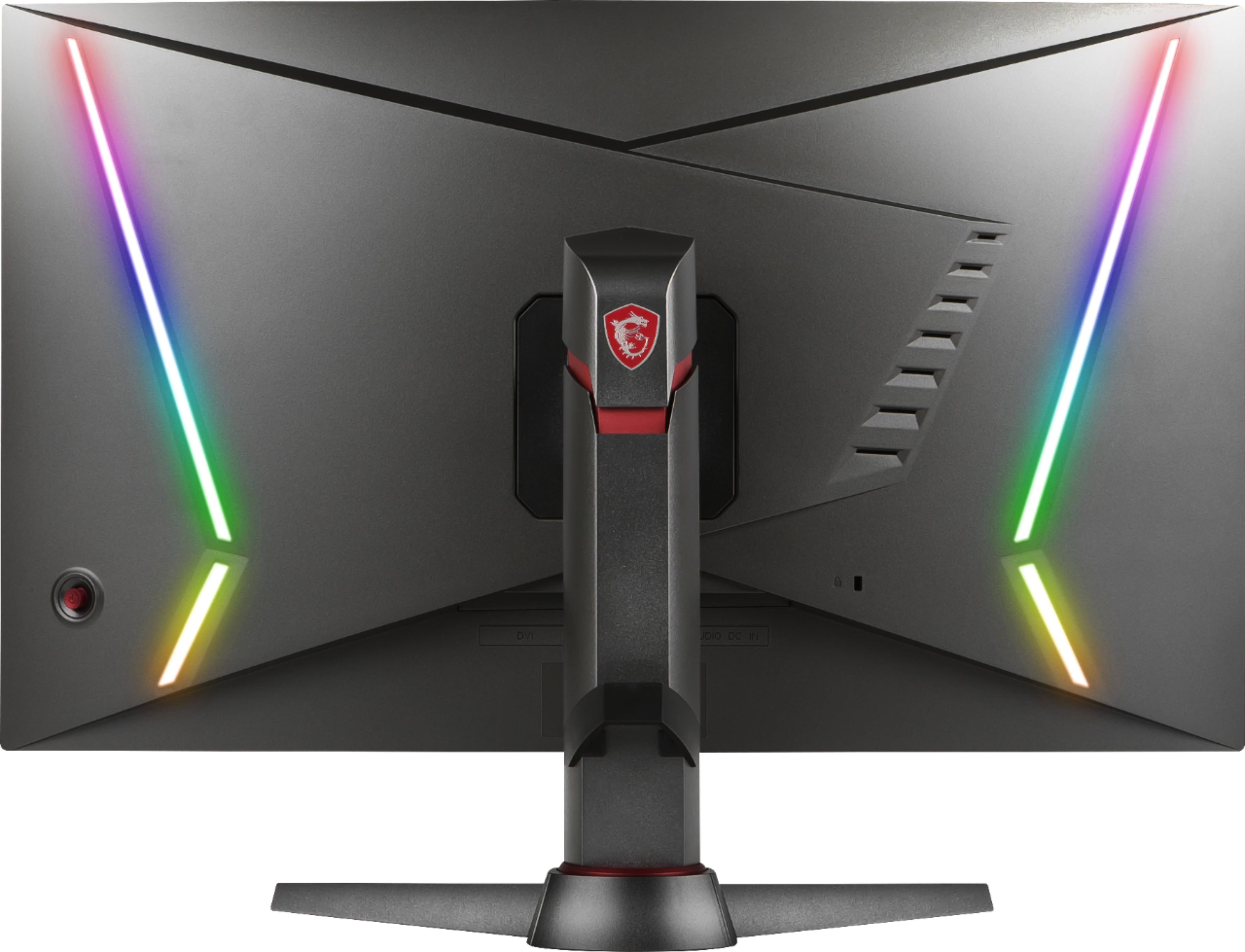
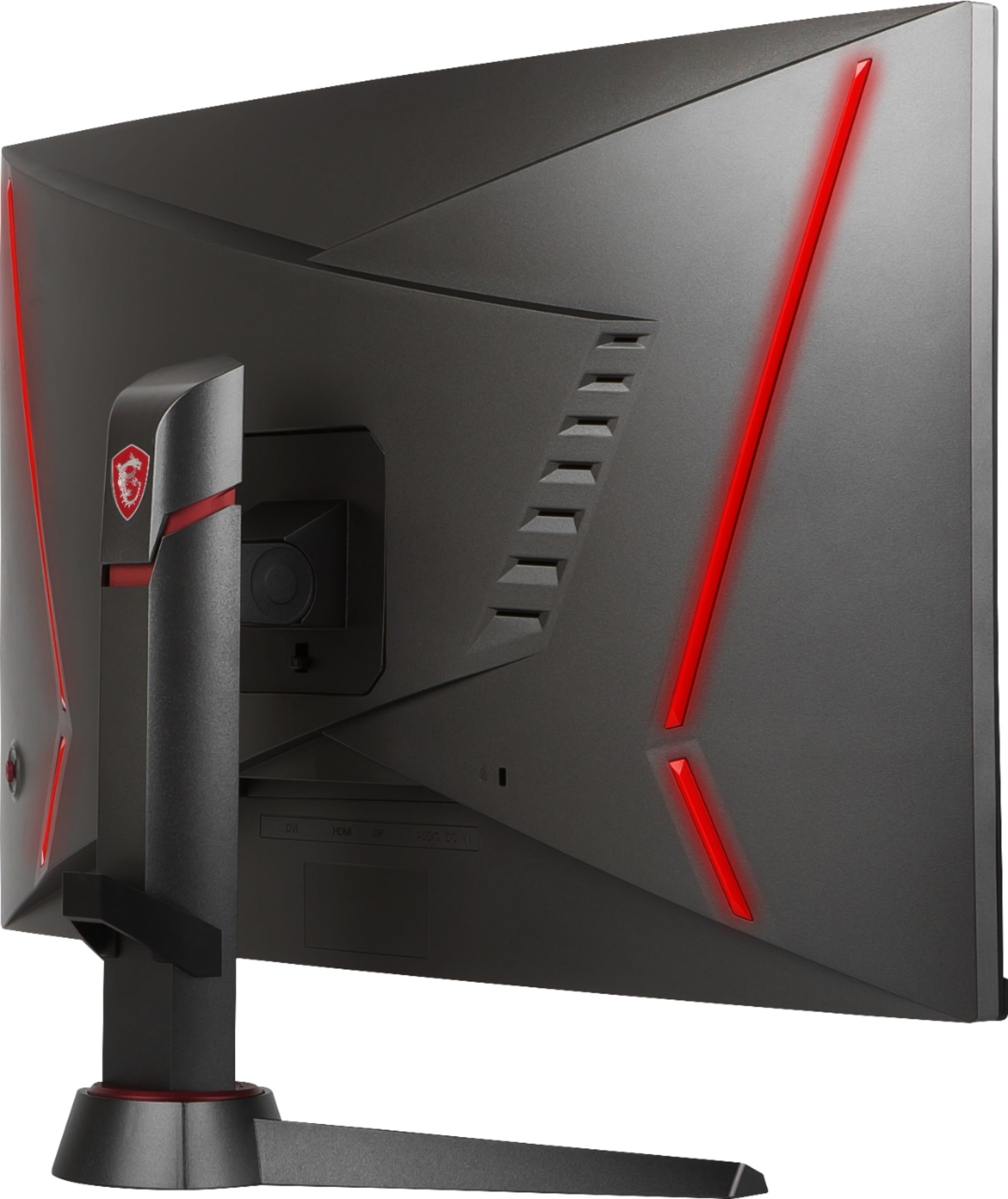
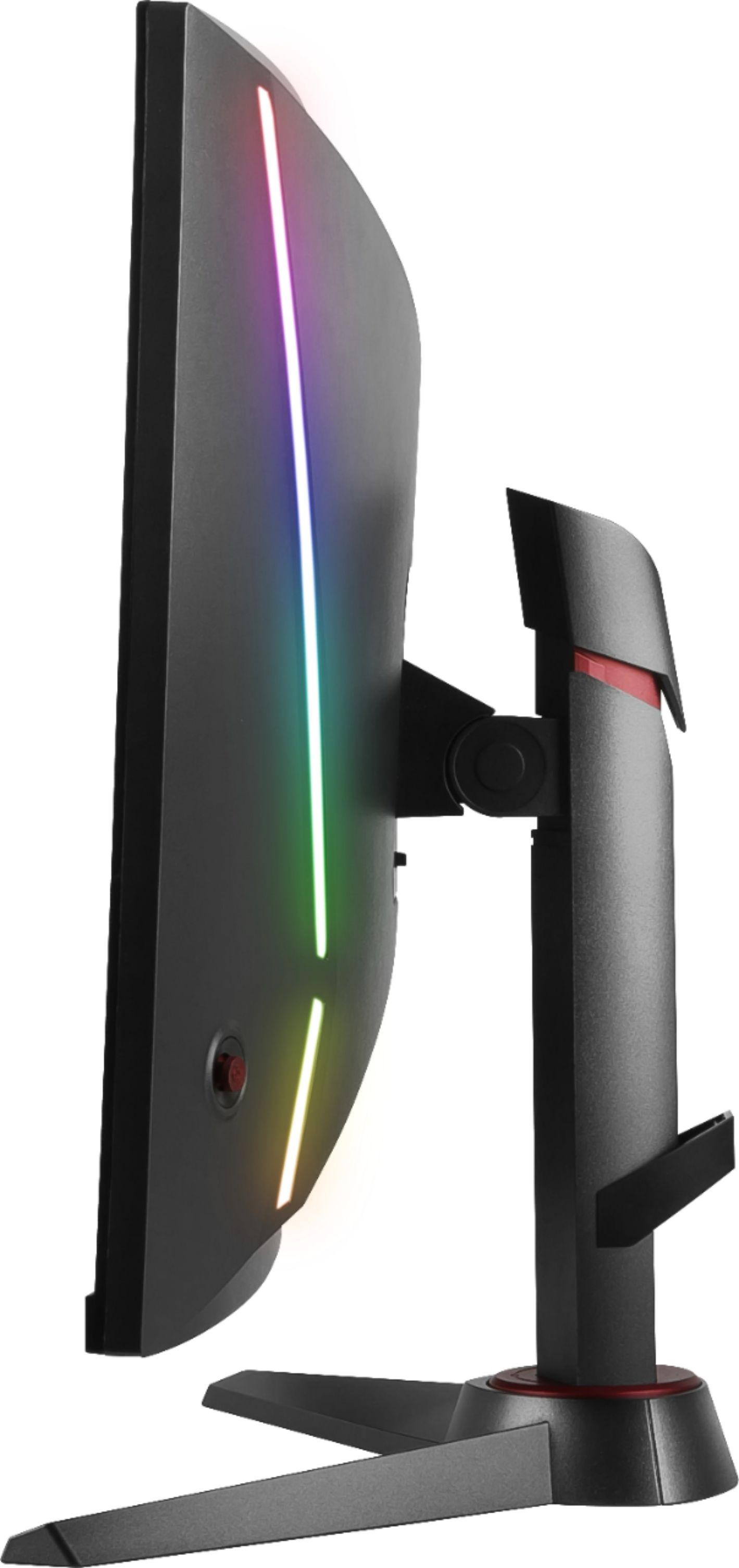
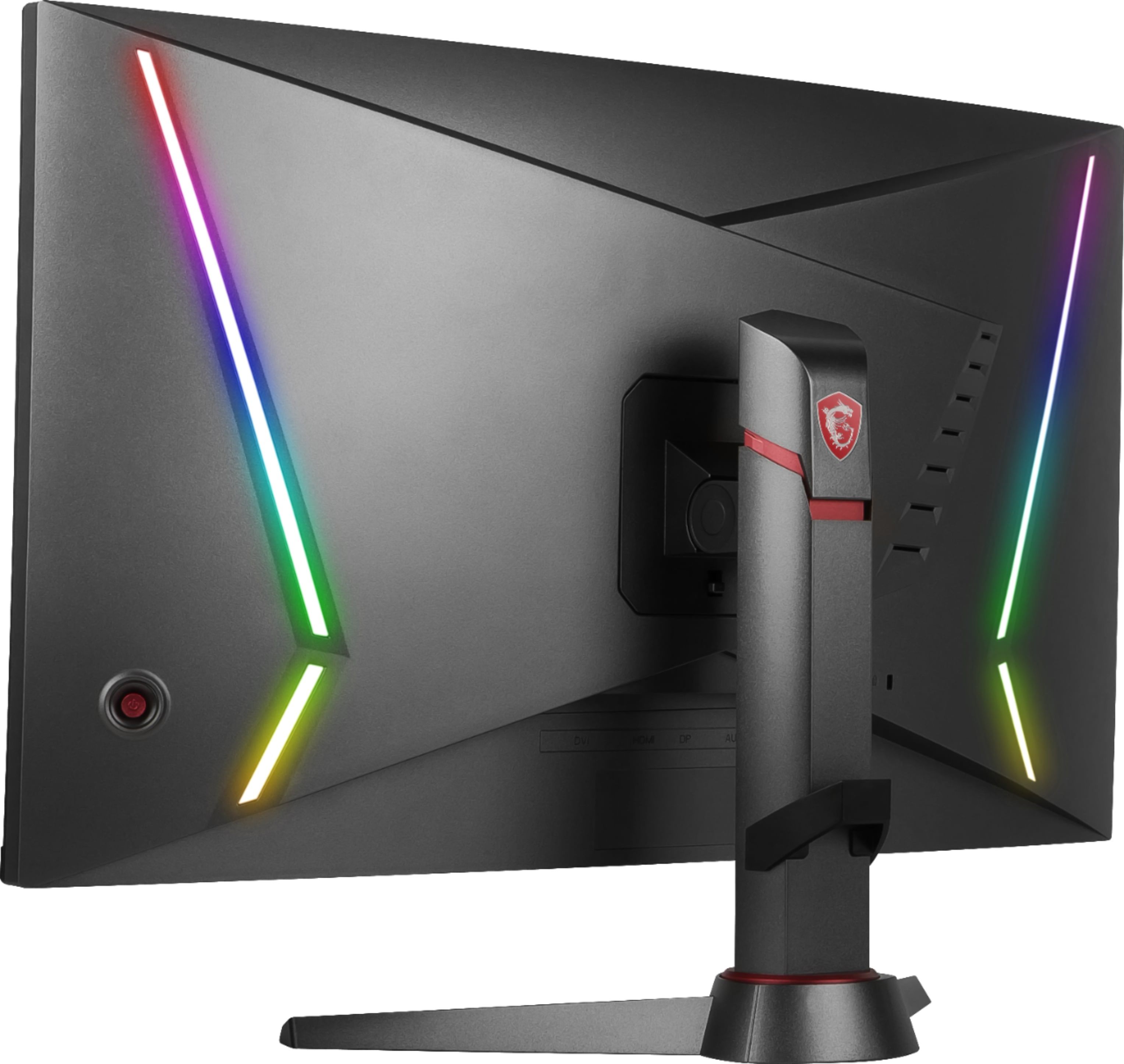
A:AnswerThis one is newer, has RGB lighting in the back and has a max refresh rate of 165Hz, while the Optix MAG27C only has red lights and has a max refresh rate of 144Hz.
A:AnswerYes, that's what FreeSync does. As long as you have a video card that supports FreeSync, like recent AMD or Nvidia cards, then you won't get tearing.
A:AnswerKeep checking every day. I had the same issue. Bought one in May and kept having to check back every day to finally get a second one. Took me about a month to find one in stock to do curb side pick up.
A:AnswerThe "CR" nomenclature from MSI means the monitor is curved. I don't see anything in either monitor's literature saying one has worse lag than the other. The only difference appears to be the CR's panel curvature.
A:AnswerYes it is, I have a Mac Mini, and opted to get the Mini Displayport (Thunderbolt port) to Displayport cable, The calibration settings went in automatically once it was connected.