A:AnswerYou can try swapping the video cables and/or using a different video input on the monitor to see if it's the cable or the monitor itself. If it is the monitor, it is likely to be defective and will need to be replaced. We do suggest trying a completely different source if possible!
A:AnswerYes. Digital port is the best cord to use to get the best out of the monitor. HDMI is fine but digital port transfers faster between the monitor and the gpu.
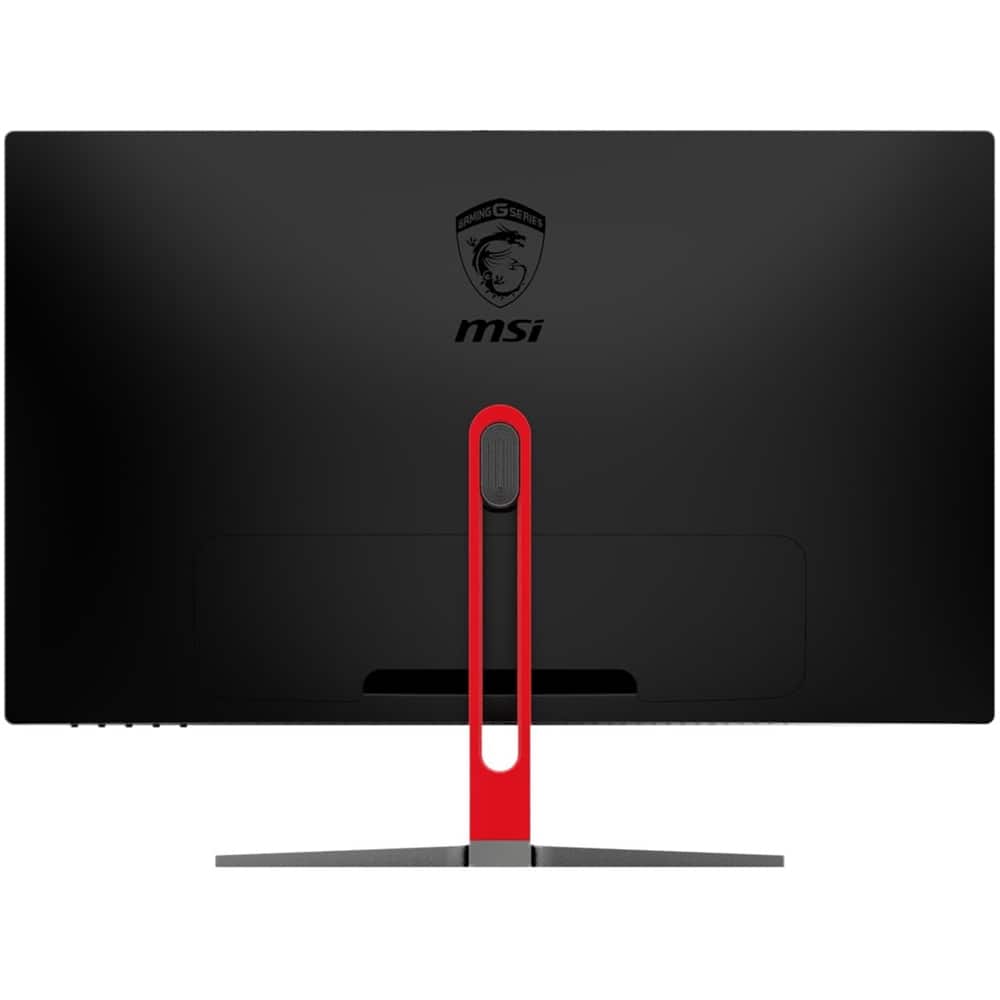
A:AnswerYes, you will need to buy this in order to make it vesa mountable.
https://www.amazon.com/dp/B074JLTQK7/?coliid=I1SJG1ORP3KCKQ&colid=1UVLC824PMQUF&psc=0&ref_=lv_ov_lig_dp_it
A:Answeryou are getting a few more inches out of the monitor at the cost of pixel density as they are both 1080p, some people claim they see the pixels stretch out on a 27 inch monitor at 1080p