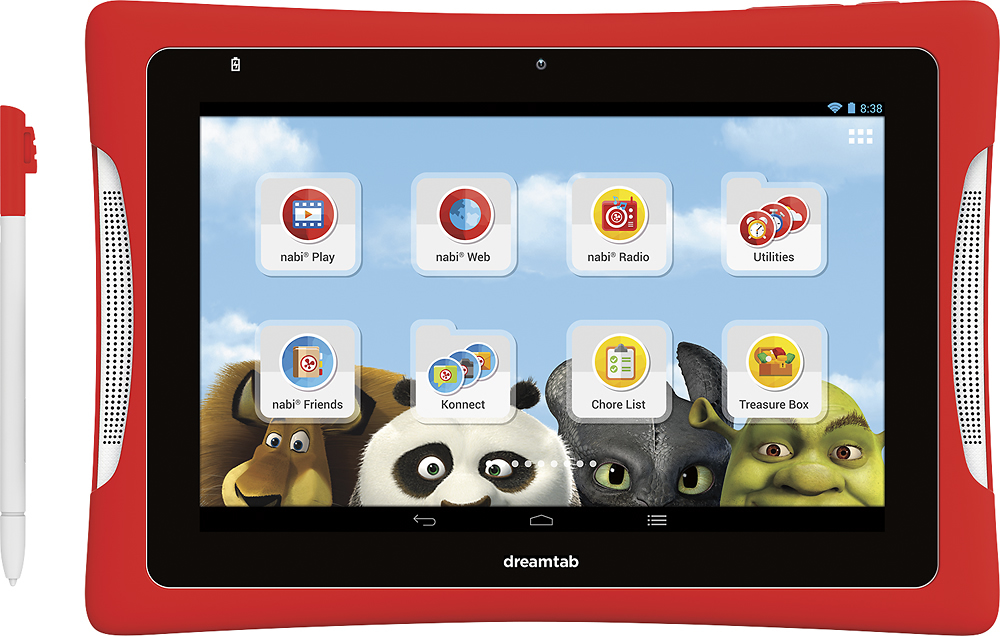
A:Answer6 and up. Yes there are games loaded on it. There is Dream Pro Suite that comes on it that allows him to edit videos, create a movie, write or illustrate a book or edit a photo.
A:AnswerYes, you can go in to parent mode and allow YouTube but it will not be content/language filtered. You can also download YouTube Kids from the play store (also in parent mode) then allow that in kid mode (this is what i have available for my 4 year old).
A:AnswerI'm pretty sure this is possible, like other Android tablets.. Log in as the parent, got to the settings and scroll down to the Personal section to change the language.
A:AnswerI had this same problem it was a defect in the Nabi. I bought the insurance took it back to Best Buy and they just exchanged it for a new one otherwise had to send it back to Nabi to be repaired.
Hope this helps
A:AnswerYou should be able to if you download one of the MP4 video players in the Google play app store in parental mode on the tablet. Then add whatever videos you want to the player, then tap on "add app" on the main screen of the tablet. Check the MP4 player app from the list. Return to main screen then select "nabi mode." The videos should be in the newly installed app which will display by tapping on the upper right corner where you will see 6 white boxes. Hope this helps.