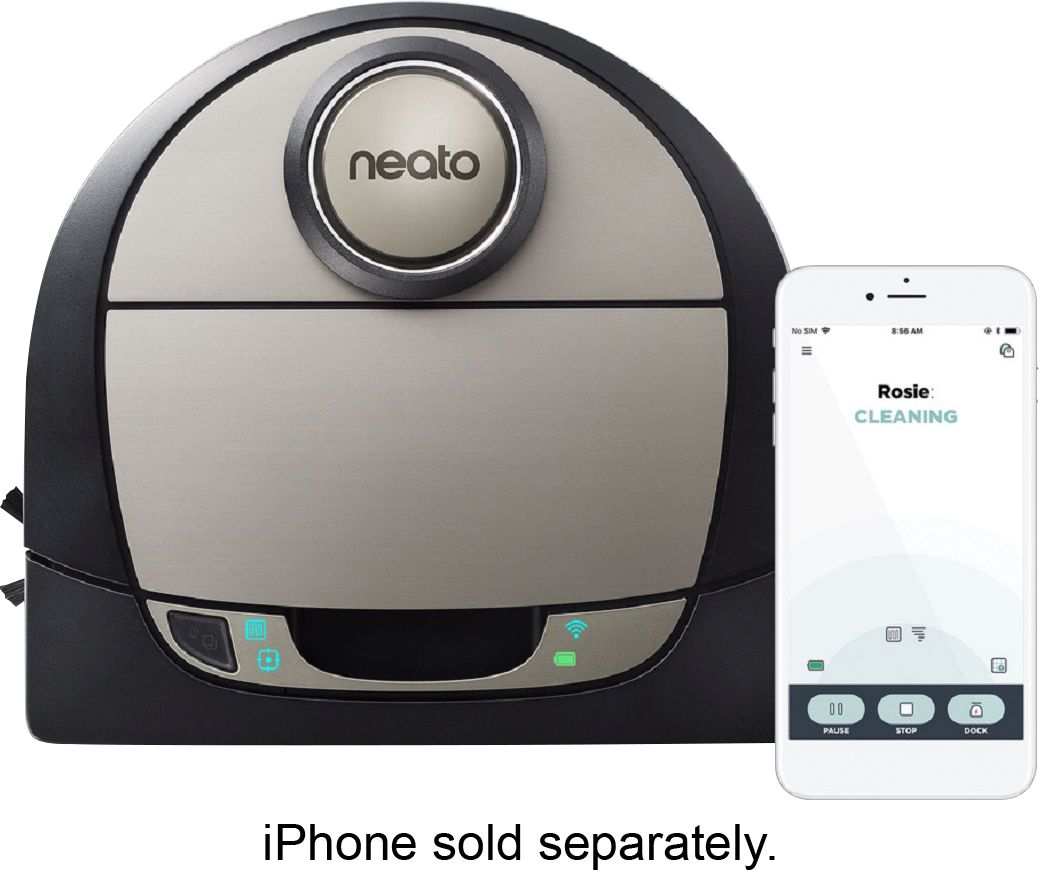
A:AnswerTurn off cellular data on your phone during setup, it interferes with the wifi signal. The neato wifi connection is only for initial setup on the app. You designate your wifi through the app steps. I’d call Neato customer service if you can’t connect. Once i turned off cellular data on my phone, neato connected immediately. No issues.
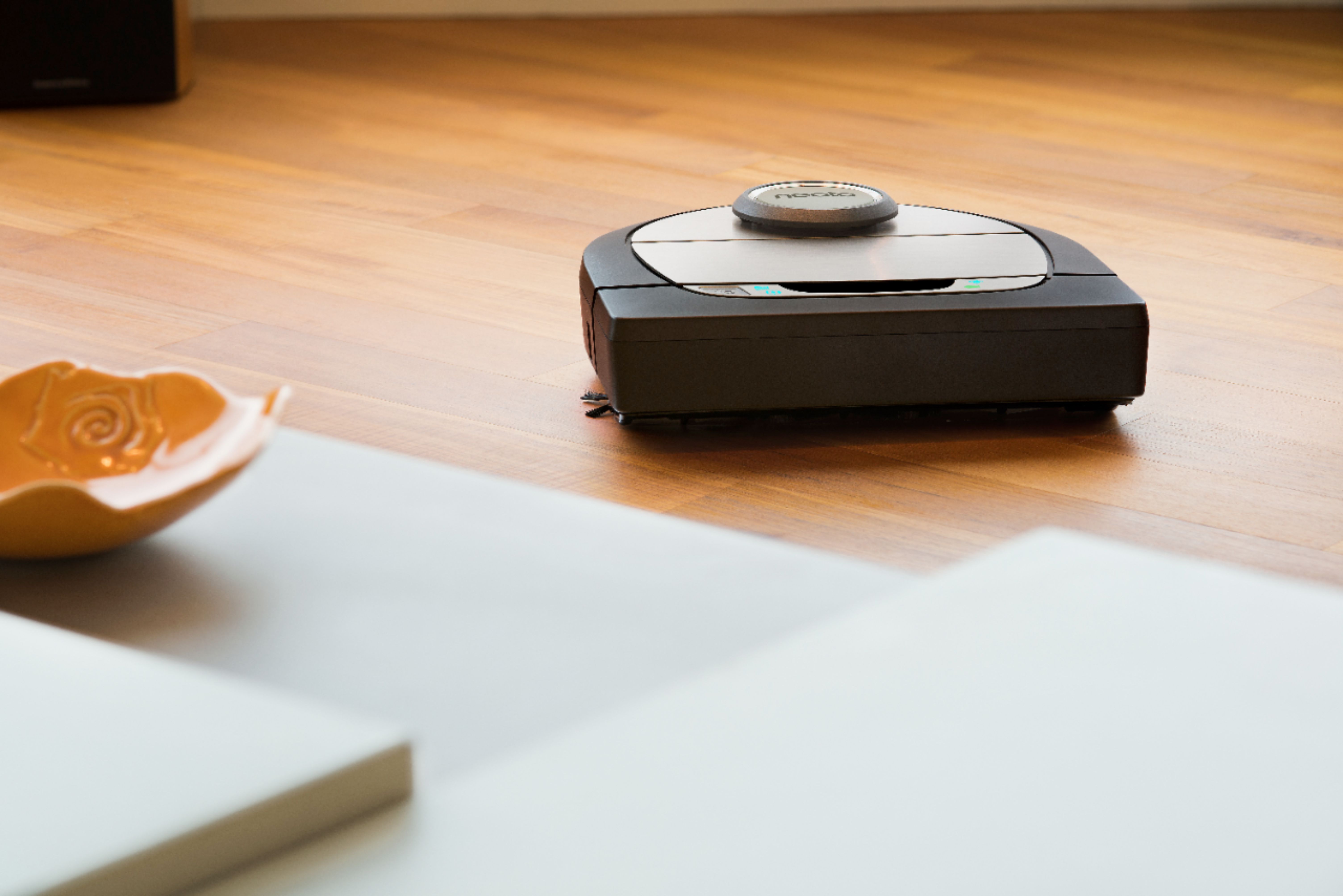
A:AnswerI haven’t had any issues and my house is all hardwood floors with a few throw rugs (high and low pile) that my vacuum navigates really seamlessly on and off of without leaving any marks. I’ve only had mine for a little over a month but have run her at least once per day & haven’t seen anything.
A:AnswerNormally I just call Neato if there is an issue. I had one that started squeaking really badly whenever it moved. I called support told them what it was doing and they are replacing it for me. Luckily it is still under warranty. If it wasn’t under warranty I have a feeling I would have been taking it apart myself and trying to fix it with the help of YouTube. Hope that helps.
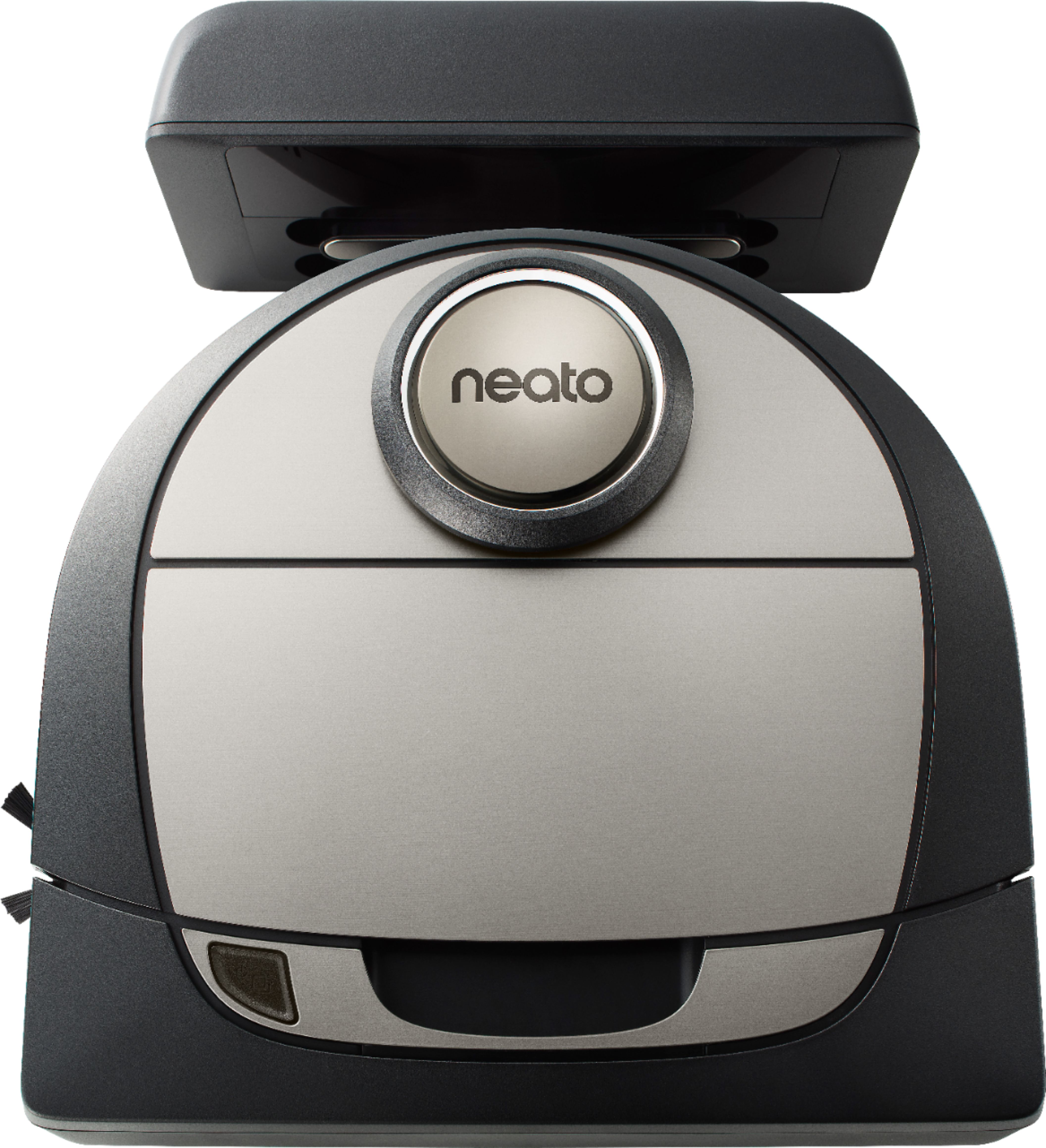
A:AnswerYes. it has a charging station that is on the floor plugged in. The robot vacuum knows when it needs a charge and returns to the station, docks, and charges up. It then continues to clean the areas it has not covered yet.
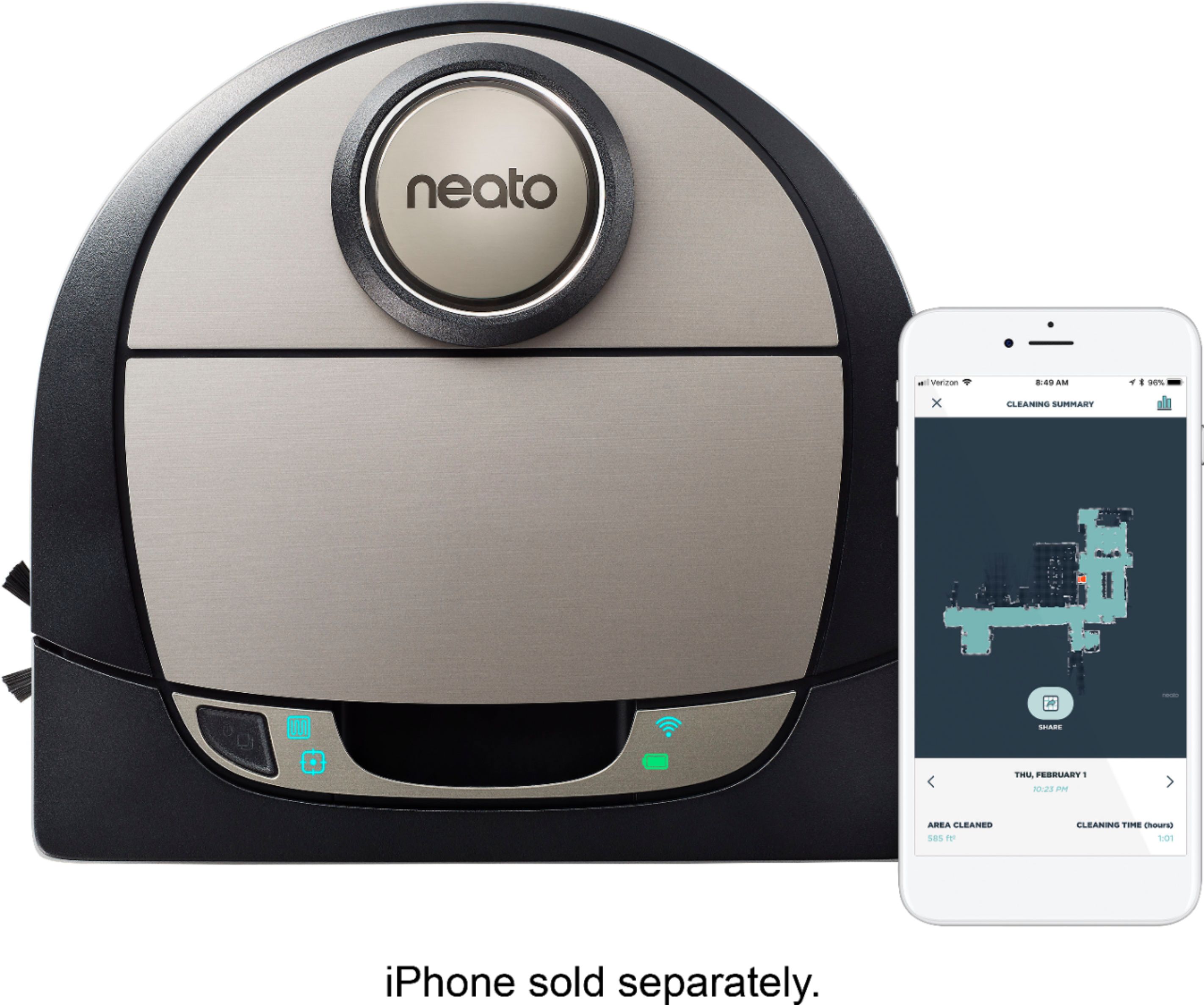
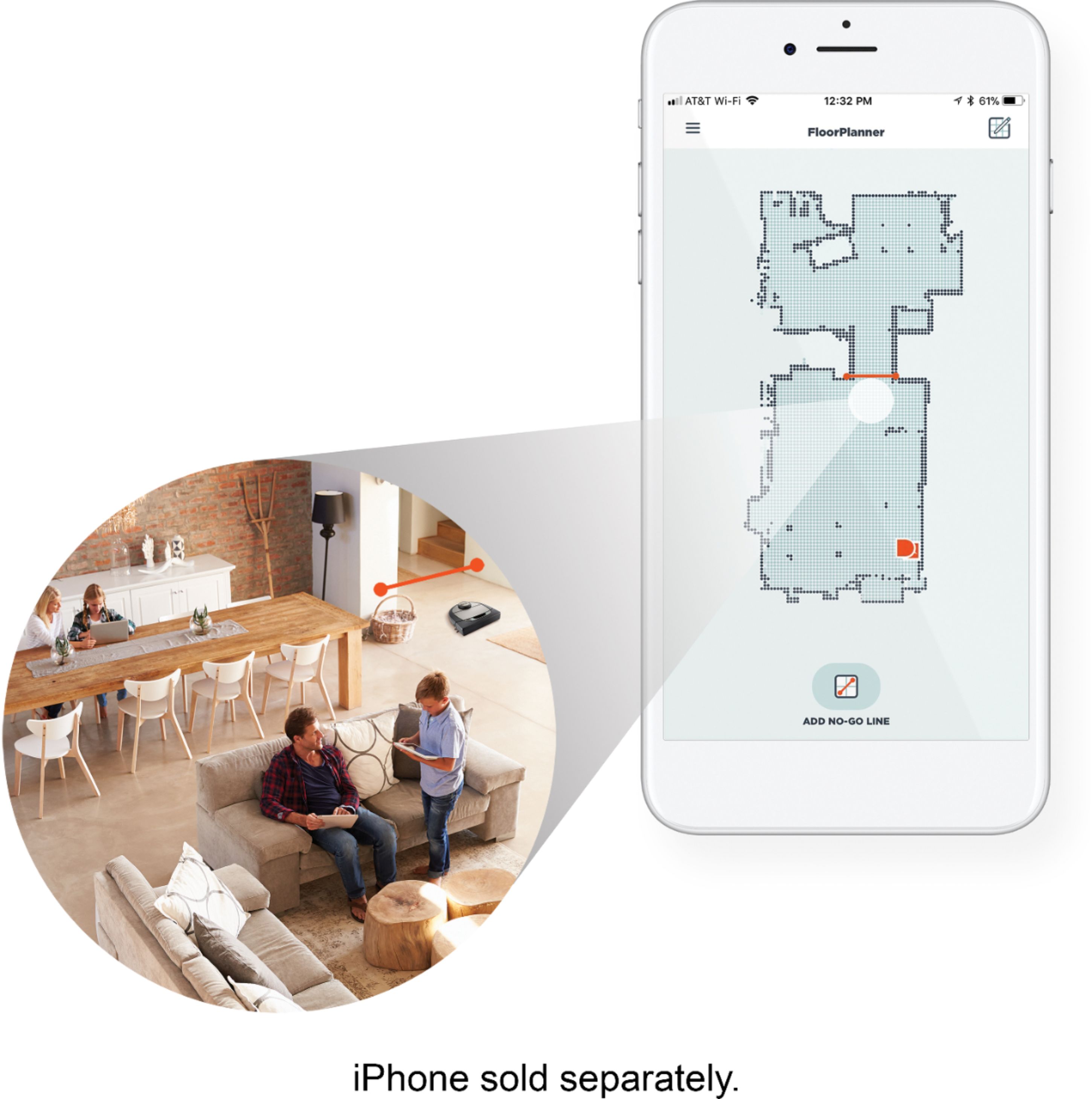
A:AnswerHi Kat, this BotVac can still be used to navigate and clean your home without WiFi. However to avail of most of the features such as Floor mapping and Zone Cleaning or starting it from your phone it is necessary to use the app, and an active WiFi connection is recommended. Your Neato Team
A:AnswerIt holds about 2000 square feet of normal floor dirt having one cat. I run the machine twice a week over the entire house. Daily on certain sections. Probably empty it three times a week.