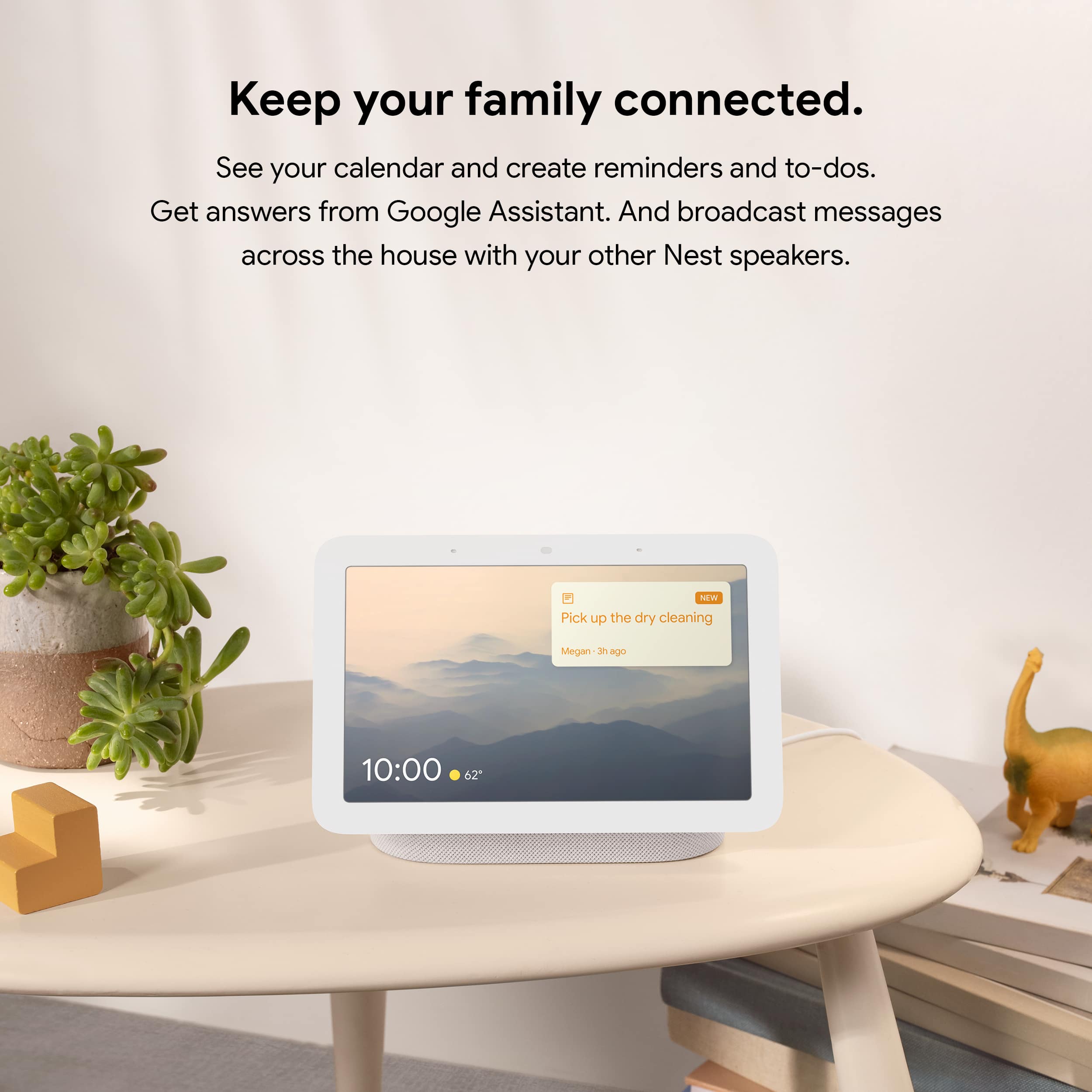
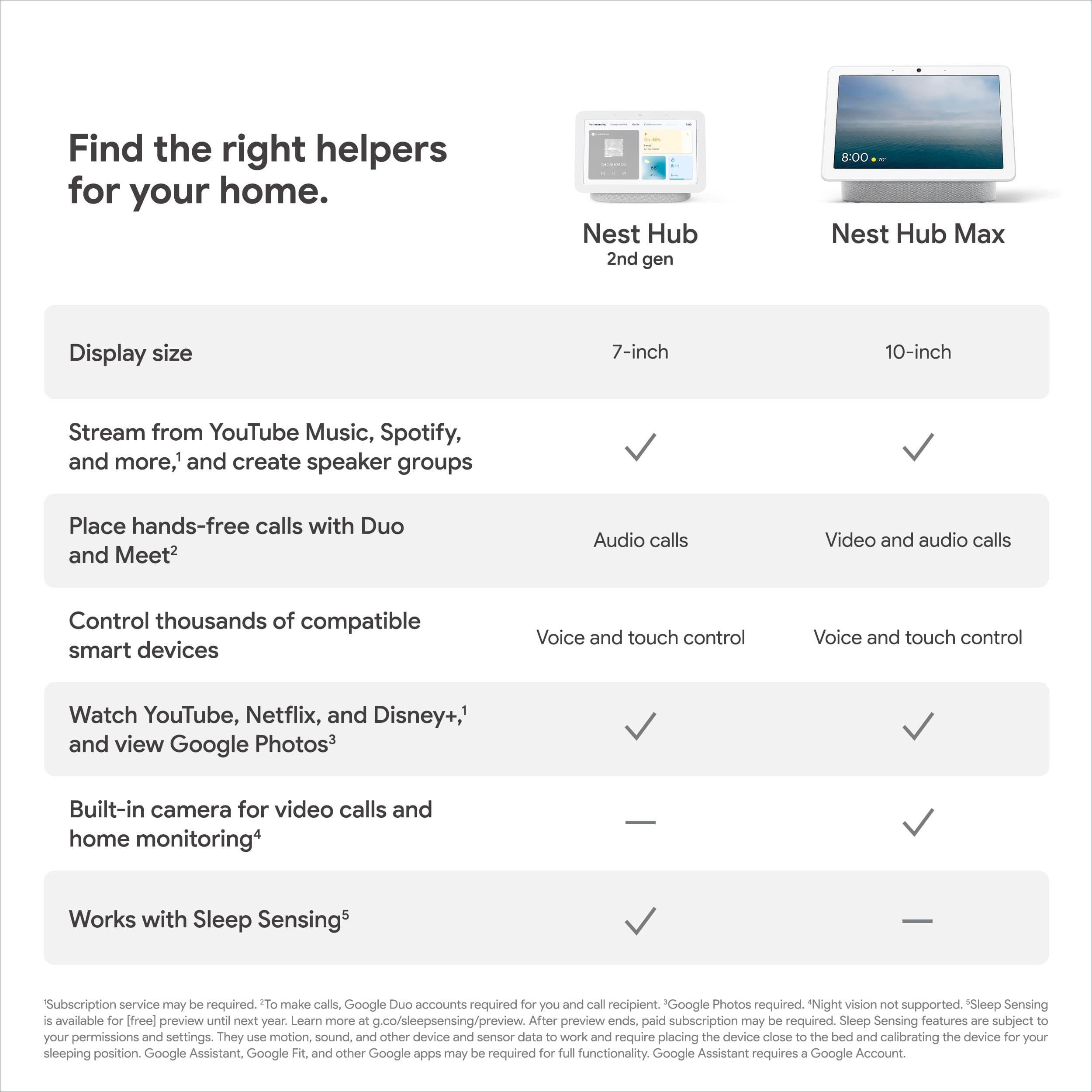
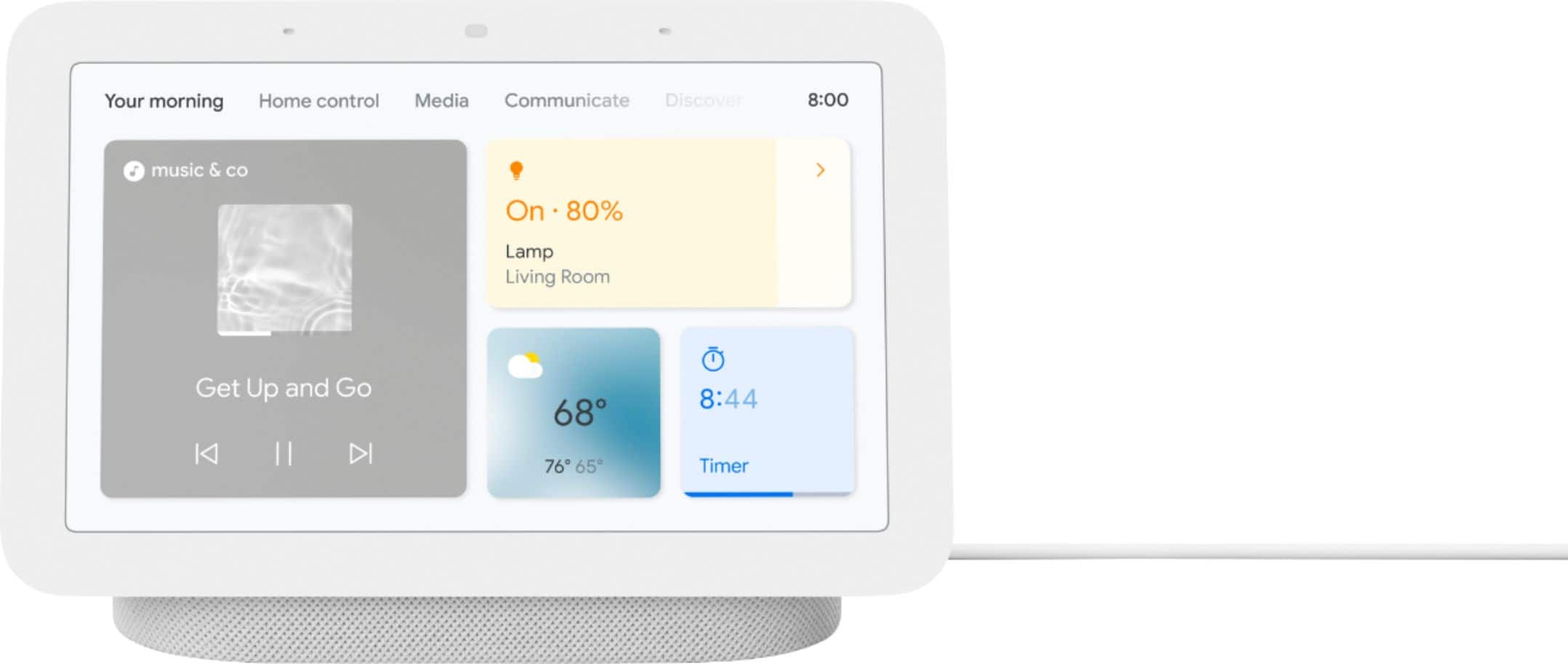
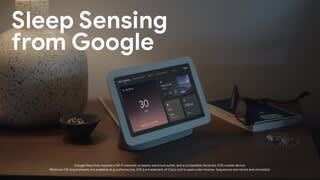
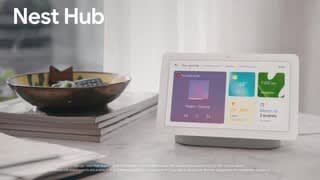
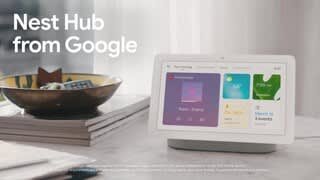
A:AnswerHi there. Yes, the Nest Hub (2nd Gen) can display your Google Calendar. Once you set up your device with the Google Home app, you can use your voice or the display to view your schedule and manage your events. Check out this article for more details: https://support.google.com/googlenest/answer/7029002?hl=en
A:AnswerHi there. Our recommendation is to reach out to the retailer directly to discuss their return policy. If you have any questions or concerns about the device itself, reach out to us here: https://support.google.com/googlenest/gethelp
A:AnswerHey there, Jazzy. No, the Nest Hub 2nd Gen is not compatible with the Ring Doorbell. Here’s a link with more information: https://support.google.com/googlenest/speakersanddisplays#topic=7029677
A:AnswerHey there. While you may not be able to download apps directly, the Nest Hub (2nd Gen) is integrated with a wide variety of integrated applications and features. Here's a link with more details: https://support.google.com/googlenest/answer/7130274
A:AnswerThanks for asking. The Nest Hub (2nd Gen) is able to make calls using Google Meet, however it is not able to send text messages directly. For more information, here’s a link: https://support.google.com/googlenest/answer/14114319?hl=en
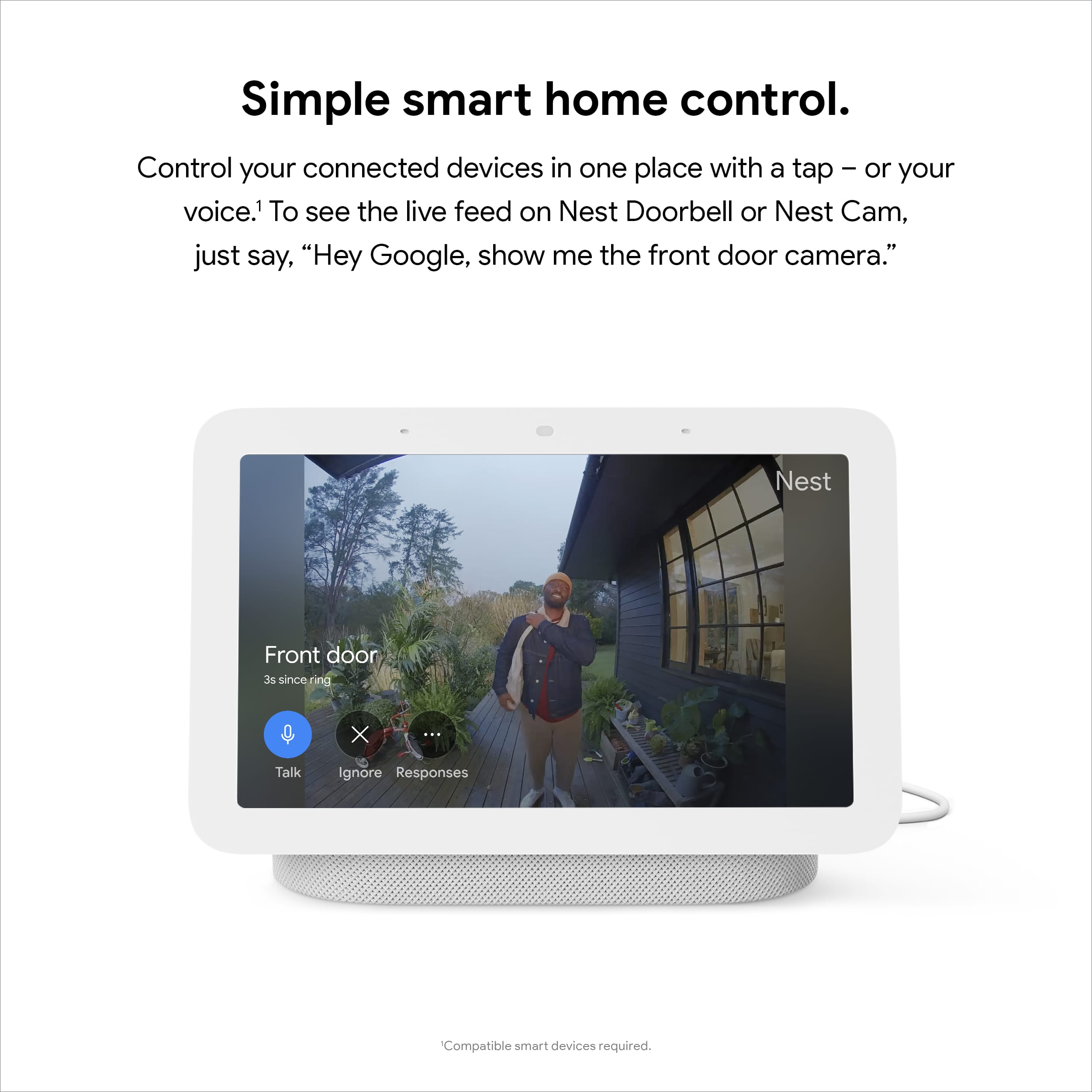
A:AnswerHello there! Thanks for your inquiry! The Nest Doorbell (battery) can run on battery alone. But you can connect a Nest display like the Nest Hub (2nd gen) and set up visitor announcements so you can get notified when someone rings your doorbell when you’re home. You'll only get visitor announcements on your speakers and displays if they are set up in the same home as your doorbell in the Home app. You can also use the display to watch video from your doorbell. This link can help: https://support.google.com/googlenest/answer/7672451