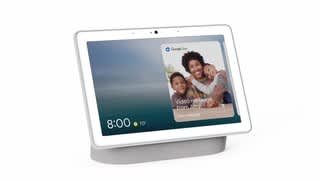
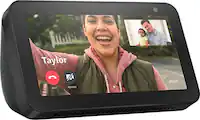
A:AnswerOnly one version of max out at a time but you can usually find older models still avalible. The nest website will show current products being produced.
A:AnswerHi there, if your Philips Hue light is BLE, then it should work with your Nest Hub Max. We recommend checking the packaging of the light bulb to confirm if it's BLE. If it's not on the packaging then we suggest that you contact Philips to identify the product. If you have additional questions or need further assistance with setting up your Nest Hub Max, please don't hesitate to contact us on our Google Help page here: https://support.google.com/googlenest/gethelp
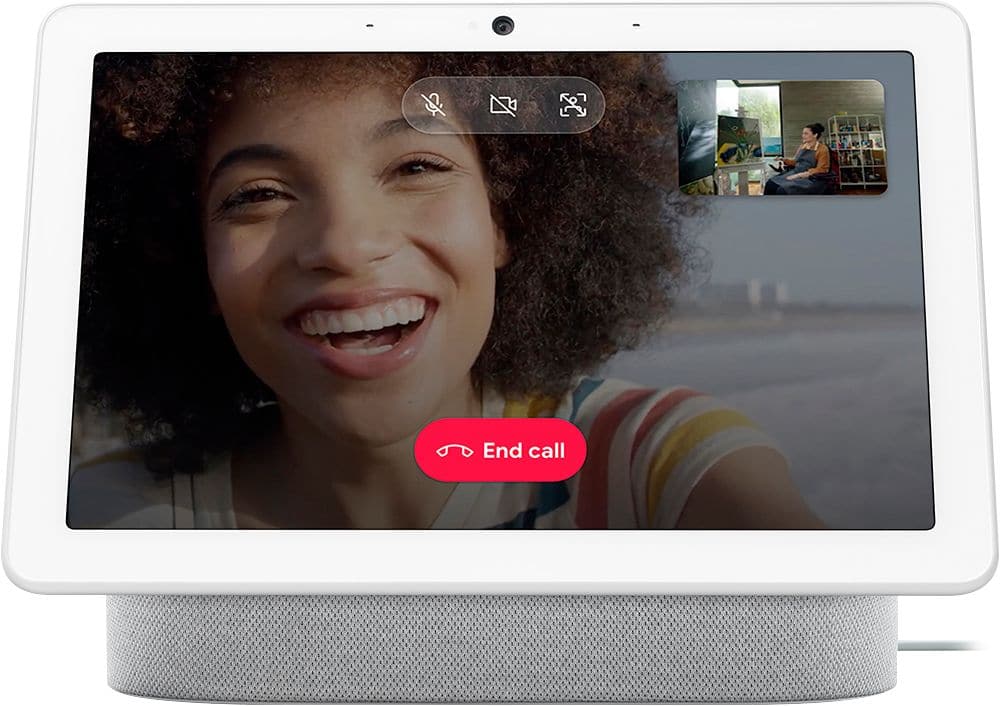
A:AnswerThere is a physical switch that must be turned on to enable video monitoring. After it's enabled yes you can turn it on and off via the nest app. It can also prompt you for motion activity. A nice feature is you can make the display photos from a Google photos album ie vacations, kids, grandkids etc.
A:AnswerHi KC9839, thanks for your interest. Unfortunately, casting from a Nest display to a Chromecast built-in device, like Android TV, isn’t supported. You can use a mobile device, tablet, or a computer to cast from any Chromecast-enabled apps to your display or TV with Chromecast, or Chromecast built-in devices.
A:AnswerI have one from 2022, I leave camera & microphone on and I can see it from anywhere using my pixel 7 Pro cell phone. Google home icon via the room device is in. Mine also has feature "knock knock", whereby it uses voice and facial recognition to avoid saying "Hey, Google", if you enable the device in the room in Google Home icon on cell phone is in! Does the new model still have the "knock knock" feature!?