Black Friday starts nowShop new DoorbustersShop now

Main Content

Questions & Answers

Page Showing 161-180 of 282 questions
  • QuestionHow do you connect nest hub to SmartThings? I would like to control my kwikset door locks.

    Asked by JAR71.

    • Answer You can link SmartThings in the Google Home app using the steps below: 1. Open Google Home app 2. Tap the Plus (+) icon in the upper right 3. Select Set up device 4. Tap Have something already set up? under Works with Google 5. Select SmartThings from the list (Use the magnifying glass to quickly search the list) 6. Touch Authorize. All devices and Scenes from your Locations will be authorized 7. You can assign your devices to rooms or tap Done.

      Answered by Nest Support

  • Questioncan you go to google classroom on this

    Asked by Anonymous.

    • Answer Google Classroom is not currently supported on Nest Hub.

      Answered by Nest Support

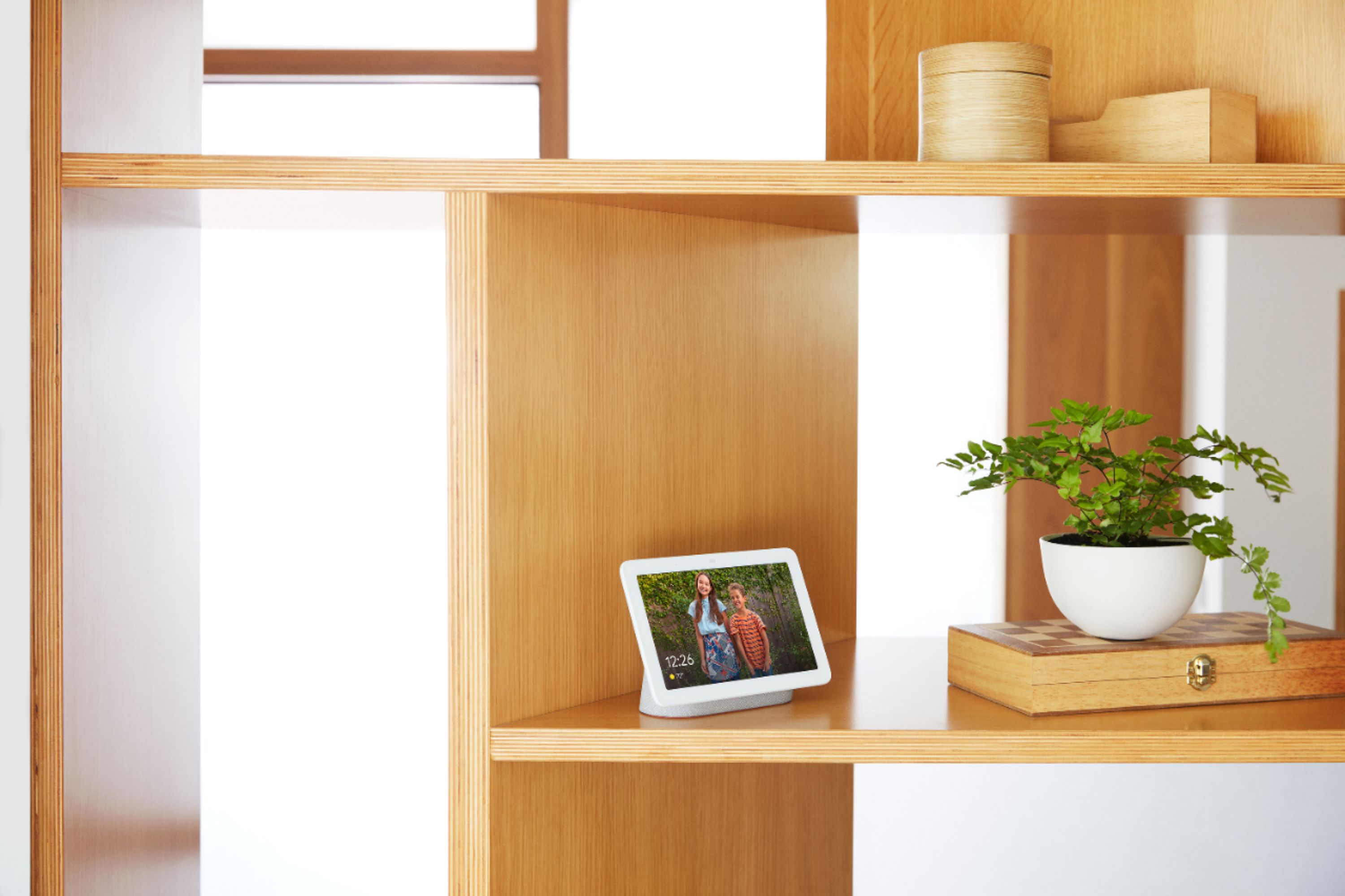
  • QuestionI live in CA and my elderly mother lives in NY. I have Google Photos. If I buy this Nest for her, can I send photos to her display remotely? Thanks.

    Asked by Rob.

    • Answer Yes, you can remotely customize or change the photos on Nest Hub's display. You can do so by using the Google Photos app or website as long as you have access to the Google account linked to Nest Hub.

      Answered by Nest Support

  • QuestionCan it be used as an e reader?

    Asked by Cindy.

    • Answer I believe so, but with the Nest Hub having to be connected to power all the time you have to read your ebooks where it's plugged in. The Nest Hub doesn't have a rechargeable battery or a battery in it that I know of and it's bulky too. That being said it would be hard to carry it around like a phone and or tablet. Hope this helps, sorry so late for the response.

      Answered by sxromero

  • QuestionIs Google Home compatible with a Ecobee thermostat?

    Asked by buckyfan.

    • Answer Yes, it is compatible.

      Answered by Parvez

  • QuestionDoes it control Leviton smart switches?

    Asked by Lekita.

    • Answer It depends. I found this article about Levitron Decora Smart lights.. https://www.google.com/url?sa=t&source=web&rct=j&url=https://www.leviton.com/en/support/resources-tools/press-releases/leviton-decora-smart-with-wifi-technology-expands-voice-control-offering-with-the-google-assistant&ved=2ahUKEwij4O7cpLjpAhUMlnIEHe9_AksQFjABegQIChAG&usg=AOvVaw0mRmzmr5t-MNwH4sayoNmR I hope that helps.

      Answered by Jman777

  • Questiondoe it work with Itunes? I just purchased Echo Show 8 and according to the features "it works with apple music" BUT it does not.

    Asked by zeero.

    • Answer I have not tried it with iTunes, but as far as I know it cannot play iTunes music.

      Answered by Directore

  • QuestionIf I had 8 google nest IQ cameras could one google home or the google hub connect all the cameras to the one device?

    Asked by ka.

    • Answer Yes we have 1 google hub and we use it for 6 lights all in different rooms 2 air conditioners in different rooms and 2 fans all controlled by 1 google hub

      Answered by Chefal24

  • Questionis this works with Alexa ?

    Asked by jk.

    • Answer Unfortunately no it does not. It uses Google Assistant. Virtually the same in terms of tasks but you cannot order things from Amazon through this.

      Answered by TheHouseOfTom

  • Questioncan it be used as the same way as the facebook portal?

    Asked by help.

    • Answer The one limitation that this would have compared to a Facebook Portal would be that it does not have a camera, so you can talk to others, and you can see them, but they cannot see you. The next level up- the Google Hub Max- it would have a camera.

      Answered by dbelken

  • Questionwhere can I find a power supply cord. This is the 2nd one my kids made get a short in it

    Asked by Vonvitto.

    • Answer You can purchase a 3rd party 15W, DC Power Jack adapter as a replacement to the original one.

      Answered by Nest Support

  • QuestionCan you install android applications like MyQ? I want to open/close my garage door with this.

    Asked by Andy.

    • Answer You cannot download apps but if you have a smart device compatable with Google assistant you are able to link your account and control it that way.

      Answered by Anonymice

  • QuestionCan this change tv channels?

    Asked by Dawne.

    • Answer Only if you have a supported (Android TV) or Chrome cast device).

      Answered by Jman777

  • QuestionHi, Is google nest compatible with the Ring Doorbell?

    Asked by SuzieQ.

    • Answer Kind off. Google can talk to the Ring but you cannot stream the video to your Google home hub. Here is an answer that was posted July 2019 on Google support site. Its a shame that it does not work. Amazon wants you to buy their hub to stream the video. I'll stick with viewing it on my phone. May see if I can add the app to my Android TV. Stay tuned. Hey folks, I wanted to provide some clarification here. Ring is currently supported by asking the Assistant to talk to Ring. Take a look at this link for the different queries that are currently supported. For users interested in streaming video, this is currently not a supported feature. I apologize for any confusion here and I'll also make a note of the feedback on this thread. Thanks, Rachel

      Answered by Jman777

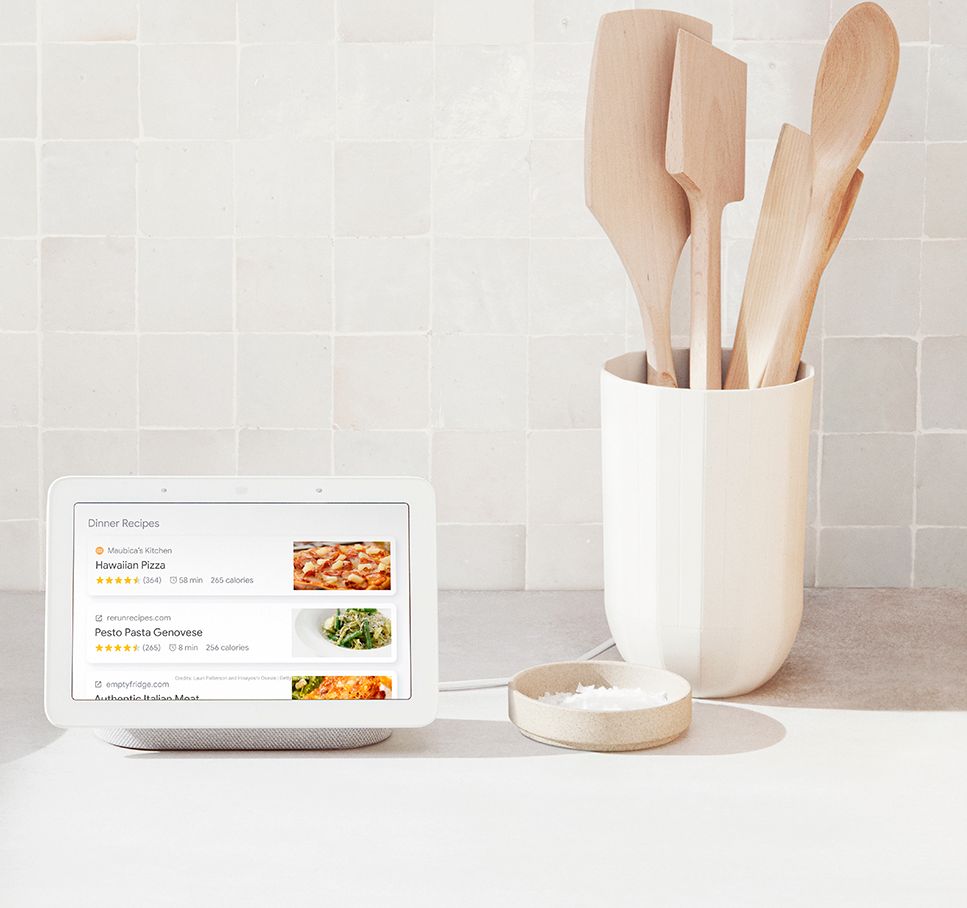
  • QuestionWith a google home hub, can you ask for a specific recipe on a specific website? Alexa only shows Allrecipiecs.com. I want to see other website recipes and not have to use my laptop.

    Asked by Diane.

    • Answer I just tried that and it worked for m.

      Answered by ACFR

  • QuestionCan you get Hulu Netflix and prime video

    Asked by Chuck.

    • Answer While Netflix and Prime Video aren't supported, you can stream any basic subscription content from Hulu to Nest Hub with Google Assistant.

      Answered by Nest Support

  • QuestionCan I upload pictures from my iPhone?

    Asked by Ahfwhb.

    • Answer Yes, you just need the Google Photos App installed on your iPhone from the app store. You can upload whatever photos or videos you like and it also could suggest some awesome ones automatically.

      Answered by Artfulthinkr

  • QuestionCan it be paired up with Samsung smart hub?

    Asked by Anonymous.

    • Answer No, Google Nest Hub is not compatible with Samsung Smart Hub.

      Answered by Nest Support

  • Questioncan I view who is at my door since i have a nest door bell with the google assistant

    Asked by oahusleep.

    • Answer Yes, when a guest rings the doorbell it automatically shows them on the Nest hub if you already have a nest doorbell. You can also choose to display a live feed of your doorbell or any other nest cameras you have installed any time.

      Answered by Artfulthinkr

  • QuestionCan you watch netflix on this?

    Asked by steph.

    • Answer Yes. I like watching a movie on this hub. Its a little small but bigger than my cell phone. To watch Netflix on the Google Home Hub, all you need to do is add the app and set it up. The process is very straightforward and will obviously need a Netflix subscription to work. Launch the Google Home app on your phone. Select Menu and Google Assistant. Select More Settings and Services. Select Videos and Photos. Select the Netflix app and select Link. Enter your Netflix account details where prompted and select Link again. You should now be able to watch your movies and TV shows on the Google Home Hub. You can set it up to use voice commands too if you like. For example, ‘OK Google, play Stranger Things’ on TV’ or ‘OK Google, play next episode’. There are a bunch of voice commands you can use depending on what you want to achieve.
      Answered by Jman777