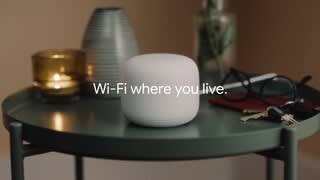
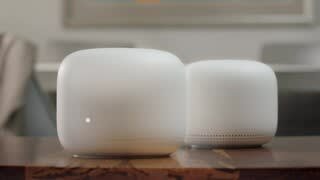
A:AnswerIt could work, but remember that most extenders do not increase speed. If slow speed is the issue, a range extender won't help. If it's not possible to move everyone closer to the mobile hotspot, try a range extender.
A:AnswerYes. But maybe overkill if you have a smaller hone.
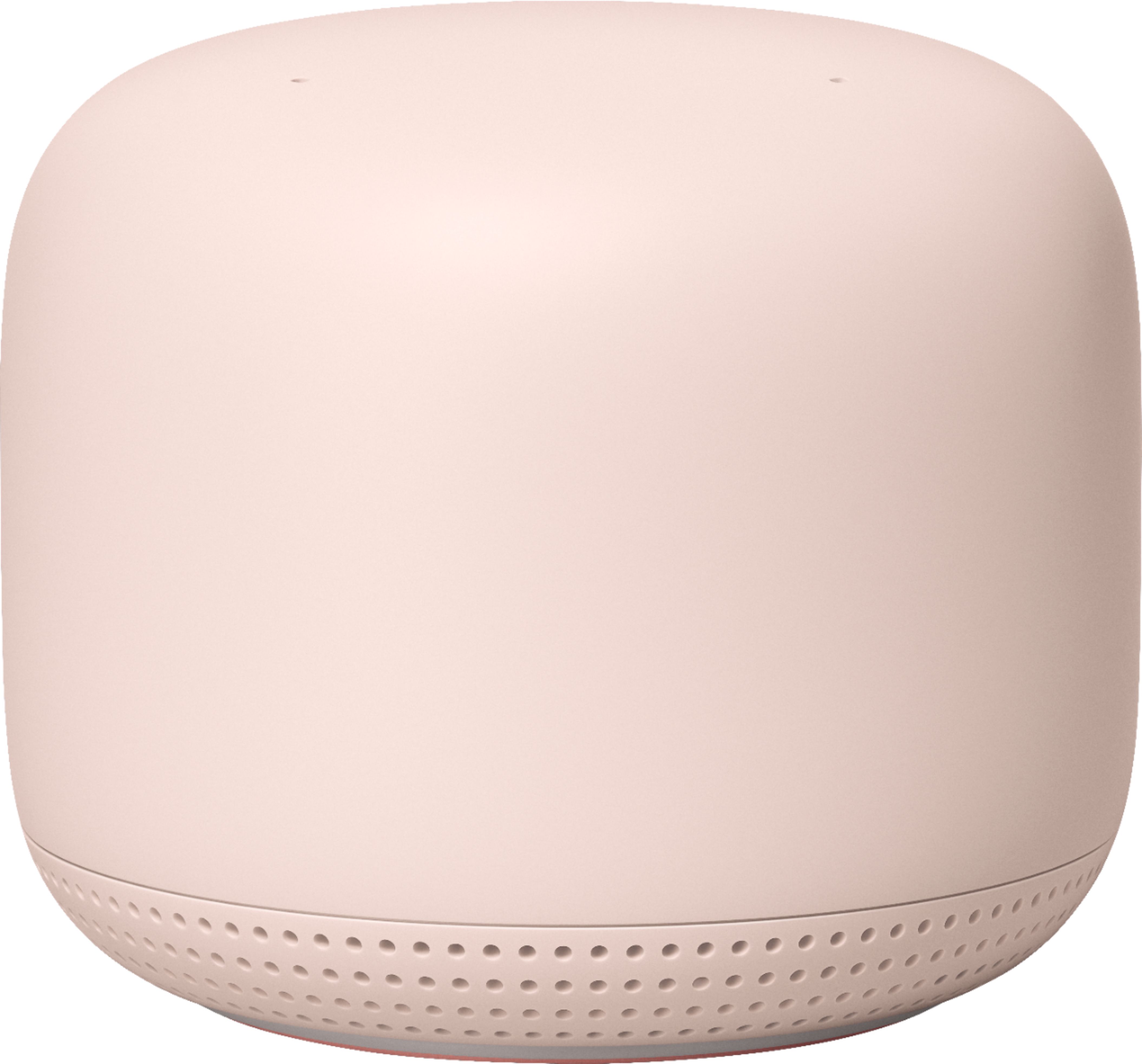

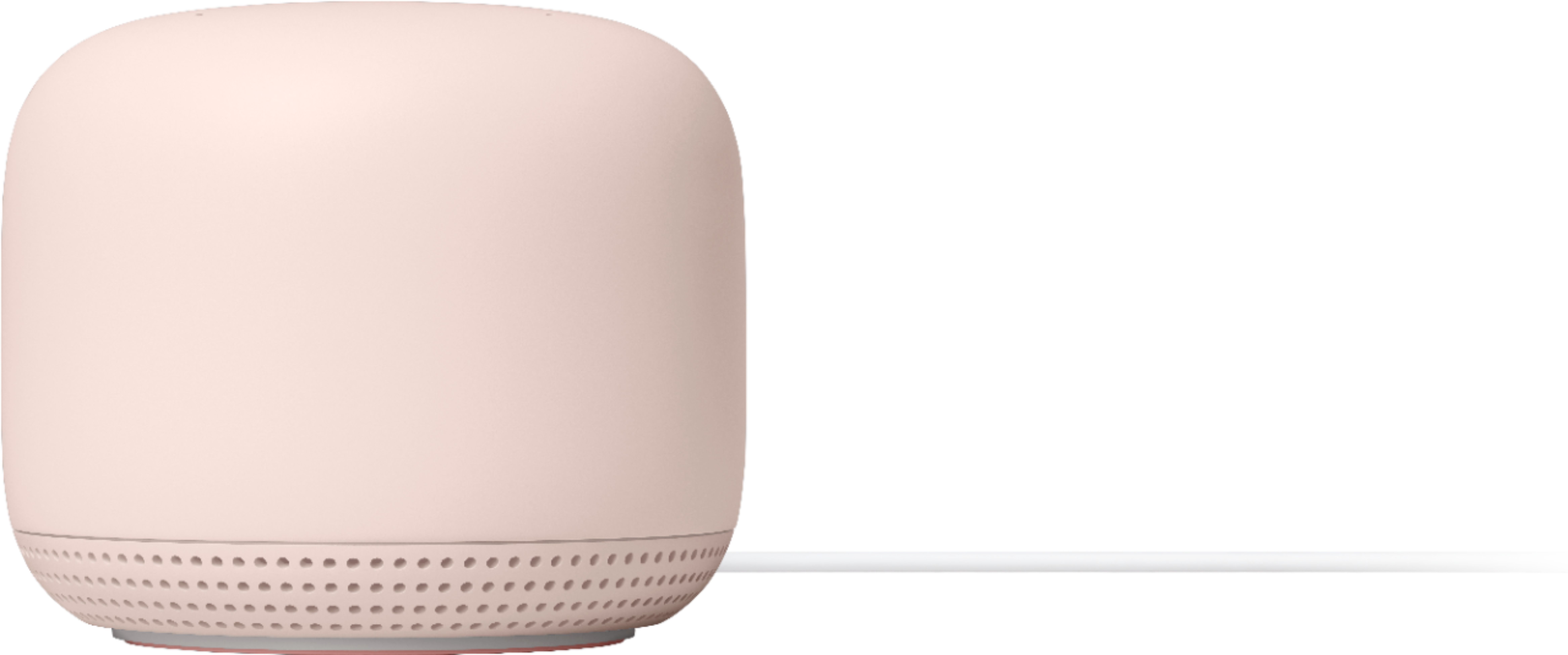
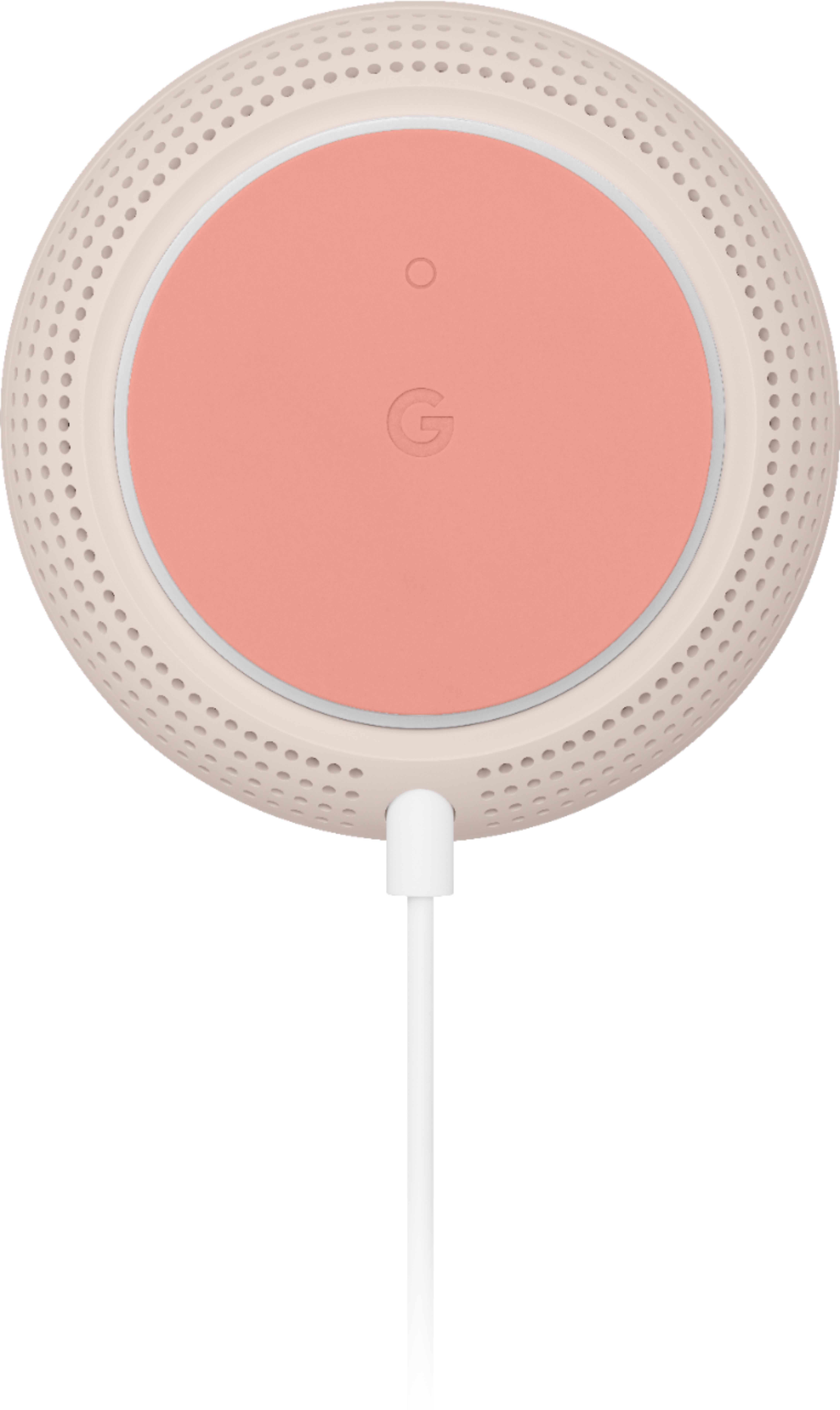
It’s very simple. Instructions are easy to follow but you will need to install the Google Home ap. Connect router to your current modem via supplied Ethernet cable. Plug in points where you need a stronger connection. And the points will talk you through it. Even if you don’t need a range extender the add on point is also a smart speaker which you can put anywhere.
A:AnswerYes, while your google home installed in your devices and as you said you got google hub, then Nest WIFI will be easy connected to google hub and google home.
A:AnswerYes it will work. I had a three point set up and added one more. It works great. However, google will make you download google home to connect the additional points.
A:AnswerI have a 3000 sq foot house and had the same issue. Mine boosted signal just fine even upstairs and even have a strong Wi-Fi connection in my attic and even in my back yard (a point is close to my back door in full disclosure).
A:AnswerNest Wifi is only compatible with the Google Wifi and other Nest Wifi devices. Your Motorola wireless modem can still work with the Nest Wifi if you put it in bridge mode or disable its Wi-Fi functionality in order to set up Nest Wifi as your primary router. Nest Wifi extends the coverage of your network and helps provide a strong and reliable connection. But performance will still depend on the internet bandwidth provided by your internet service provider.
A:AnswerThe Net Gear extender is not compatible with the Nest Wifi. But, you can connect the Net Gear router to the Nest Wifi router as a switch by disabling its Wi-Fi functionality.
A:AnswerAbsolutely, Google Nest Wifi mesh system works with most internet services. As long as the internet service includes a modem since you need to wire Nest Wifi router to the WAN port of your modem to start the setup.
A:AnswerNest Wifi router comes with a fast processor, and a 4x4 radio to cover a large area (up to 2,200 sq.ft.) while the Nest Wifi point is like an extender which you will connect to the Nest Wifi router wirelessly to create a whole Wi-Fi mesh system.
A:AnswerNo, Nest Wifi points are only compatible with Nest Wifi router and Google Wifi router. However, you can use the Nest Wifi router to plug into your modem to create a mesh system and add Wifi points to extend your internet coverage.
A:AnswerYes, you can use Nest Wifi system with your AT&T router. But we recommend wiring Nest Wifi router directly to your modem's WAN port to set it up as your primary router. If you would like to keep your current router between your modem and Nest Wifi router, we recommend putting your AT&T router in Bridge mode to avoid a Double NAT which can cause connectivity issues with online gaming, port-forwarding, and connected devices. You can learn more about Bridge Mode here: https://support.google.com/googlenest/answer/6240987