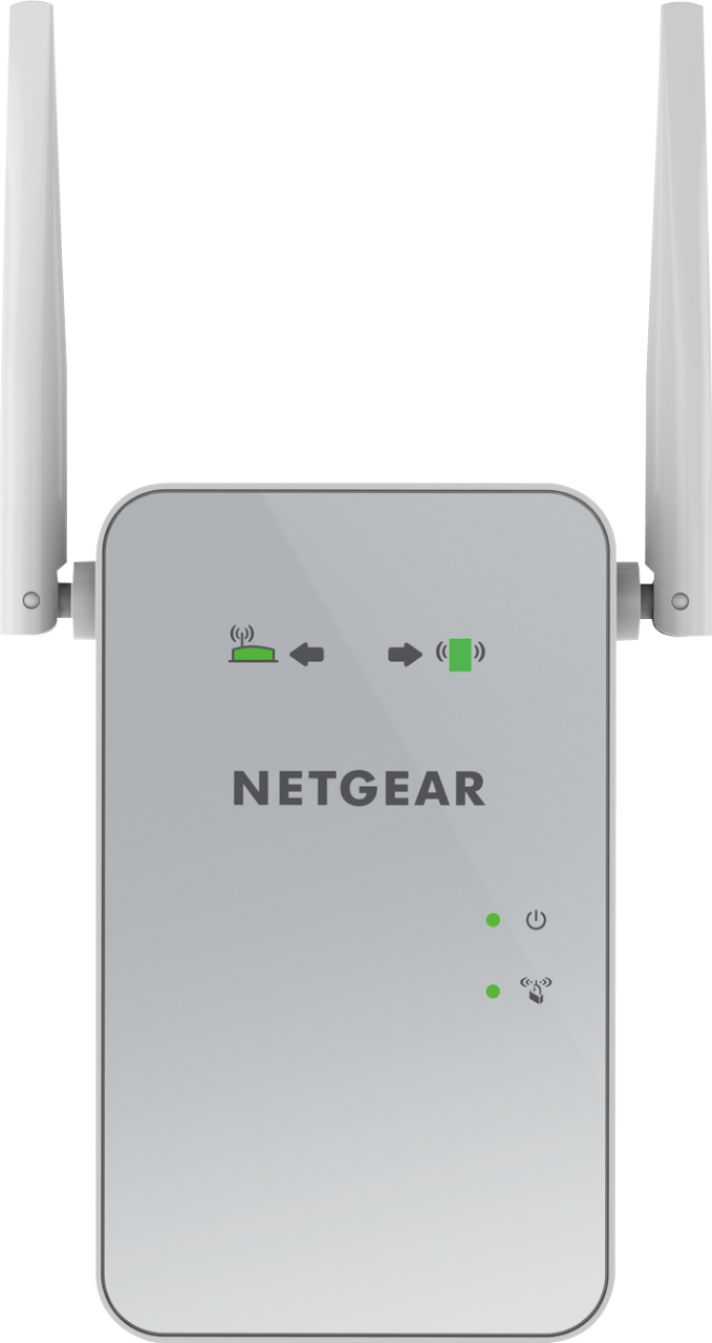
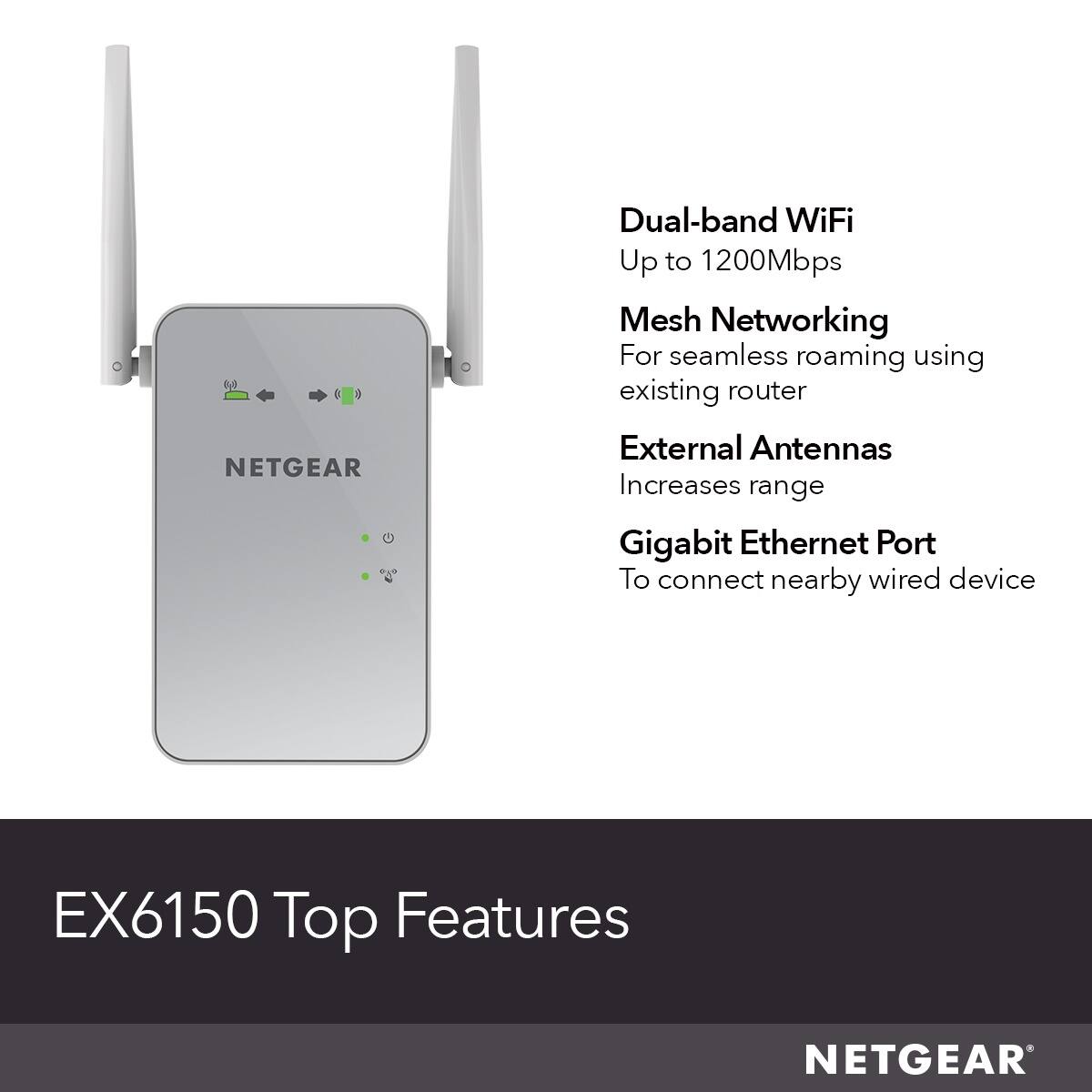
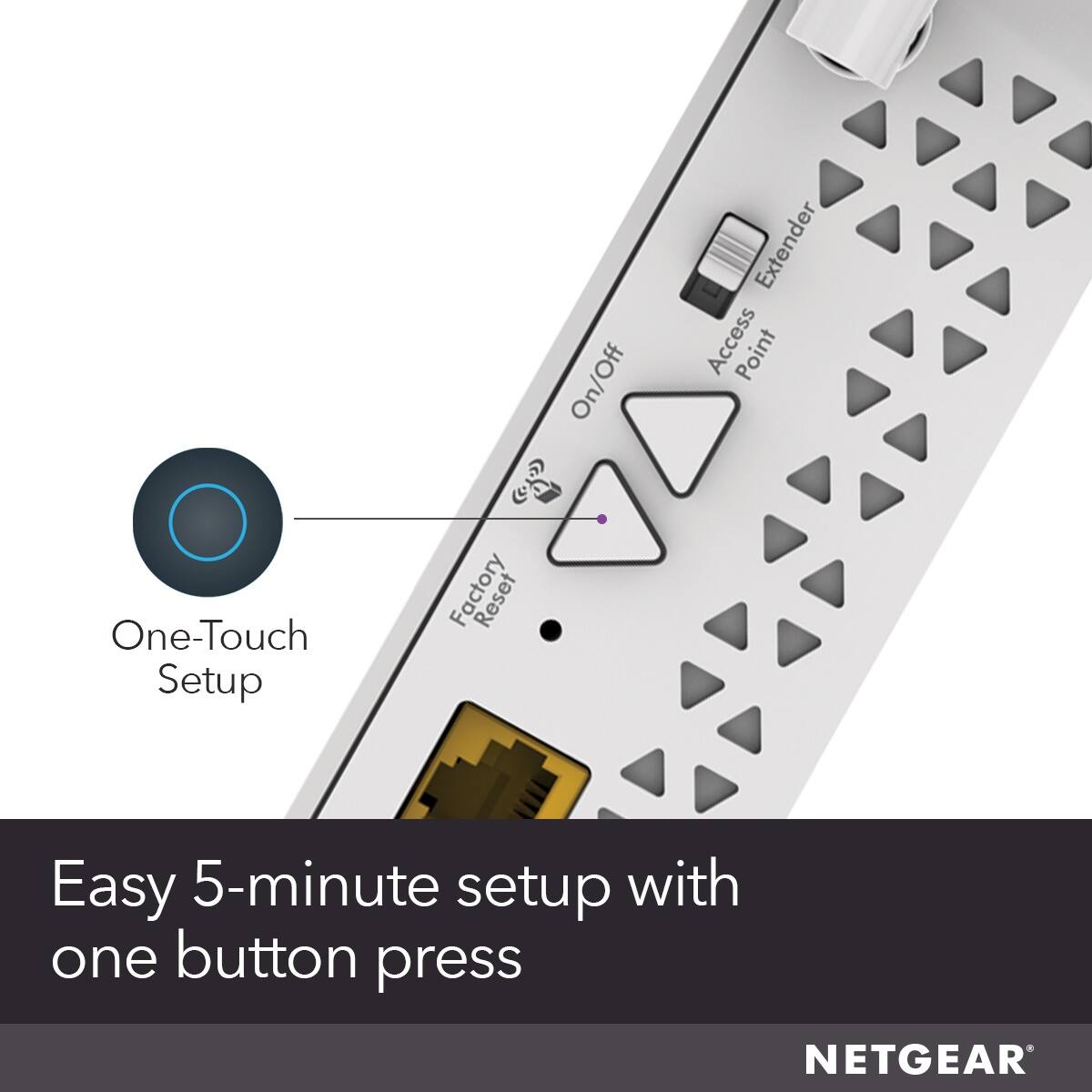
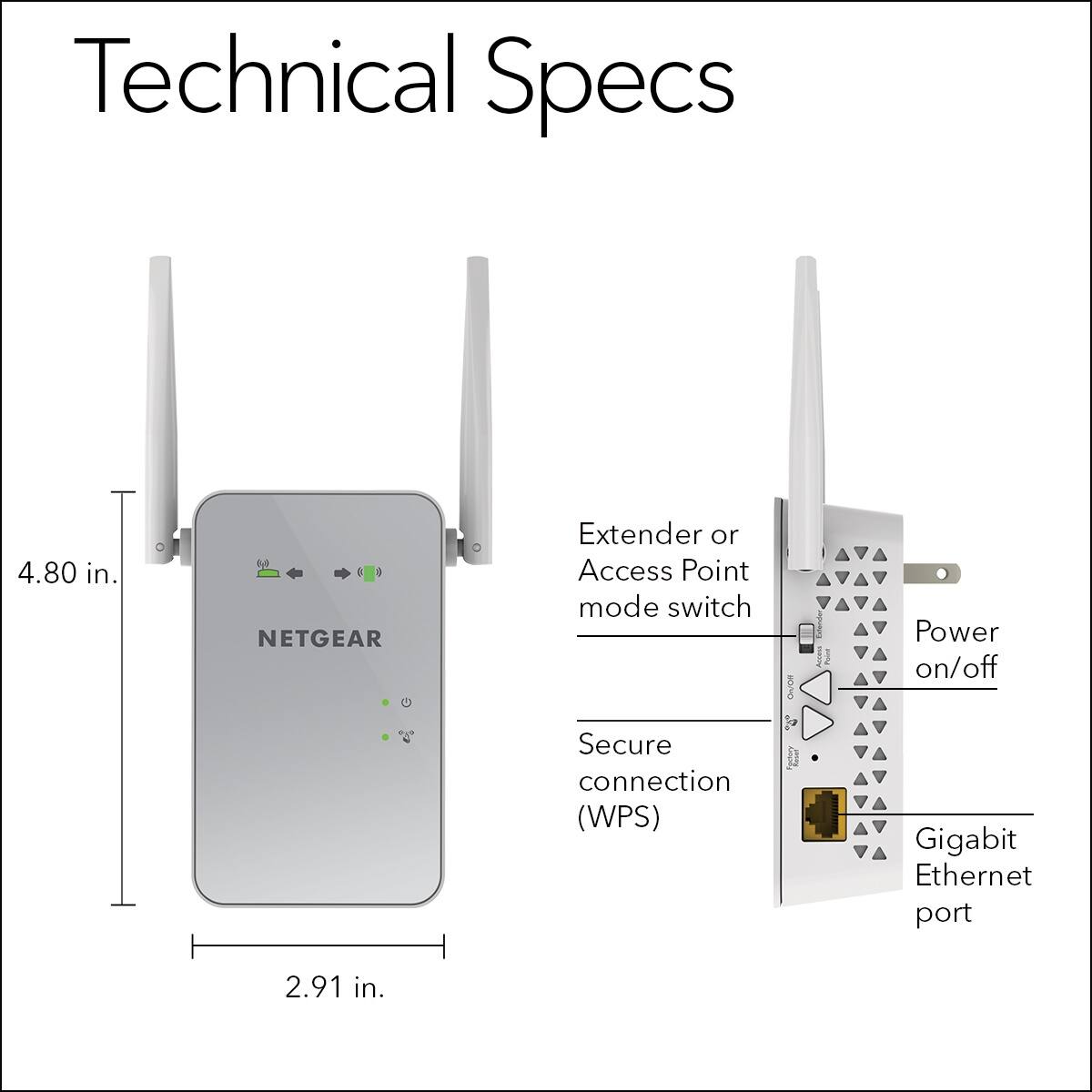
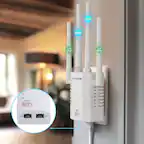
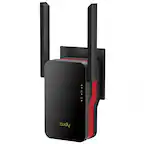
A:AnswerAt first I thought you connected just by plugging in near your wifi but I used the website connector on the package which took a few trys for setup since you need to have the extender plugged in close to your modem only for the initial setup. Then once you finish the initial extender wifi setup successfully you can move the device to the new location. Once the lights turn green then you can update your devices to the new extender address and the extender should work. There is a tech support site available at least for a little while after purchase too in case you run into issues. Hope this helps.
A:Answeri bought the extender because i wanted to extend the wyfi to another part of the house where the signal was week it did that but as far as far as taking out the lag it did not do that i do not play games but as far as watching tv the pitcher dose blur some times i think it is the router not the extender
A:AnswerI believe that they work with any system. Just be aware that netgear called me regarding the items. They ended up trying to sell me another firewall and they even called on Thanksgiving to pursue this sale. They didn't get it. They also had to get control of my system to get the product to work. It does work fine but I have concerns regarding the individuals that called and kept calling.
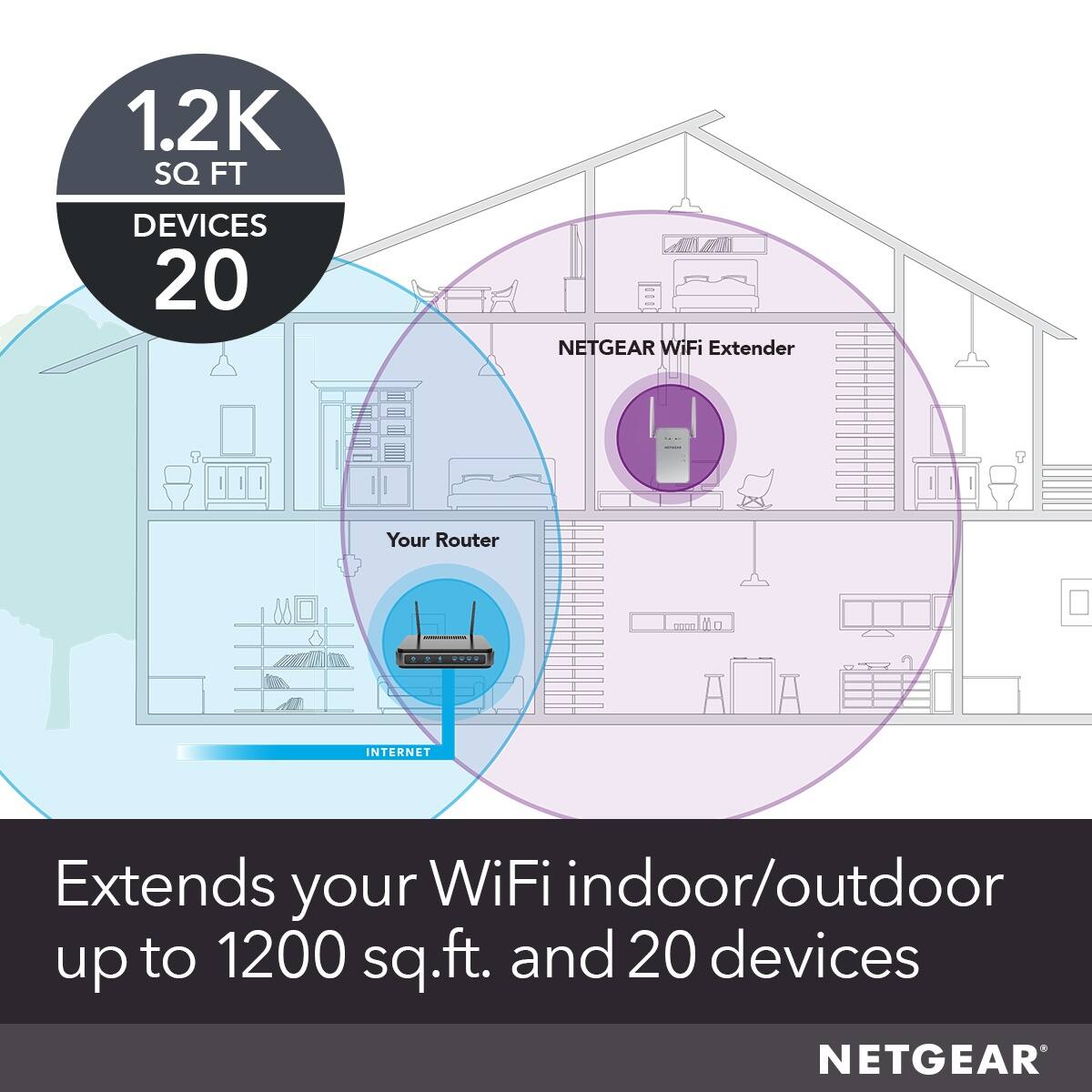
A:AnswerI think it extends the signal but I don’t think it will boost it. Think of your signal as rubber band around your property. When you add this piece I think you are stretching the rubber band to a larger diameter but not making the band bigger or stronger.
A:AnswerIt just plugs in the wall. You set it up by logging on to a website from your computer or phone....once that's done,.then plug it in where ever you want to boost your wifi.