A:AnswerYou may be getting it but can't see the connection. It will have the same name as your modem unless you remove the checkmark giving the same name. I removed it and the extender and _ext after the name.
A:AnswerI successfully use two. I use one to provide WiFi to the far end of my house (all on one level), and another in the opposite direction to provide coverage to a detached garage/workshop.
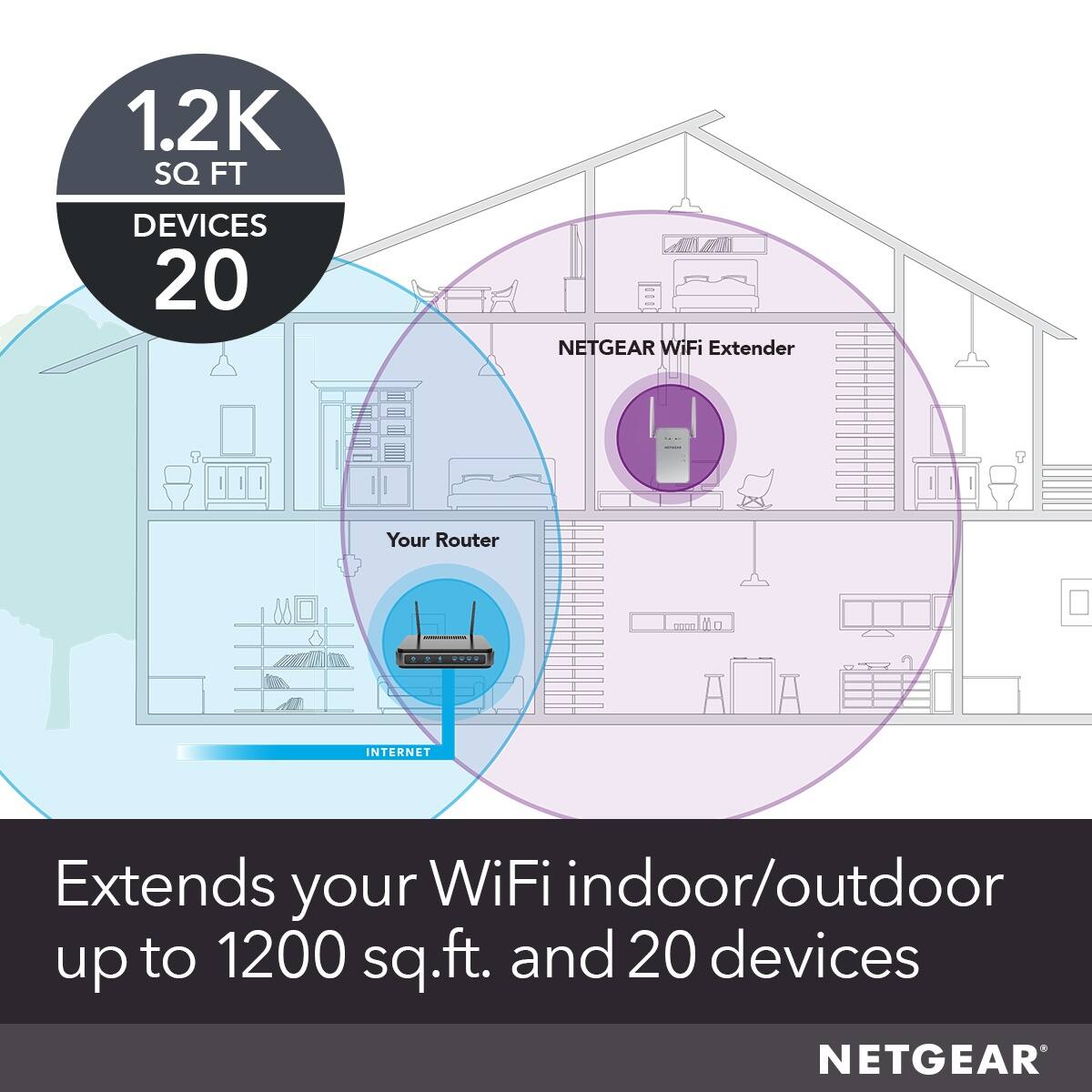
A:AnswerIt depends on why your Internet is slow. If too many people are using it, then this will not help. If the wireless signal to your TV is too weak because the wireless Access Point is too far away, it might help. People do not understand how these work. When you have a receiver that is too far away from a sender, you put one of these in the middle. It listens, and then repeats the signal. Imagine that you wanted to talk to a friend that was too far away to hear you, even if you were yelling So you had another person stand between you and listen and then repeat everything that he heard. That is what these "extenders" do. They are really just wireless repeaters. They are not really "louder" than the main access point, they are just closer to the receiver. Also, keep in mind that WiFI is very polite. Only one person can talk at a time, and everybody else listens (this is called "half-duplex"). So, with your friend in the middle repeating everything that you say, it adds delay to the entire conversation. Every person that you add that is depending on your friend to repeat their words makes this worse.
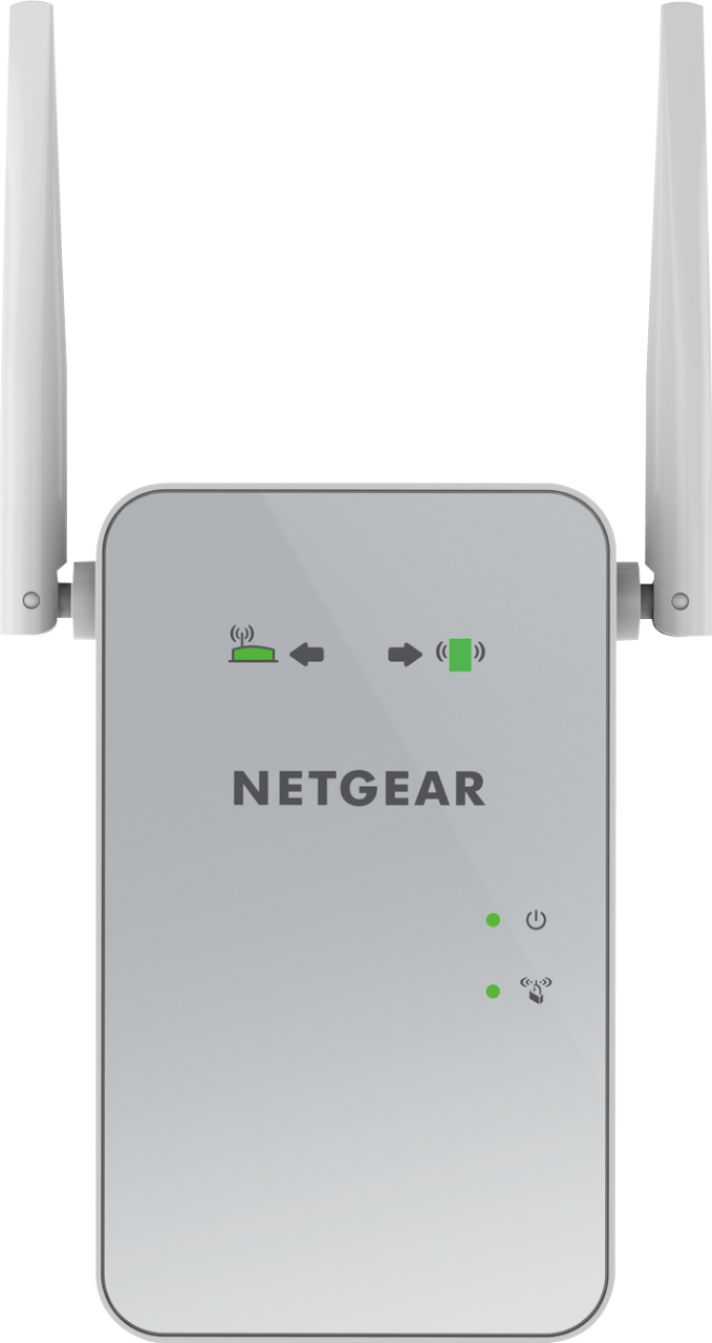
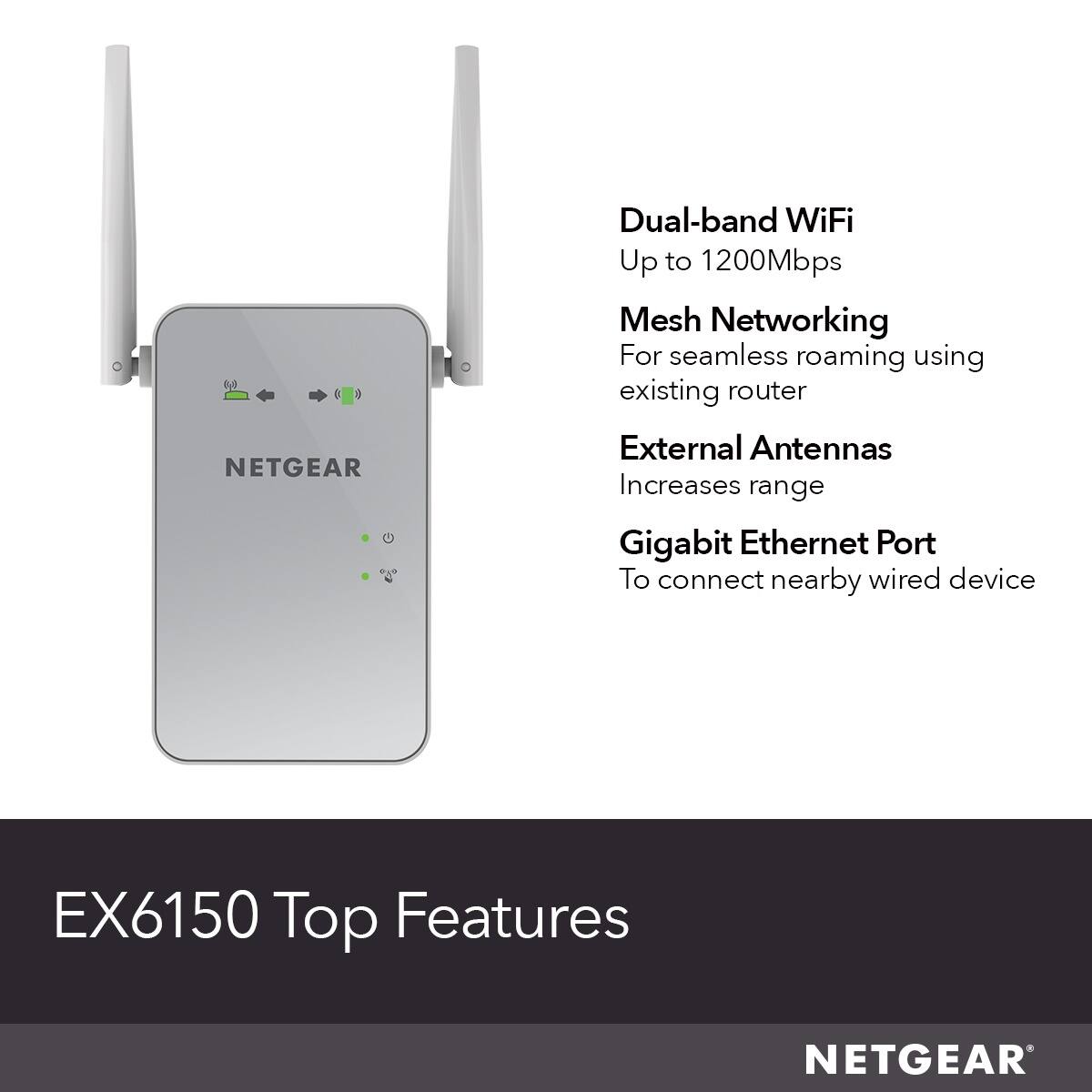
A:AnswerIt can be use an extender or a router. I have mine paired with my router to extend its range. Everything is set up through the app. I have mine paired wirelessly but you may be able to use Ethernet cord also but unless you have a really long cord it would defeat the purpose of using it as a range extender.
A:AnswerMaybe, but keep in mind that your service to the Internet is like a chain with multiple links. The whole thing is only as strong as the weakest link. So, if you have a very slow Internet link from your provider, then the wireless link will not make much difference, because it will almost certainly be faster than DSL. This is why people get frustrated and angry that things don't work. They improve the strongest link, and then do not understand why the chain still fails. Also, that "1750" thing is mostly a theoretical number and should not be taken too seriously.
A:AnswerYes it works with spectrum, but it was not an easy plug and play situation. I had to call tech support as it required several steps that were not on any instruction videos.
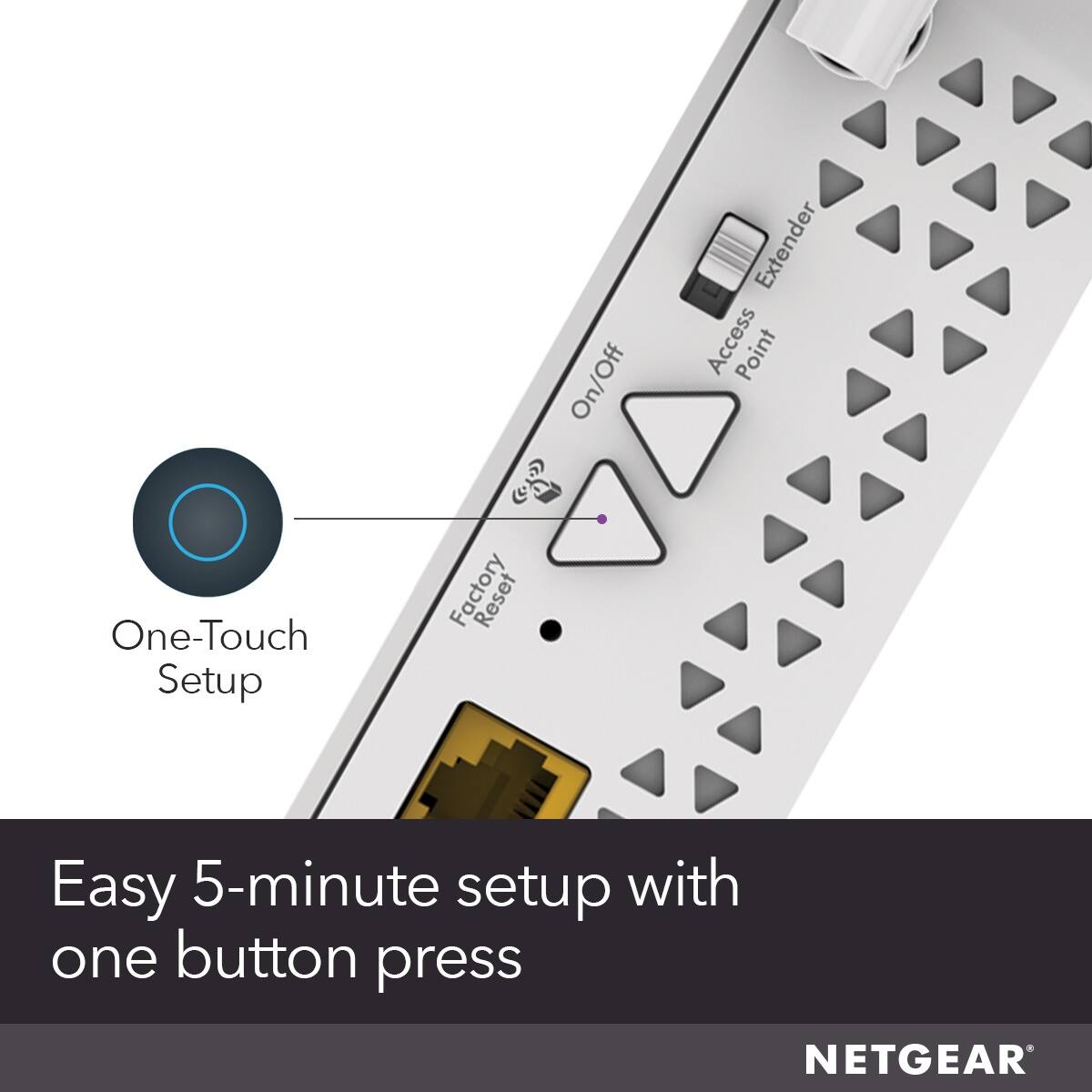
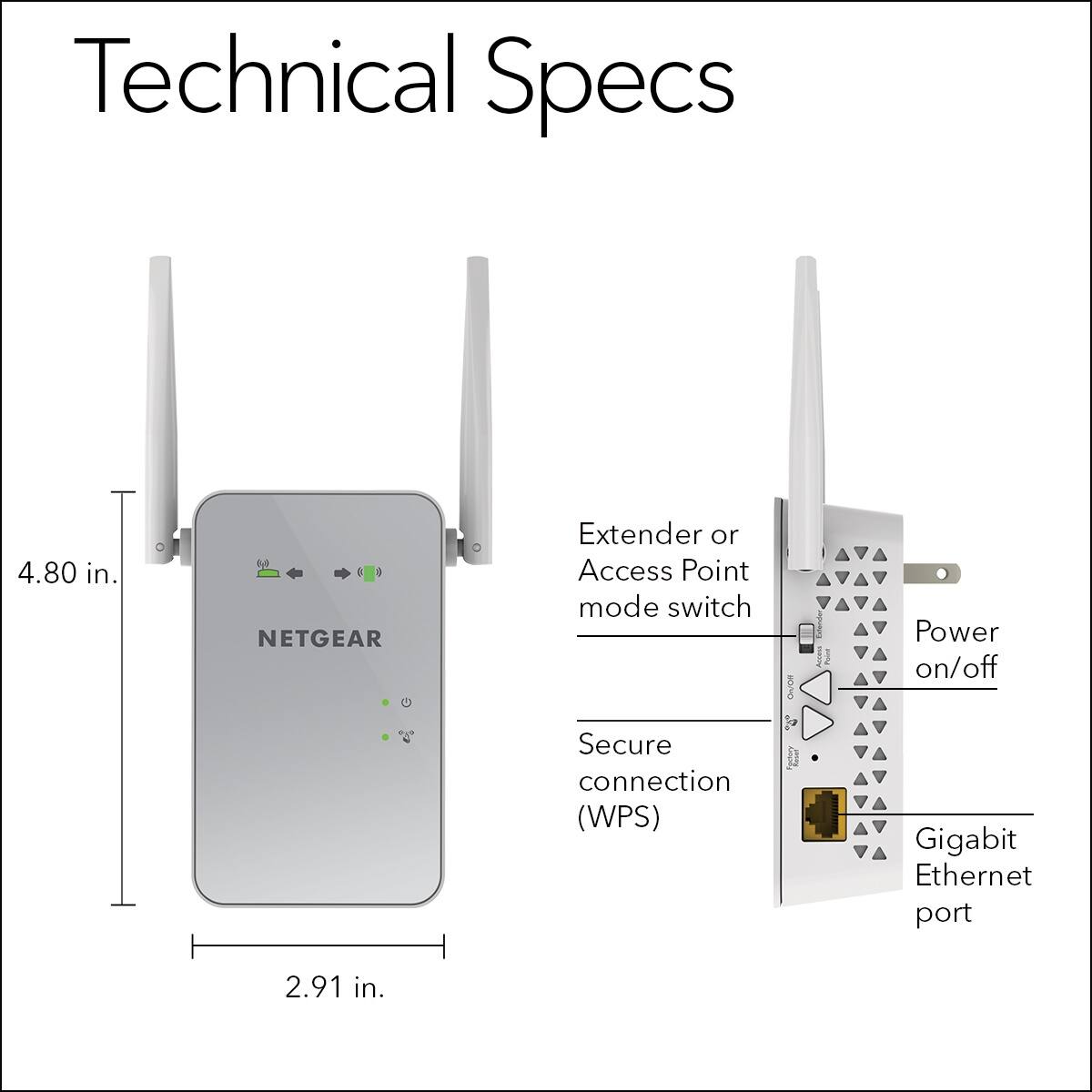
A:AnswerThere is a small pinhole on the side of the device. While the device is plugged in, with a paper clip, press and hold the button The lights will start to flash after a few seconds and then you can release it. The device will reset and then you can setup like a new device to your wifi.