A:AnswerDepending on the internet provider you have.
There should be an app you can download and login to.
Once inside the app, you can find the connections tab and
Block what ever device you want at whatever time you want.
If you dont have the app or the provider doesnt carry one ... then this router is able to do... just log into it by using routerlogin.net > use your login info and then go the advanced tabs... I think! .. and then you can block devices that are already linked to it.
By time ? I'm not sure but I know you can block individual devices.
A:AnswerIt can handle 1Gb/s speeds as long as you're not using VPN and going hardwired. Advertized wifi speeds are theoretical maximums and actually run half-duplex (advertised speeds are upstream and downstream combined, plus they add AC and N speeds to make bigger marketable numbers). So you might see around 300-500Mb/s wireless in best case.
A:AnswerIt's just a WiFi router and will work with any ISP. But note that you will need a "modem" to go between it and the ISP connection, which will be either a coax TV cable style connection or a phone line for DSL.
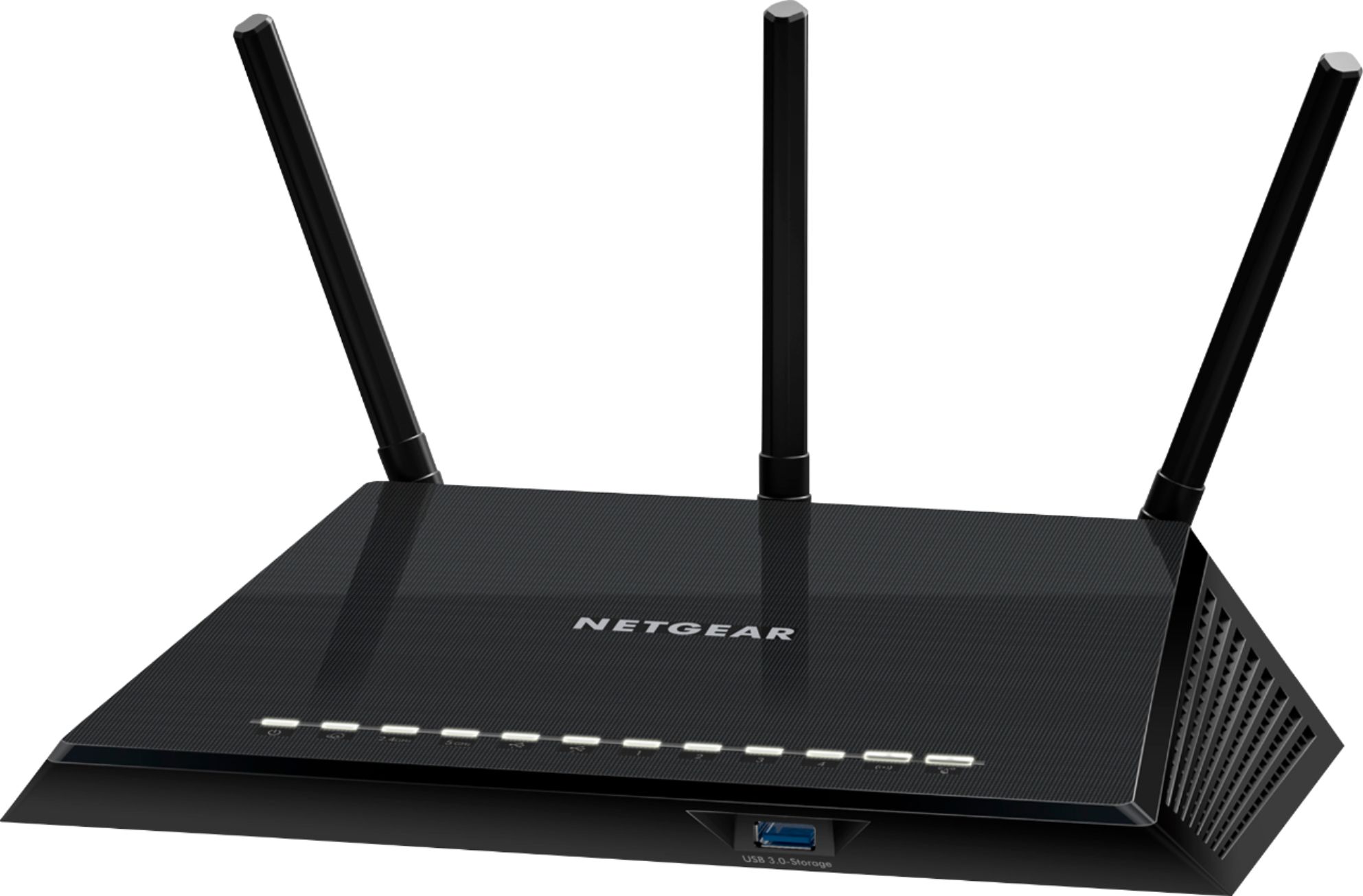
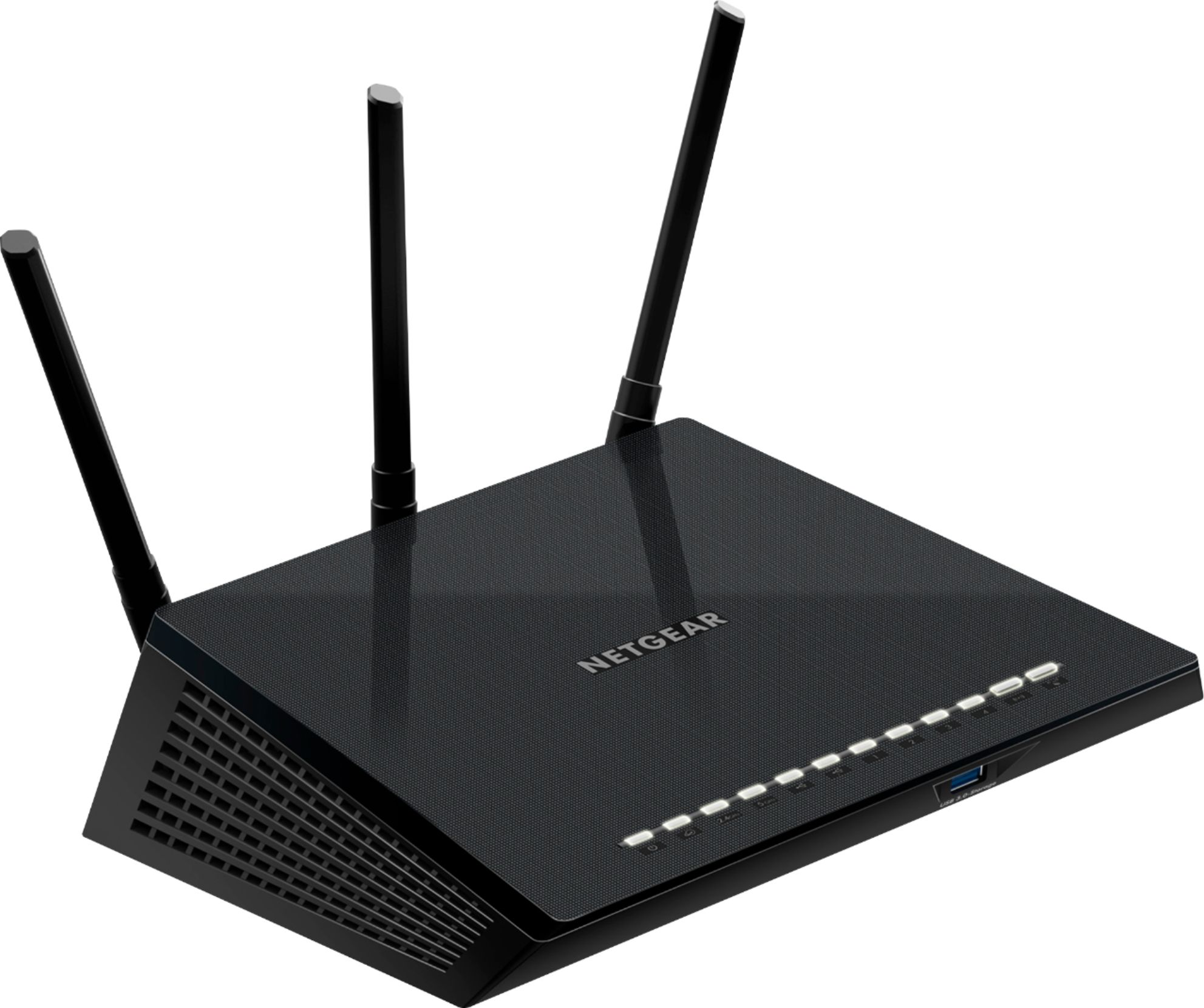
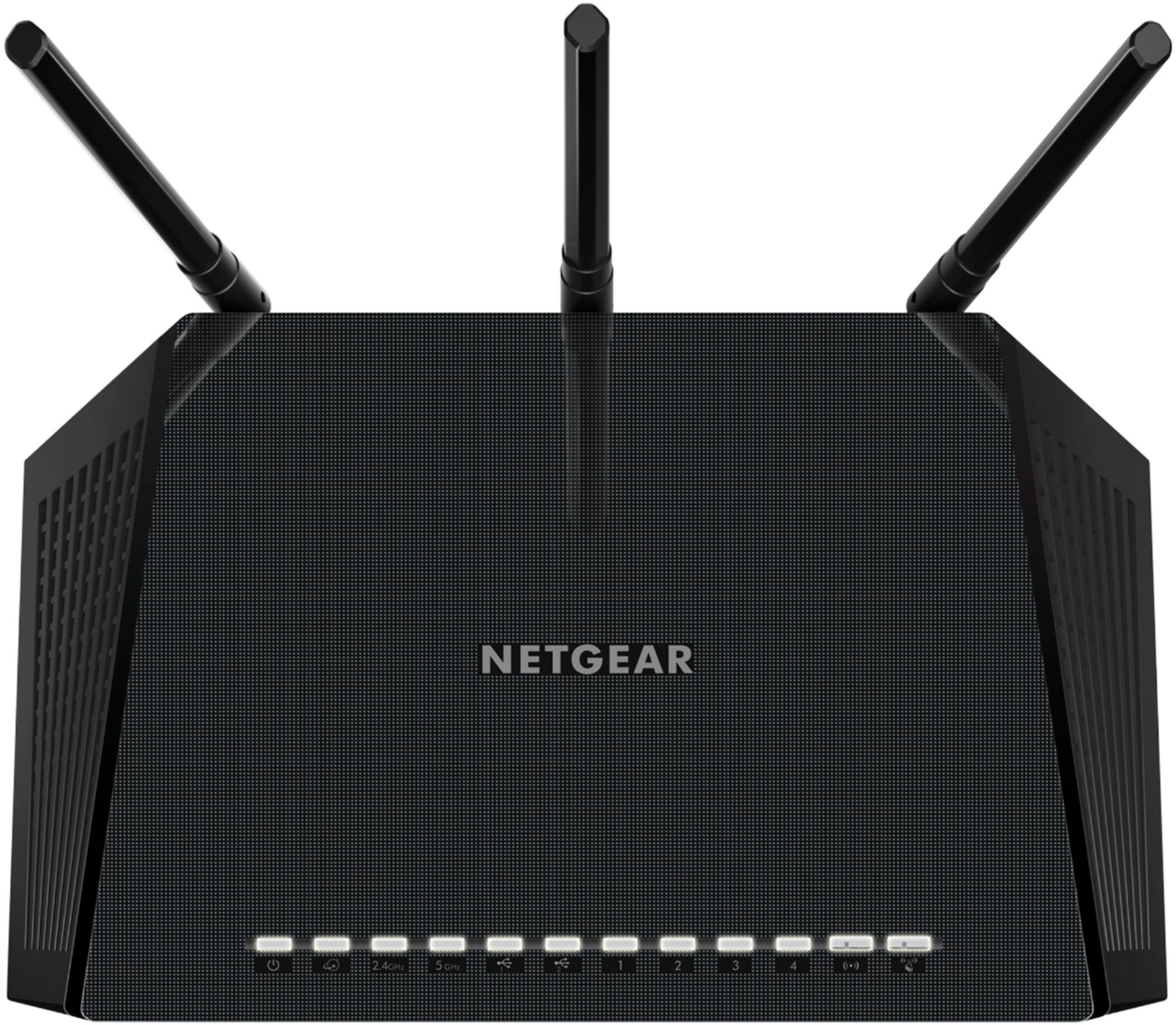
A:AnswerThe Netgear AC-1750 does not have a cable modem or a DSL modem or a fois interface. It only has an Ethernet port to connect to one of those devices externally. It is not designed to connect directly to your internet providers cable or wiring.
A:AnswerYou'll need to use the at&t modem/router combo to get your internet, but you can turn the WiFi off the at&t one and only run WiFi on this router.
A:AnswerTech Support was superb when I set mine up. Never stated it was someone else's issue, such as network. But I don't know how long that free support lasts.
A:AnswerYou can connect it to yourTV but you will not have service if you are not connected to a internet service provider. You can certainly connect through a public access or close by signal if you have that available near you.
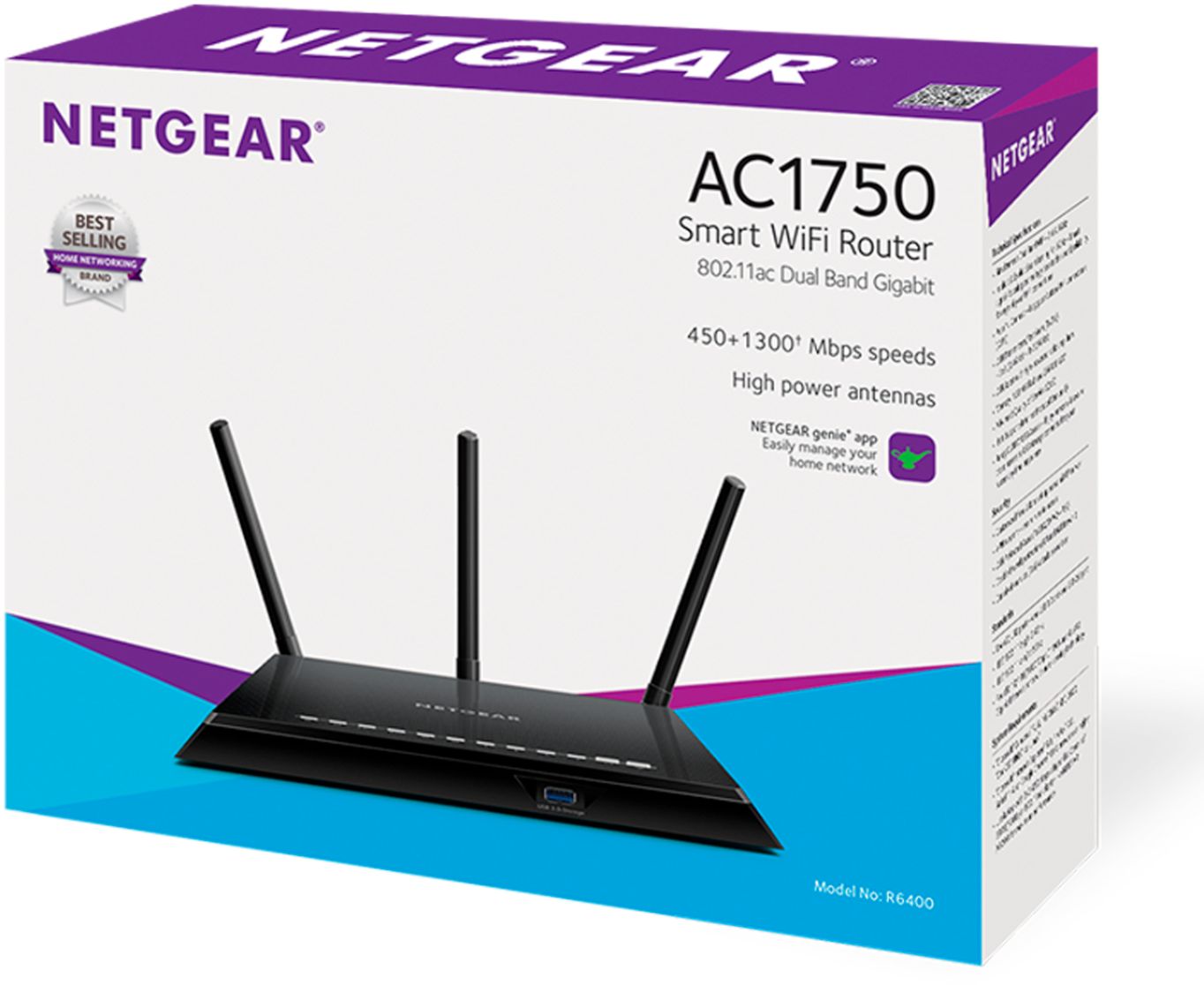
A:AnswerI wouldn't see why not. They should be operating on standard wifi this router supports 802.11ABCN which is about every standard. The wifi bandwidth on the router is great so should be no problem streaming HD or even multiple HD as long as your internet speed is fast.
A:AnswerI think you mean WPA3 protocol...
Answer is no.
But does not hurt to check if there are firmware updates available on https://www.netgear.com/support/product/R6400.aspx
A:AnswerI pay for 200mbps by Spectrum and this WIFI is getting me around 110mbps. You're not going to get more than what you pay for and if you're lucky, you will get your 60 with any WIFI router. Usually you lose through a WIFI.