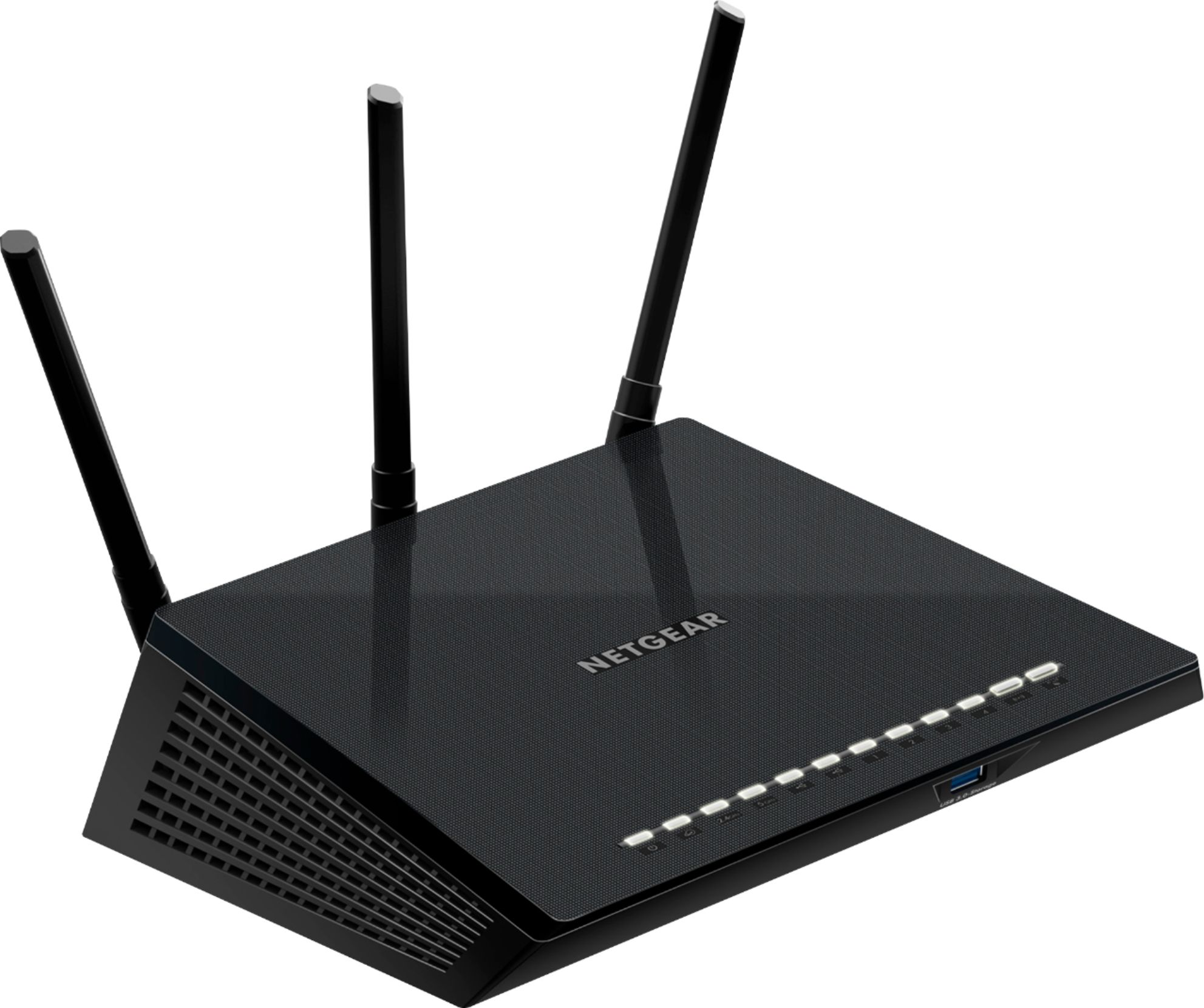
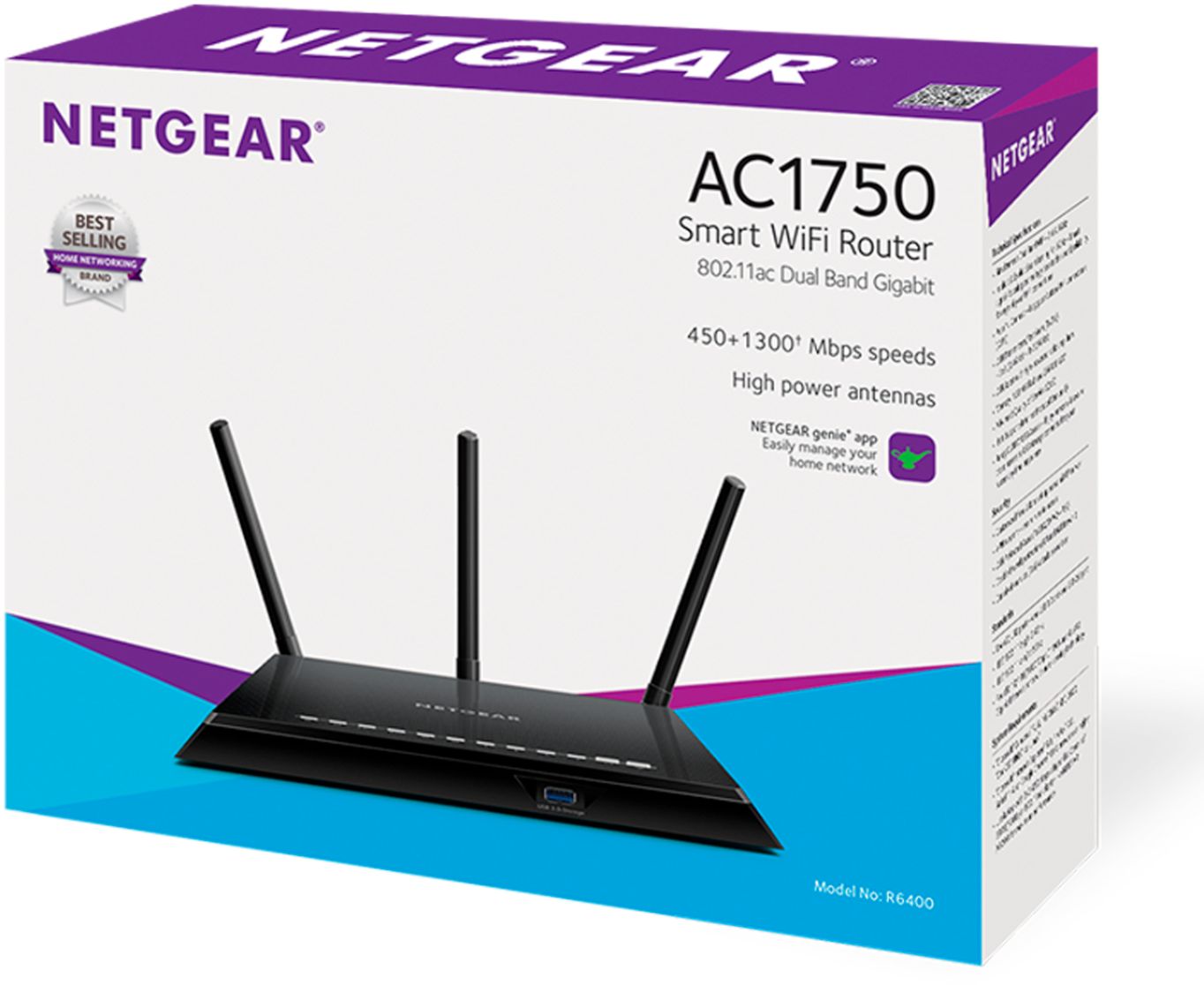
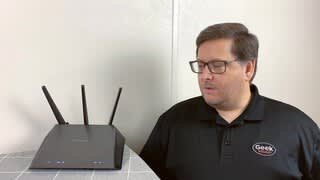
A:AnswerIf the internet box from Frontier is a modem, and not a combination modem/router, it will work. It needs a Ethernet input from the Internet modem.
A:AnswerI'm getting real good results with this router can pick it up from good distance son lives close by but can use my router to run his new laptop from his place
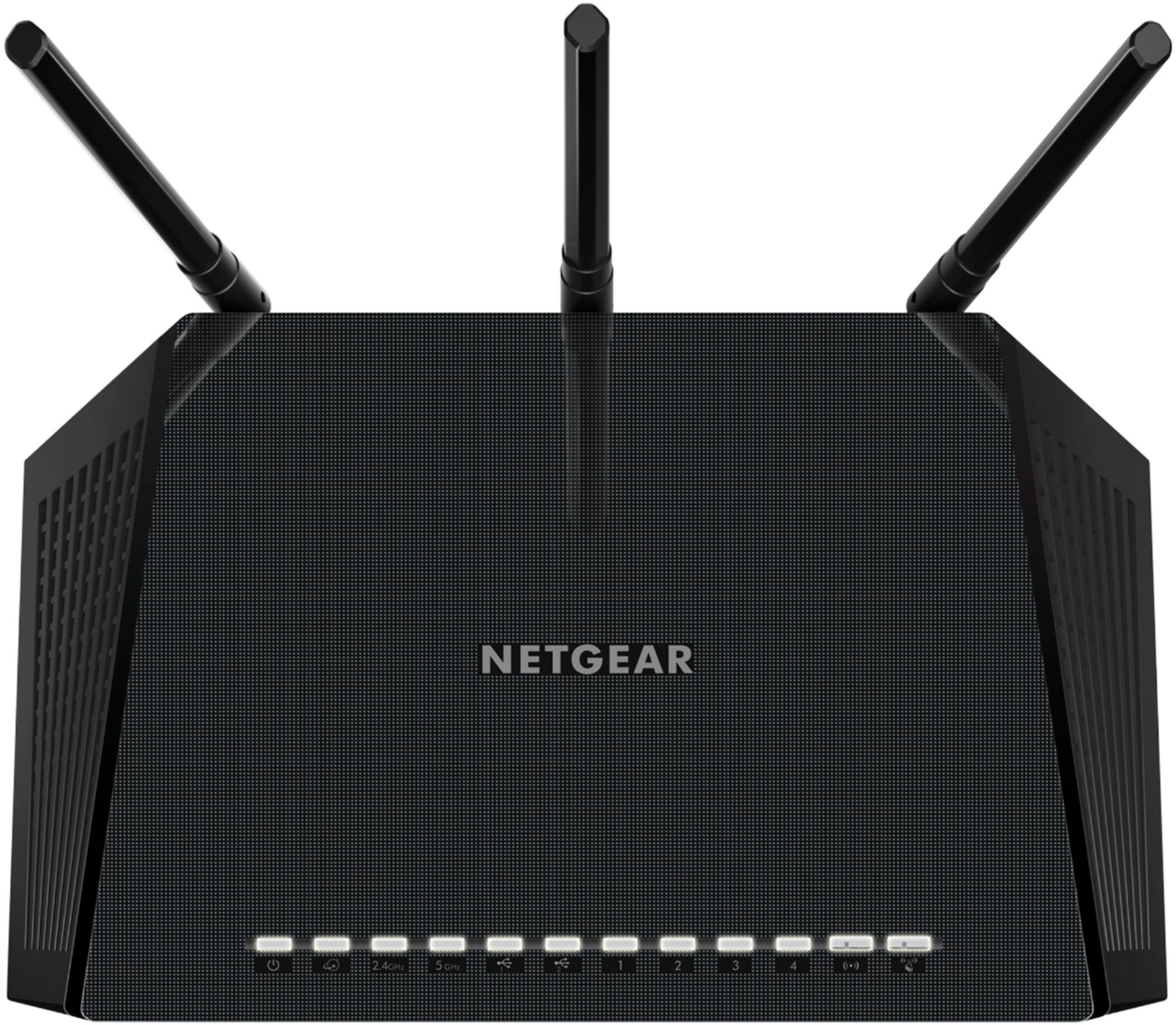
A:AnswerSome of the lights just come on when you physically connect a network cable on the paorts in the back (1-4). You should for sure have the power light, the online indicator next to it, and the 2.4 Ghz and 5 Ghz light... as long as you have both of those enabled.
A:AnswerYes, this is a standard router and will work with any device that supports a, n, g and ac. It also provides bandwidth on 2.5GHz as well as 5GHz in the setup. Some devices only support the lower bandwidth, while current generation devices will support the 5GHz.
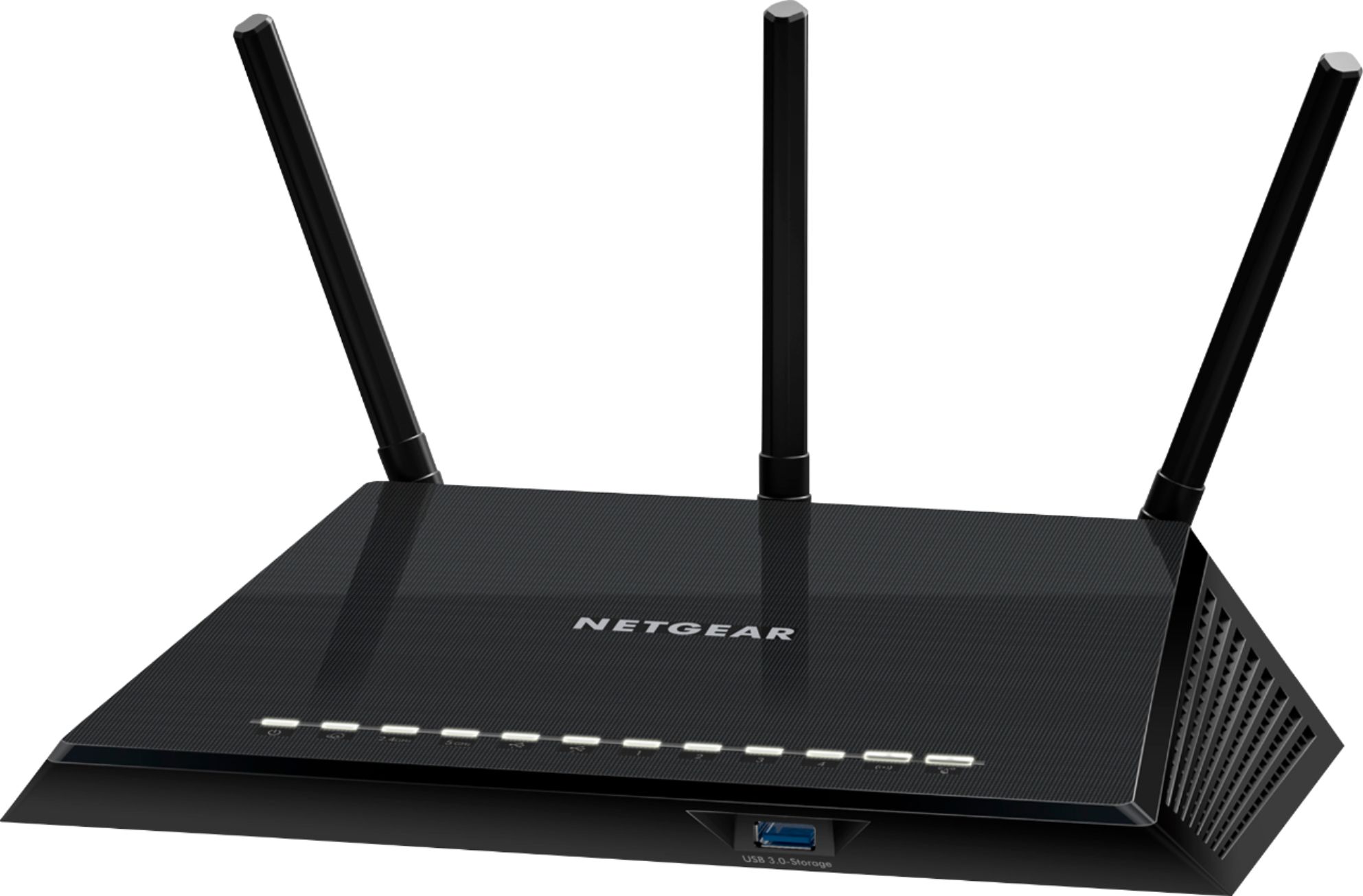
A:AnswerThis will work with any provider, but it doesn't replace the cable modem. Those have to be support by your cable company. Check their web site for a list of their recommendations.
A:Answer12 months warranty but don't bother buying anything NETGEAR they will not honor the warranty. Please read reviews all over Internet on this company. Also you cannot understand the service reps in INDIA. Company is money hungry. I would buy any other brand but not NETGEAR
A:AnswerIt automatically has 2 frequencies and when you first hook it up you can rename the 2 networks and change the passwords. One frequency is 2.4 ghz which has a wider range and is fast. The other is 5.4 ghz which isn't as large of a range but super fast.