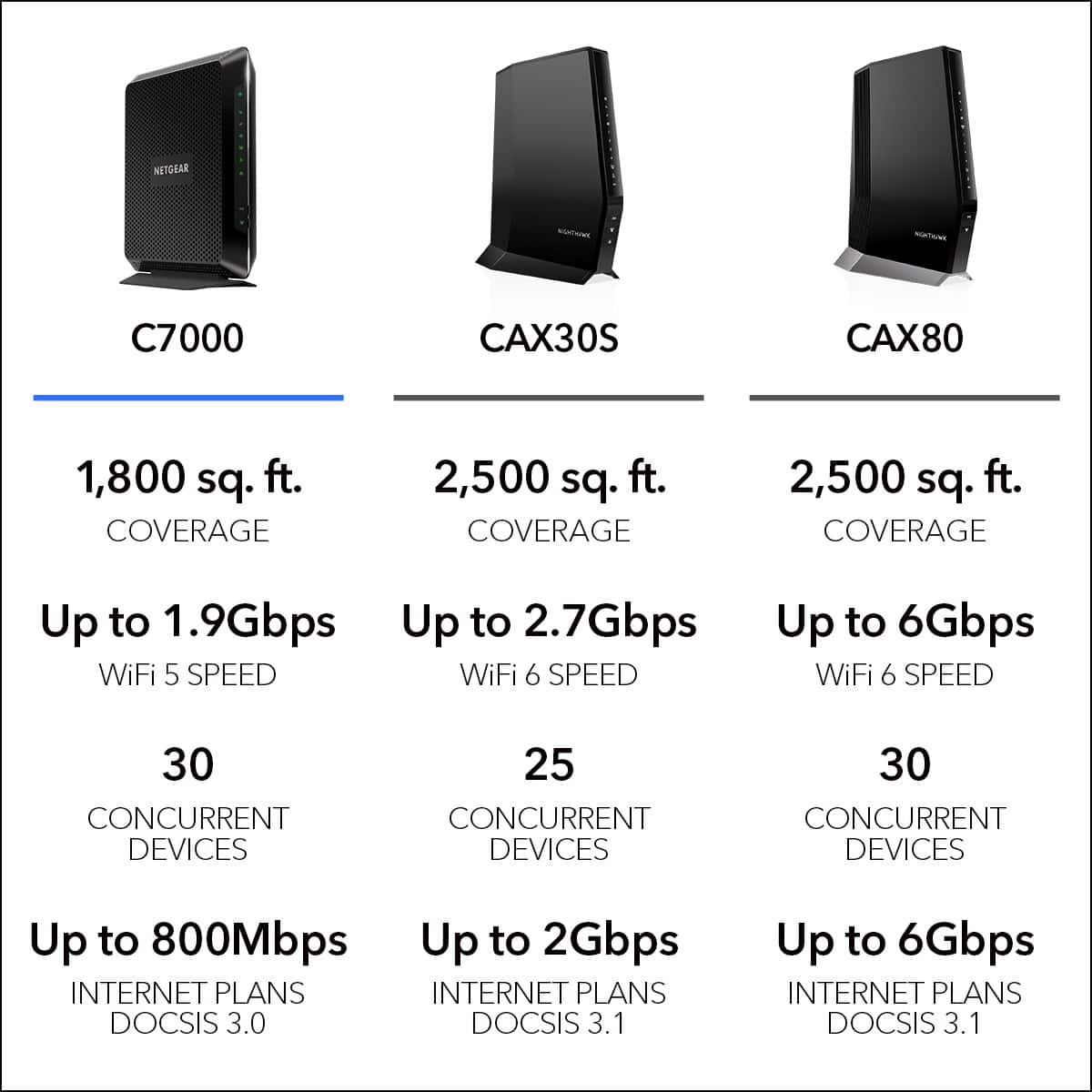
A:AnswerYes, you need a modem and a router , check with your internet provider which modems are approved to work with them, if you already have a internet provider you might already have a modem only need a router to get wifi.
A:AnswerActually this router has a guest network option, I would consider configuring the 'guest' network features for the kids, and just shut off the guest when it's bedtime...
Otherwise, what you are looking for is possible, but very difficult amd expensive for the average person
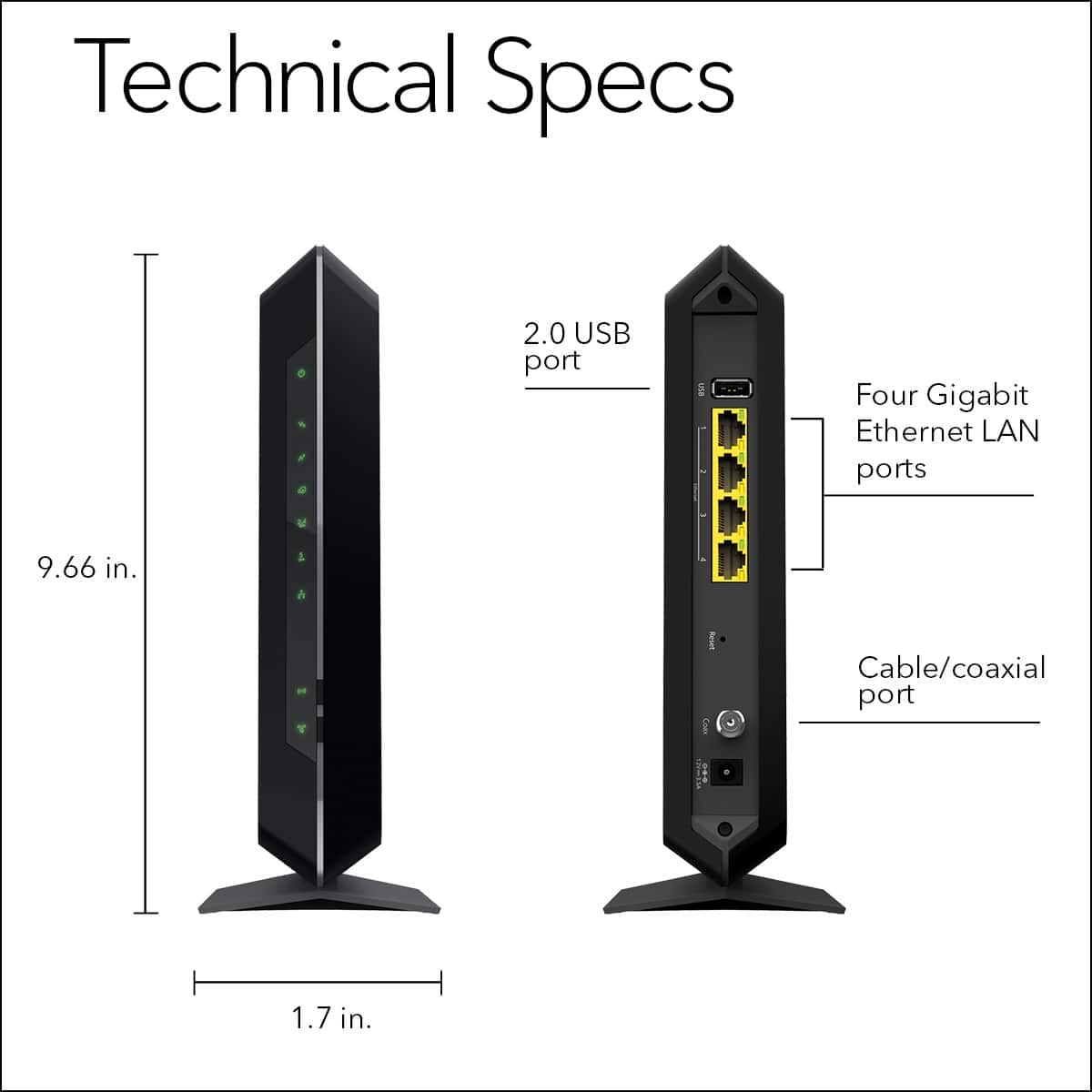
A:AnswerI don't think that it will. There is no phone jack in this modem, and I was given some excuse from a Comcast rep that "If you have phone service from them, you must have a modem with a phone line, even if you do not connect the line to it." I have no idea why, and I had the bundled service for years without ever connecting a phone line. I only recently switched my plan to EXclude phone, and then I purchased this modem.
A:AnswerI got this router before Xfinity came to install service at my house. It works great and has good range. The security system works as expected also. They set my system up with a small router for the security which is connected to the Netgear router and everything works like it should.
A:AnswerYea it works well with my smart tv had two bandwidth on for things like phones and another for big items like tv so there is no loss of speed when using multiple devices at the same time