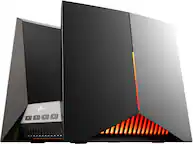
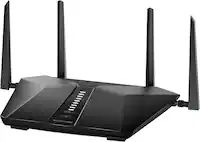
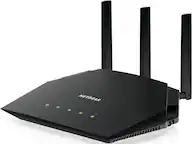
A:Answer Yes, power down your fios modem/ont/whatever else you have form verizon
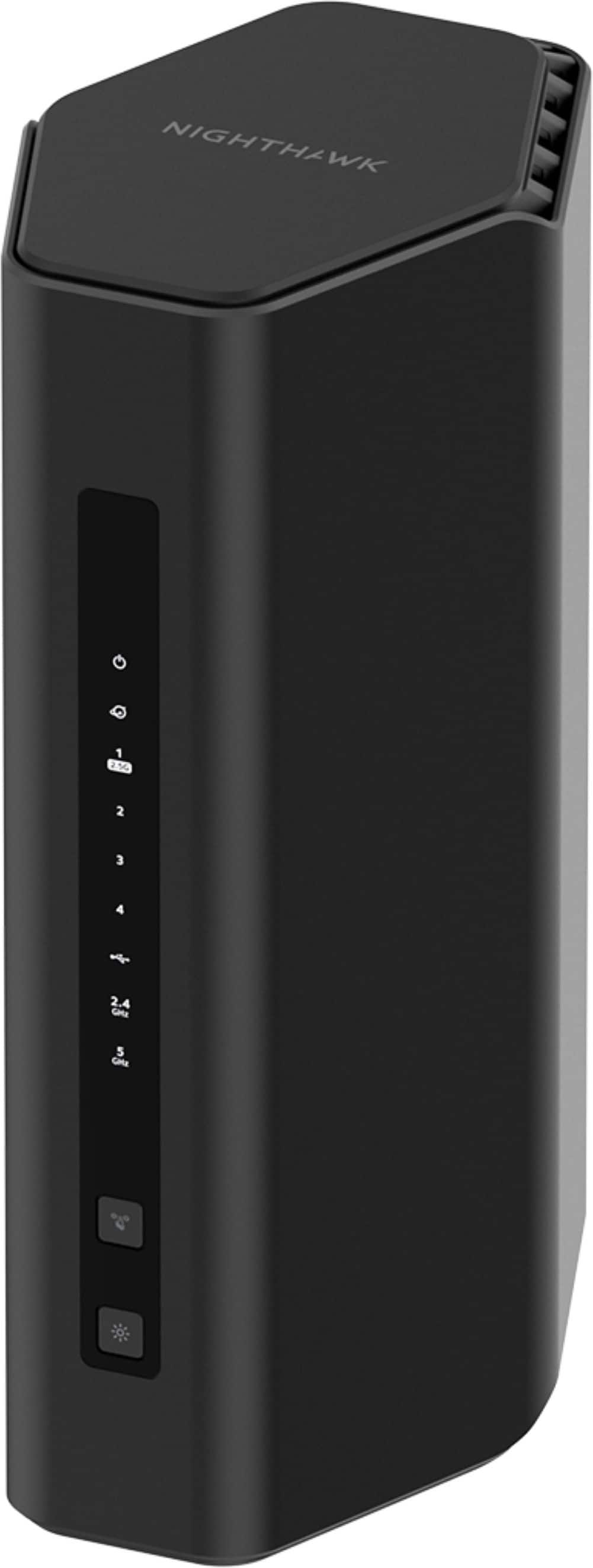
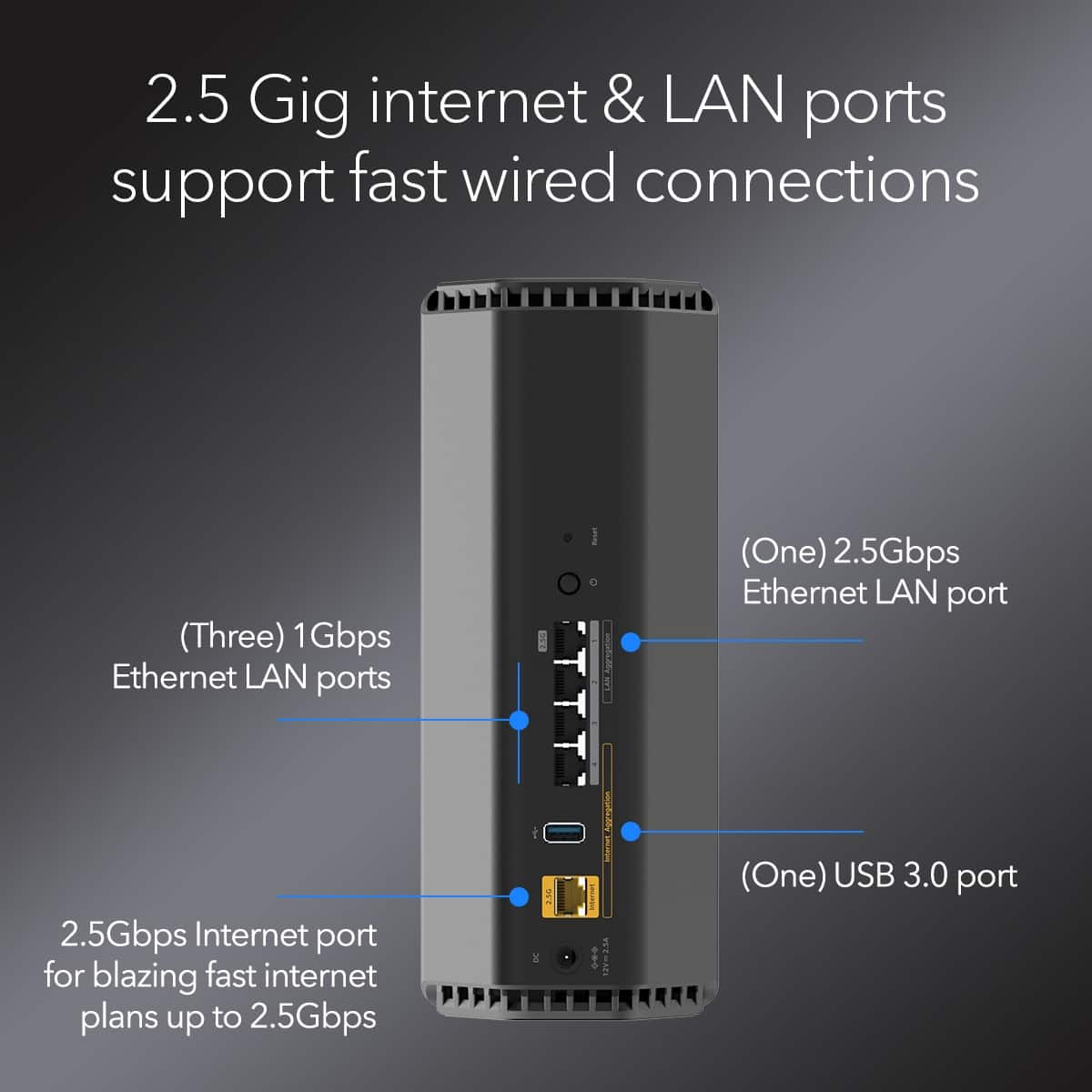
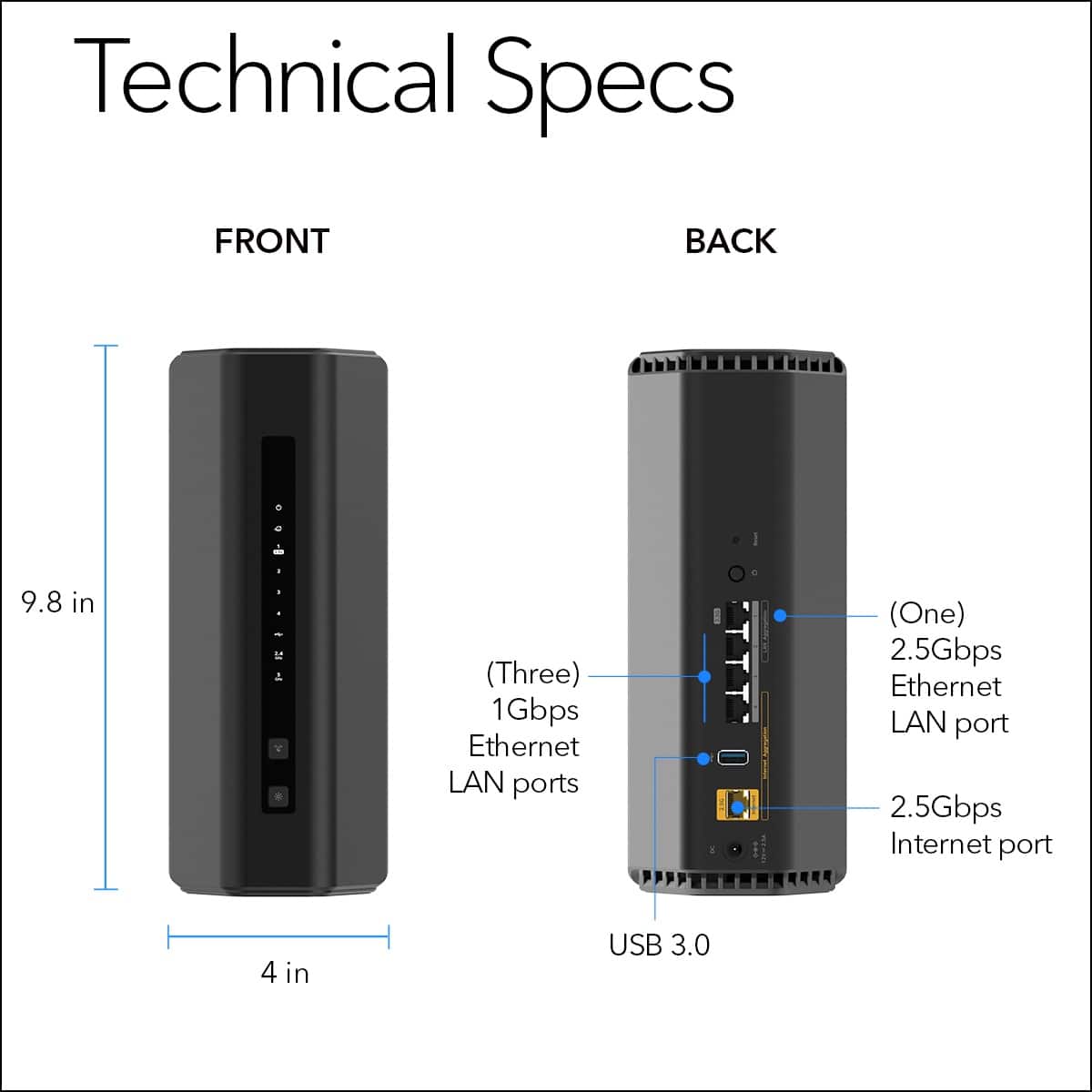
plug the WAN port of your nighthawk into the ETH jack on your verizon modem/ont
plug in the nighthawk power supply
*important that nighthawk is connected before next step*
now, plug in and turn all your FIOS gear (except the router, which you're no longer using)
FIOS should automatically assign the nighthawk a public IP address when tit powers back up. The nighthawk should now act as a local dhcp router.