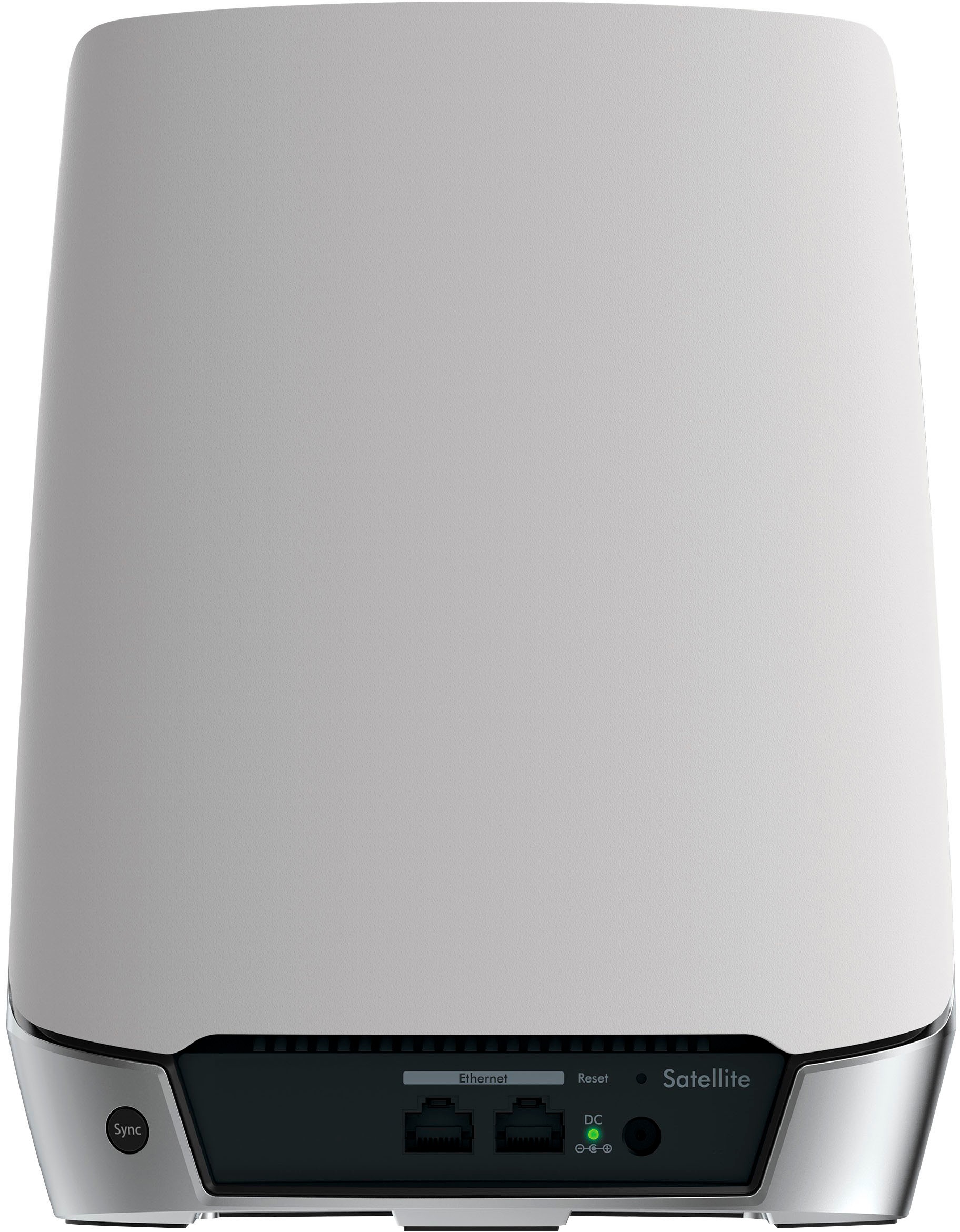
A:AnswerNo, this unit is only input 100-120 and not 220 that overseas uses. Maybe if you email Netgear/call them then they may have a Unit that does have dual voltage.
A:AnswerAny network back up will work with the Orbi just as any basic router would. Your cloud access may require you to configure port forwarding depending on the cloud service's requirements.
A:AnswerThis mesh system can work with any setup as long as your modem has an ethernet cable coming out of it (which it should). It's best to not have multiple routers sending signals from the same spot as that can cause interference.
A:AnswerYes, search for "Orbi Satellite" for the add-on equipment. Netgear has a purchase option for $124.99 on sale for a single satellite.
We have a 3-story house, ~ 3000 ft. I have the Orbi antenna in the basement and one Orbi satellite on the top floor. We can stream on 3 devices with no issues. I have no regrets about buying the 2-piece system. The performance far exceeds the 3-piece system from a different vendor that it replaced. Well worth the premium price for a premium product.
A:AnswerIn all honesty those PlayStation 5 should be hardwired. I have my ultra high gaming pc, my Xbox series s and two ps5 and two ps4 and I’m seeing 1gb across all of them. But I’m hardwired. With wifi I see about half those speeds. Do you have any other old internet routers or modems? I had a old linksys for something else connected and it was slowing my internet drastically until I unplugged it
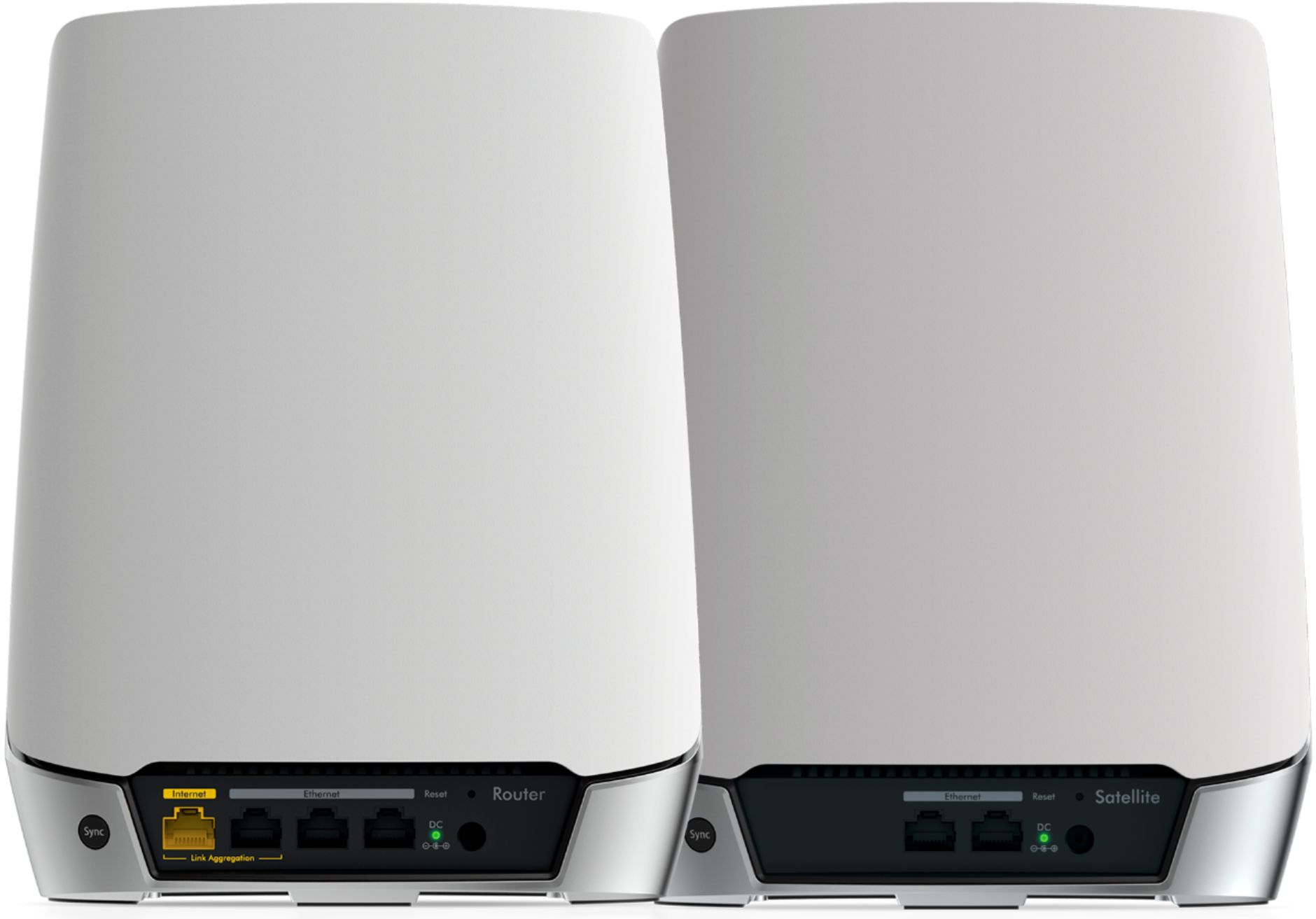
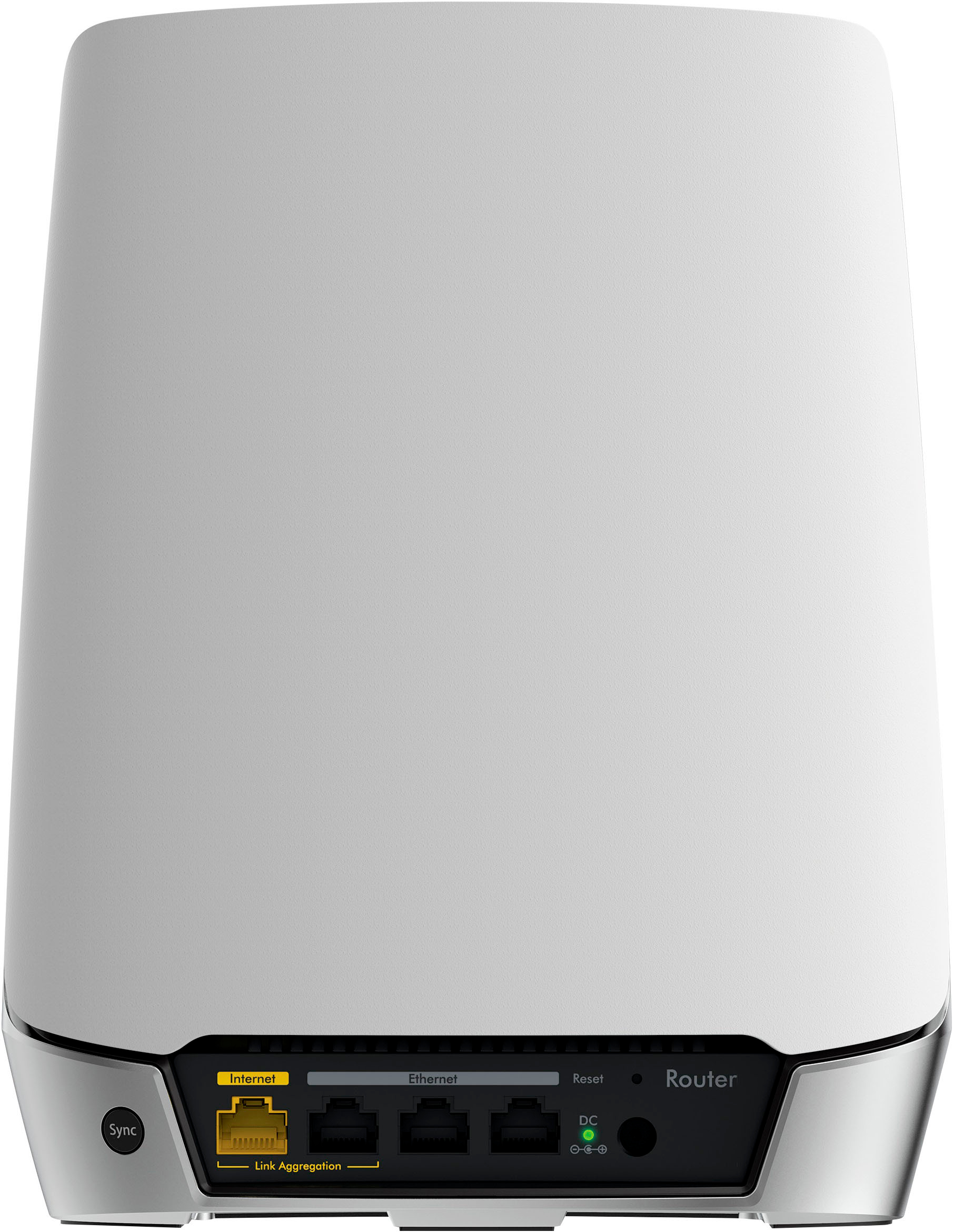
A:AnswerYes they can plug into a router or a wall outlet with Ethernet cables, you can also plug it into your devises for a wired connection..
Yes it's capable with the Xfinity router
A:AnswerYes. You simply plug an Ethernet cable from the Comcast router into the WAN port of the Orbi. If you want to use a Dynamic DNS service, you need to configure the Comcast router into Bridge mode, but if you don’t use Dynamic DNS, it is really easy.