A:AnswerMight work. I tried a similar application and but was not able to connect at a decent speed due to way wiring went through main panel. You can always try and return to store w/in 14 days if does not work the way you want it to.
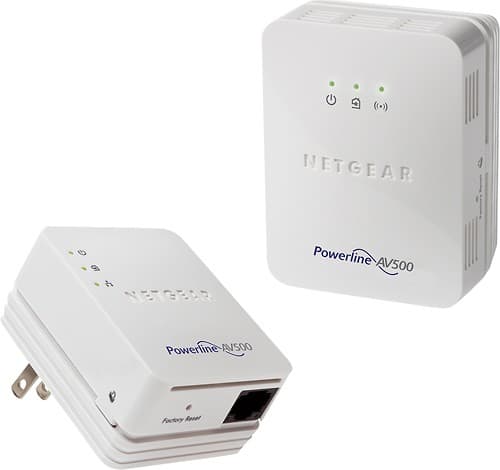
A:AnswerYes, this device comes with two pieces: (i) One that goes into an electric outlet near your wireless router. You connect it to the wireless router via an Ethernet cable. (ii) The second piece goes into an outlet near your security system. It communicates with the first piece through the electric wiring in your home. This second piece has an Ethernet jack that you can connect to the security system and it is also a wireless router itself.
A:AnswerYes you could it has an Ethernet port. Plug your router into that port and it should work as it will then have internet. All of my devices just use this as a wireless access point so I did not have a need for wired connections at this access point.
A:AnswerTo connect the DS to the power line you will need the SSID not the gateway. The ip, DNS, and default gateway will all be managed at your router. This device passes a signal through the electrical line and allows a connection it is not a router point.