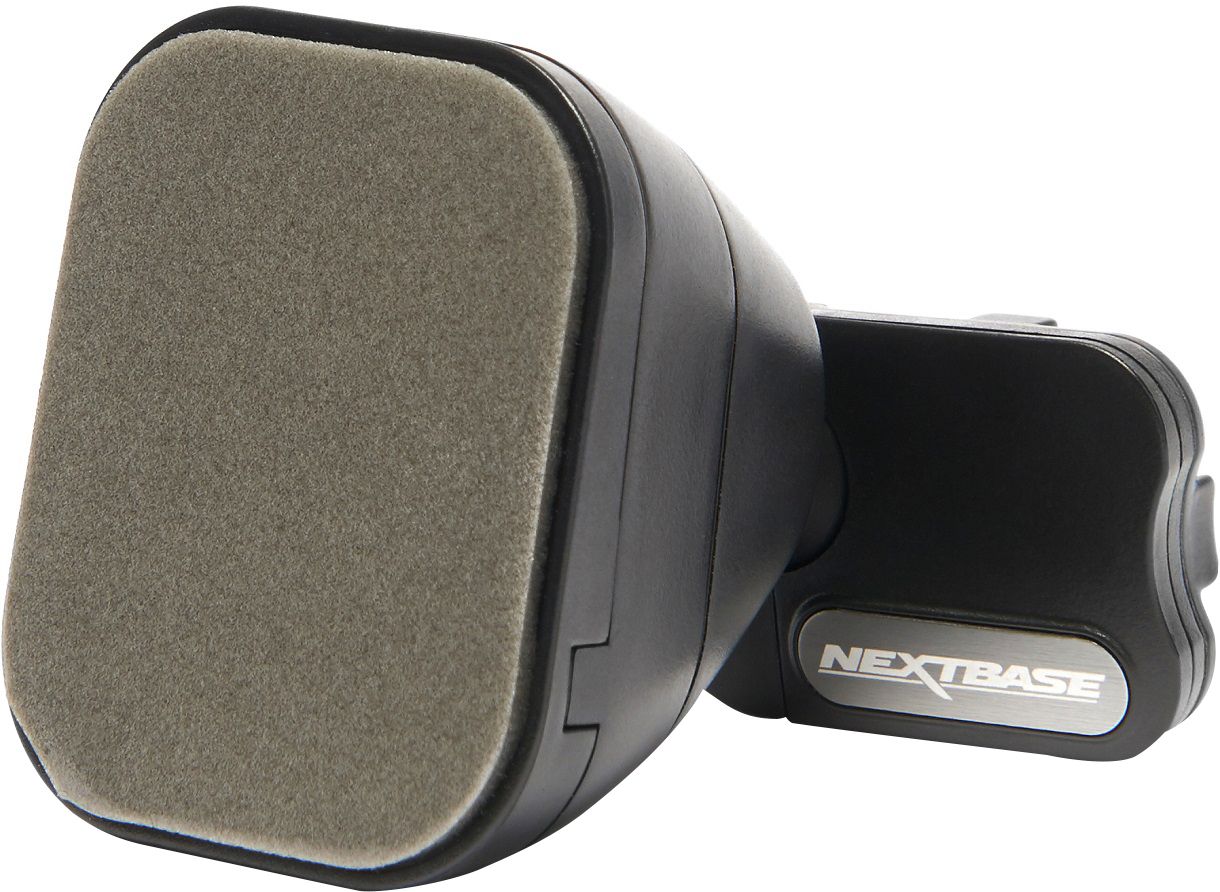
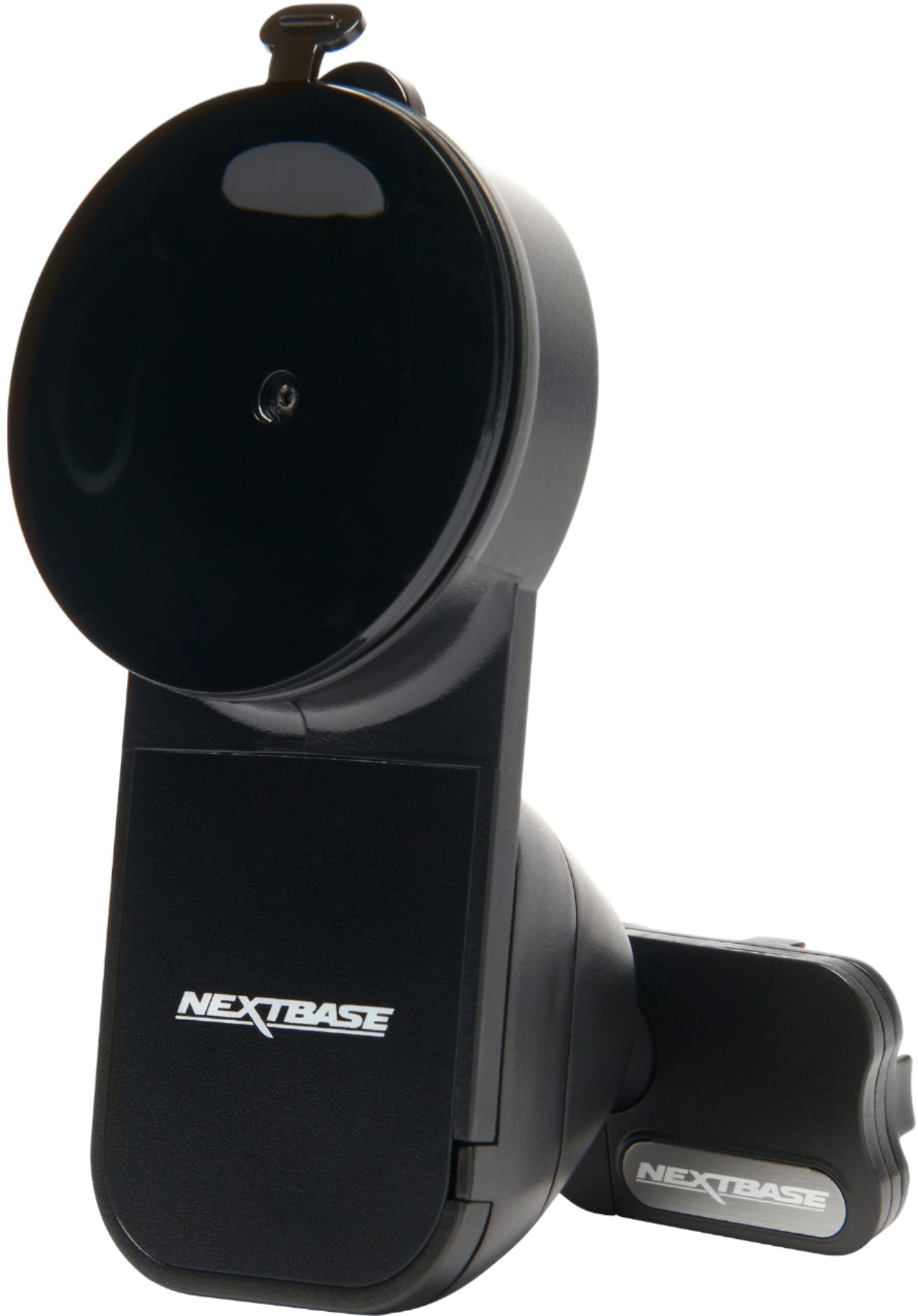
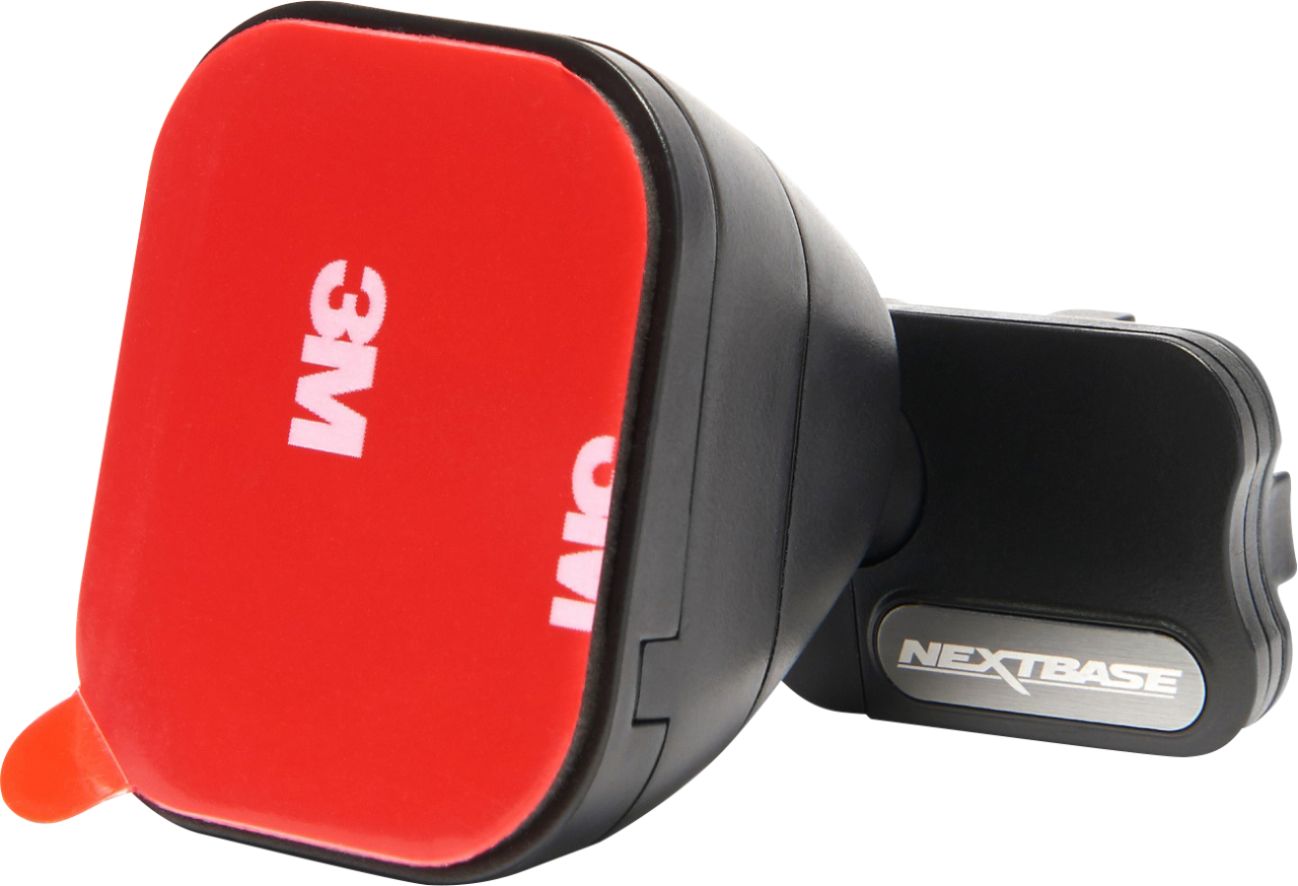
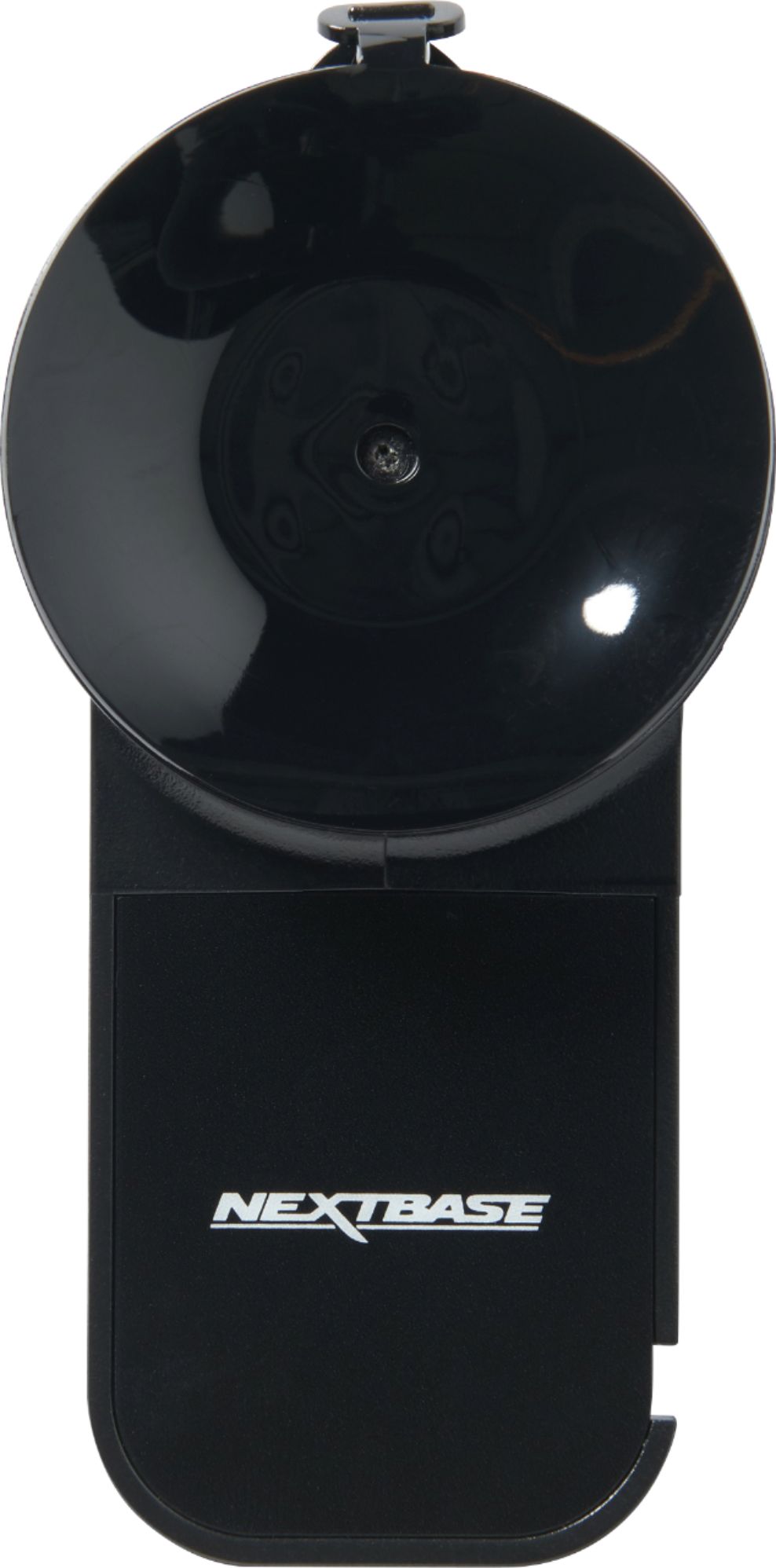
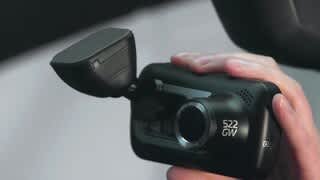
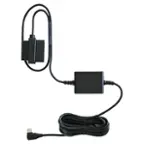
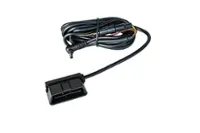
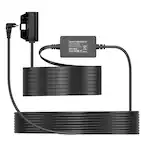
A:AnswerHello, Thanks for your question. The 522GW comes with the GPS Mount in the box. The GPS captures speed and map data for use in our apps. If there's anything else that we can do to help, please don't hesitate to get in contact at [email protected] or call +1 800 2805 178.
A:AnswerHello Bob,
The 622GW comes with a GPS mount included with the dashcam. If you require a second mount, this will also need to be a GPS mount, or your dashcam will not be able to record GPS or speed.
if you have any further questions, please contact the Nextbase Support Team at [email protected].
A:AnswerHello,
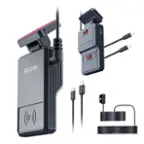
This is not the correct mount for the 320XR. The 320XR is not GPS compatible and adding a GPS mount will not enable GPS usage on this model. For the 320XR, we recommend the Click & Go Powered Mount.
A:AnswerHello Tray,
We also have a suction mount available for the 222X if you do not want to use the provided adhesive mount. Please give our team a call or email at [email protected] and we can help further.
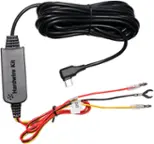
A:AnswerThe Rear Window Cameras plug directly into the Main Camera and are either mounted by clicking into the camera itself or in the rear window. You don't need to remove or replug it on each usage...just leave it. Power comes from the Main Camera, which in turn draws from the mount.
A:AnswerYes. It will place the coordinates at the bottom of the video when it is played on Windows Media Player. If you play the video in the NextBase software you can download it will have a display at the bottom that shows direction and speed. It will also display google maps on the right side and the indicator will move as the video plays.