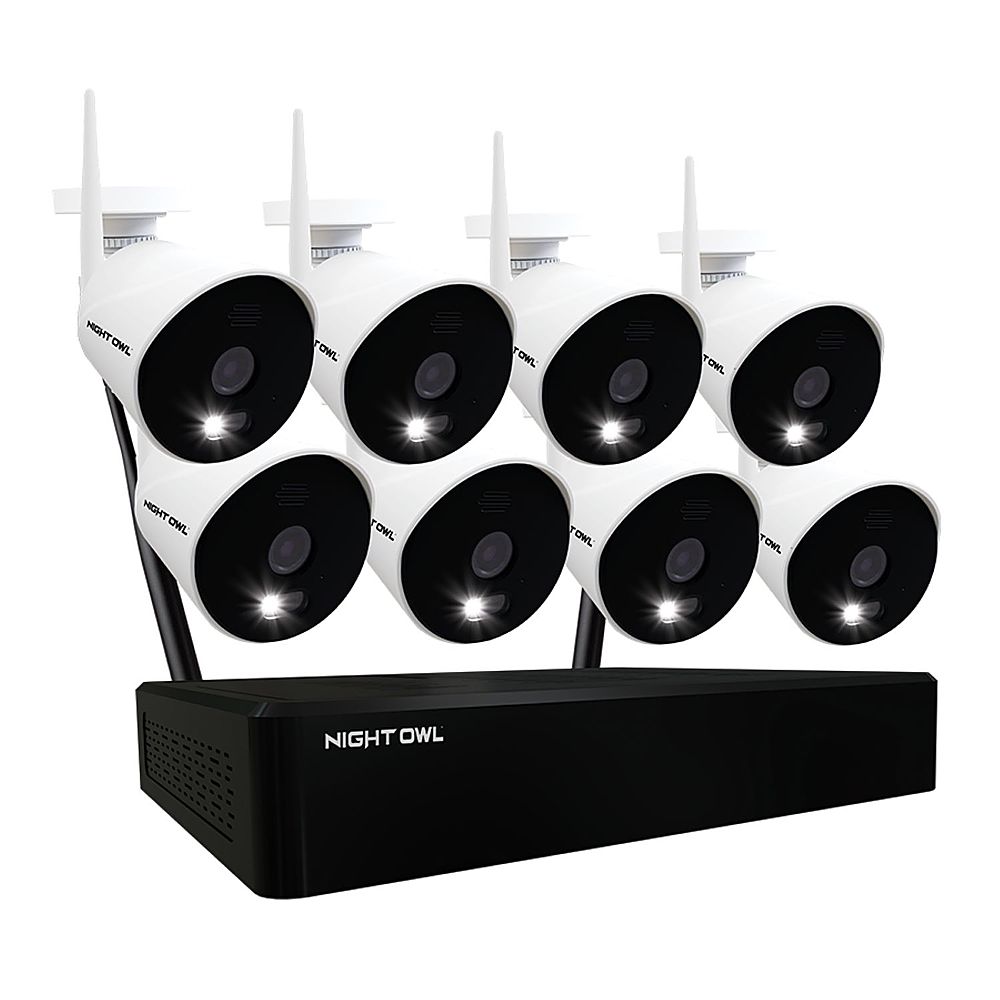
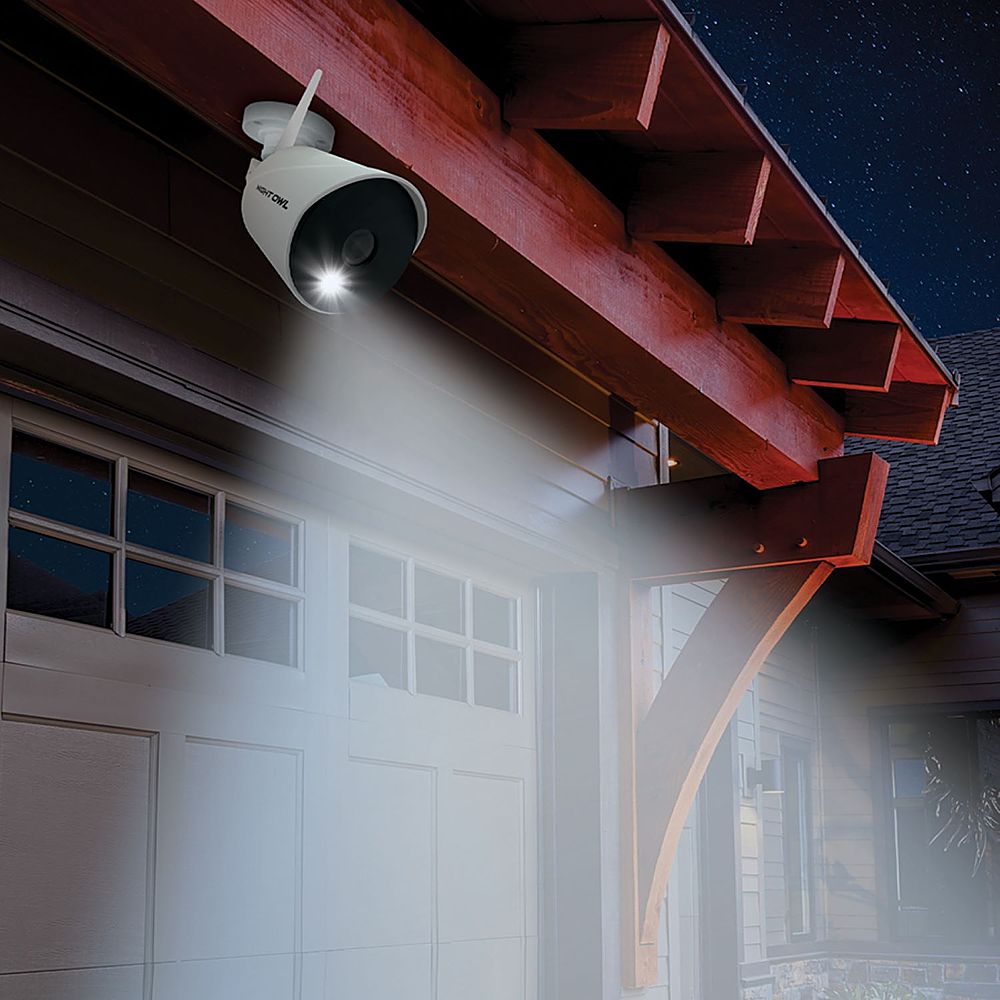
A:AnswerNight Owl offers both a wired and a wireless system. I got this and was so excited because it was wireless as I didn't want a system that had to be hard-wired.While the cameras are "wireless" in that they can communicate with the NVR wirelessly, they must be installed within 10 feet of an AC outlet. The box states that the cameras require a power source but I thought that meant each one had it's own batteries. Since I don't have outlets located high up on my exterior walls where the cameras should go, and don't want unsightly extension cords, the system won't work for me.
Not to worry, I gave it to a friend and offered to help him set it up at his business. Three hours in (with help from Tech Support) and the NVR would not communicate with our Dell monitor via the HDMI cable. Turns out the HDMI on our monitor is "output" only and can't accept a signal. So much for the first day.
Second day, relocated the NVR to another room which required a LONG ethernet cable as it has to be plugged into the router during set up. Hooked up to a Samsung 55", and cameras paired. Unfortunately, this was a 4K tv and after another hour on the phone with Tech support it was determined that the resolution was forcing the on screen menu out of view. Apparently sometime during day one attempted install, the user name password process got screwed up (probably operator error) and we couldn't edit, delete, or access our user name on day two. According to Tech support, we needed to access the menu screen in order to correct the user name issue. We were never able to locate this screen. Although Tech offered to send another NVR, he said it wouldn't matter because the system was not compatible with a 4k television (he even verified the model info on the TV).
After trying for over 5 hours to get this to work, we gave up which was disappointing since I was looking forward to having it.
If you want a truly "wireless" system, this is not the one for you unless you can mount your cameras within 10' of an AC outlet. Tech support was helpful and friendly but not able to solve our issues. Maybe we try again with another monitor or TV but not adding that expense just to set up the system. Apparently once the system is up and running, the monitor/TV is not required as you can access from your phone. Not sure how well this works. I wish I could comment on the quality of the video or camera range but I never made it that far in the process.
A:AnswerAbsolutely. So long as the Wi-Fi NVR is hardwired to your network, you can remotely view your system from anywhere. You can view from a smartphone or tablet using our free mobile app, or from a PC/Mac using our free CMS software. Thank you for choosing Night Owl!
A:AnswerI used a smart TV of another brand and it works well. If your set had m.multiple HDMI plugs you could run this system on one input and switch to another to see other devices.
A:AnswerGreat questions! The Wi-Fi NVR has built-in Wi-Fi to communicate with the cameras. 3rd party Internet is only needed for remote viewing on a Smart Device or computer, which is optional. By default the cameras are set to record when human motion is detected, however, yes you can switch to 24/7 if desired for one or more cameras. Just note, when recording 24/7 (continuous) the hard drive will fill up much faster and then automatically begin overwriting old footage, to make room for new recordings. Thank you for choosing Night Owl!
A:AnswerHi Kevin. We will be selling the add-on cameras in the very near future. We will also be selling a wire free model and compatible doorbell. Please stay tuned for these items and they will be available soon. Thank you!
A:AnswerGood afternoon. The cameras can be up to 300 ft. away from the NVR with line of sight. If there are obstacles in the way, such as walls, etc..., that range will be reduced. Some obstacles, such as brick or concrete walls more heavily impede the signal strength than others, such as windows or dry wall. We also sell a Wi-Fi Extender Antenna to help bypass obstacles between the camera and NVR. Thank you for choosing Night Owl!
A:AnswerYes, you can switch the recording mode from motion to continuous, to record 24/7. Keep in mind, this will eat through your available hard drive space at a much quicker rate. Once the hard drive becomes full, it is set to auto-overwrite old footage. You can access your recordings locally from a TV/Monitor or remotely from the App or a computer. Thank you for choosing Night Owl!
A:AnswerIf you choose so, the system will alert you to detected motion. The sensitivity of the motion detection can also be adjusted.
Thanks,
Night Owl SP Support Team
A:AnswerI have mine on metal sheet soffit even moved my camera antennas outside no more than 30 feet away and another is 11 feet away and they don’t want to connect ((
A:AnswerHi Pete. The cameras can be up to 300 ft. from the Wi-Fi NVR. The wall will reduce the signal strength and range some, but we cannot give an exact amount, as it will vary based on the exact setup. Thank you for the question.
A:AnswerYes, the NVR can accommodate a larger hard drive. See your product Specifications for the max size. Our DVR/NVRs are compatible with internal SATA HDD's, 2.5" or 3.5". The HDD should have a minimum of 7200 RPM. By default, our products are set to motion record, meaning they will only record when the cameras sense motion within the detection area. How long it takes the hard drive to become full depends on: 1) the size of the hard drive, 2) how many cameras are connected, 3) the recording resolution the cameras are set to, 4) the environment where the cameras are installed (how much traffic they detect) and 5) the recording setting for each camera ( motion, continuous, time schedule, etc...). Please view your products support page at the following link, should you need more information: https://support.nightowlsp.com/hc/en-us. Thanks for choosing Night Owl!