A:AnswerYes, most of our cameras must be connected to a compatible Night Owl system for functionality. We do sell a few wireless cameras that can be used as standalones. Please use the following link to contact our pre-sales team for more info. https://nightowlsp.com/contact.html Thank you!
A:AnswerPlease contact our technical support team at 1-866-390-1303 at your convenience. One of our agents will troubleshoot the setup issues you are having with the product. What you have listed in the review is not true of the product and is directly linked to setup. One of our agents will be able to find out what is going on. Thank you and we look forward to hearing from you.
A:AnswerI wish I could give you an answer to your problem, but I loose the signal from 2 of my outdoor cameras some of the time. I will try to relocate the antenna or camera. Good luck with your problem.
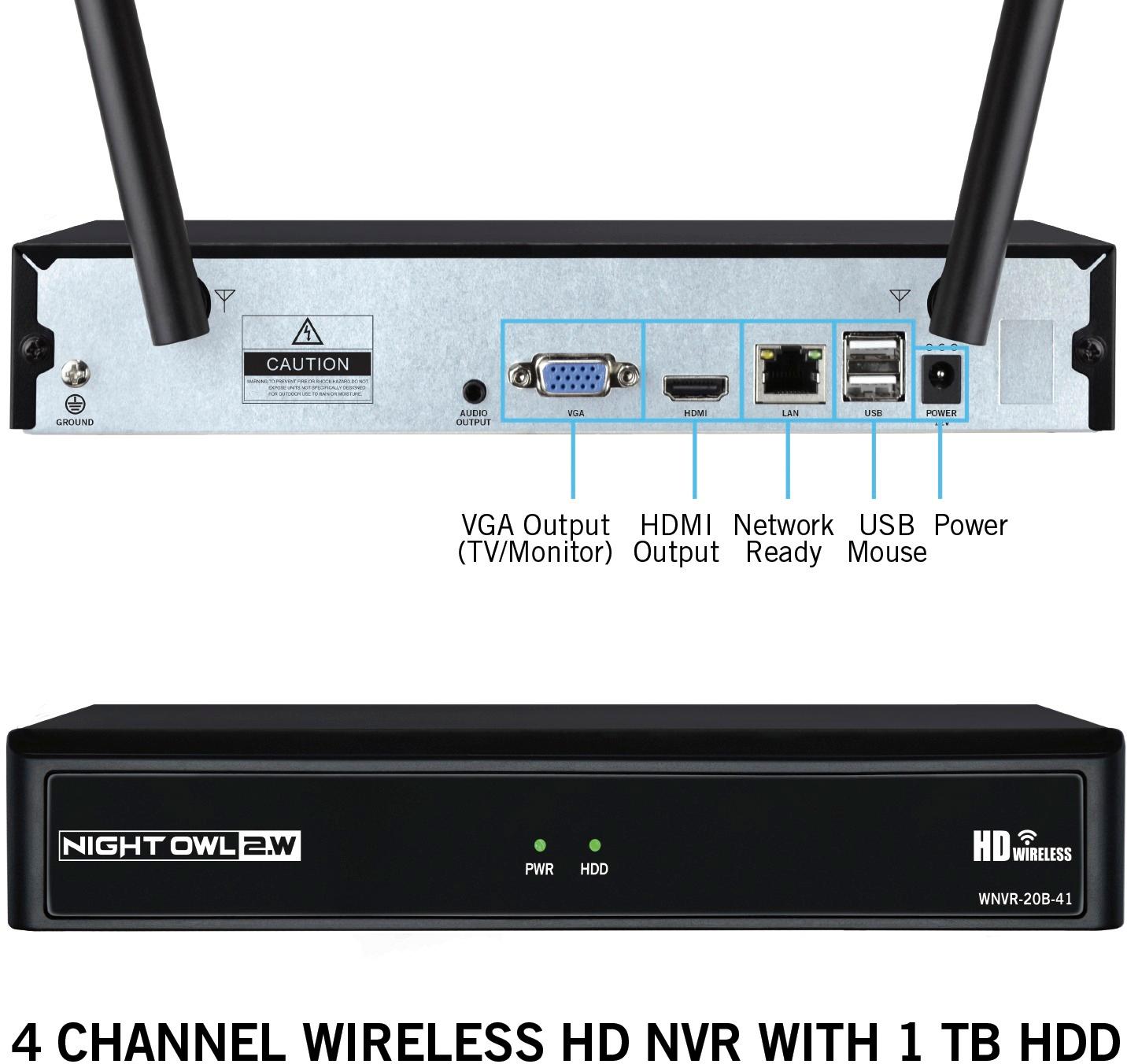
A:AnswerTo locally view your system via HDMI on a TV or monitor, the wireless NVR has built-in Wi-Fi and 3rd party Internet is not required. In order to remotely view, you will need to hardwire the NVR to your router/modem via Ethernet cable. Thank you for choosing Night Owl!
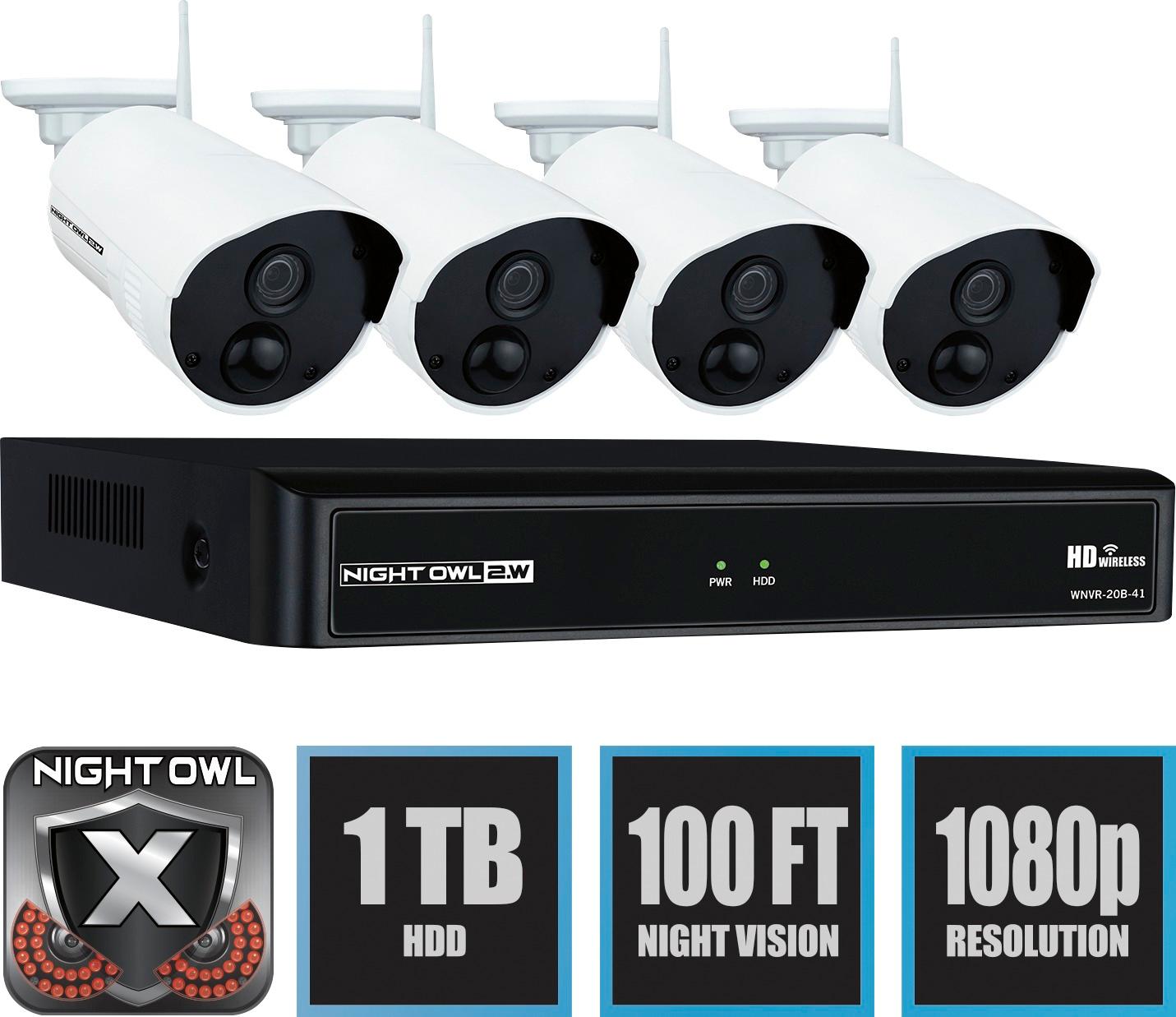
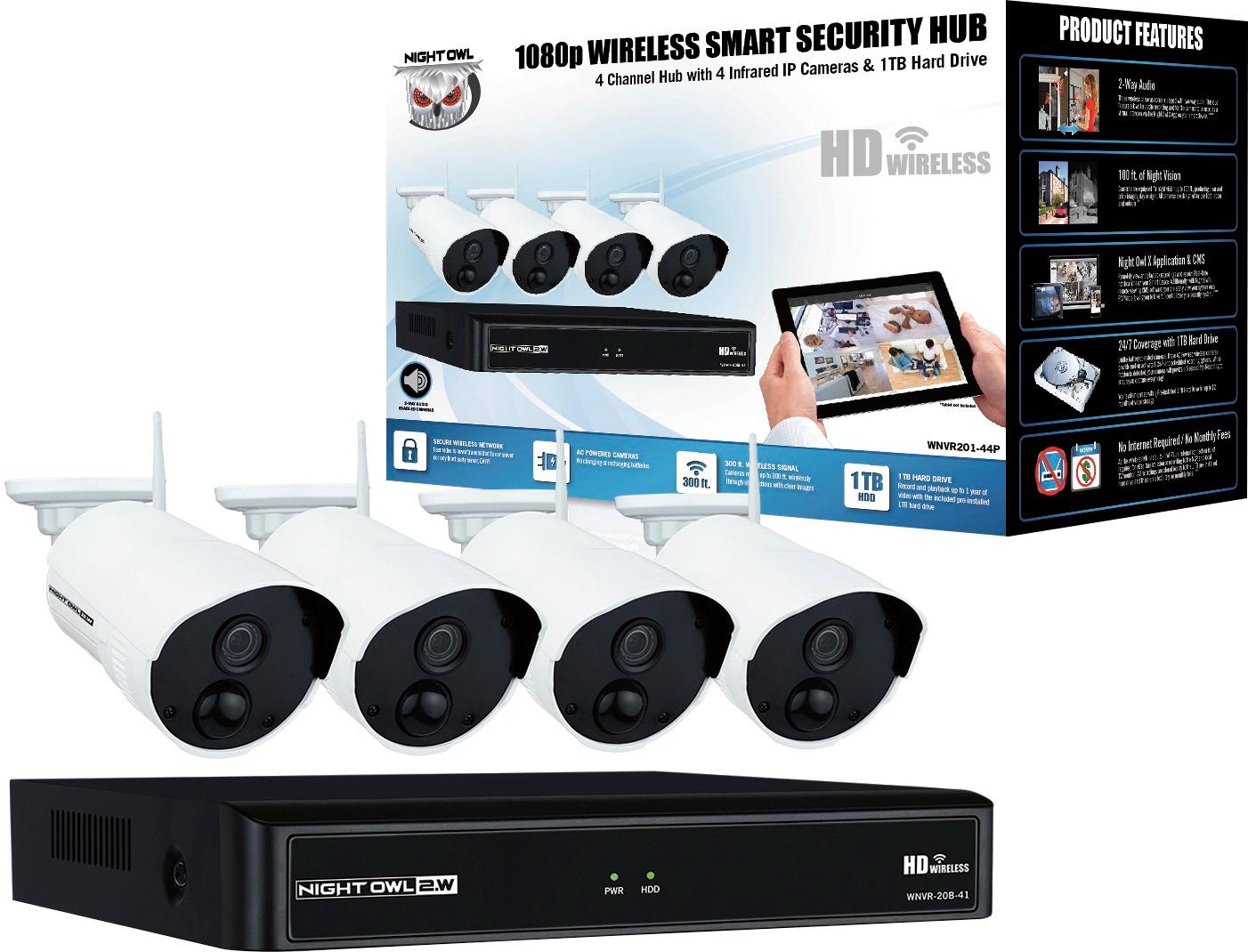
A:AnswerThere is no battery. These camera are AC Powered. Each camera comes with a camera power adapter and must be plugged into an outlet. Thank you for choosing Night Owl!
A:AnswerUnfortunately, this system is capped at 4 total cameras. We have wireless systems that can hold up to 8 total cameras and hybrid solutions which can hold up to 16 wired + 4 wireless. Please give our pre-sales team a call for more information at 1-866-979-0580. Thank you!
A:AnswerEach camera comes with a camera power adapter and must be connected to a power source, such as a wall outlet. Thank you for choosing Night Owl!
A:AnswerYes, you can. You simply need to login to the NVR and disable audio on each Channel (Camera) you do not want to detect audio. Please refer to your product manual, linked below, for more information. Thank you! https://support.nightowlsp.com/hc/en-us/articles/360000560927