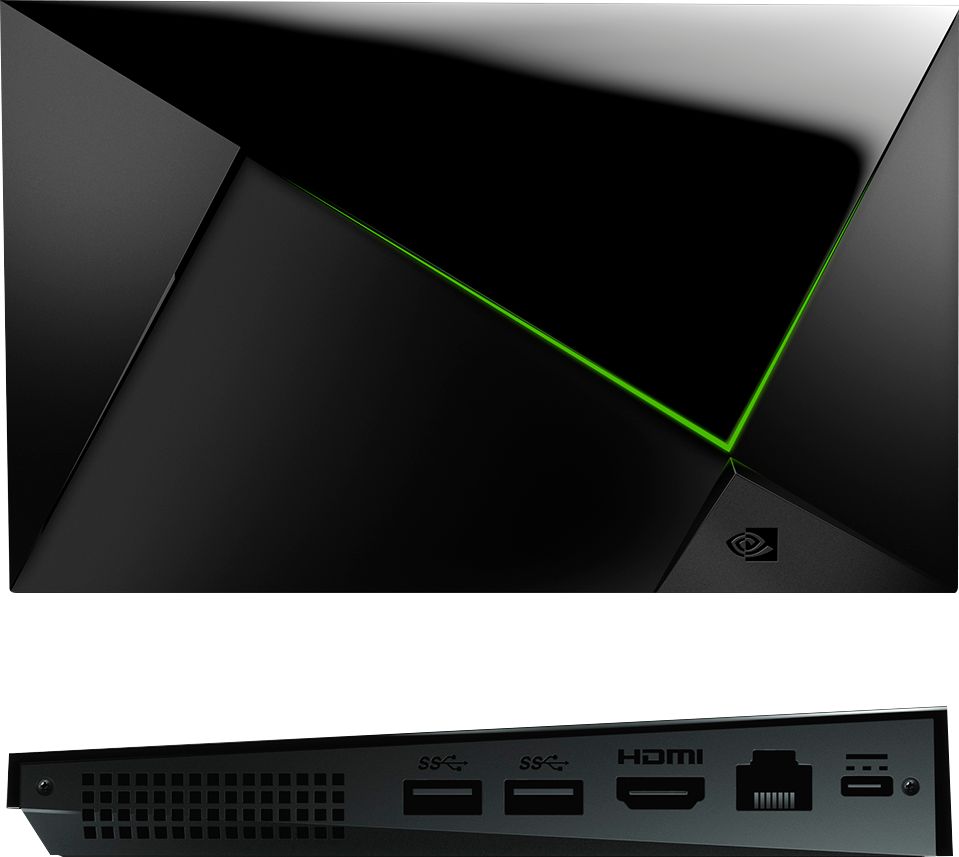
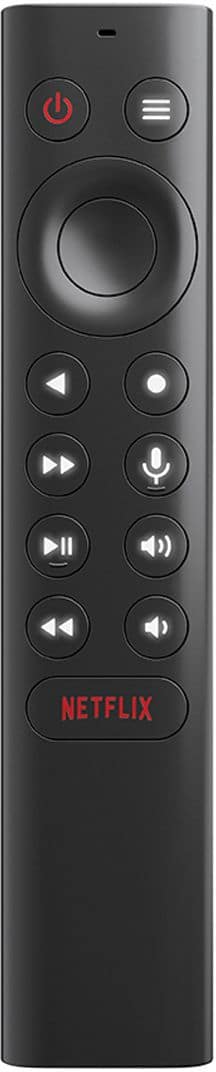
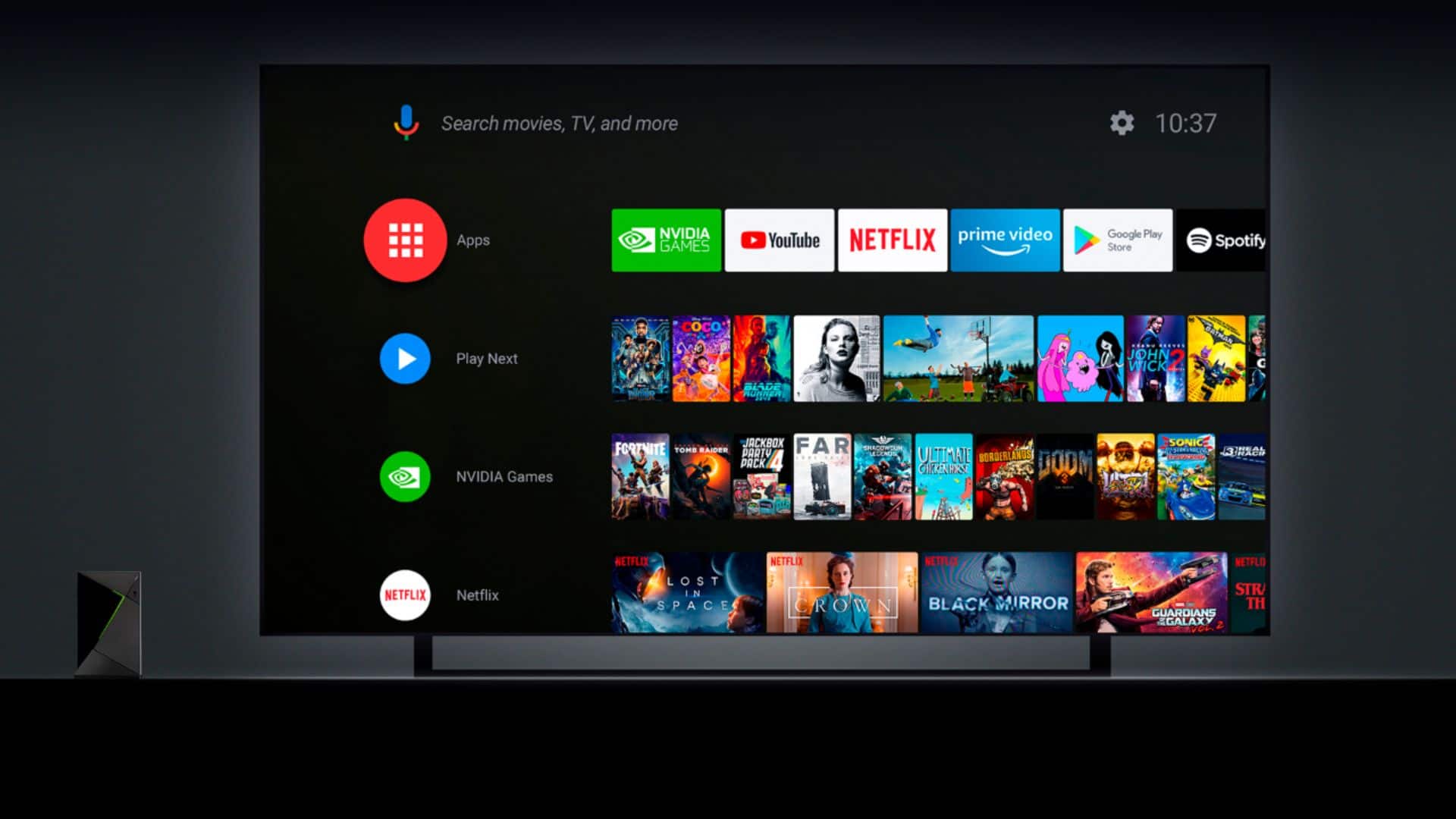
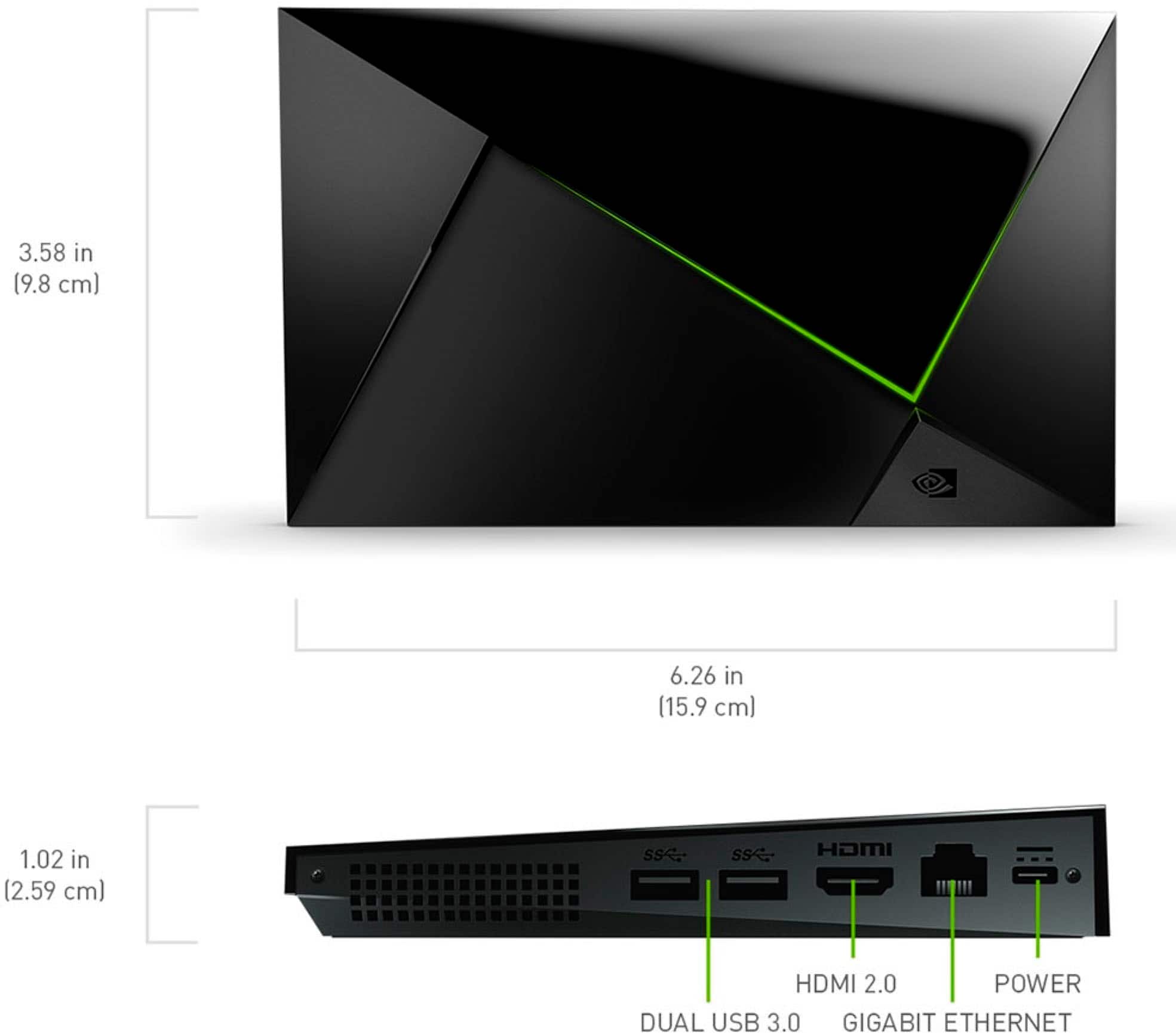
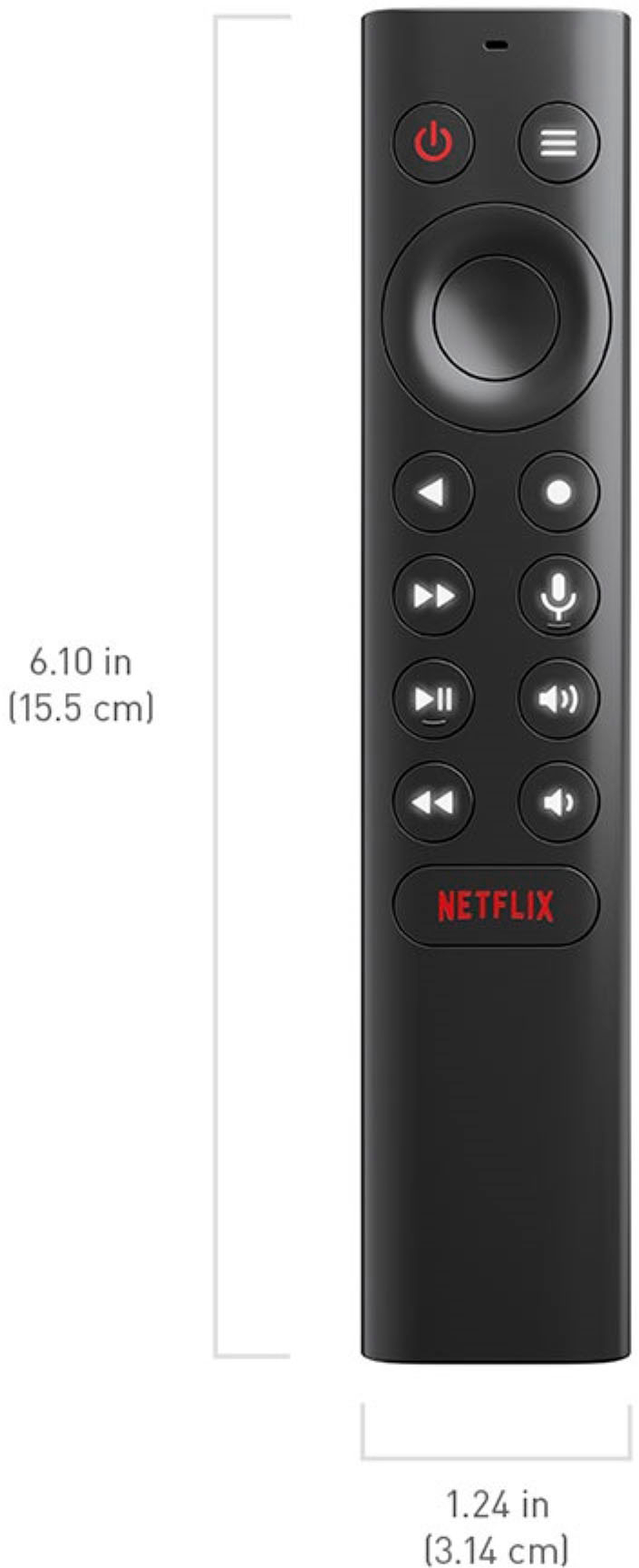
A:AnswerThe NVIDIA SHIELD TV Pro easily doubles as a “super box.” It runs Android TV, supports sideloaded apps like Kodi and TiviMate, streams in 4K HDR with Dolby Vision, and even works as a Plex Media Server. Unlike cheap generic boxes, it’s fast, stable, and Google-certified — great for IPTV, local media, or standard streaming. While it doesn’t come preloaded with unofficial apps, it’s perfect for anyone who wants a powerful, customizable all-in-one streaming device.
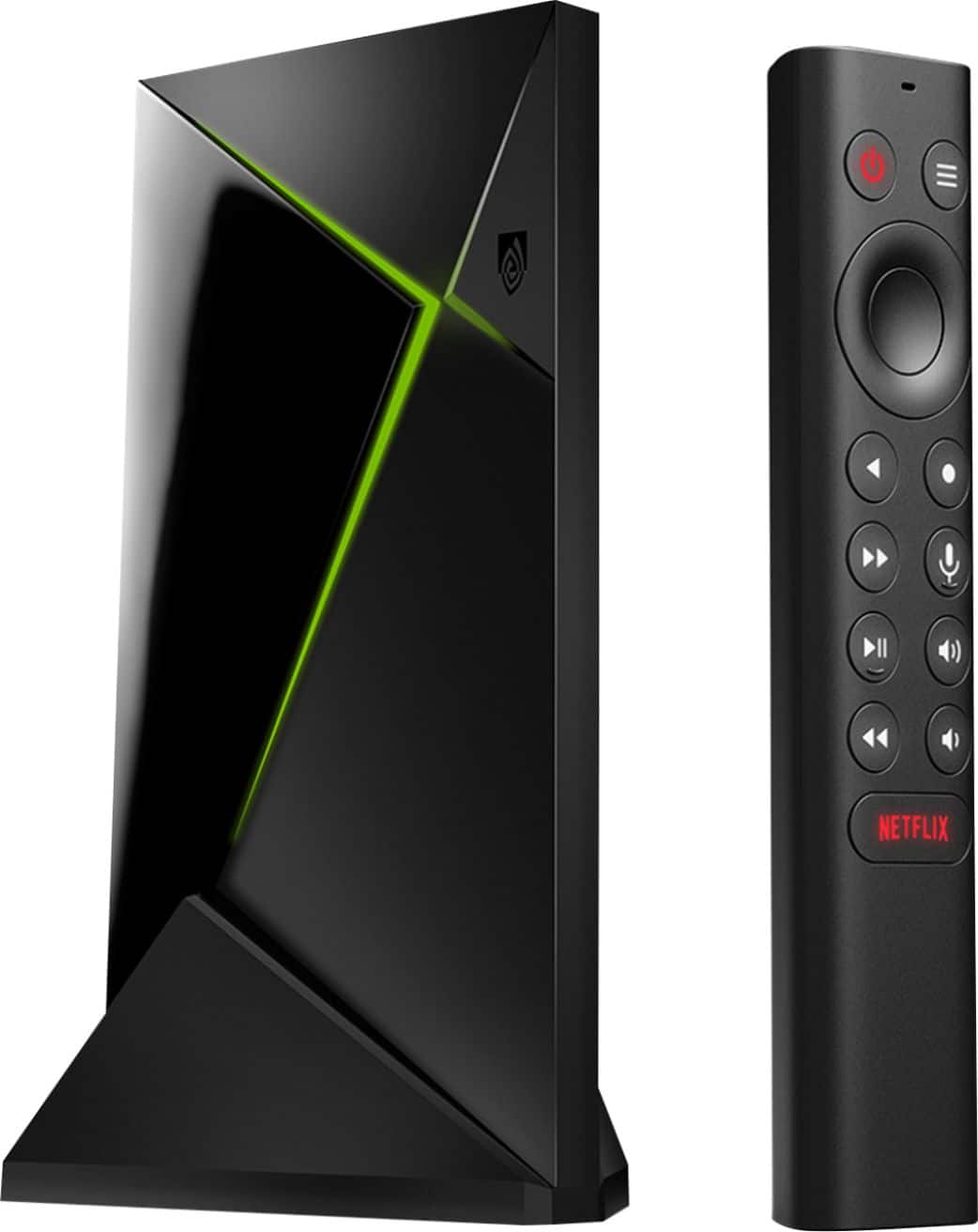
A:AnswerYou do not need a subscription just to use the SHIELD TV Pro or to stream live TV through free apps. But if you want the full range of premium live-TV channels or subscription-based services, then yes — you’ll need the corresponding subscription(s).
A:AnswerA: Not directly. The SHIELD TV Pro (Android TV) doesn’t support Apple’s APFS format. It can only read drives formatted as exFAT, NTFS, or FAT32. To use your LaCie drive:
• Option 1: Reformat it to exFAT for full compatibility with Mac, Windows, and SHIELD.
• Option 2: Keep it APFS and stream over your network instead — e.g., enable SMB file sharing on your Mac or run a Plex server and access the files through the Plex app on your SHIELD.
A:AnswerA: Yes. You can purchase an original or compatible replacement power adapter online. The SHIELD TV Pro uses a 19 V / 2.1 A power supply (model SPA040A19W2 or W3) with a proprietary barrel connector.
• Official and compatible adapters are available from retailers like Walmart, eBay, and Amazon — just match the voltage, amperage, and plug size.
• If you only need the AC wall cord, a standard figure-8 (IEC C7) cable will work.
• Avoid adapters that don’t meet the 19 V / 2.1 A spec to prevent damage.
A:AnswerThe NVIDIA SHIELD Android TV Pro can upscale movies you play from your external hard drive to higher resolutions, including 4K, if your TV supports it. It uses advanced upscaling technology to improve picture quality, so even lower resolution videos look better on a big screen. Just make sure your TV is connected with a high-quality HDMI cable to get the best results.