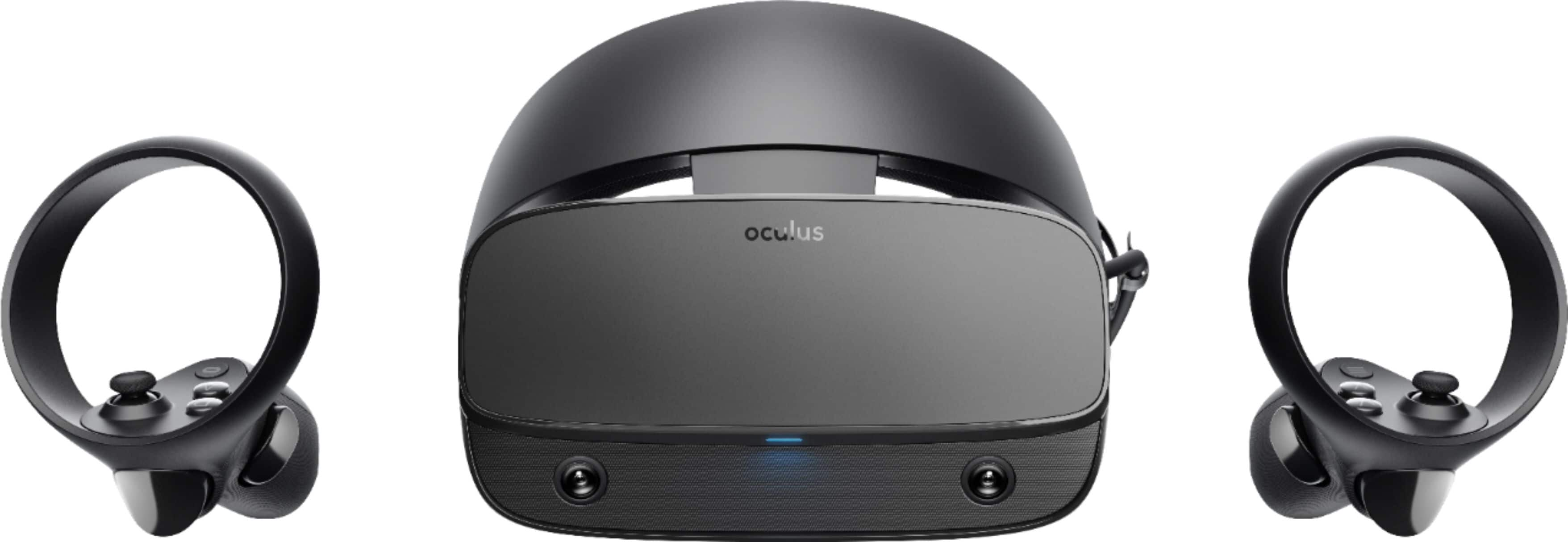
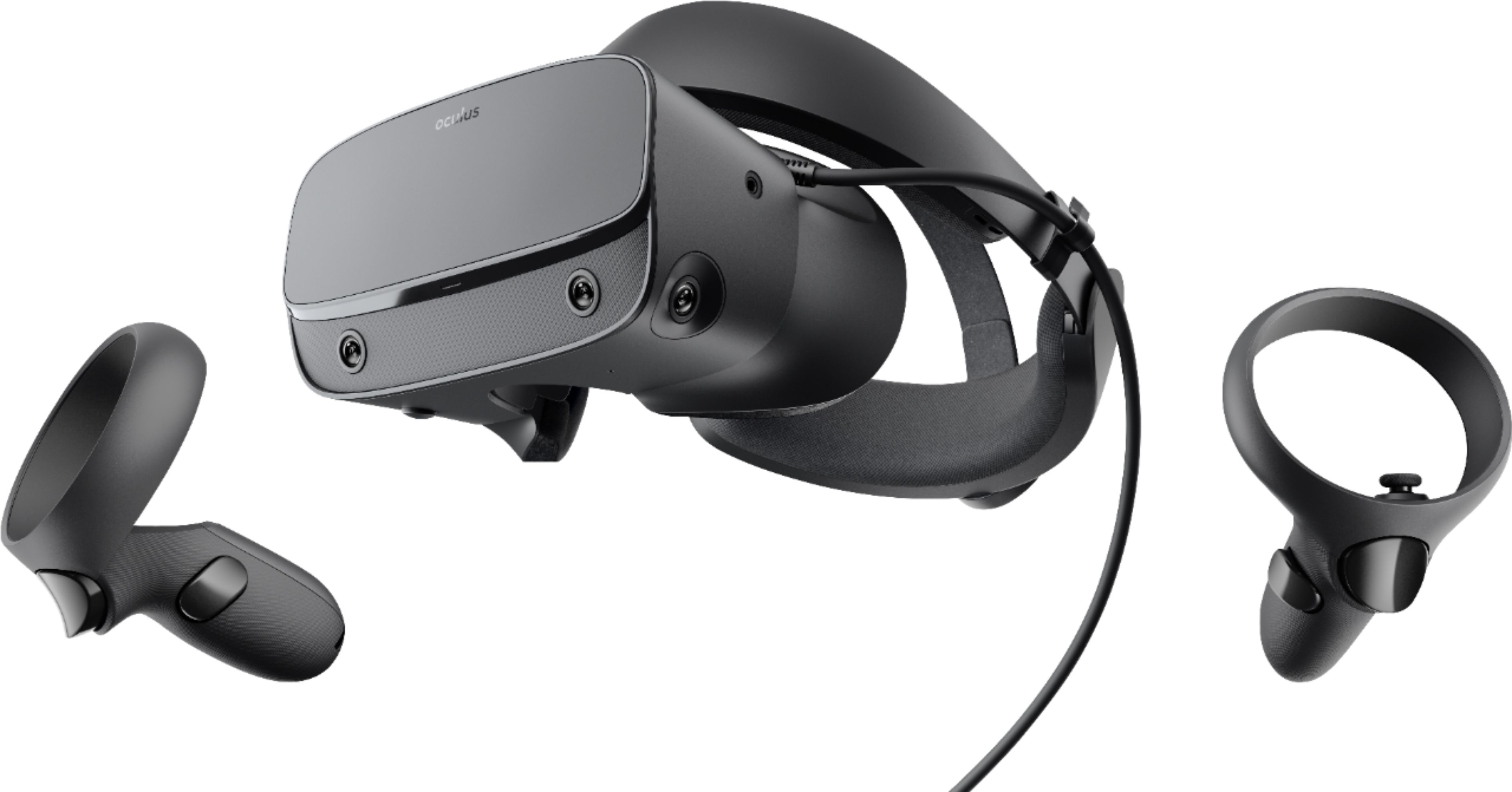
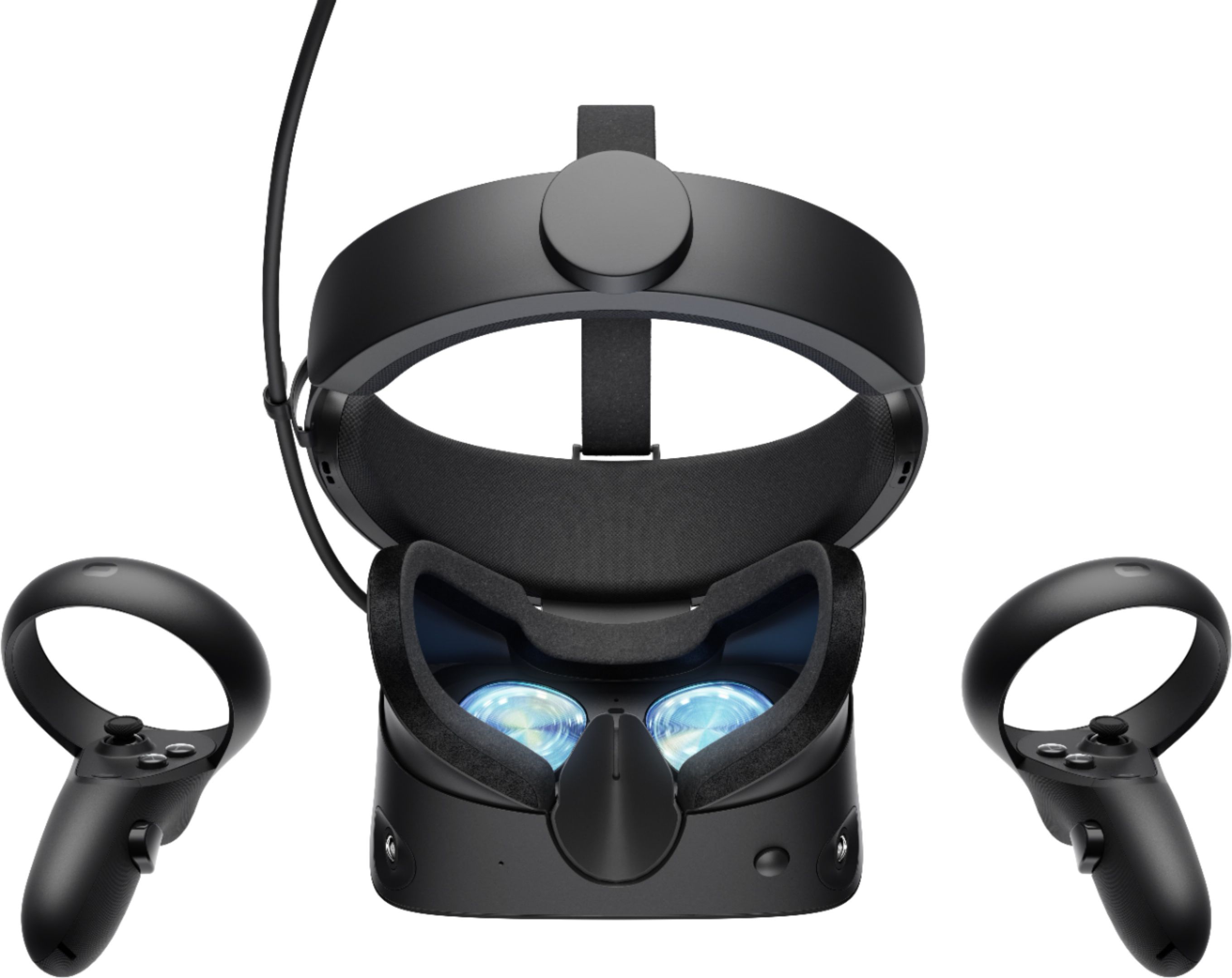
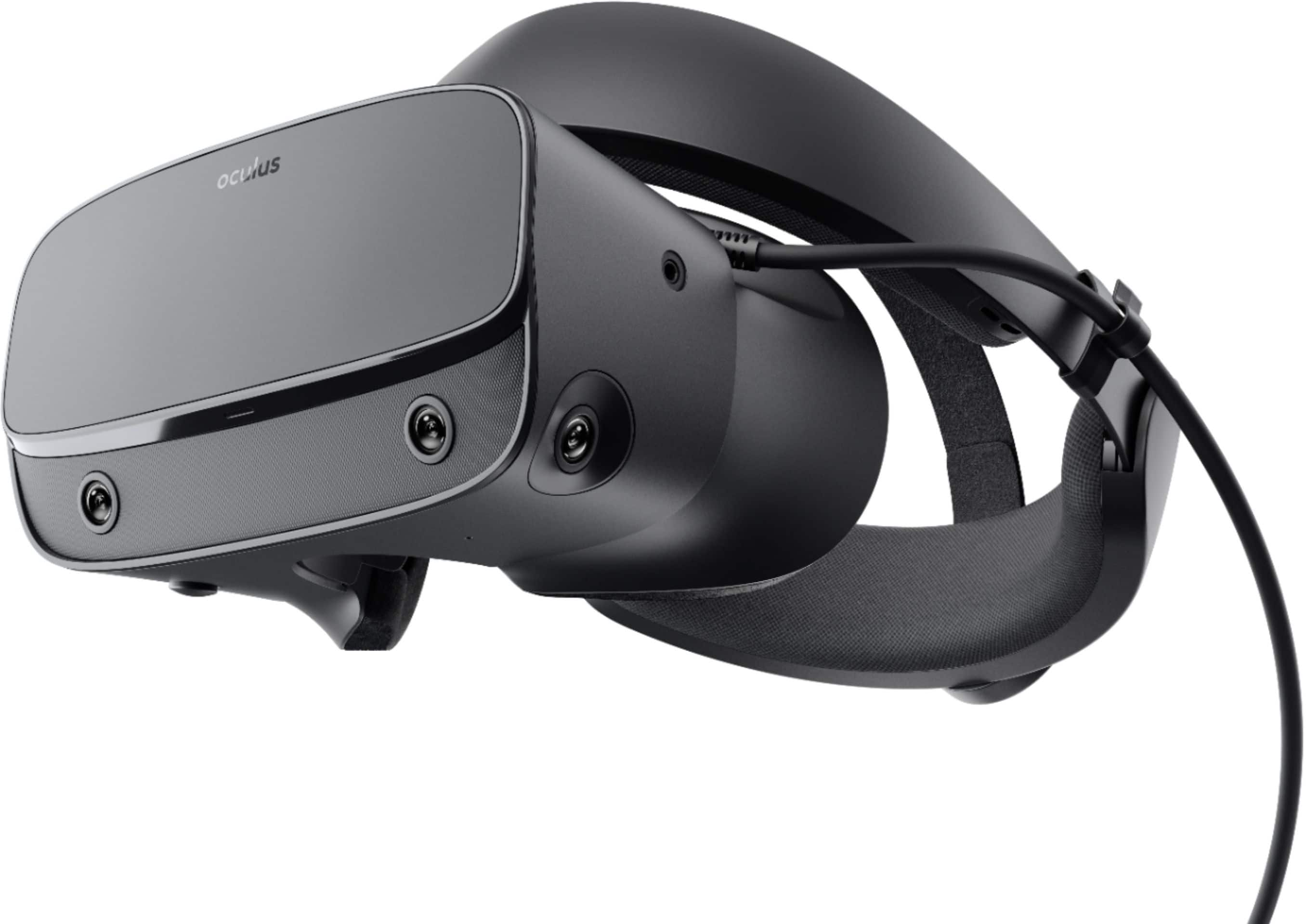
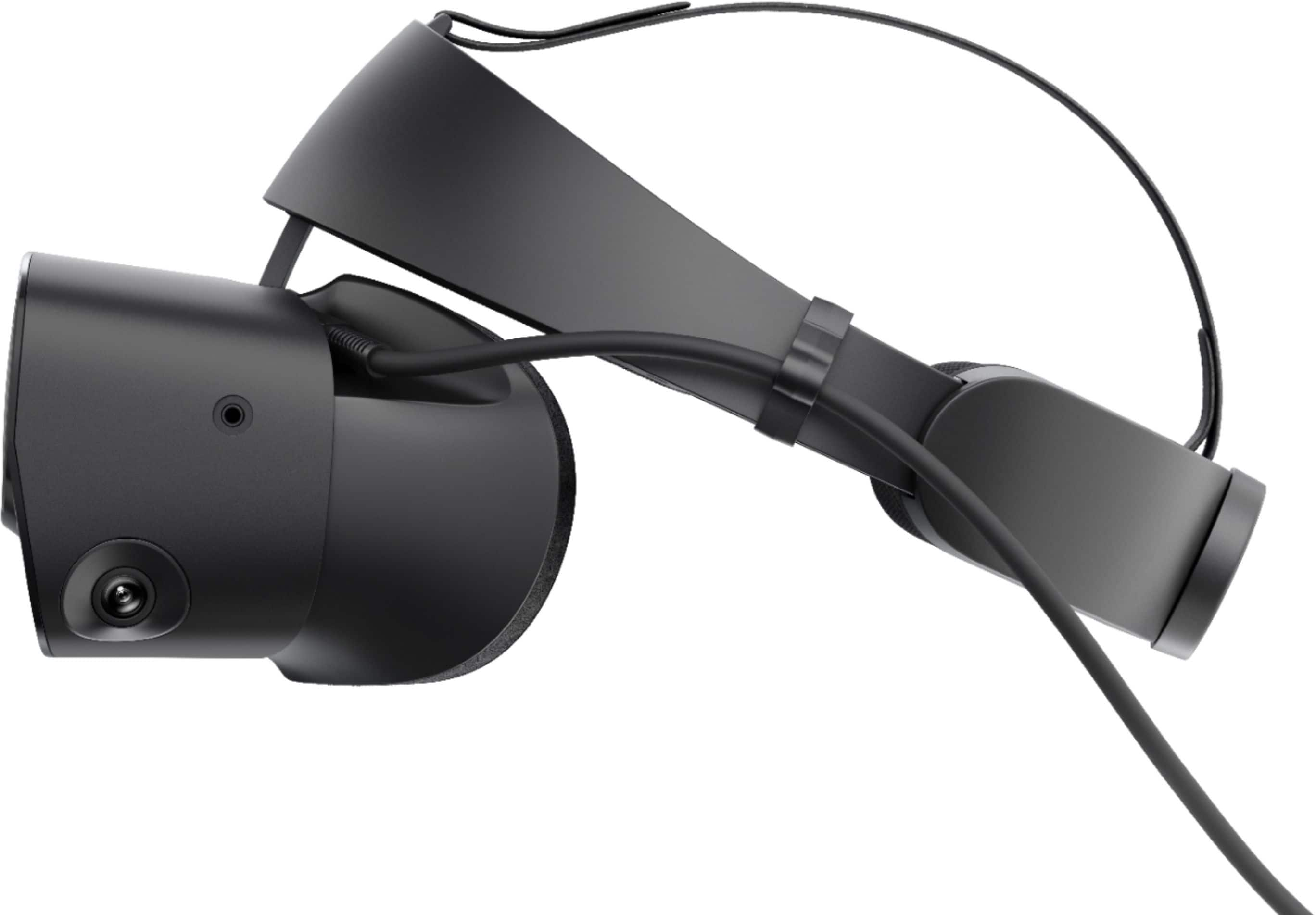
A:AnswerYes. There is a standard headphone port on the left side of the headset. I used my Turtle Beach Ear Force One headphones with the mic detached without issue. After about 30 seconds I didn't notice the headphones were on any more. The built in sound from the halo isn't that great in my opinion, you'll want some headphones.
A:AnswerThe guy that answered you previously doesn't know what an Rx 580 is, I'm guessing. The Rx 580 is similar to a 1060 or 1070 which are both VR ready most of the time so I believe that your Graphics Card will work just fine. Also the Rift S uses Cameras so you don't need any extra trackers just be in a well-lit room.
A:AnswerNot worth the trade. My friend has the original and once used it. Only the built in headphones vs built in speakers is the change. Not a significant upgrade choice in my opinion.
A:AnswerThis worked for me:
https://support.oculus.com/1142129705828091/
When you install the Oculus app on your PC computer, it'll install on the C: drive. If you want to install the app on a different system drive, make sure the new system drive has at least 4GB of free disk space and is formatted to use the NTFS file system.
To install the Oculus app on a different system drive:
Press the Windows key + R to open the Run command
Enter the following path: [drive]:\Downloads\OculusSetup /drive=[new system drive]
- Replace [drive] with the letter of the drive where Oculus was downloaded to
- Replace [new system drive] with the letter of the new drive you'd like to install Oculus to
Ex: C:\Downloads\OculusSetup /drive=D or C:\Downloads\OculusSetup /drive:D
Click OK
The Oculus app will then open and attempt to install the app on the new drive you've chosen.
A:AnswerNo! I just went through this exact scenario. My less than year old gaming laptop only has HDMI. The Rift S requires DisplayPort. There are currently no adapters that work and I doubt there ever will be due to drastic differences between DP and HDMI bandwidth. If your gaming laptop only has HDMI, you’re out of luck trying to get it to work with the Rift S. Your options are to buy a computer with a DP connector or look at Quest or another VR platform that supports HDMI.