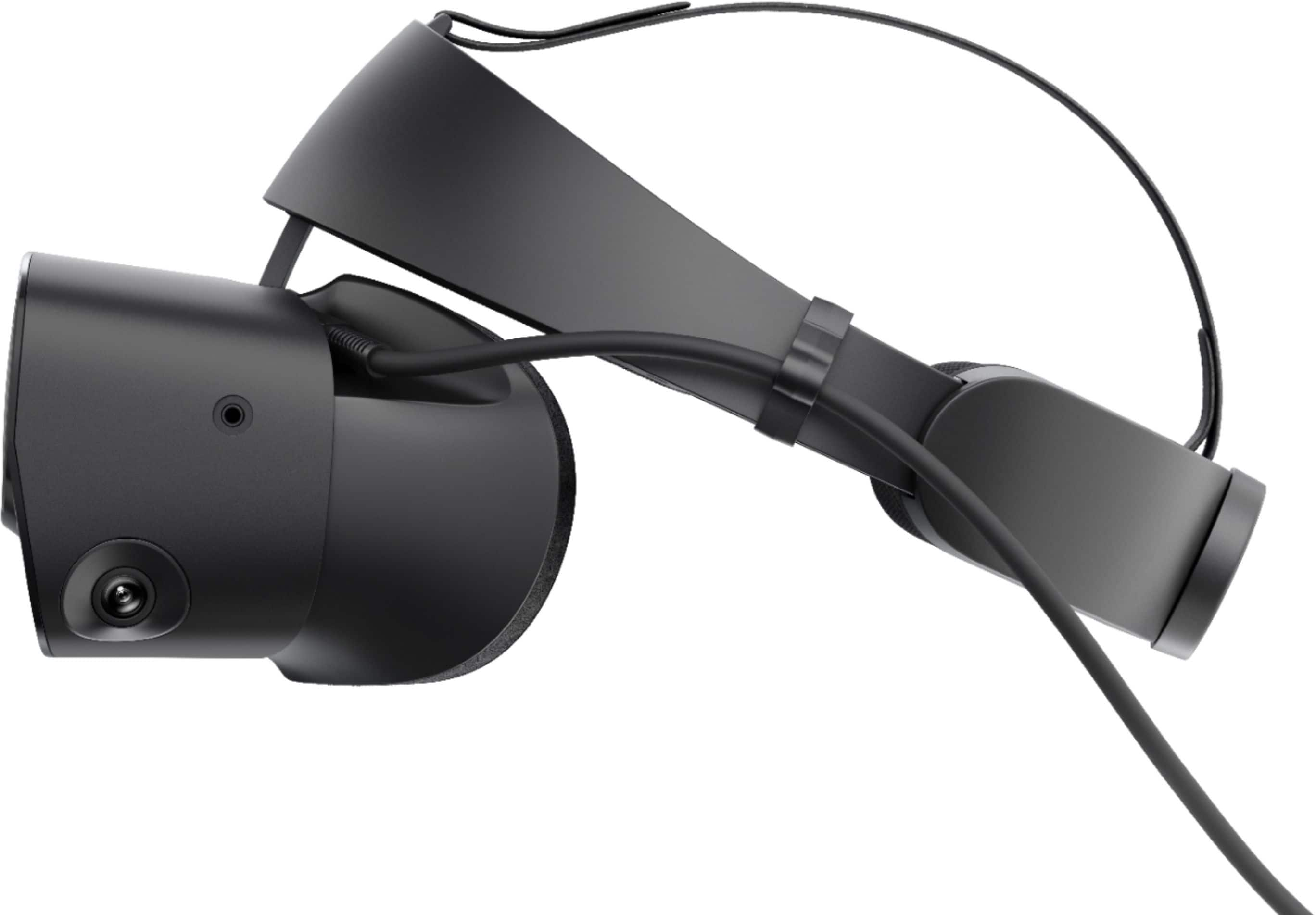
A:AnswerThis requires a Display Port connection. You can buy a DisplayPort to HDMI adapter but you might lose some quality. Most modern graphics cards have a DisplayPort. Does your computer have a separate graphics card? You can tell by where you plug your monitor in. If it is separate from where you plug in your USB devices etc then you should have one.
A:AnswerThe best way to determine if the pc is compatible with the riff s is to download the test from oculus and run it. However as long as you have a i5 or better processor and a equivalent to a Nvidia 1040 video card and at least 8 gb of ram it should run
A:AnswerIt only works on PC. Xbox doesnt have a vr headset for its consoles. You could buy the Oculus Quest 2. This is a standalone vr headset that doesnt need any cosole or pc to run.
A:AnswerYeah it will be just powerful enough. Steam app has a VR test you can run on your computer to see if it meets requirements. Look for SteamVR in the steam app.
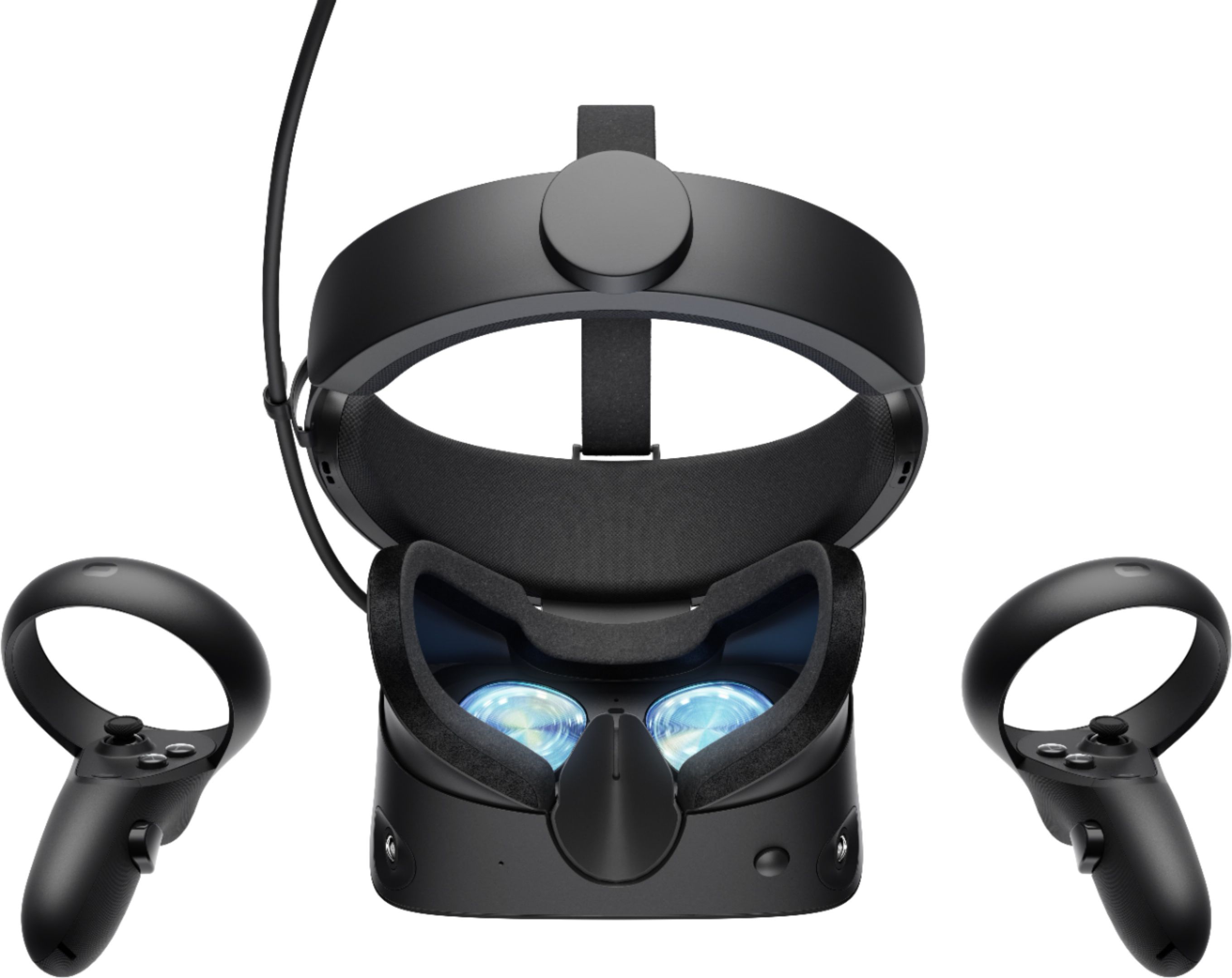
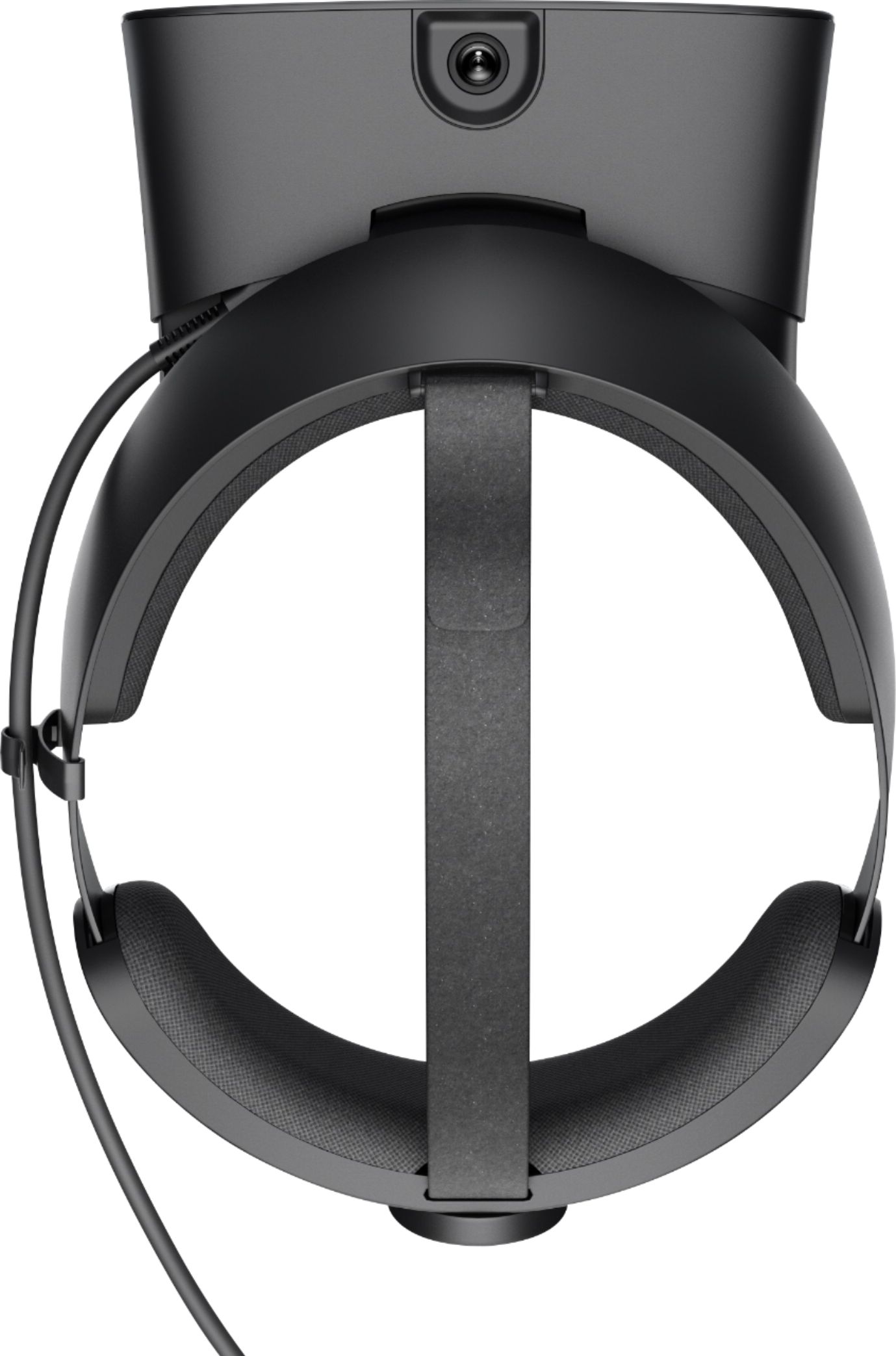
A:AnswerEverything was just plug and play and follow the set-up. It has two plugs so It does need a graphics card with the right plug and the other plug is just a USB.
Oh, and plenty of space!!
A:AnswerYou’ll need a certain level of graphics card if that’s what you are wondering. Oculus has info on their site of minimum PC requirements. I’ve read people using it on a laptop though so most modern computers should be able to handle it.
You do need a USB 3.0 port and a display port on your computer though so make sure you’ve got that.