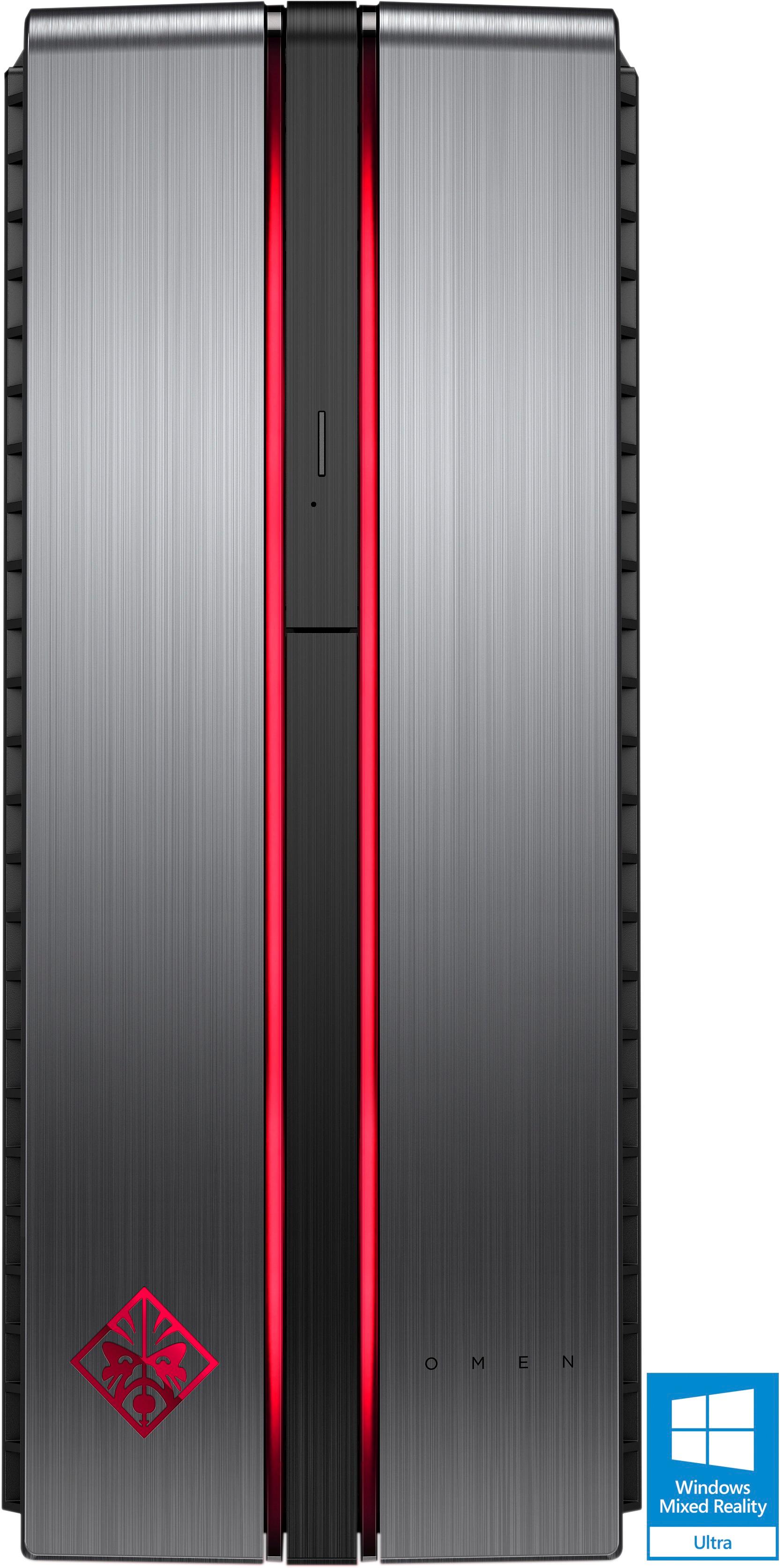
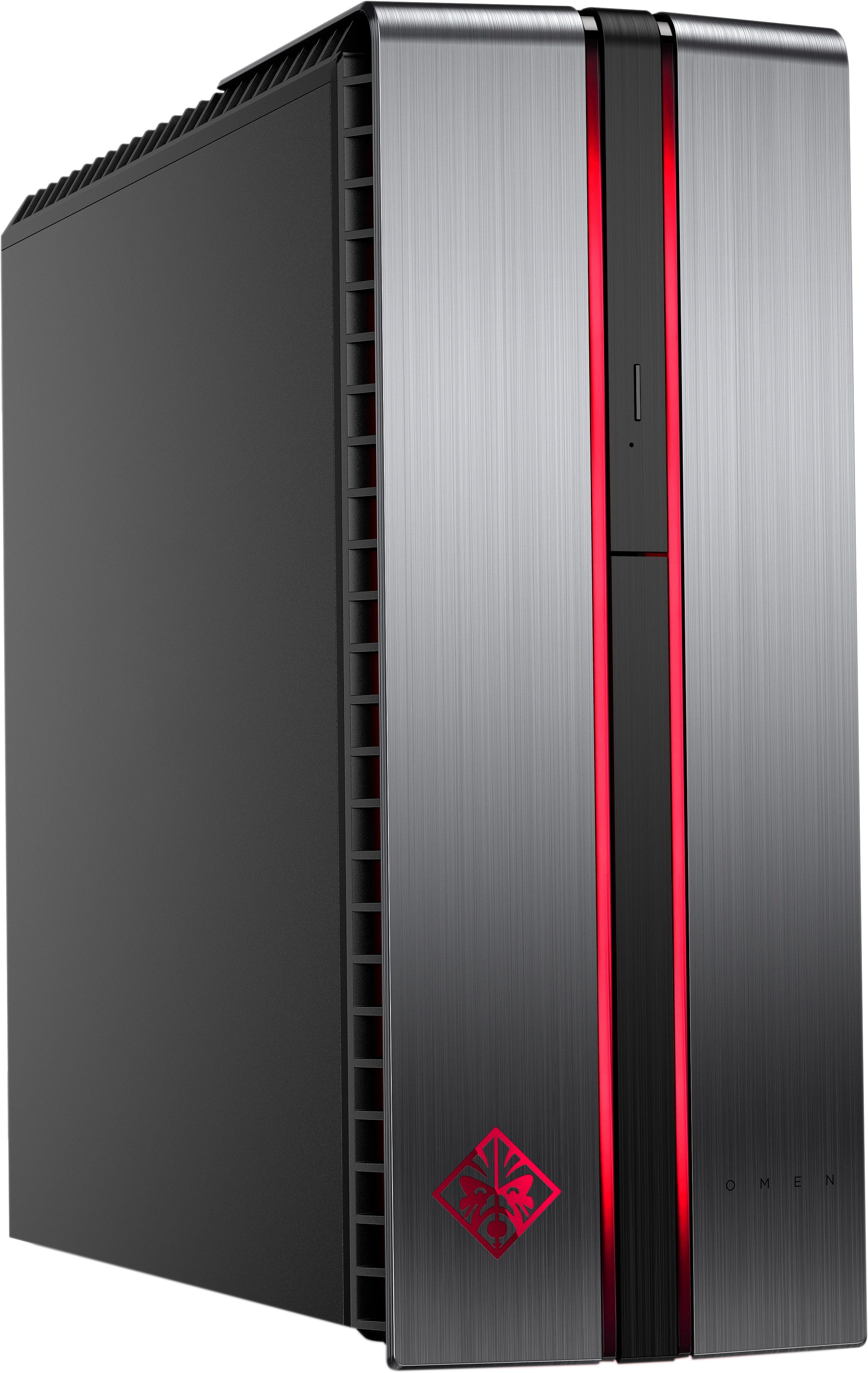
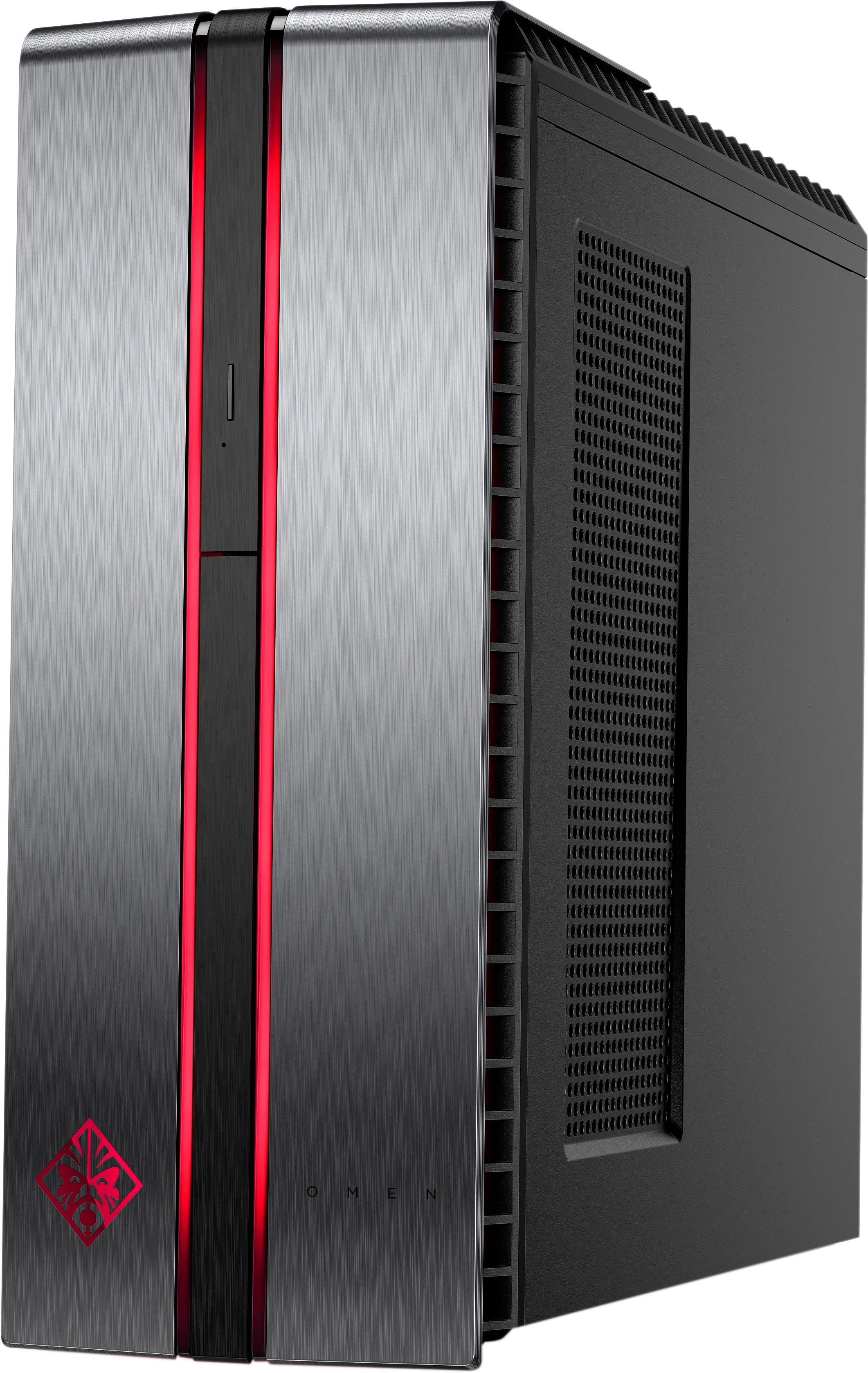
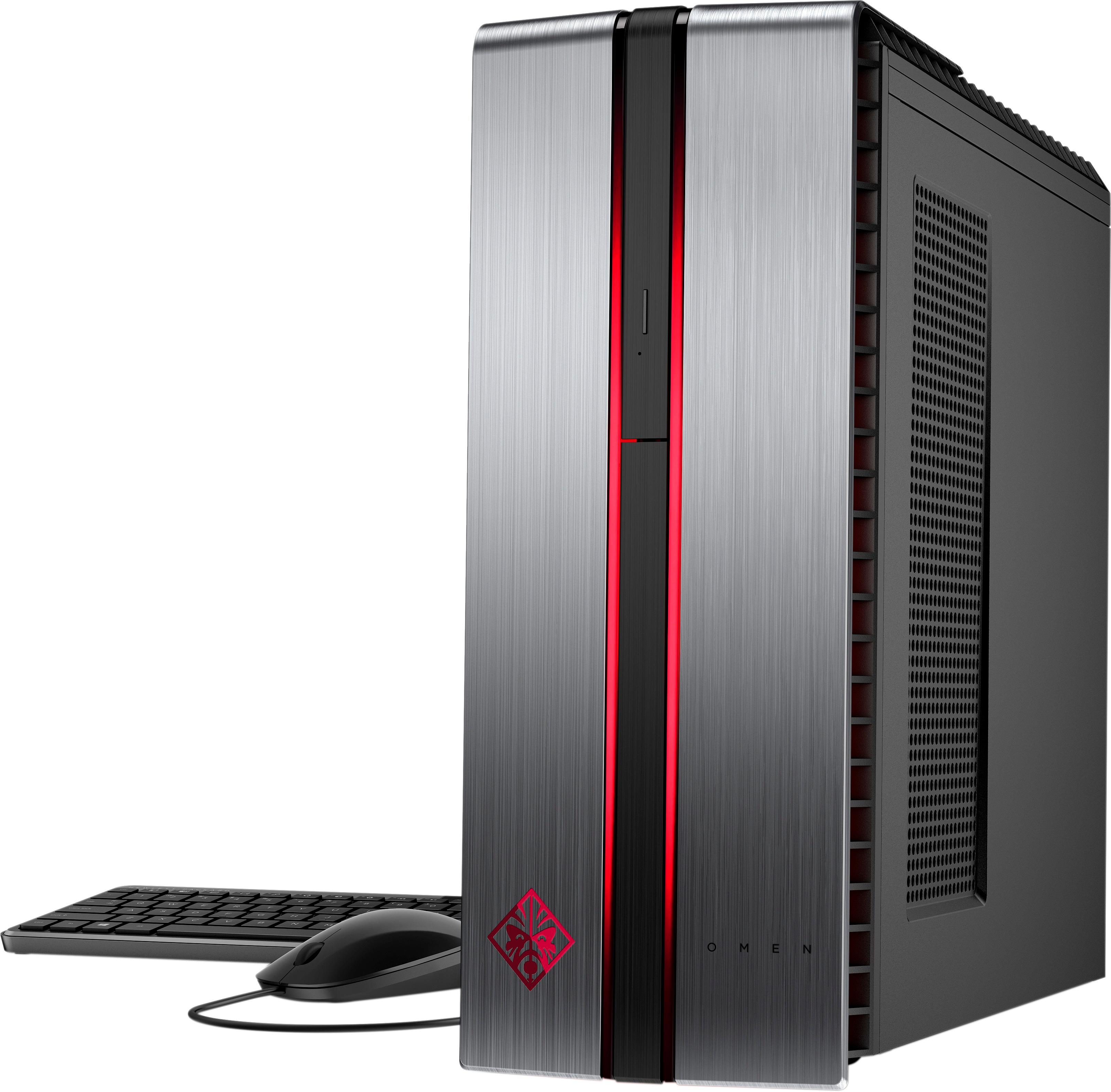
A:AnswerIt does appear as if you can add a 4th fan. Not sure the power supply will love too many more accessories. If adding a fan is your end-game, buy an upgraded powersupply with the proper connections for fans and add as many as you'd like.
A:AnswerHey will. I would first test your monitor or television depending on what the "screen" is with something else. If you have a laptop most come with hdmi ports and vga ports that you could use to connect to the screen. If there are red lines when using a different source then the issue is with your screen. If not it is a problem with your graphics card. Did the computer turn off due to the power going out or a surge from a thunderstorm?
A:AnswerDo not know if this can run three--two for sure, and there are other ports you could probable use for anoither, with the proper cord type. I DO know it can only work with fully DIGITAL monitors--NO ANALOG.
A:AnswerThere is an app called Omen Control on the computer. Open that and it has controls for the light on the tower. You can turn it off, or set it to change from green to red based on the CPU temperature.
A:AnswerI haven't tried this yet, but you will most likely want to upgrade to 16gb of ddr4. The PC will most likely use up the full 8gb while running the game at 60+ fps. For additional tasks, upgrade the DDR4 and it should be golden.