A:AnswerFor 4K you really would want a GTX 1080 or RTX 2080. The 1060 may be able to run some but you may have to lower the resolution to get the best results.
A:AnswerAs for the money part, only you can decide that. I believe that just before the holidays it went on sale for the low $900.00 range. If you can get it at that price, then that's a terrific dealI. It does play games very well.
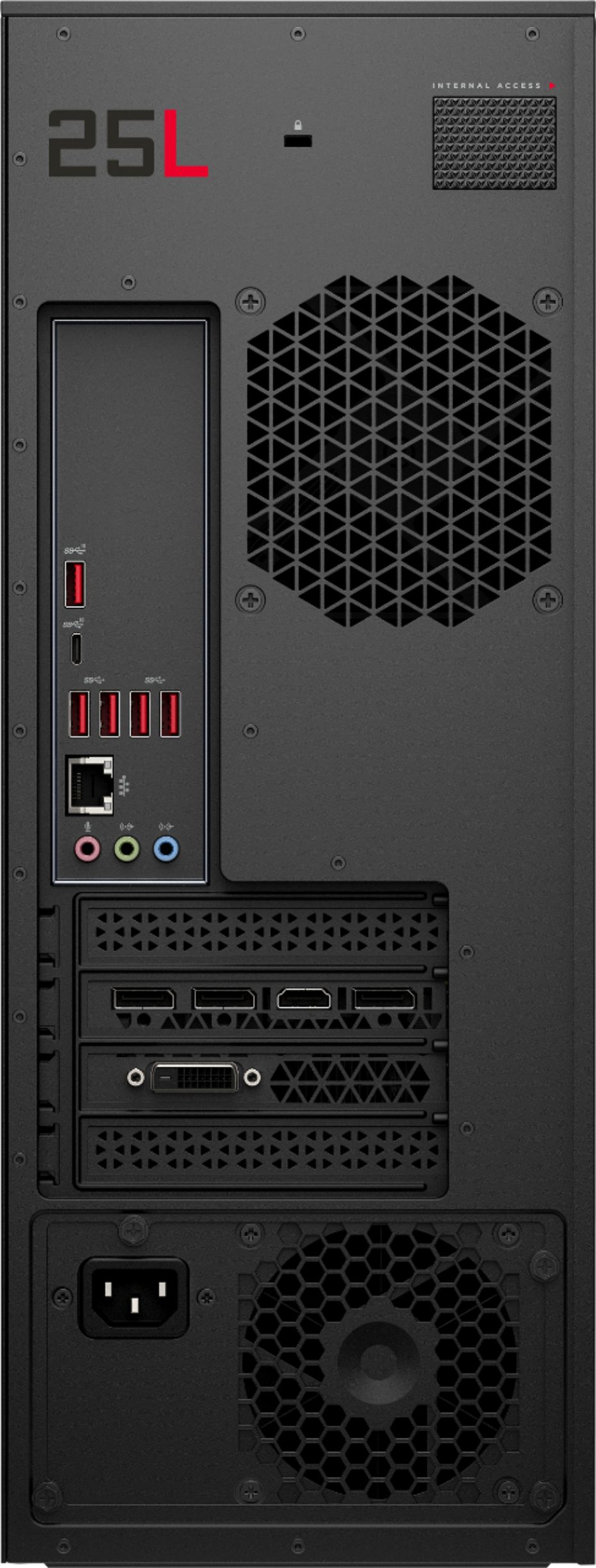
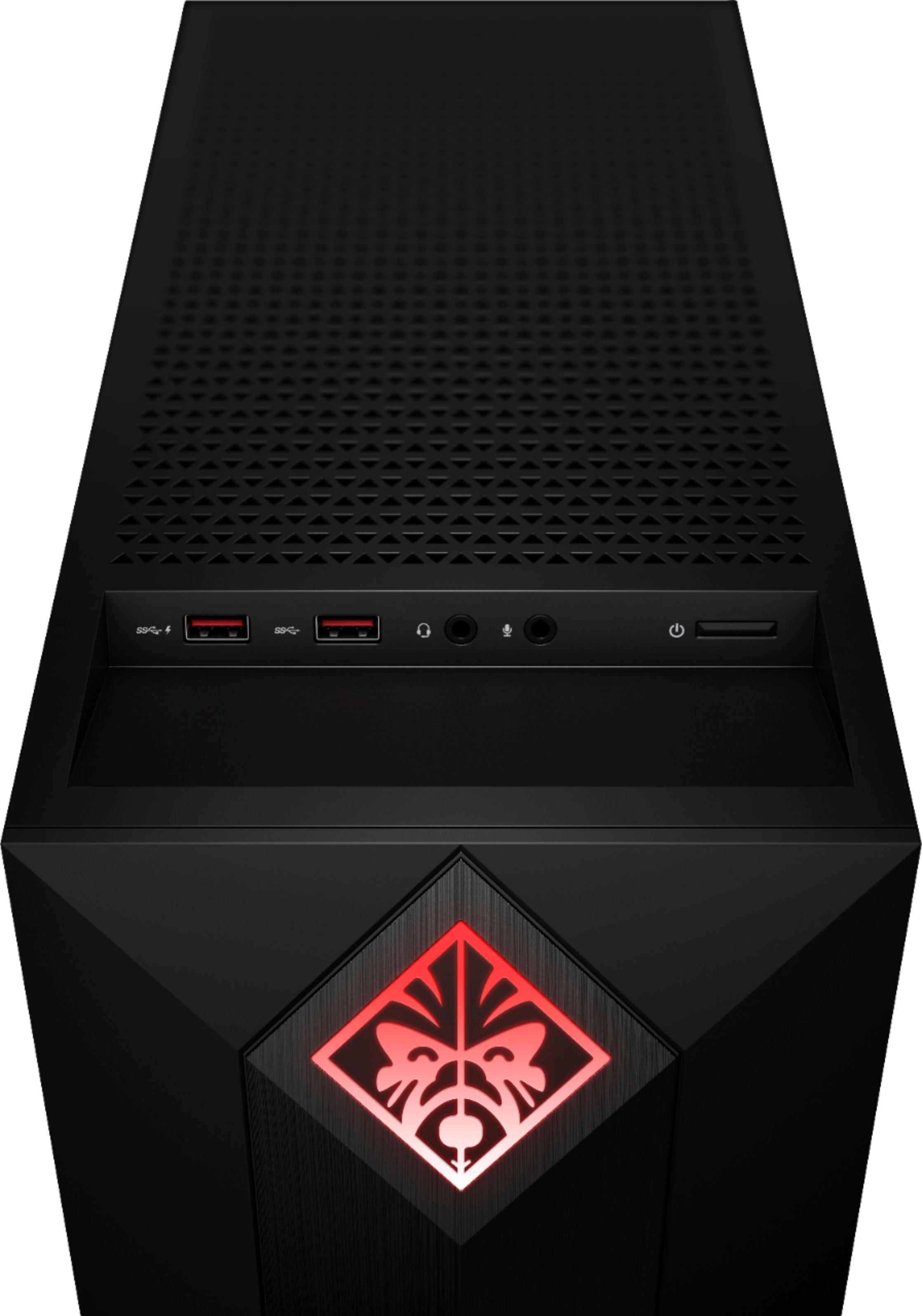
As for over heating.......I have my HP Omen Obelisk in a semi enclosed area that's part of my desk. Honestly, if it's out in the open, I don't know how hot it would run. Number one....you have one small, maybe 70 mm fan to exhaust the heat mounted on the back. Not enough in my opinion for a gaming computer. Number two,...while the top of the case has small venting holes, the is a somewhat large metal bracket that's held on by two small screws. This bracket is there if you wanted to mount the radiator for liquid cooling for your CPU. Remove that bracket and you'll clear a lot more room for hot air to vent out.
And in case you didn't notice it, the bottom of the case is vented also. I has a metal mesh dust filter that's held on by small magnets. Personally, I'd add one or better yet two, 120 mm fans to cool the case as I did. One fan on the bottom to bring in cool air, the other on top to vent out hot air. Read my review posted on Dec. 30 or 31, 2018. for more info My user name is sdmarsh. If yours will be in a semi enclosed area, then it may get pretty hot. But add a few 120mm fans, and you should be fine.
I also just answered a similar question about adding fans about 15 minutes ago ( 6:30 pm pacific time, 1-04-19) so it may take a day to post, but check back if it's not up yet.
https://www.bestbuy.com/site/questions/hp-omen-by-hp-obelisk-desktop-intel-core-i7-16gb-memory-nvidia-geforce-gtx-1060-1tb-hard-drive-256gb-ssd-hp-finish-in-shadow-black/6285800/question/a81d0674-57e9-3605-b0a2-b81eb7173366
A:AnswerFor gamers who like to experiment and want to upgrade the cooling solutions, the HP OMEN Obelisk has built-in space for aftermarket liquid cooling. There is an integrated mounting area for an additional aftermarket 120 mm fan or aftermarket 120 mm liquid-cooled radiator, not 240 mm.
A:AnswerIncluded RAM is one stick of 16gb. As far as I can tell the model number of the RAM is HX426C16FB/16 so that is what you would need to buy to get 32gb total RAM. When installing ram, always make sure all sticks are the same brand and model number.
A:Answerhoping to get this and then can share for sure. but it should do pretty well. at least with high settings. a game like call of duty, black ops 4 takes a bit to run it. it also depends on what resolution you are wanting to run at? 1920x1080 usually pretty good if running 4k then more then likely not.
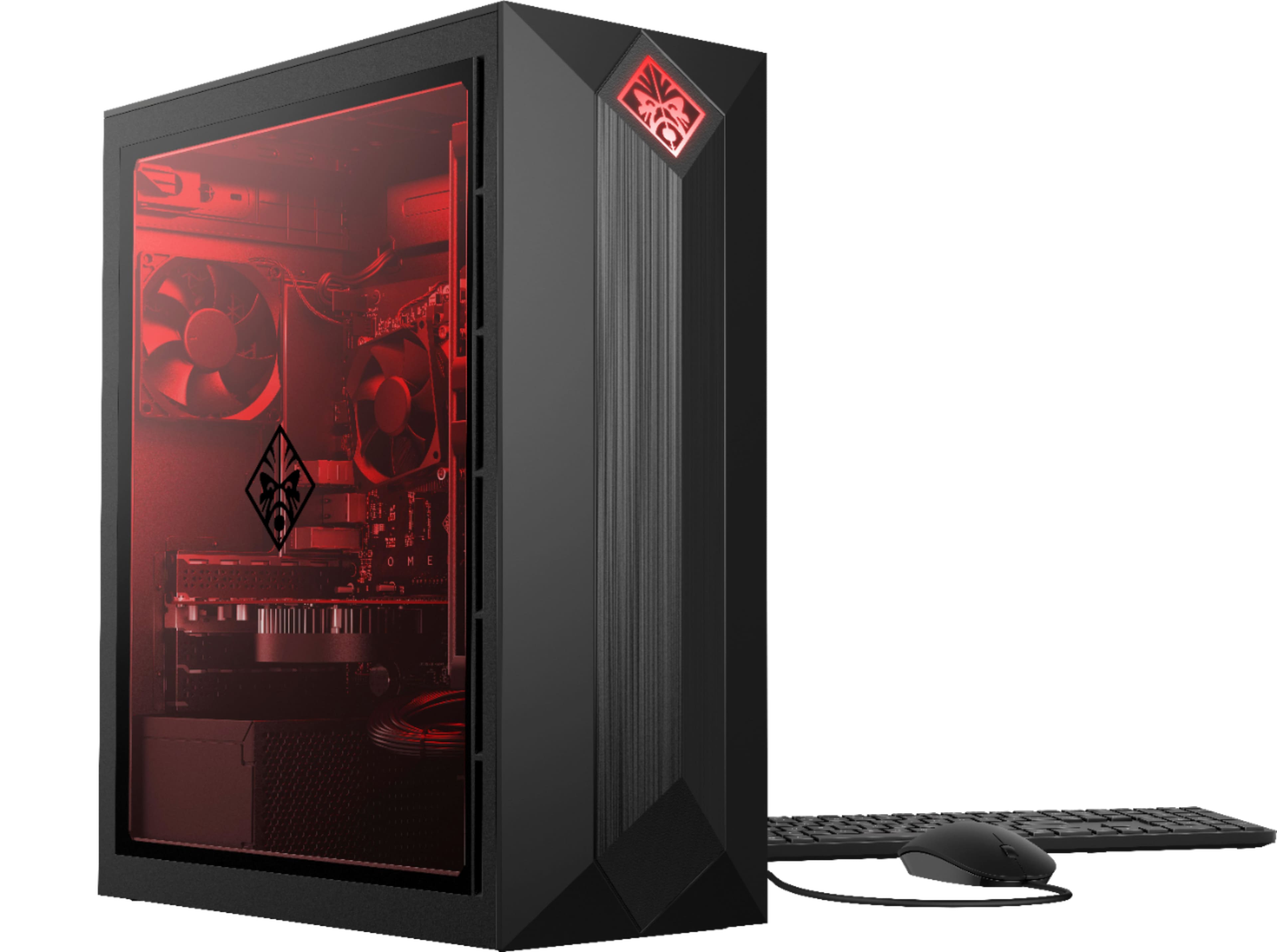
A:AnswerMost likely because there is only 2 fans. One on the cpu, the other on the back panel. In the review Luis posted here, he said there is room for a 120mm fan to mount on the top inside of the case. That is what I plan to do when mine arrives. Also, make sure your unit is not in a confined area.
A:AnswerIt's a decent keyboard, though it is membrane based, and not the most ideal for hardcore gaming. We'd definitely recommend the HP OMEN Sequencer with mechanical blue switch keys and RGB backlighting :) https://www.bestbuy.com/site/hp-omen-by-hp-sequencer-wired-gaming-optical-mechanical-blue-switch-keyboard-with-rgb-back-lighting-black/6247245.p?skuId=6247245
A:AnswerYes you can.I mounted a 120mm fan on the inside to of the case to vent out the heat generated from the CPU and the video card. The first thing you need to do is make sure your computer is unplugged. I recommend that you place the computer on it's side, with the open side facing up. Then you'll need to remove a bracket on the top inside of the case that's held on by two tiny screws. This bracket is there if you wanted to install a radiator for liquid cooling of the CPU.
Once the bracket is out, you'll need to drill 4 small holes to secure the fan, just make sure not to over tighten the screws or the fan may not work as the fan blades are touching the fan housing.. Look at my picture I provided of my extra fan.. It's small on Best Buys site, but actually it's a large picture. OK, look to where the fan for the CPU is hooked up to the motherboard. Just to the right of that is a 4 pin connector, plug your fan into that and you'll be all set to go.
BUT, if you want to make sure you case is really cool, do as I did. On the bottom inside if the care is an air intake with a removable metal mesh dust guard. Buy another 120mm fan and also a Y splitter fan cable. This way you hook up both fans to the Y splitter cable, then plug the other end of that Y cable into the 4 pin power connector on the motherboard.
My Noctua NF-S12A PWM fans came with the splitter as well as longer extension power cable so I did not need Y splitter or extension cables.
Y splitter cable https://www.amazon.com/gp/product/B07F8LV1BY/ref=ox_sc_saved_title_3?smid=A1ETV44NZFW6S6&psc=1
Read my review listed as sdmarsh and was posted on December 30 or 31, 2018 I believe. Good luck.
A:AnswerThe included 256gb SSD is a M.2 drive. The second M.2 port on the motherboard is occupied by the WLAN module. To add an additional HDD or SSD, you will need to do so via a SATA III cable. I added this one to mine: https://www.bestbuy.com/site/sandisk-ultra-512gb-internal-sata-solid-state-drive-for-laptops/5969506.p?skuId=5969506