A:AnswerHP does not maintain a database of compatible third party components that fit within the case. I recommend measuring the available space and checking with the component manufacturer for board compatibility.
A:AnswerYes you can you just need to go to the open command center lighting and click the side panel button instead of the front and there’s tons of colors as well as color changing options to run on a cycle such as the galaxy, volcano, or rain forest settings
A:AnswerYes, you'll start noticing crashes and things going wrong and eventually it will die if it's pushed past its max temperature or near it for too long. Not very eloquent, I know, but to answer your question, yes.
A:AnswerHP Support at this point is your likely best bet. They can fix it. If you are comfortable running a memory test boot disk, that would be one issue I would try to rule out: Bad Ram. There is a boot cd you can download, burn to a disc, and boot up from that will test the ram for hours and try and find an issue where the ram might be giving a bad value in some conditions. That kind of test can take all night and into the next day to complete thoroughly or it could show results in even less time. Hard to say. If that is too much for you, then HP is your best bet as they can help diagnose it.
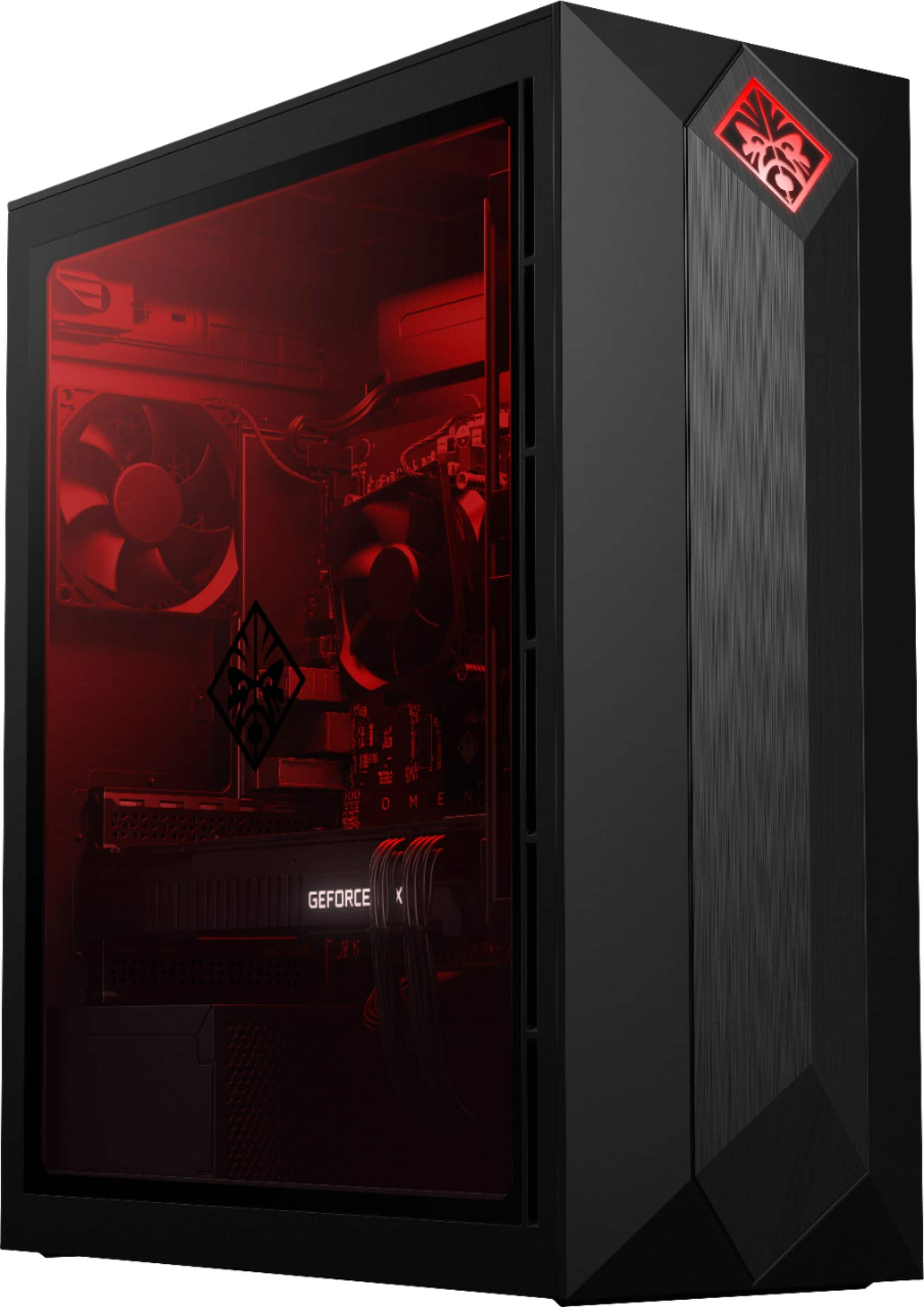
A:AnswerNo it will not affect it. However for the price paid (if new) yes it should be covered under warranty. But... I'm looking at replacing the GPU cover with an AIO cover as the temps get kinda high (85c+) hope this helps.
A:AnswerNope. My H7 plus (same height as the H7) came in this morning, and after I took half of the pc apart to install it, I found that the heatpipes, since they are not cut at the same height as the fins, will not allow me to close my side panel. Maybe HP SHOULD maintain a database for compatible coolers since they really don't give precise specs for the internal dimensions of the case!
A:AnswerHP still has not come out with a liquid cooler for this computer.
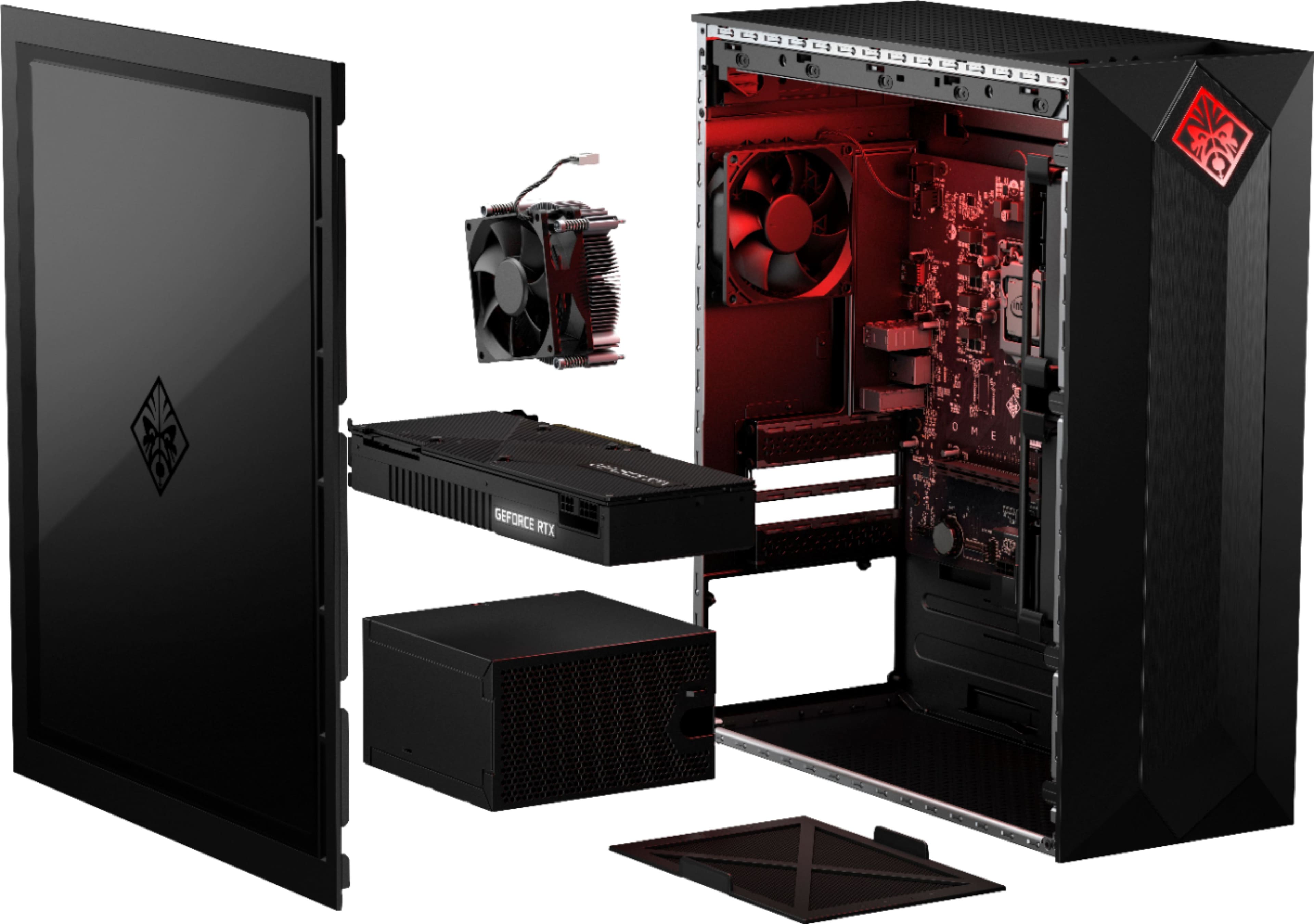
Inside the top of this computer is a mounting plate for the fan and radiator. It is held to the computer with 4 Phillips head screws. Mount the fan and radiator first then the cooler on the CPU.
Intel BXTS13X Water/Liquid Cooling Thermal Solution
This is the only one I could find that had a four pin power connector. The mother board has a dedicated 4 pin plug for liquid cooler.
A:AnswerOn the same boat as you. On the roof, it looks like I can break the rectangular seal and fit either an exhaust fan or a radiator for liquid cooling of CPU with similar dimension :/
A:AnswerThe RTX 2080 will handle those games in high settings but you will need to lower your resolution to 1080p depending on the monitor you have. 1440p will give good FPS but I am not sure if you will get 250+. 4K will not let you do this.