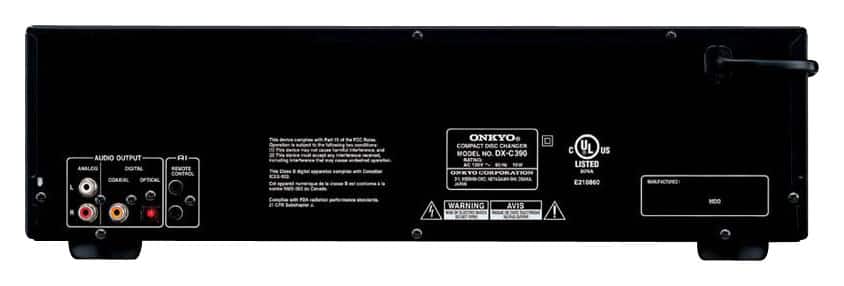
A:AnswerThe only outputs on the player are the red/white analog, coxial and optical. If you could find an adapter from any one of them to your PC, I don't see why it wouldn't then play through your wireless speakers.
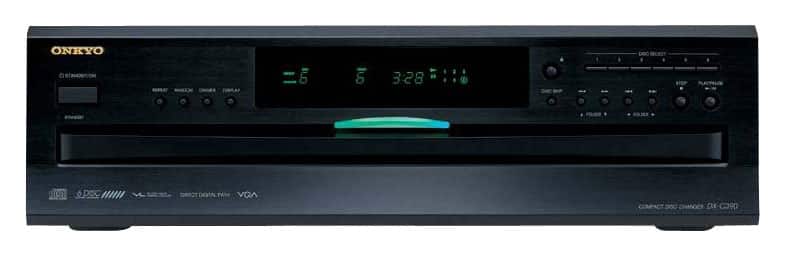
A:AnswerMake sure you are pressing the button directly above the disc skip button on the front panel. Review pages 8 and 14 in the instruction manual to get better visuals. Hope this helps! it took me a while to get used to all the controls.
M.E. King
A:AnswerConsider putting the player on top of the media center. I have done that with my player, and put my turntable on top of the player. Be aware that this player really needs about 18.5" of space, because the cables stick out the back. Haven't seen any media centers with shelves deep enough to accommodate that.
A:AnswerI'm currently playing it through the aux input of a low-end radio and get acceptable results. I have a Bose Wave radio with which I will soon replace the low-end radio (thru the aux input) and expect to get improved sound.
A:AnswerNo - the player must be connected to an audio amplifier of some kind in order to hear anything. It connects using standard RCA phono cables, or with a digital audio cable if your amplifier has such an input (I don't know anything about them - my amplifier is from the 1980's).
A:AnswerI would not suggest that the sub-woofer be placed inside any console but left free standing on the floor next to the console/chest that you choose.
Bear in mind the dimensions of the CD changer to then find a suitable console to house the unit:
5" height, 17" long, 17" deep.